Google stuffs Gemini into Android Studio Panda 2 to build apps from prompts
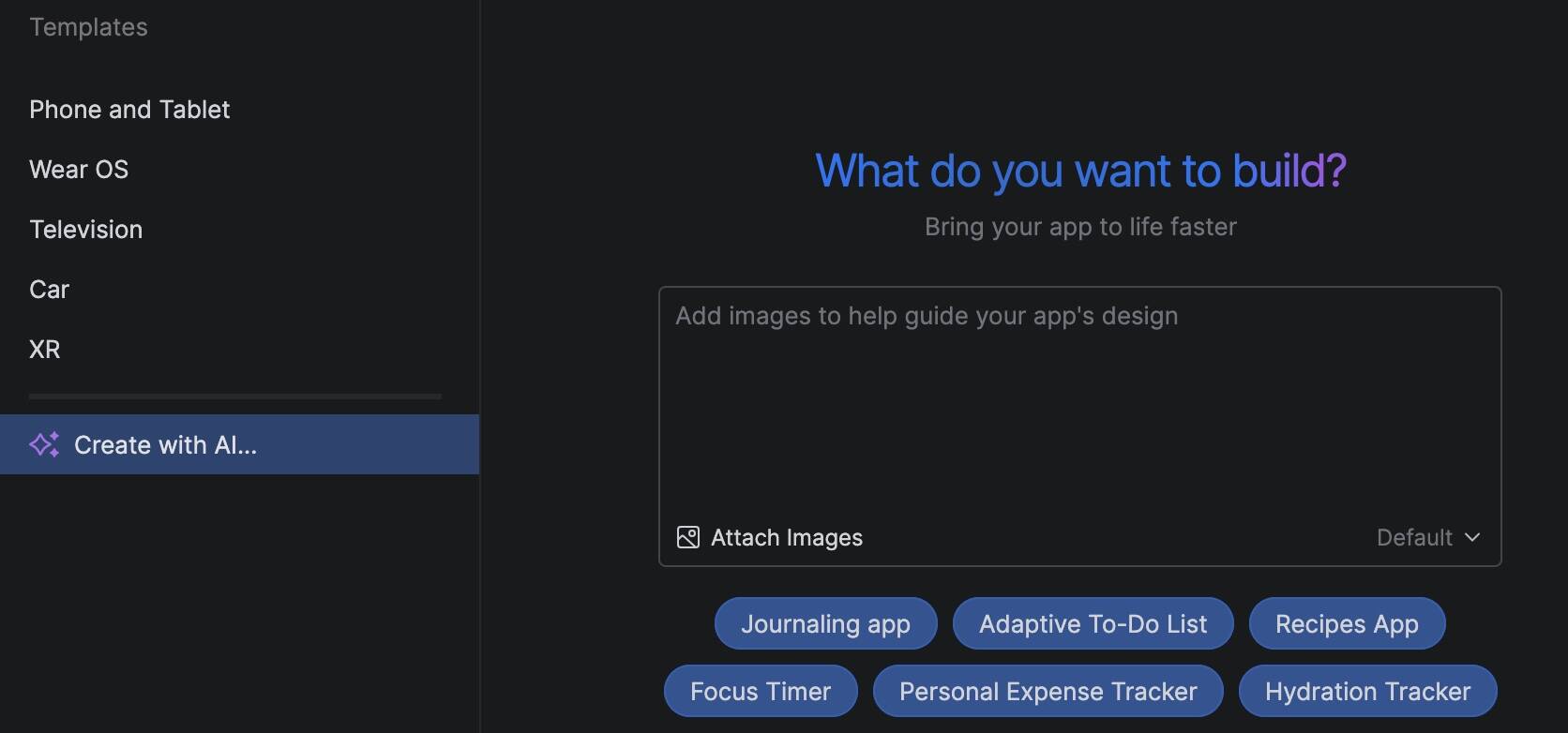
Google has released Android Studio Panda 2, a feature drop including an AI agent that can create apps from scratch and an AI-driven version upgrade assistant.
The AI in Android Studio is by default based on Gemini, Google's LLM (large language model) family, though it is possible to configure other providers in AI settings. Android Studio itself is based on the community edition of JetBrains IntelliJ IDEA.
Gemini in Android Studio has a free tier, which gives access to what Google describes as a "lightweight version of Gemini 2.5 Pro with a smaller context window, which is appropriate for most tasks." Professional developers are expected to subscribe to the business tier.
Senior product manager Matt Dyor said that "you can now build a working prototype with just a single prompt." The agent, he said, will create a detailed project plan and then implement it with an automated workflow loop of generating code, building the project, analyzing errors, and self-correcting the code until it has a full implementation.
Getting started requires signing into Gemini and enabling AI integration in Android Studio. A privacy dialog warns that Google will collect data including "chat text, prompts, related code, generated output" and that human reviewers may read and analyze it. Developers are asked not to include confidential information in prompts. It is a tricky balancing act as the settings also require "project context use" to get full Gemini features, including basics such as AI code completion. A possible approach is to ensure anything confidential is excluded from AI's grasp by listing it in a .aiexclude file.
We put the new feature to work with a quick demo. Bridge (the card game) is an interest of this writer, so we asked Gemini to build a bridge deal analyzer, which would accept a bridge hand in PBN (portable bridge notation) format and perform an analysis of the optimum possible results for each side. This is known in the bridge world as a "double dummy analysis."
Gemini came up with a promising project plan, which would "effortlessly import bridge deals" and perform "instant calculation of the maximum tricks available for each strain." We were impressed with how well it understood bridge terms.
Asked to proceed, the agent took around 15 minutes iterating through its loop, asking approval for each file edit, and finally declaring that "the application has been thoroughly tested and verified by the critic_agent... it meets all functional requirements."
Our bridge deal analyzer in Android Studio
The vibe-coded effort built and ran in the Android emulator and for a moment we thought it might work. However, careful scrutiny of the test deal that was generated revealed that one hand had 14 cards (should be 13) and that the 5 of clubs appeared twice. Attempting to correct this raised an "invalid rank" error.
Inspecting the code showed that the double dummy analysis was "a simplified heuristic" and inaccurate, though it happily worked on invalid input.
Since this was the free tier and only the first go, one must not be too hard on Gemini. The vibe coding concept is all about try, try, and try again until the code does what you want. More precise prompts, such as to use the well-established open source double dummy code on GitHub, albeit in C++, would no doubt achieve better results.
We also note the warning in settings that "Gemini is still an early experiment, and may sometimes provide inaccurate, misleading, or false information while presenting it confidently."
AI aside, Android Studio is a mature product, though slow at times. Even with basic usage we saw errors including a Gradle plugin error: "java.lang.IllegalStateException: This method is forbidden on EDT because it does not pump the event queue" and the frequent warning that "sync is taking a significant amount of time to download dependencies."
Another change in Android Studio is that the Custom View preview is deprecated – this is a way to create custom controls without using Jetpack Compose, which is now recommended instead. The 3D mode in the layout inspector is also deprecated, with usage metrics apparently indicating lack of use. ®