
Remember me

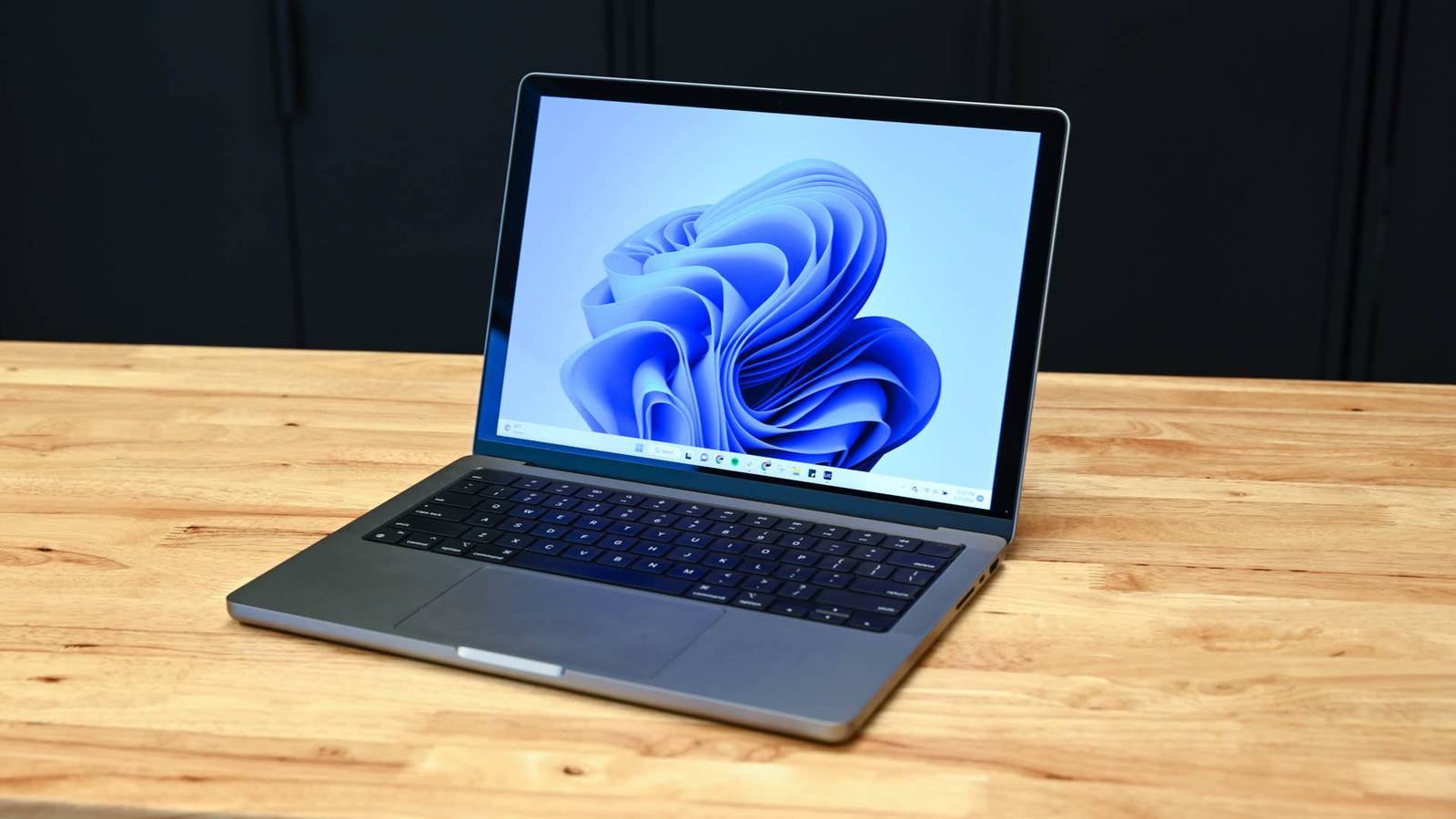
For a long time, I've recommended an off-the-shelf NAS unit for anyone that wanted networked storage in their home. For a few hundred dollars you could get a device that worked and then add whatever storage you'd like. It wasn't necessarily the most cost-effective way to build the setup, but it was extremely easy.
Today, however, the situation is worse. The cost of components has changed significantly and compute power—the capability of your system's CPU and GPU—is now the inexpensive part of the setup.
That means the incentive to save some money by opting for a low-power off-the-shelf unit rather than a more powerful DIY setup has largely disappeared.
What do you get when you buy a NAS? Convenience and a budget PC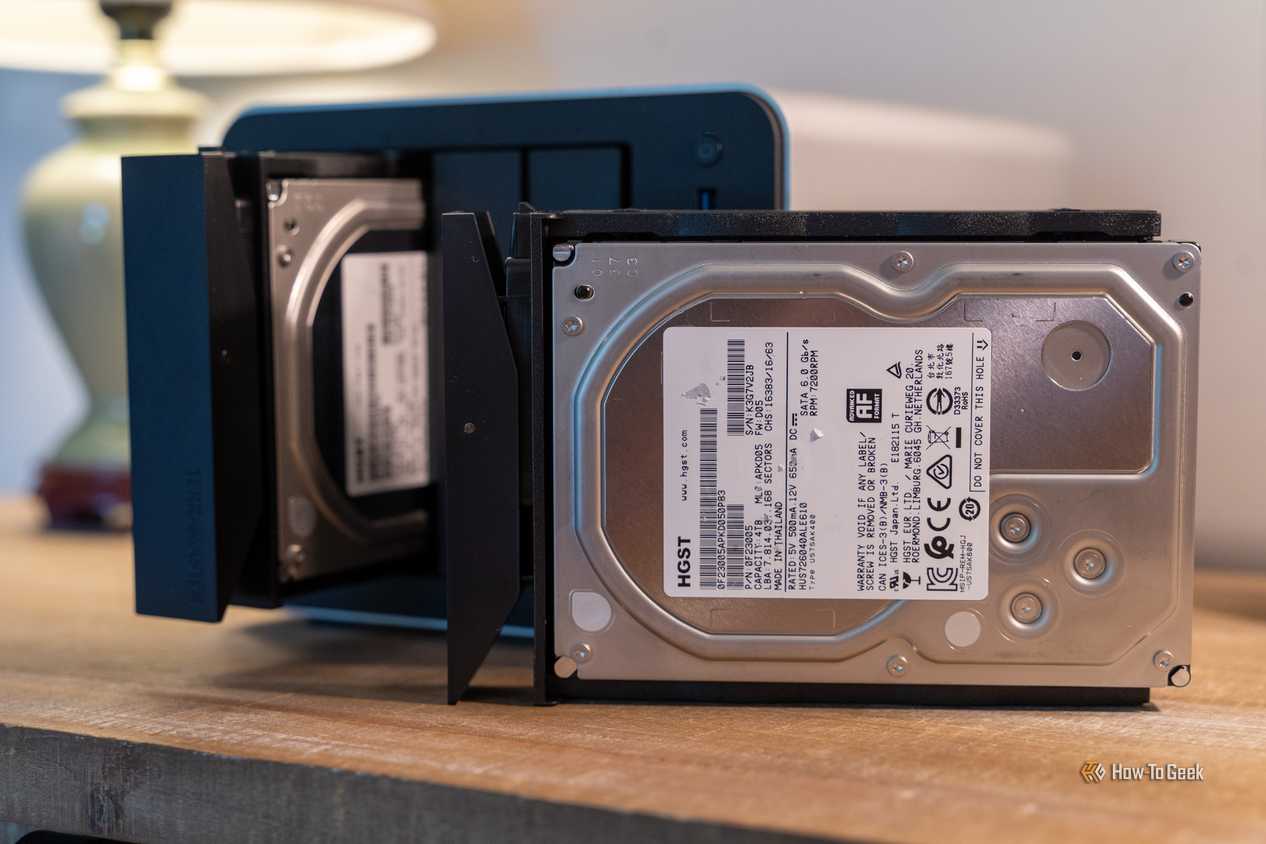 Credit: Patrick Campanale / How-To Geek
 Credit: Patrick Campanale / How-To Geek
 Credit: Patrick Campanale / How-To Geek
 Credit: Patrick Campanale / How-To Geek
 Close
Close Credit: Patrick Campanale / How-To Geek
 Credit: Patrick Campanale / How-To Geek
 Credit: Patrick Campanale / How-To Geek
 Credit: Patrick Campanale / How-To Geek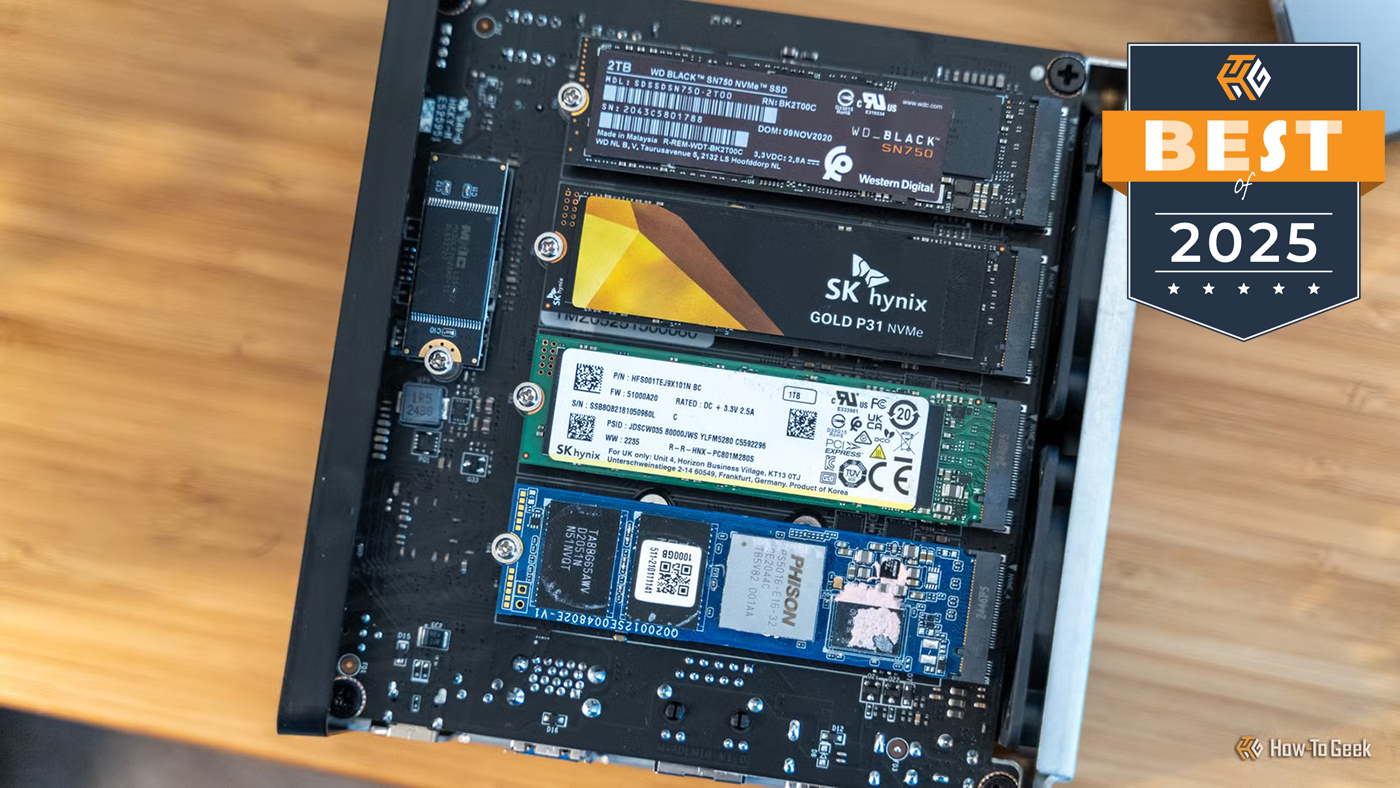
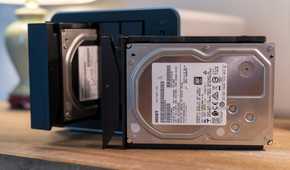
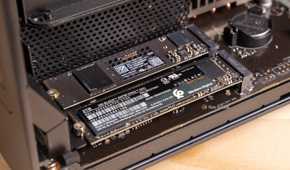

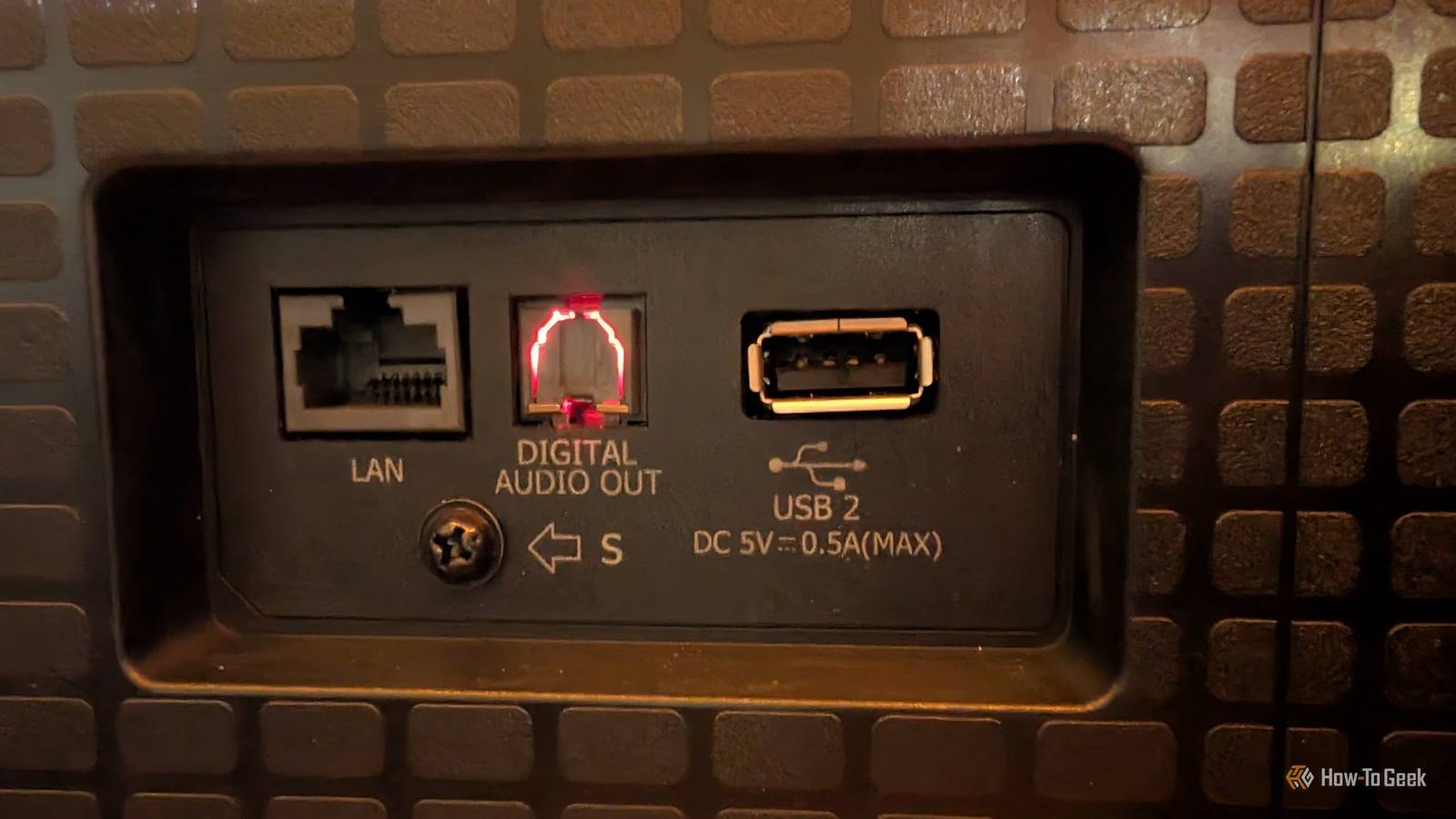
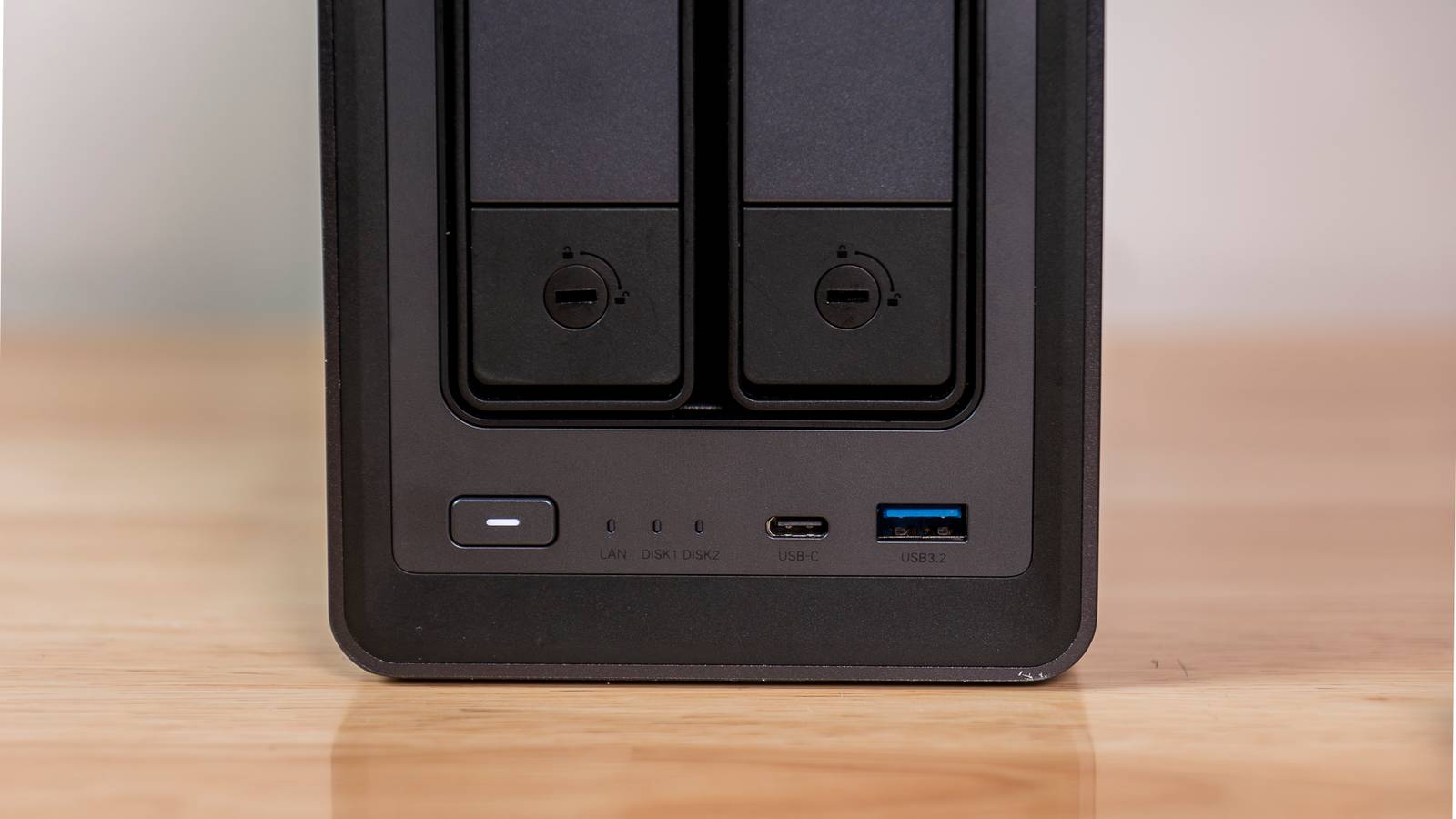
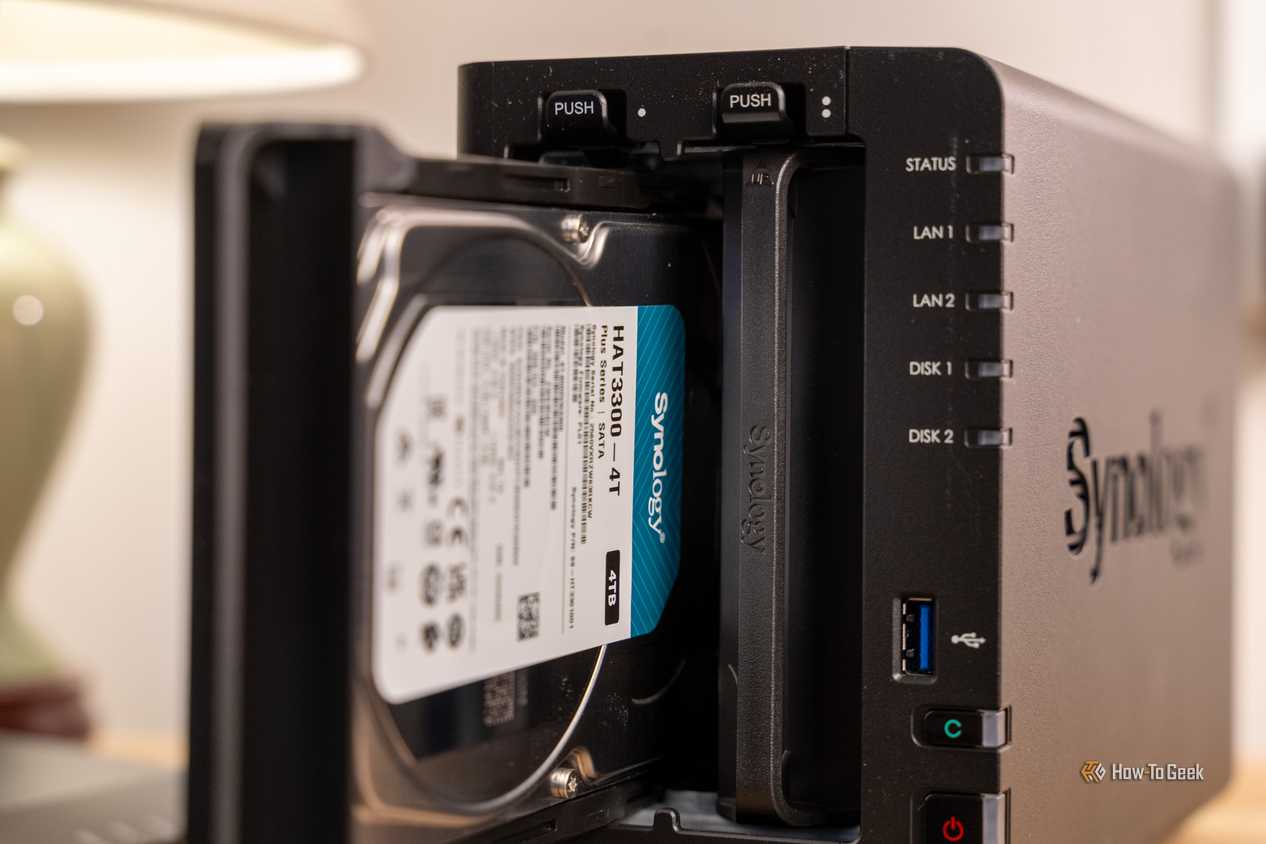
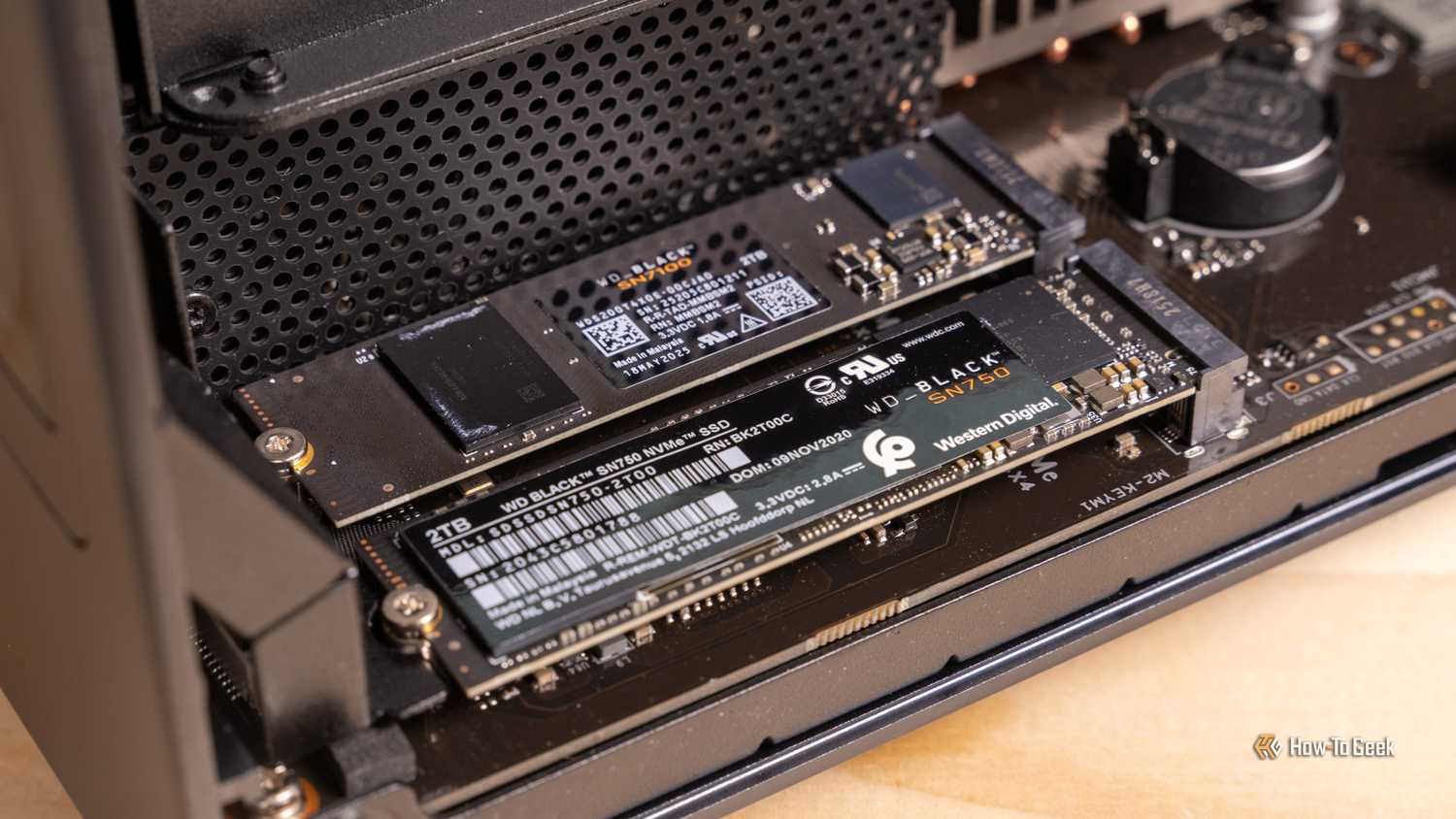
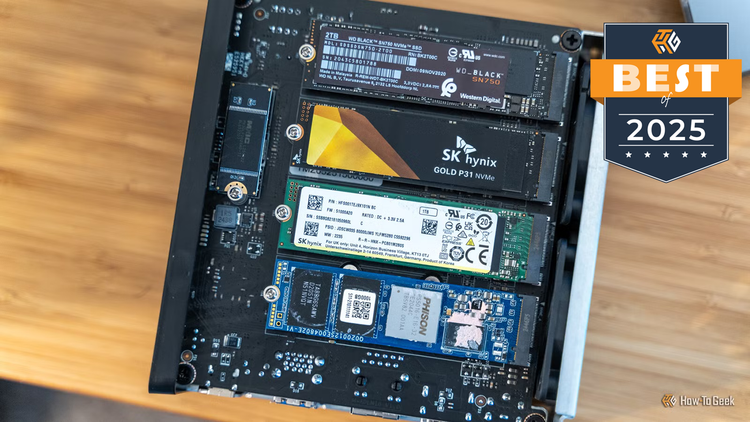
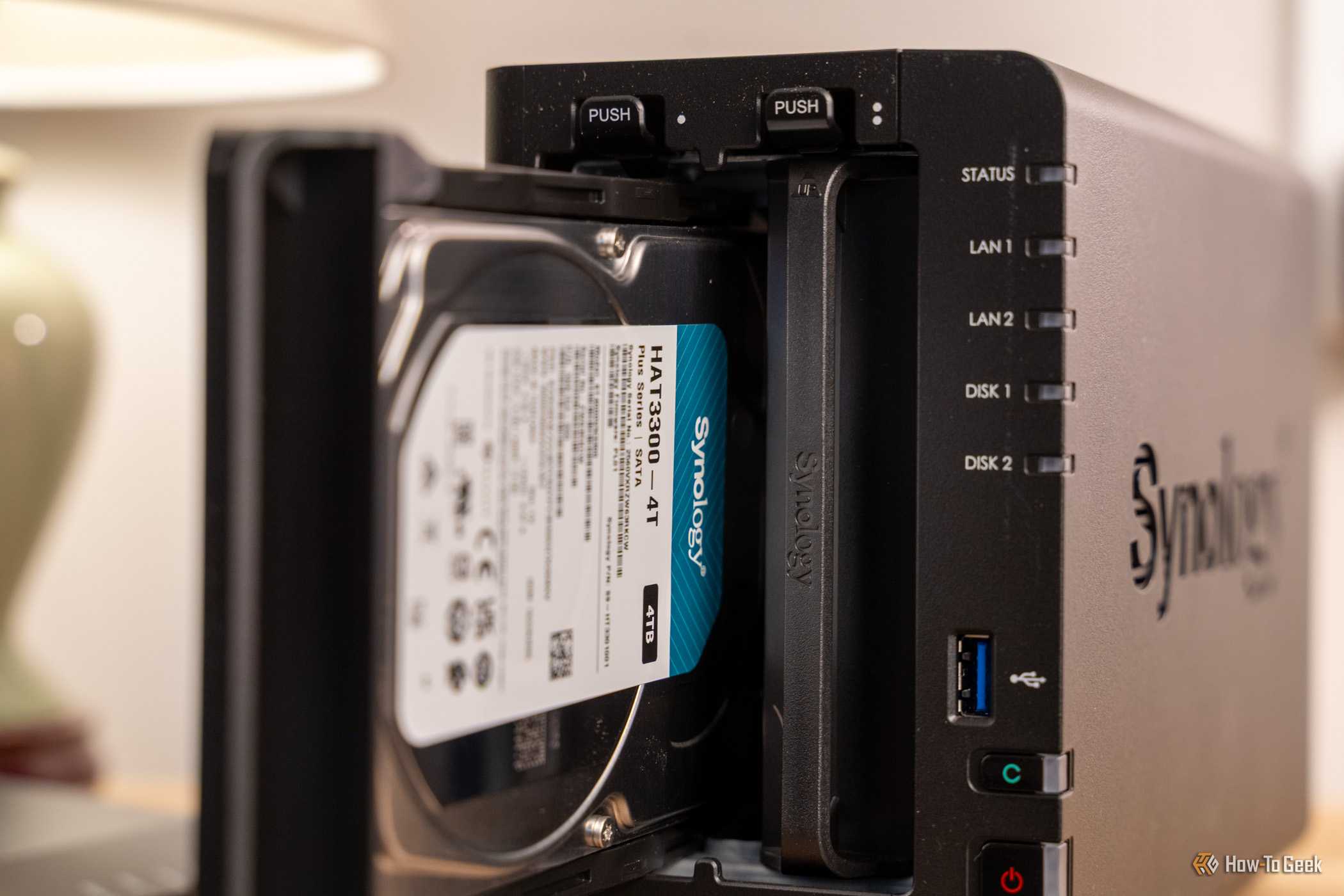
When you purchase an off-the-shelf NAS, you're basically buying a low-power computer inside a drive-shaped case. You're paying for three bundled components: a small system on a chip (SOC), some data connections (either SATA or M.2) with hot-swap bays, and a vendor operating system.
There are some real perks to that combo. Most NAS OSes are mature and have great app catalogs, and the companies usually provide years of updates.
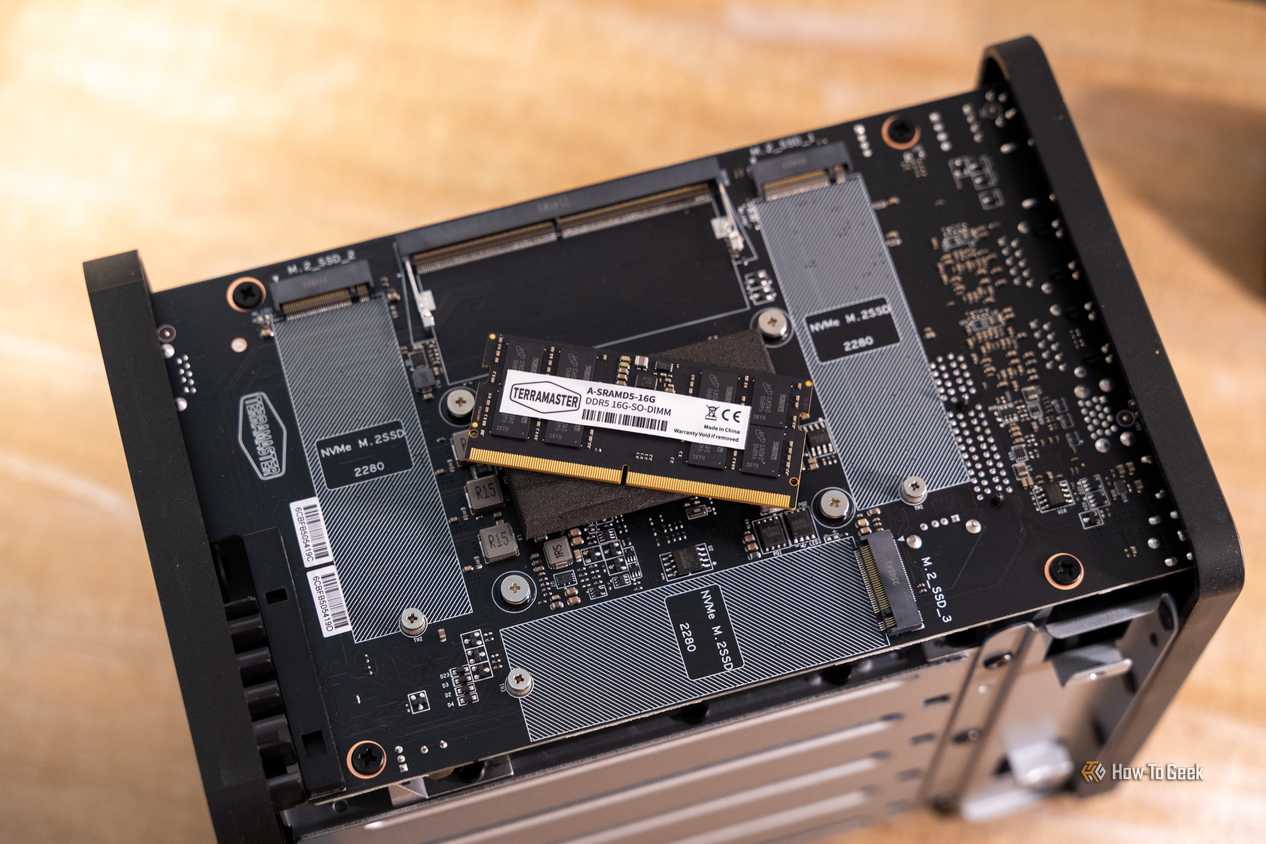
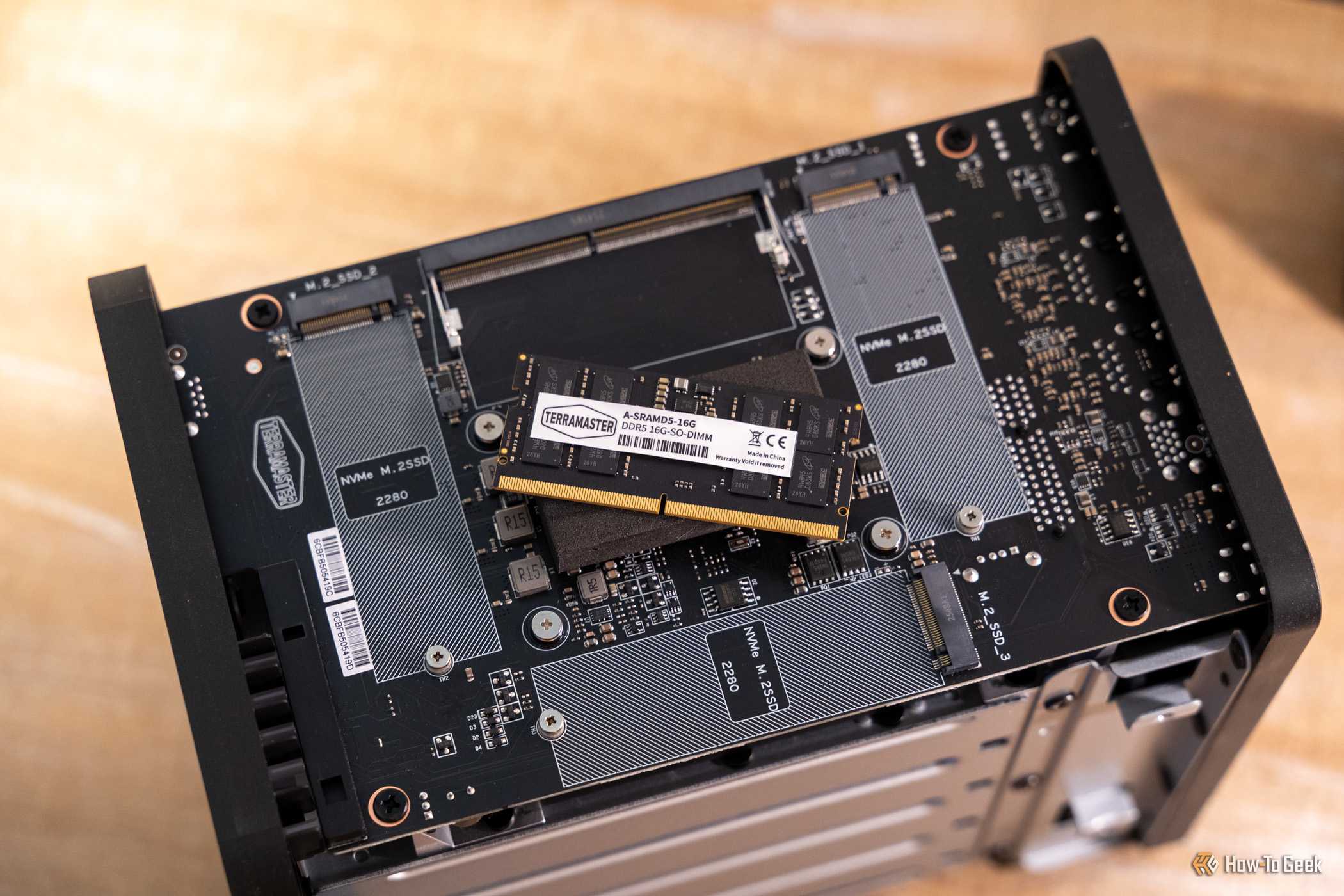
However, the hardware side is a bit disappointing. The CPUs tend to be at least a generation old, if not more, the RAM is soldered, severely limited, or restricted to first-party parts. You have to ask yourself how many of those hundreds of dollars actually go toward hardware you need, and how much is just paying for software you could replace for free and convenience. The price-to-performance math has gotten worse
RAM and storage prices have explodedMembers of Synology's lineup from the past few years really exemplify the problems facing off-the-shelf NASes in general, though it isn't restricted to any particular brand.
CPUs tend to be underpowered, outdated, or both. The DS925+ uses the same V1500B chip found in Synology's devices from 2021 and 2022. That is three generations of products using one chip from 2018.
Because these AMD models lack an iGPU, you don't have Quick Sync, meaning hardware transcoding requires you to switch to a unit like the DS423+, which features an Intel processor that does support Quick Sync. If you're hosting media, that limitation becomes a huge pain very quickly.
The M.2 slots are capped at PCIe 3.0, and the DS925+ actually dropped the 10GbE upgrade option its predecessor had.
 Related
This hardware stagnation is impossible to justify when you consider the cost of storage. Hard drive prices have at least doubled in the last year or so. A 24TB drive will cost you at least $500, and that's if you're lucky shucking an external drive. When filling a 4-bay unit costs you at least $2,000 in drives alone, spending an extra few hundred dollars on a slow enclosure feels ridiculous.
A mini PC plus a DAS does more for less DIYing it is once again more cost effective Credit: Patrick Campanale / How-To Geek
 Credit: Andrew Heinzman / How-To GeekClose
 Credit: Patrick Campanale / How-To Geek
 Credit: Andrew Heinzman / How-To Geek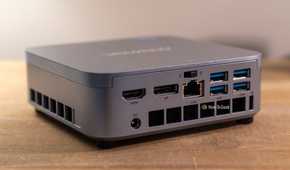
No PC manufacturer has escaped the storage and memory price crisis, but the cost-effectiveness consideration has shifted enormously.
You can achieve way better performance by purchasing your NAS's 'brain' independently of the storage. There are two different ways you can do that: a mini PC paired with an external enclosure, or a standard tower with internal bays.
If you're on a budget, a mini PC with an N150 and a few M.2 slots is a good place to start. Most of the big manufacturers have mini PCs with specs in that range.
For mid-tier performance, look at something with a Ryzen 5 7530U or an 8845HS—many of those devices offer at least one 2.5GbE port and some have 10GbE, which is fantastic if you frequently move large files.
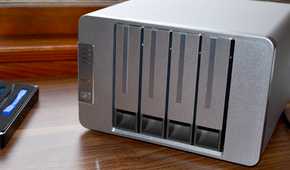
Whatever mini PC you buy, all you need to do is attach an external DAS bay for a few hundred dollars. You get a more powerful (and newer) CPU, more RAM choices and headroom, and a GPU with transcoding for less than the price of an upper mid-range NAS.
When shopping for mini PCs, I'd recommend that you buy them pre-configured rather than bare bones. Bundled memory is currently cheaper than buying it yourself, though that could change at any time.
The software available for a DIY approach isn't half-baked either. If you want something that gives you an incredible amount of flexibility, you can run Proxmox and then host as many services as you want, not just a file storage system. If you want a more traditional NAS-like operating system, TrueNAS and Unraid are both great options.
NASes didn't get worse; prices didNASes didn't suddenly get worse in 2026, they've just become harder to recommend in the face of volatile price changes, storage scarcity, and improving alternatives.
When storage itself is the overwhelming majority of the cost of a NAS, paying a premium for a turnkey experience when you can do it yourself and get more capability feels absurd.