
Remember me
Thunderbolt 5 is finally starting to become mainstream. You can buy Thunderbolt 5 laptops, like the MacBook Pro M5 Pro/Max or the Razer Blade 18, with support for the standard's new features today. As more people get their hands on Thunderbolt 5 computers, the need arises for TB5 accessories to match. While the latest Thunderbolt version does include important upgrades over the old one, that doesn't mean you need to spend a fortune on Thunderbolt 5 accessories.
I bought a new MacBook Pro this year with the base M5 chip, and it doesn't have Thunderbolt 5. Chances are, your daily driver doesn't have Thunderbolt 5 support yet, either. Until you upgrade your computer, you won't see the benefits of using newer cables, docking stations, or accessories. I'm sticking with my trusty Thunderbolt 4 docks, because learning about Thunderbolt 5 made me realize the upgrade wasn't for me.
 Related
I stopped buying random USB-C cables after learning what three numbers actually mean
Related
I stopped buying random USB-C cables after learning what three numbers actually mean
USB-C cables are notoriously hard to identify, but these three numbers will help you figure out what they can do.
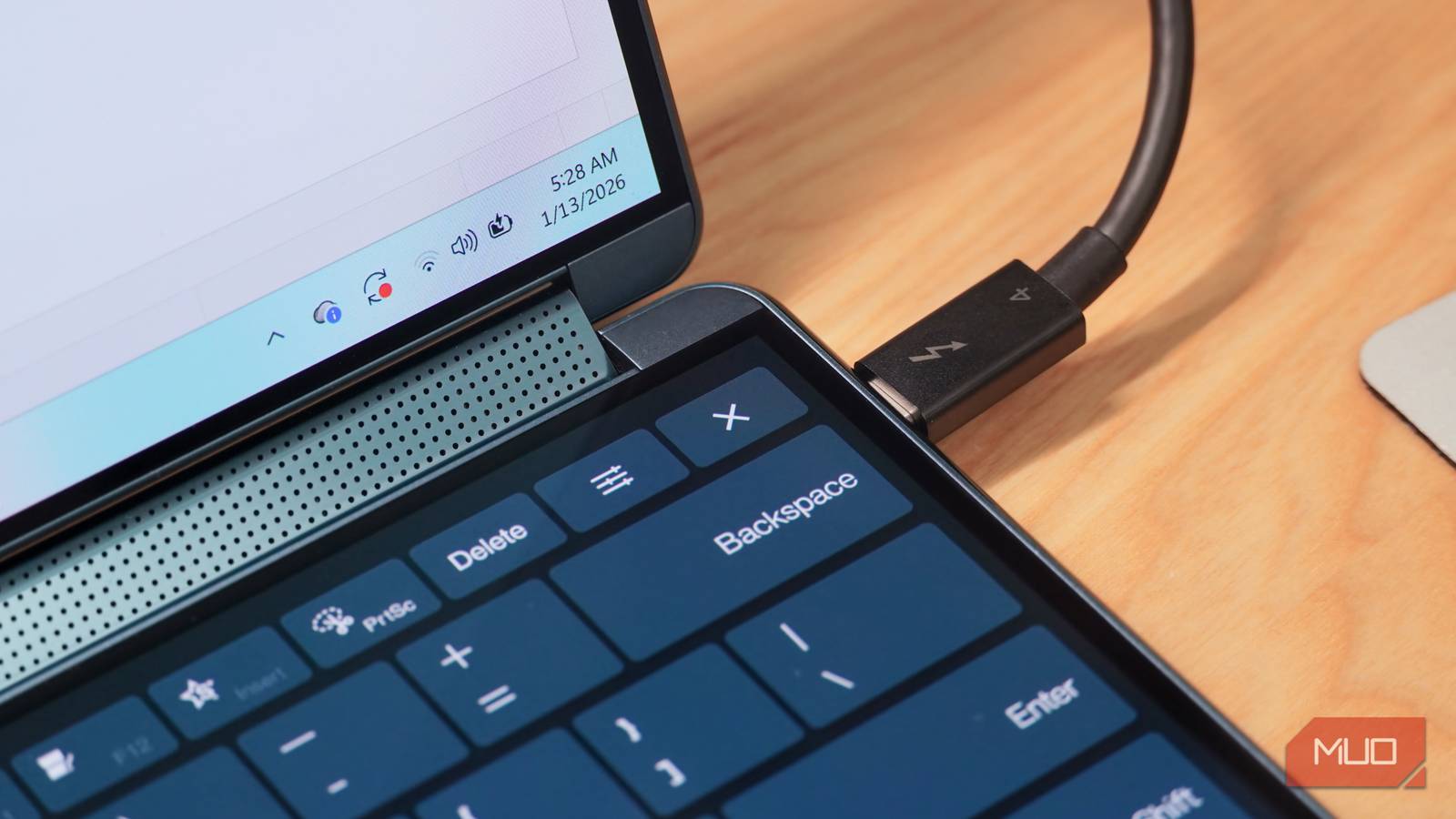
Thunderbolt 5 is twice as fast as Thunderbolt 4 It's the more powerful standard for docking stations, displays, and peripherals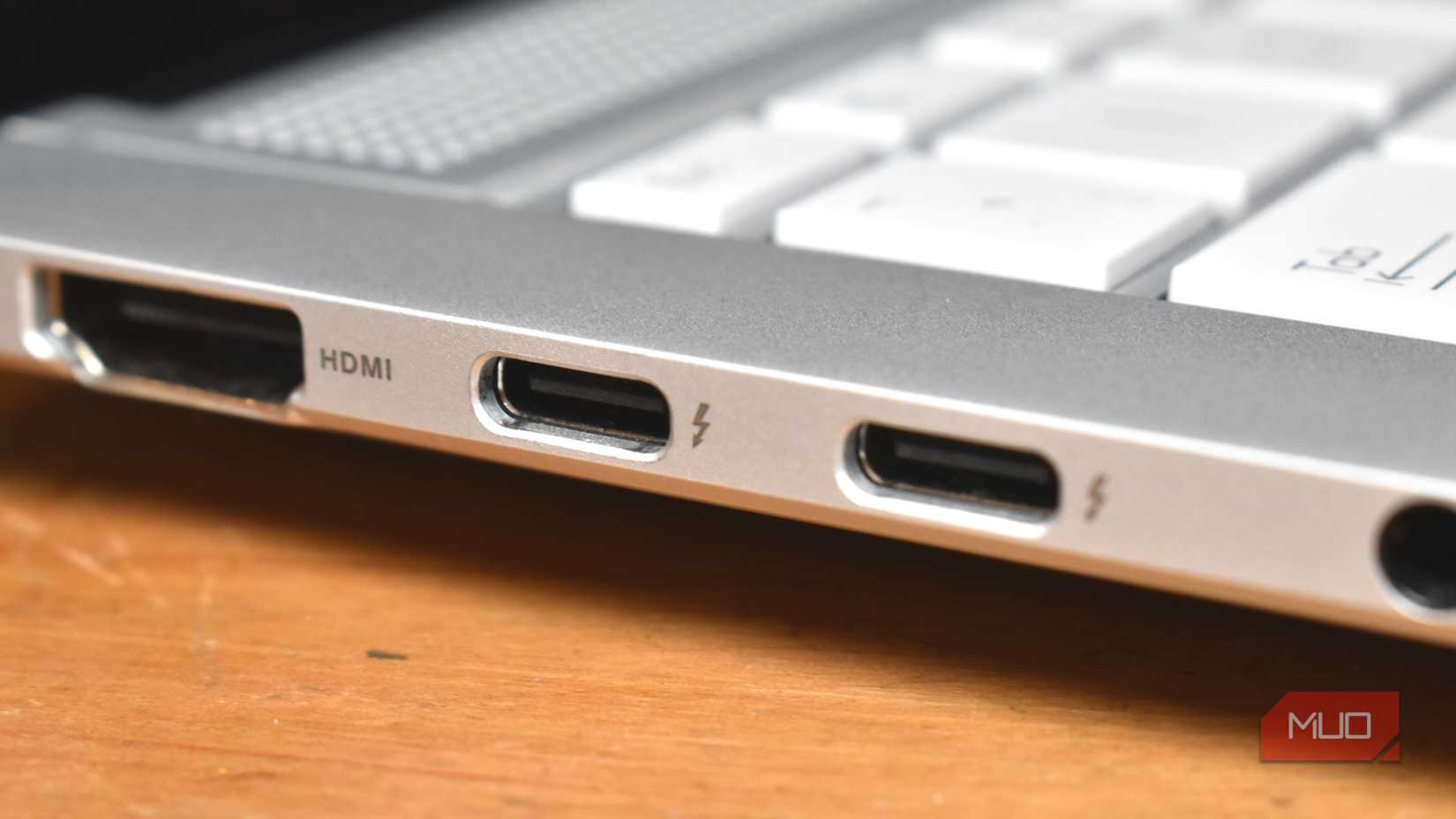 Credit: Gavin Phillips / MakeUseOf
Thunderbolt 5 shines on the spec sheet. The new standard uses the Type-C port and is compatible with USB4 v2, supporting a maximum bandwidth of 80Gbps bidirectionally. There's a "Bandwidth Boost" that dynamically provides 120Gbps bandwidth in one direction, leaving 40Gbps for the other direction. This is ideal for bandwidth-heavy peripherals, like an external GPU or PCIe accessory.
Unlike the USB4 v2 specification, the 80Gbps bidirectional and 120Gbps unidirectional bandwidth are both mandatory, so every Thunderbolt 5 cable, accessory, and computer supports them. In simple terms, this means Thunderbolt 5 is twice as fast as Thunderbolt 4. It's up to three times as fast as Thunderbolt 4 in one direction when Bandwidth Boost is active. This allows for faster data transfers, more demanding workflows, and everything in between.
That extra bandwidth helps Thunderbolt 5 support up to three 4K monitors at 144Hz refresh rate, which is quite the upgrade over Thunderbolt 4's support for two 4K screens at 60Hz. Thunderbolt 5 works with two 8K monitors at 60Hz, or a maximum refresh rate of 540Hz. In other words, even if you have an unreal display setup, this cable standard can handle it.
For these high-end setups, Thunderbolt 5 doubles the PCIe throughput of Thunderbolt 4. It uses PCIe 4.0 to deliver up to 64Gbps data tunneling, whereas Thunderbolt 4 used PCIe 3.0. The extra throughput makes Thunderbolt 5 ideas for powering new SSDs and eGPUs, as these devices can consume large amounts of bandwidth.
Charging speed is improved, too. Thunderbolt 4 only requires 140W charging, while Thunderbolt 5 ports have to offer 240W charging. This is ideal for those using Thunderbolt 5 cables or accessories to charge laptops or power peripherals.
Thunderbolt 5 only matters if your devices support it You won't get all the benefits without a supported computer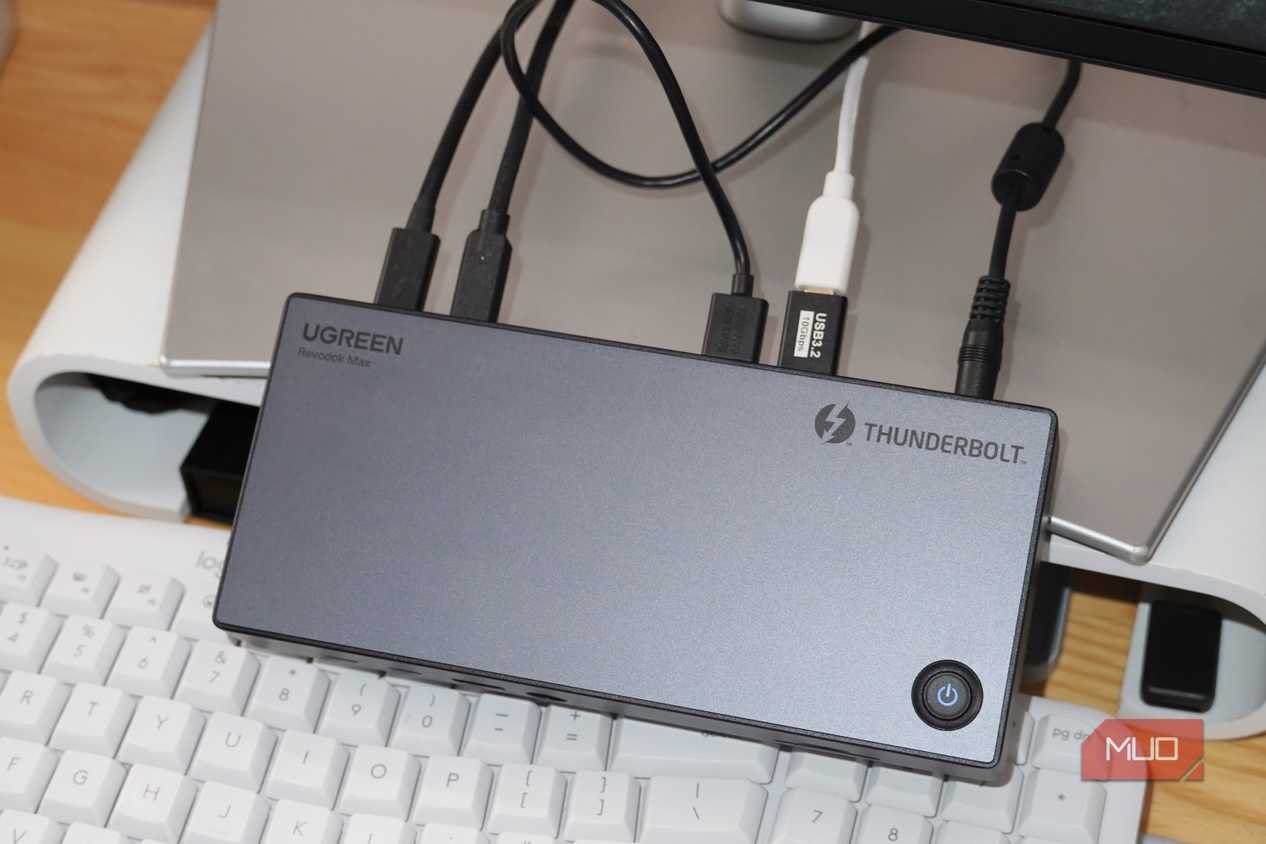 Credit: Brady Snyder / MakeUseOf
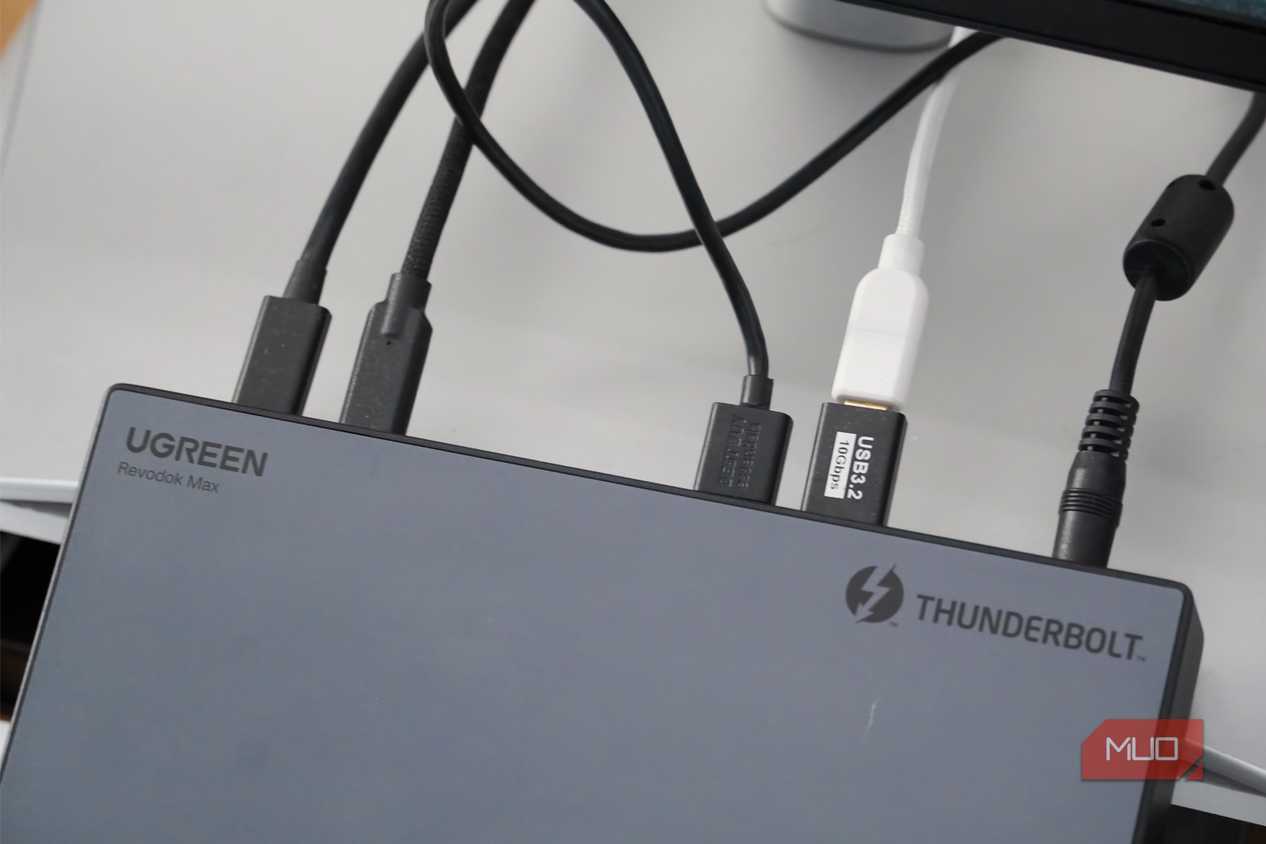 Brady Snyder / MakeUseOf
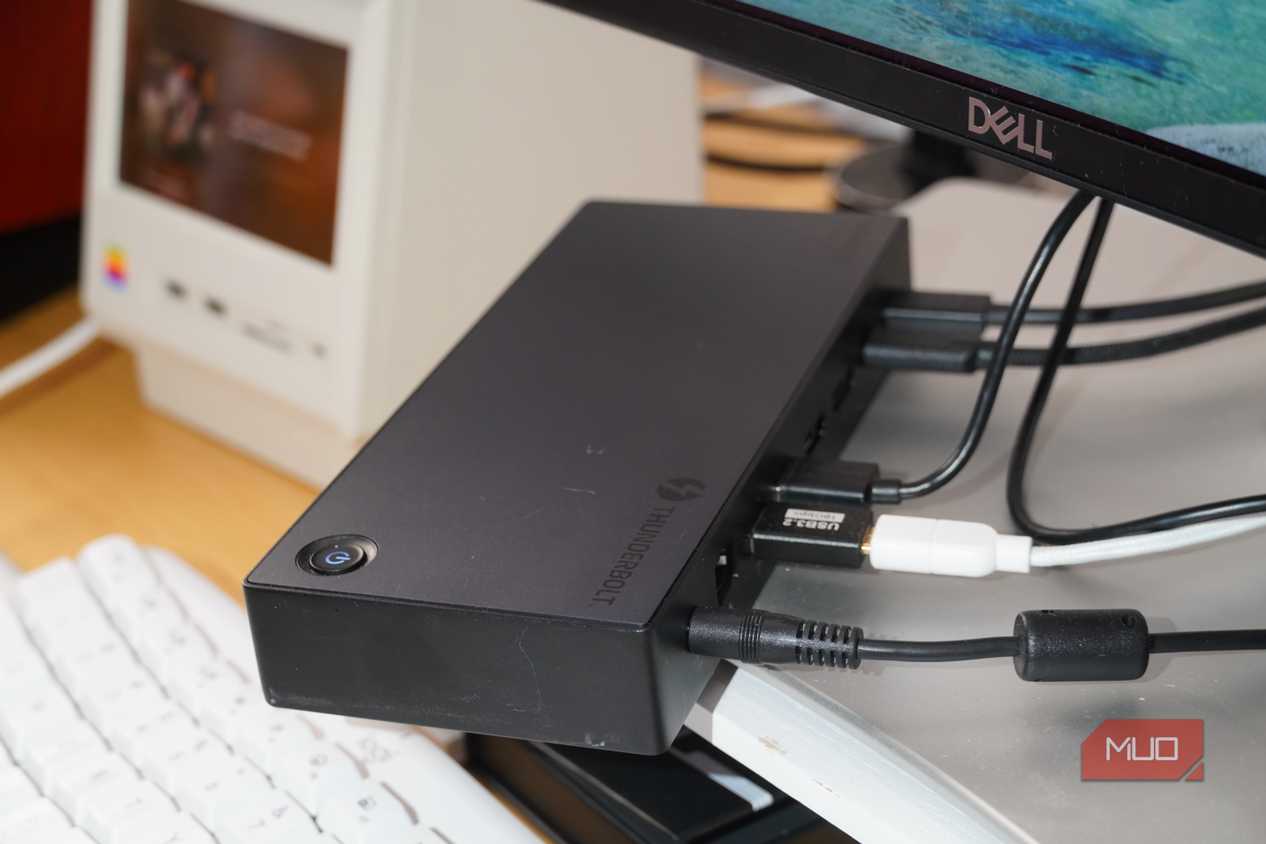 Credit: Brady Snyder / MakeUseOf
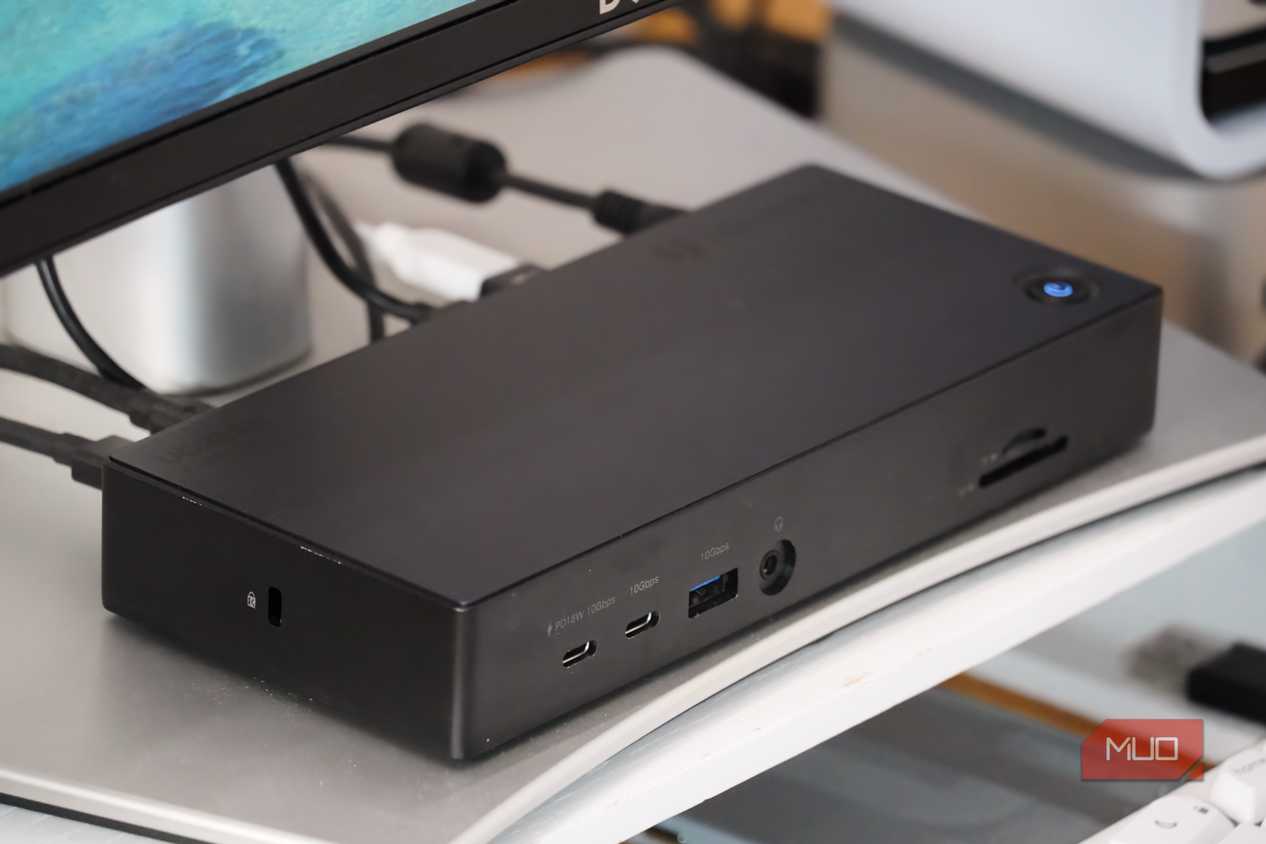 Credit: Brady Snyder / MakeUseOf
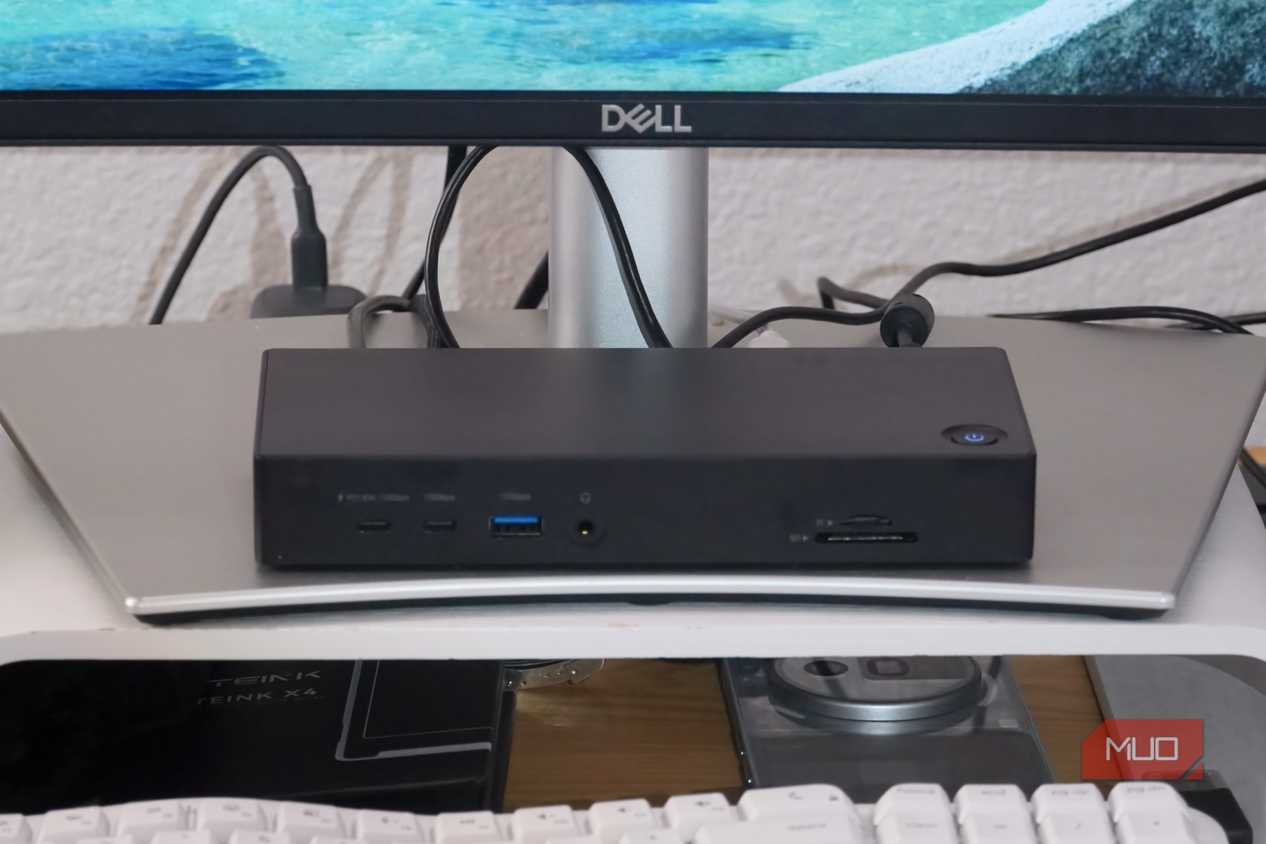 Credit: Brady Snyder / MakeUseOfClose
 Credit: Brady Snyder / MakeUseOf
 Brady Snyder / MakeUseOf
 Credit: Brady Snyder / MakeUseOf
 Credit: Brady Snyder / MakeUseOf
 Credit: Brady Snyder / MakeUseOf
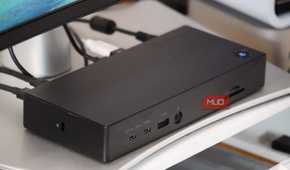
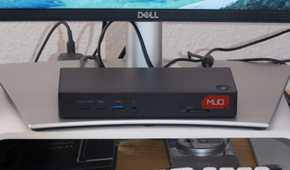
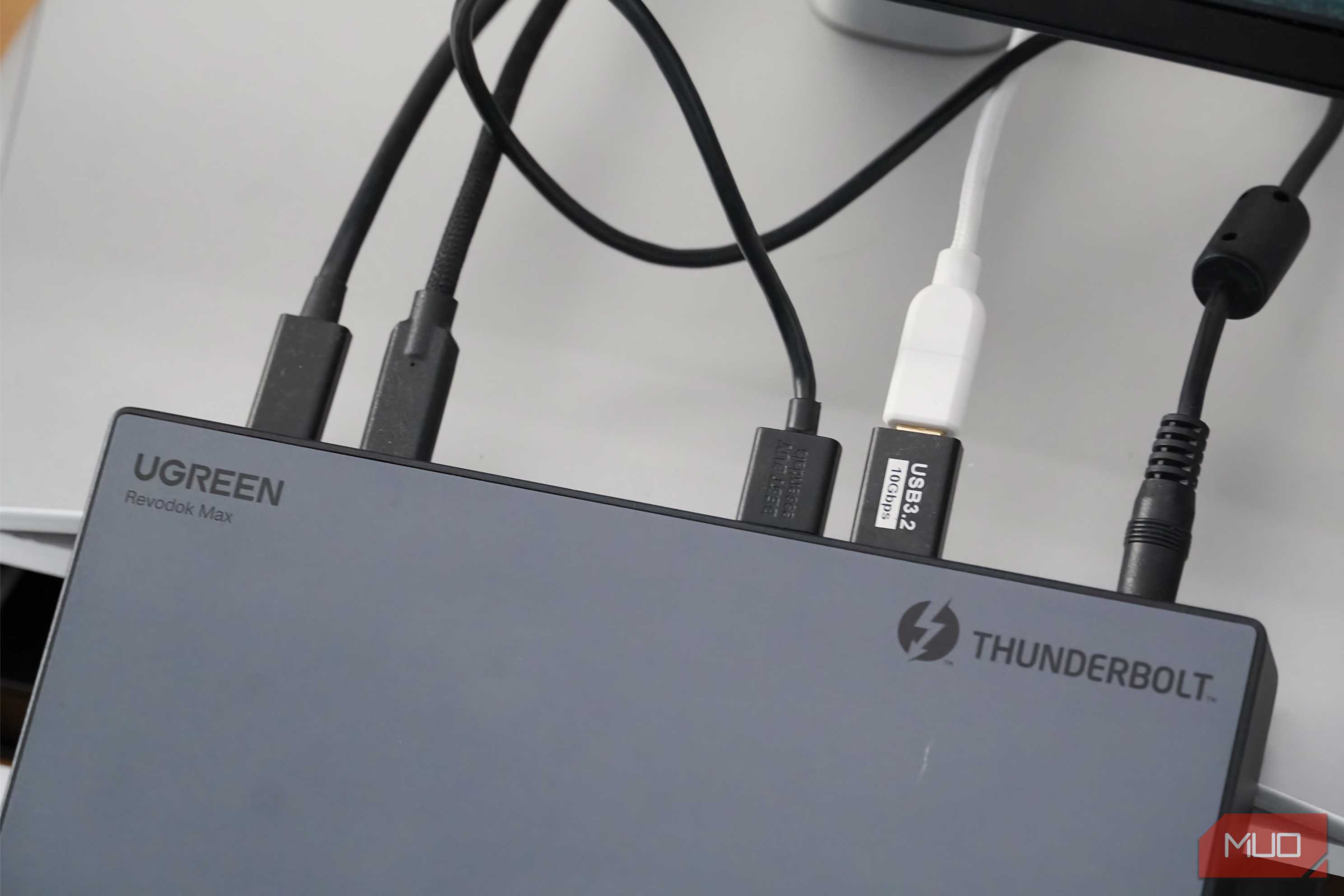
These Thunderbolt 5 features look amazing on paper, but think about how they apply to your personal setup. I don't have an 8K display, or a powerful eGPU, or a demanding SSD. Thunderbolt 4's max bandwidth of 40Gbps is perfectly fine for my needs. I use my Thunderbolt 4 docks for connecting USB accessories, reading SD cards, hooking up Ethernet cables, powering displays, and charging other devices. Thunderbolt 5 wouldn't be any better than Thunderbolt 4 for those tasks in the context of my setup.
The beauty of Thunderbolt 5 is that it's backwards-compatible with other versions of Thunderbolt and USB. You can use a Thunderbolt 5 cable with a computer or accessory that supports Thunderbolt 4, USB4, or below. However, you won't reap the benefits of Thunderbolt 5. Instead, the new cable or accessory you buy with Thunderbolt 5 support will still be using Thunderbolt 4, USB4, or whatever standard your host device supports.
Thunderbolt 5 might be worth investing in to future-proof your setup, but it depends. Many of us upgrade our laptops and desktops less frequently than, say, smartphones. If you won't upgrade your setup for another five or 10 years, is it a good idea to buy Thunderbolt 5 accessories and cables now? Probably not. We could have Thunderbolt 6 by that point.
I have Thunderbolt 4 computers at home, and I could buy Thunderbolt 5 docks or cables for them. That said, the host devices (my computers) dictate which Thunderbolt version a cable or accessory uses. If my devices are going to negotiate the connection down to Thunderbolt 4 speeds anyway, I don't see the point in upgrading now.
Thunderbolt 4 is still the mainstream standard If you don't have a TB5 device, sticking with TB4 is completely fine Credit: Brady Snyder / MakeUseOf
I have a few fairly new computers in my setup: an M4 Mac Mini and an M5 MacBook Pro. Both are good enough to last me for years to come, and both are powered by Thunderbolt 4. The advantages of Thunderbolt 5 catch my eye, but they aren't enough to push me to upgrade my computer early. And without upgrading the host device, adding Thunderbolt 5 cables or accessories downstream is pointless.
Save yourself some cash, and avoid buying Thunderbolt 5 gear until your computer or laptop actually supports it. In the meantime, keep your Thunderbolt 4 accessories in place, or save more by purchasing last-gen peripherals.