
Remember me

I swiped away a notification banner a few days ago without reading past the first line, and my stomach dropped the second my thumb left the screen. I couldn't remember which app it came from or what it actually said, only that it mattered.
Android already has a built-in safety net for that exact moment, but it is easy to miss because it is not front and center. It's called Notification history, and it is one of those Android features that somehow comes disabled by default. Once you turn it on, your phone stops treating a swipe as a permanent delete.
 Related
Notification history is Android’s little receipt drawer
The phone setting built for accidental confidence
Related
Notification history is Android’s little receipt drawer
The phone setting built for accidental confidence
 Shimul Sood / MakeUseOf
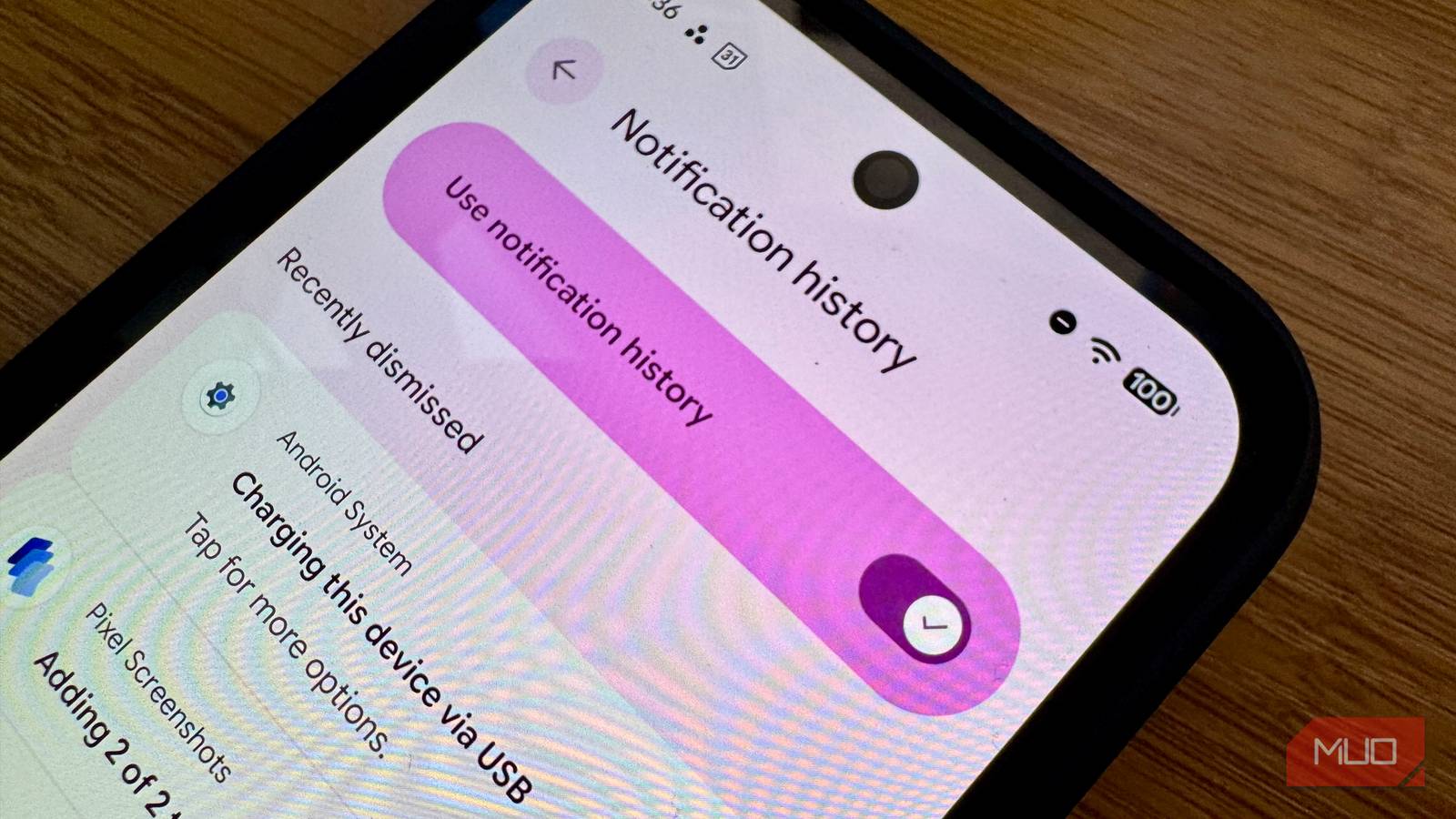
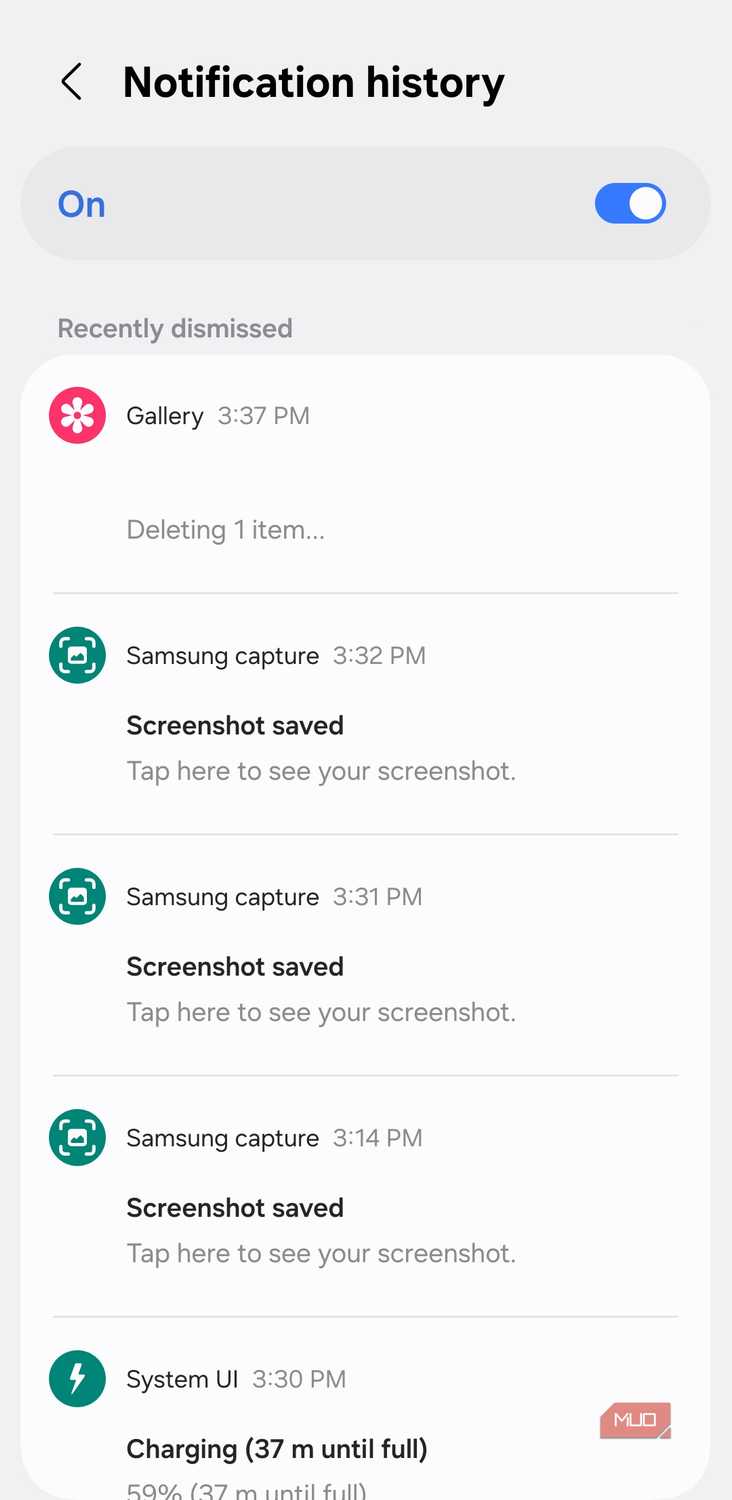
Notification history does exactly what the name suggests, which is probably why many people ignore it. After you enable it, Android keeps a list of recent alerts, including notifications you dismissed. On Pixel-style Android, Google says it keeps dismissed notifications from the last 24 hours, and Android’s own documentation describes the feature as a place for snoozed and recently dismissed notifications, as well as a day’s history of alerts.
The important part is the timing. It only starts being useful after you turn it on. If you cleared a banking alert yesterday and only discovered Notification history today, Android is not going to rummage through the past and reconstruct it for you. It is a short-term safety net, not a backup system. It will not recover alerts from before you enabled it, and it will certainly not help you recover deleted or missing WhatsApp messages or pull old records from Gmail, Slack, Calendar, or your banking app.
Even with that limitation, it's still pretty useful. Notifications are often the cleanest version of an alert. The app may still contain the email, message, transaction, or appointment, but the notification can include the sender, a preview, a timestamp, a quick action, the account name, or the exact wording, in a way the app itself does not show as neatly afterward. That difference matters when you are dealing with bundled work alerts, one-time codes, transaction pings, appointment reminders, or messages that appear while you are busy and vanish before you give them proper attention.
There is a privacy angle, but I would not overdramatize it. Notification history can preserve previews from messages, banks, delivery apps, and work tools, so you should review your default Android privacy settings to hide lock screen content if other people handle your phone. I would still rather use Android’s built-in option with sensible privacy controls than install a third-party notification logger that needs broad notification access.
The setting was boring until it bailed me out The most useful Android setting I nearly skipped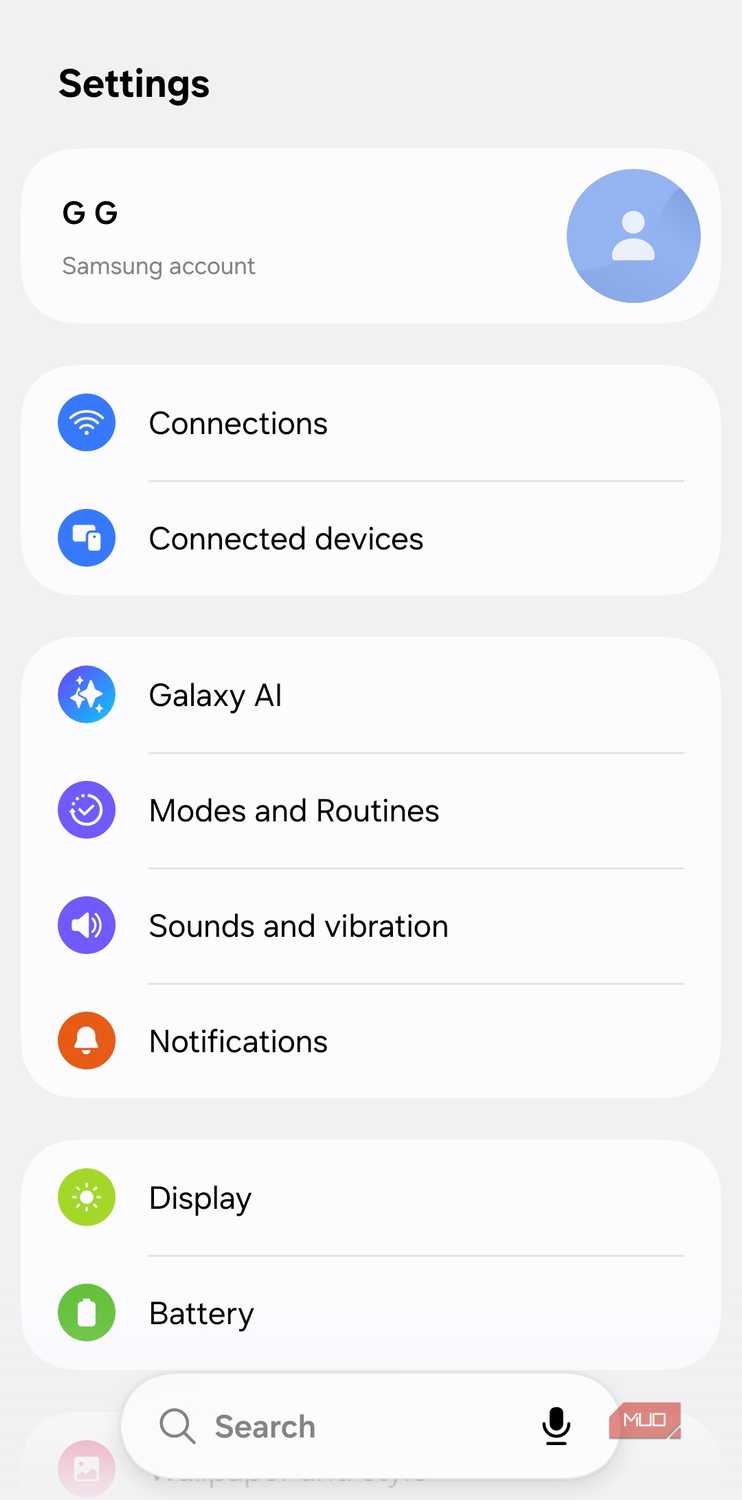 Screenshot by Pankil Shah -- No attribution required
 Screenshot by Pankil Shah -- No attribution required
 Screenshot by Pankil Shah -- No attribution required
 Screenshot by Pankil Shah -- No attribution required
 Close
Close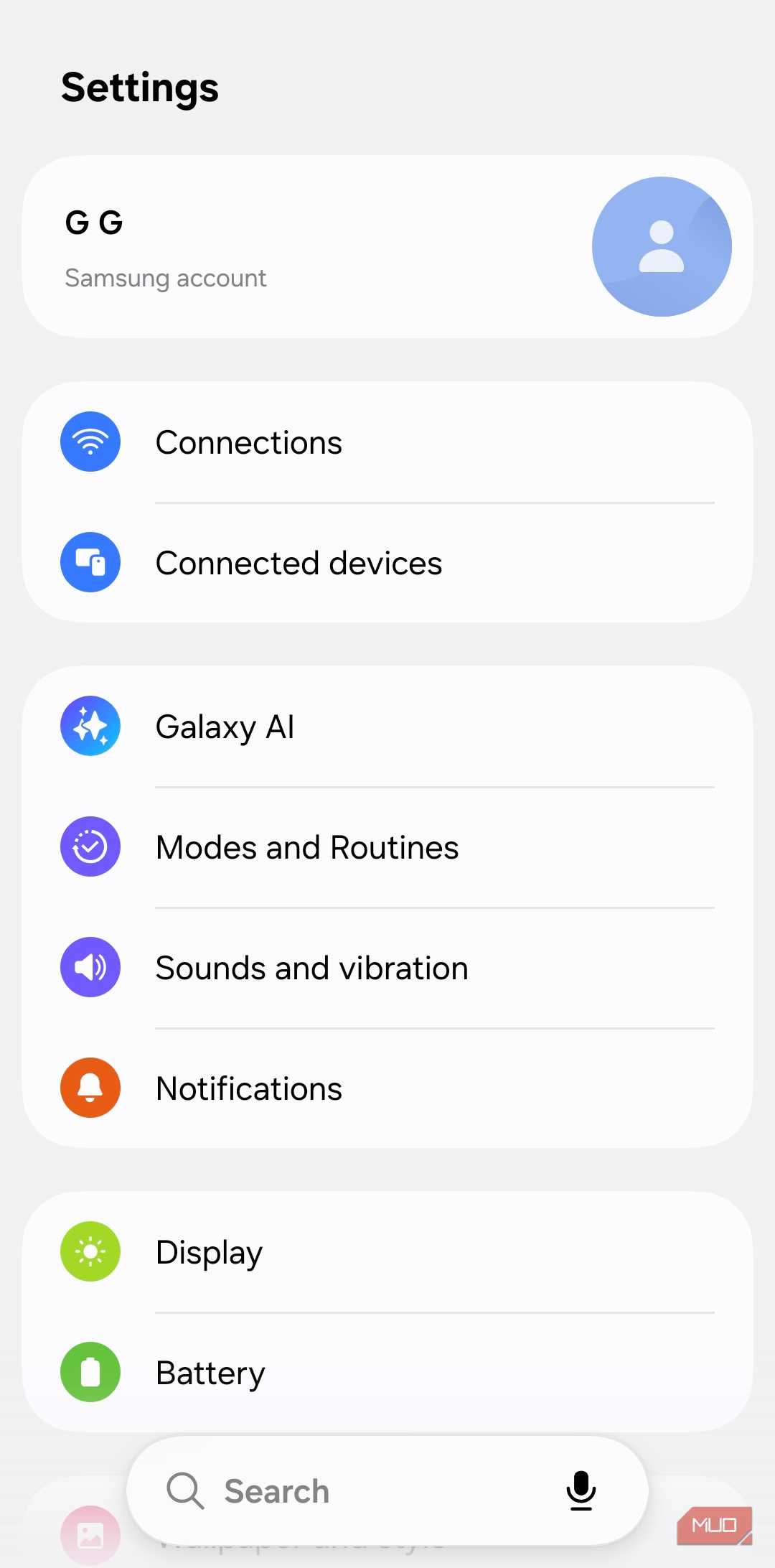 Screenshot by Pankil Shah -- No attribution required
 Screenshot by Pankil Shah -- No attribution required
 Screenshot by Pankil Shah -- No attribution required
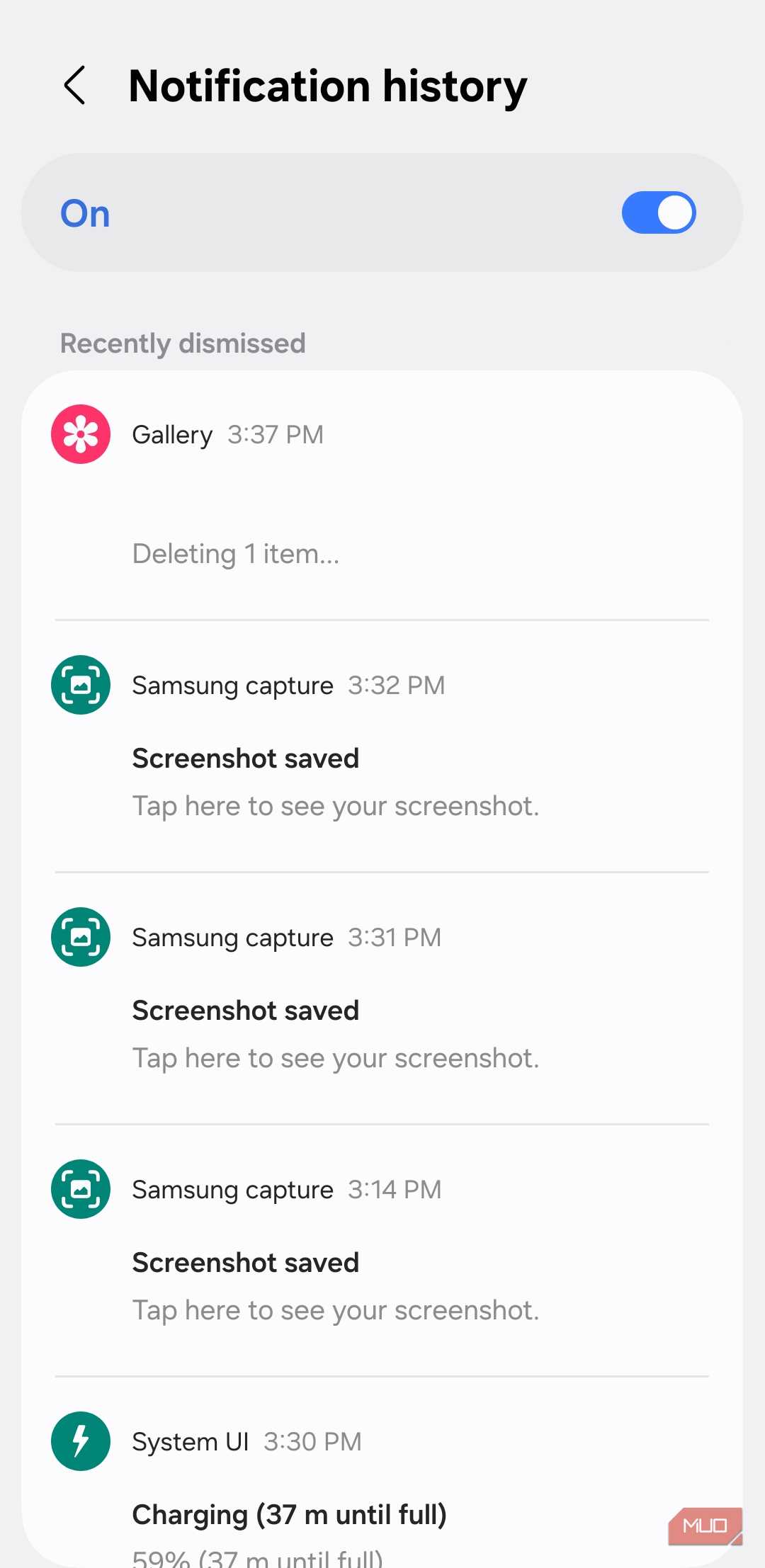 Screenshot by Pankil Shah -- No attribution required
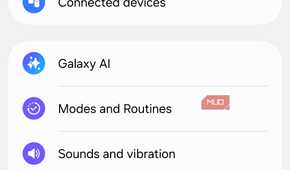
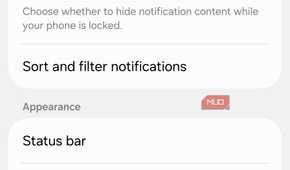
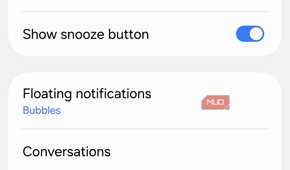
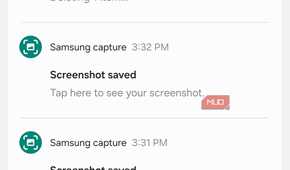

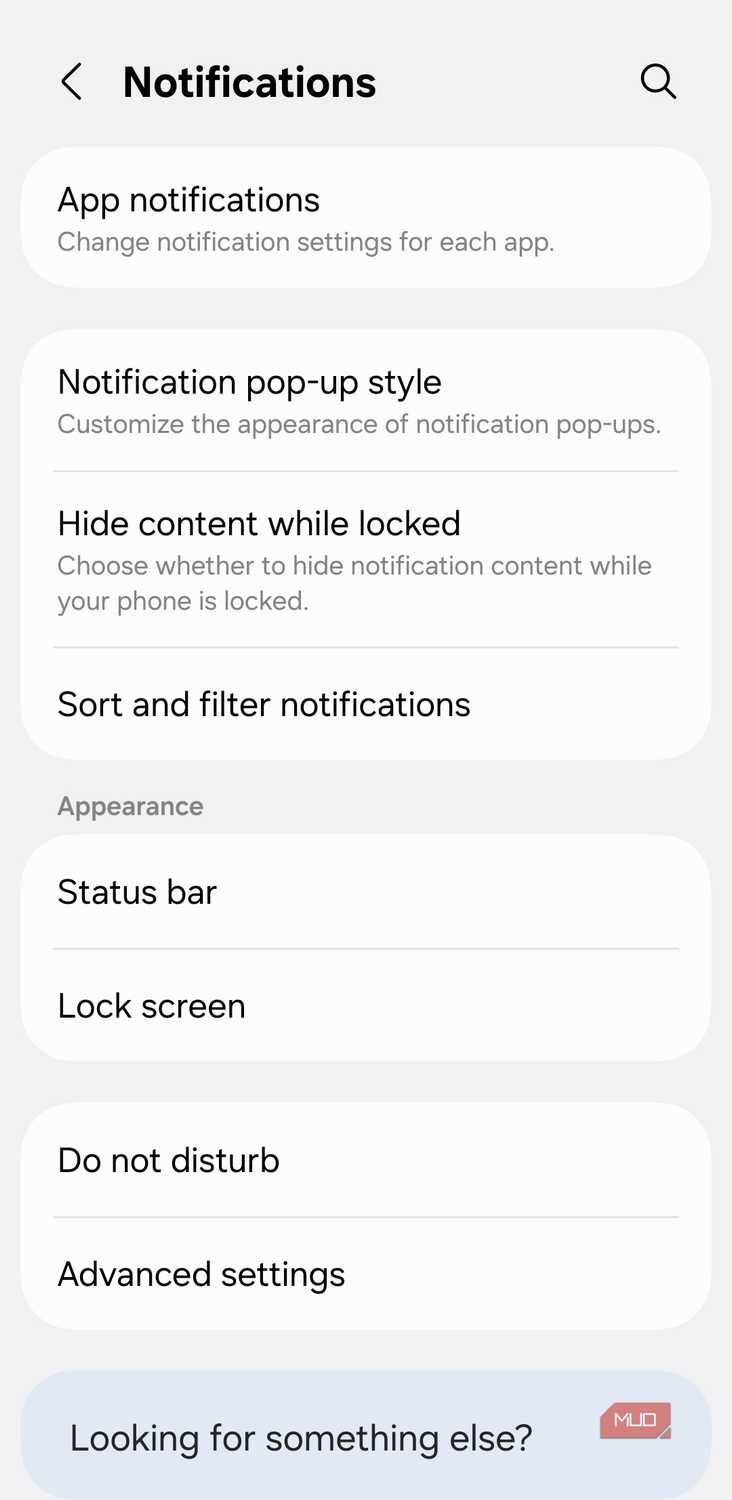
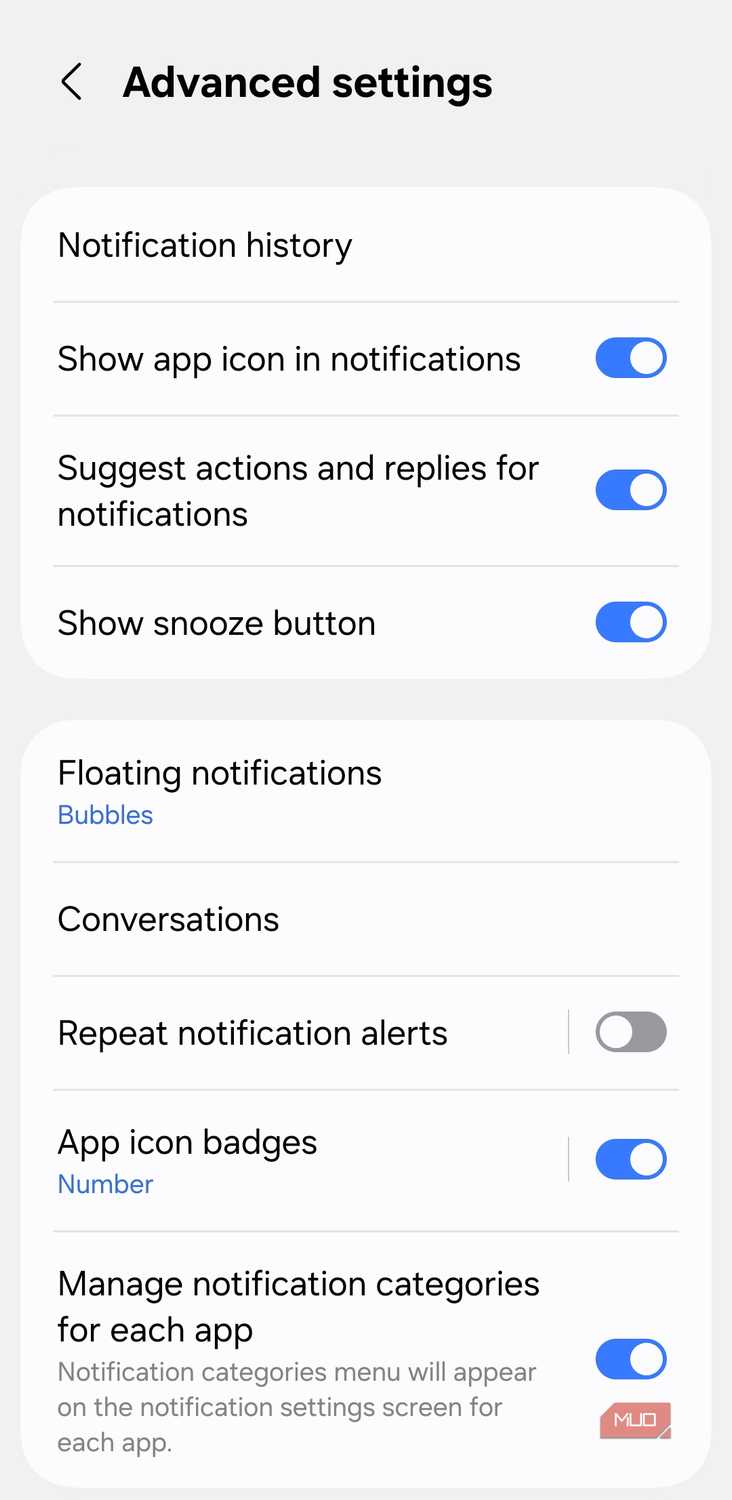
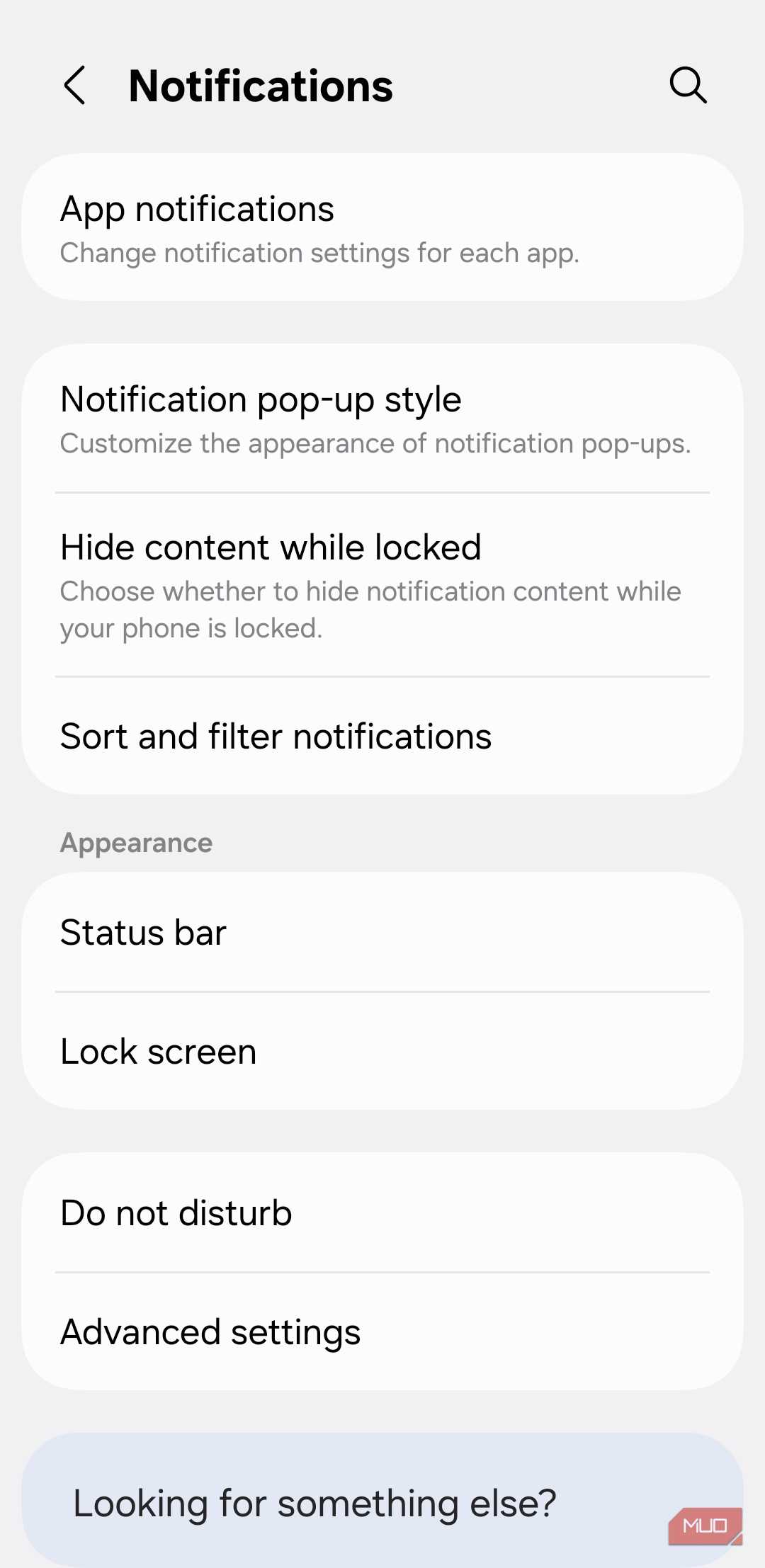
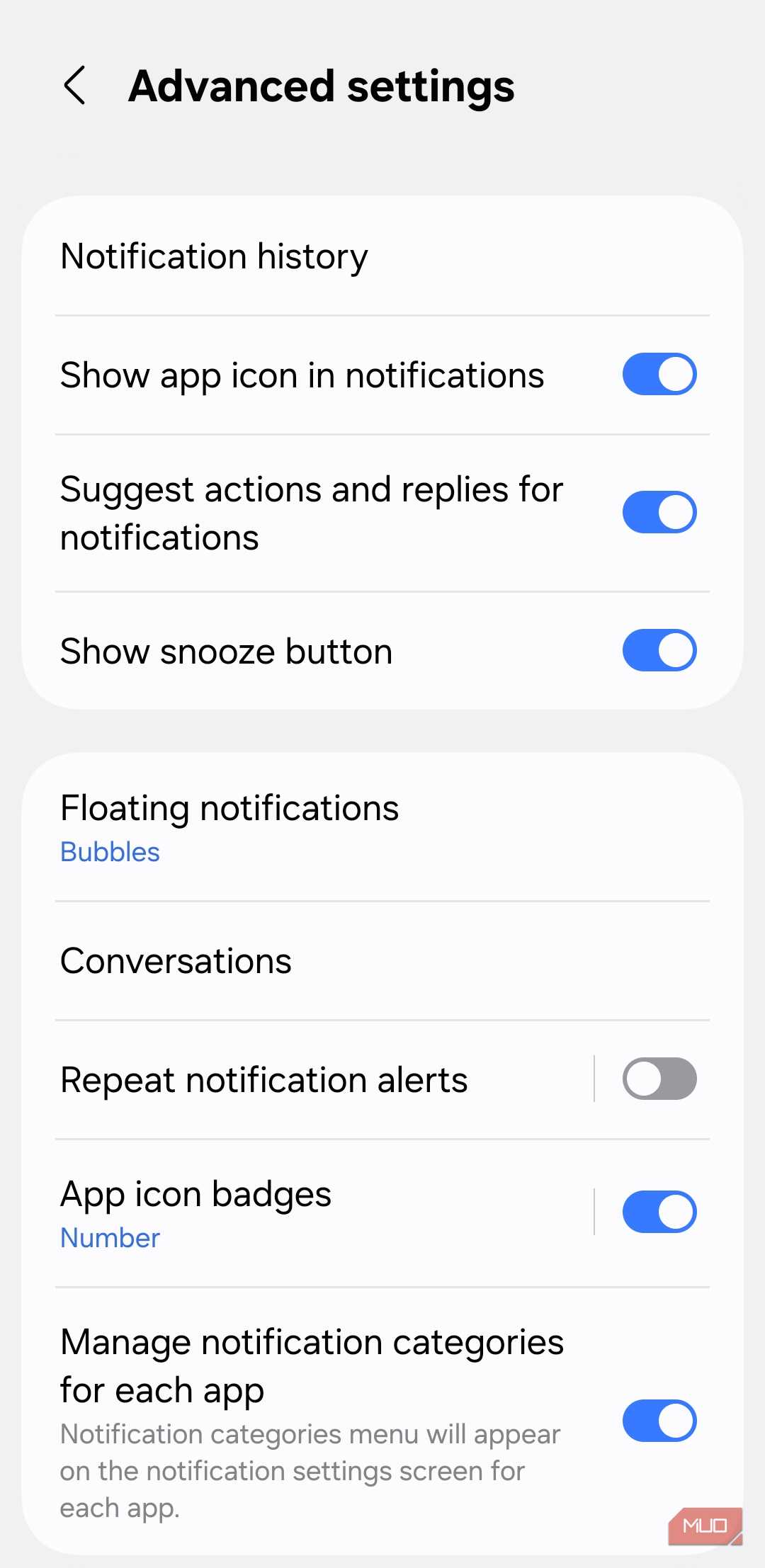
Turning it on is quick, and the path depends on your phone. On a Pixel or most phones running close to stock Android, it's Settings -> Notifications -> Notification history, with a toggle labeled Use notification history. On Samsung phones and several other Android skins, the option usually sits one level deeper: Settings -> Notifications -> Advanced settings -> Notification history. If the wording doesn't match either path, search "Notification history" from the main Settings screen instead.
I turned it on almost casually, the same way I enable battery percentage, notification dots, and other small tweaks — such as Notification Cooldown, a setting I actually notice daily — that make a phone feel less annoying. I did not expect it to become one of the first things I check on a new Android phone. Then it rescued me twice in very ordinary ways.
The first save was a delivery alert I accidentally swiped away while clearing a stack of notifications. I had seen enough to know it involved the drop-off, but not enough to catch the actual instruction. Opening the delivery app showed the order and tracking page, but the notification had contained the useful detail in plain English. Notification history still had the original alert, including the timestamp and short delivery note, so I did not have to keep refreshing a half-updated tracking screen.
The second time was WhatsApp, which made the feature feel a little too useful. A message preview appeared; I caught only part of it, and before I opened the chat, the sender deleted it for everyone. Inside WhatsApp, the conversation had already turned into the familiar “This message was deleted” notice. Notification history still had the preview because the alert had already passed through Android before the message disappeared from the chat.
I would not sell that as a guaranteed way to read deleted WhatsApp messages, because it only works when the notification arrives first, the preview is visible, and Notification history has already been enabled. It can also vary depending on your phone, notification settings, and how the app sends the alert. In that particular moment, though, it did exactly what I needed. It preserved enough context for me to understand what had happened without turning one deleted message into an investigation.
Your future self may owe this setting an apologyNotification history is now one of the first Android settings I enable on any phone. It is not flashy, AI-powered, or exciting enough to show off, but it fixes a very human problem: sometimes the notification was important, and sometimes you only realize that after you have already flicked it into oblivion.