
Remember me


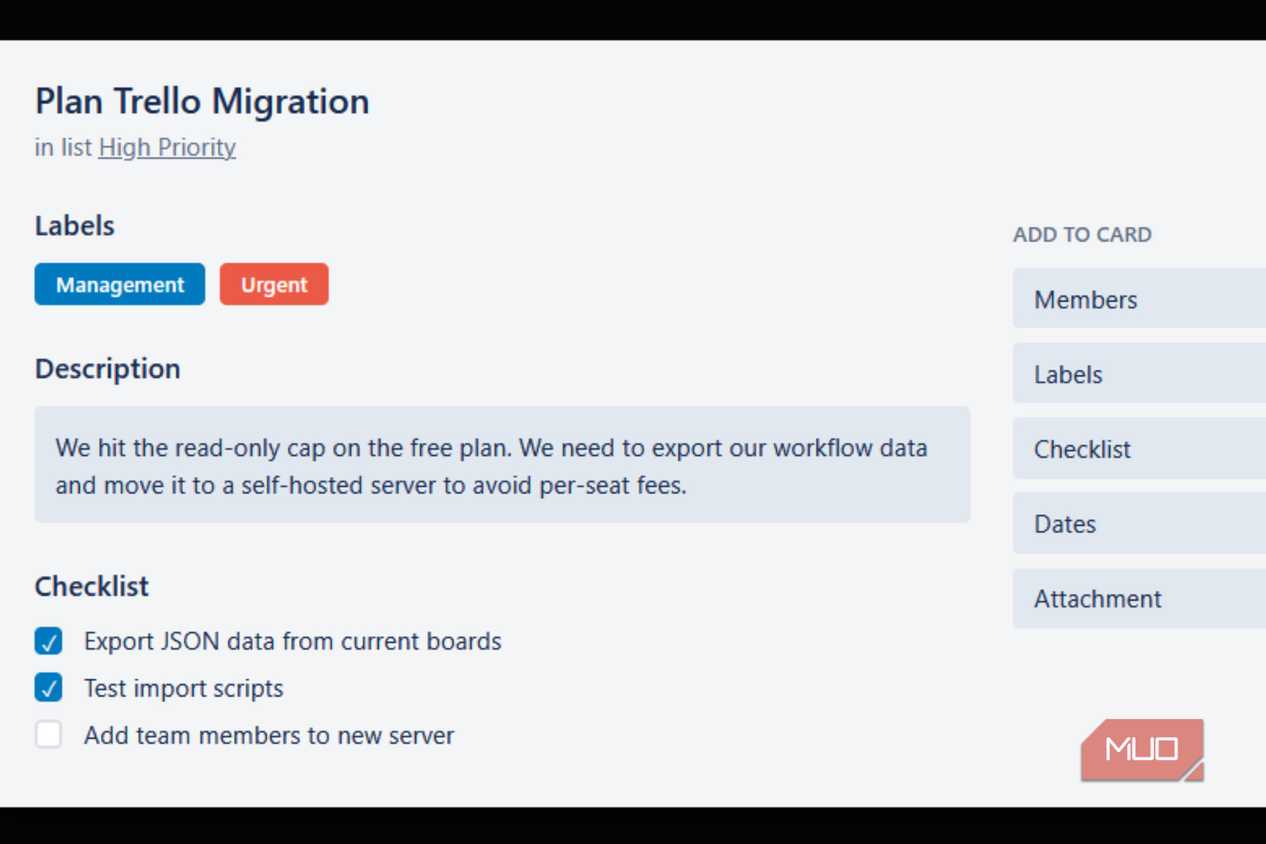
Most project management tools started as genuinely useful products and quietly turned into something else. Free tiers shrank as per-seat pricing crept in, and the workflow you built around a tool became an expensive trap. I hit that wall with Trello after Atlassian switched workspaces with over ten users to read-only without much warning, which is fine for personal use, but that's not my situation. However, it was actually great to get out of that situation by self-hosting Planka instead.
 Related
Building your own tool from scratch is a mistake
Related
Building your own tool from scratch is a mistake
 Jorge Aguilar / MakeUseOf
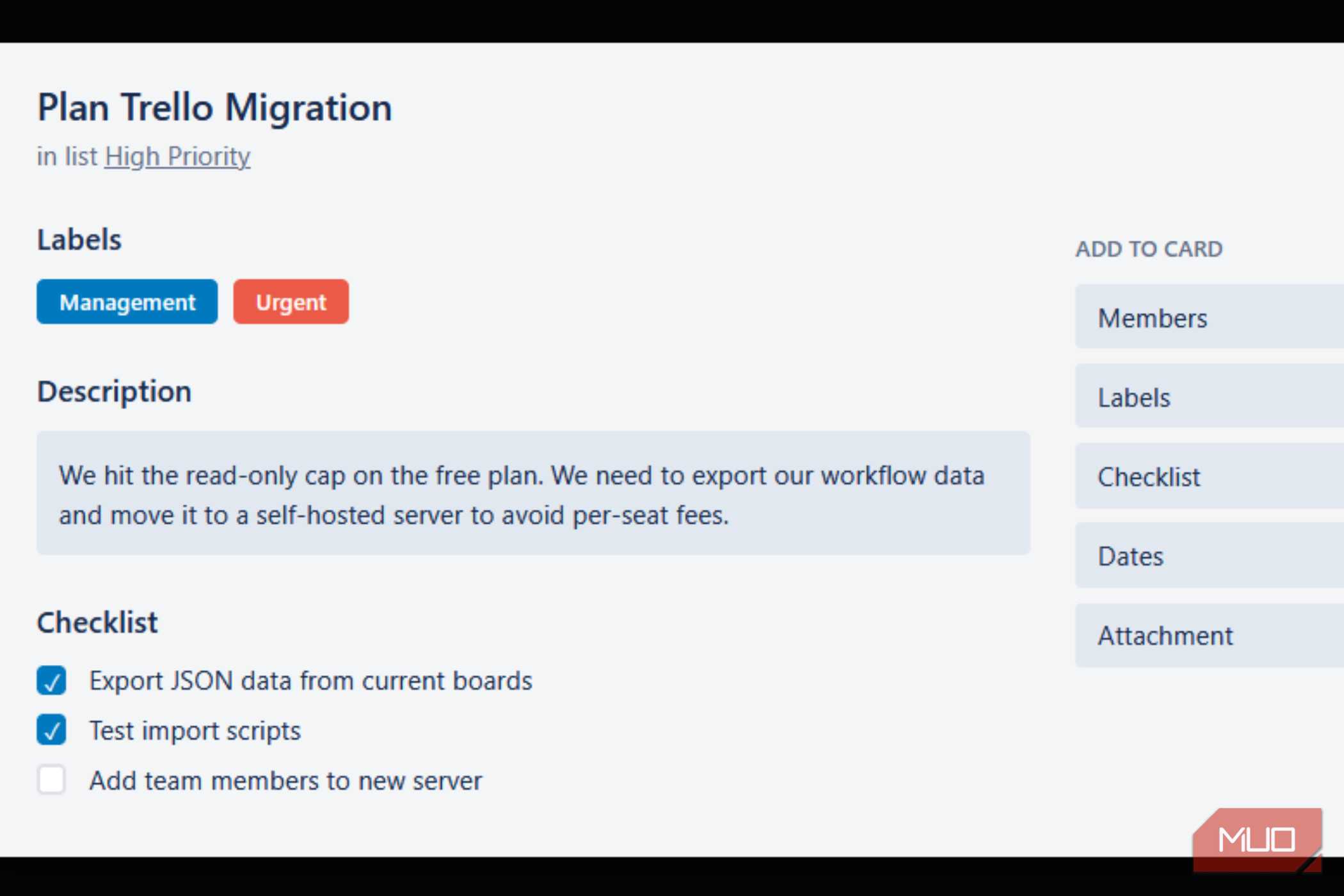
The free tier on most SaaS tools is getting worse. What used to be genuinely usable for small teams has quietly become a bait-and-switch, with basic features locked behind paywalls and arbitrary limits designed to push you toward a paid plan. Trello is a good example of how bad this has gotten. Atlassian capped free workspaces at 10 users and 10 boards, and any workspace that exceeded that limit was switched to read-only overnight.
Your options at that point were to either start sharing login credentials or start paying per seat. The user cap is just the beginning. Free plans routinely cap file uploads at 10MB and limit automation runs to 250 per month, which sounds fine until you actually try to use them.
Worst of all, some platforms will charge you based on the highest number of active users you had at any point during a billing cycle, meaning a short-term project that briefly brought on extra people can raise your bill for the whole month. At some point, you start to realize that your workflows, your data, and your automations are completely stuck inside someone else's system, and that's usually what sends people looking for a way out.
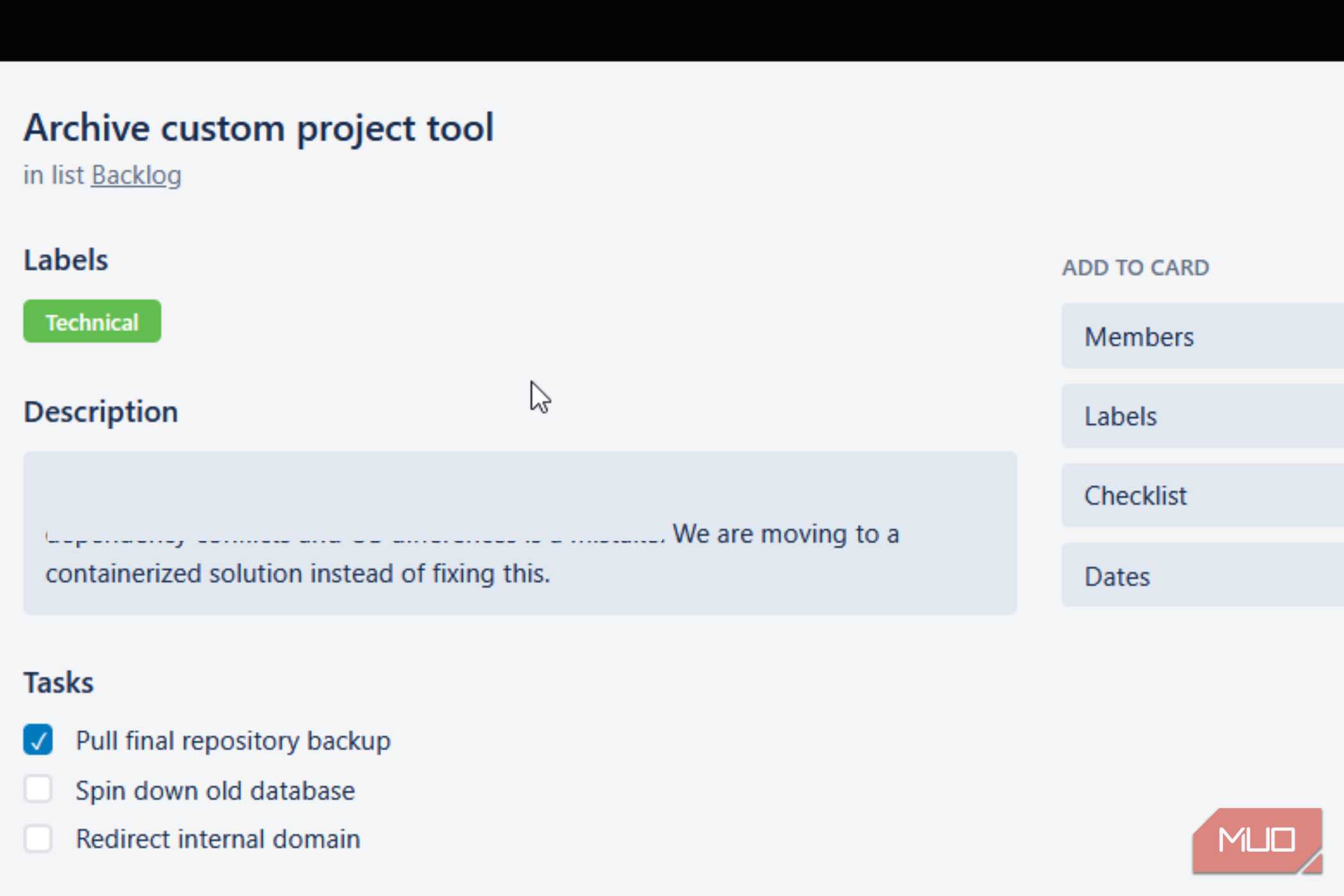
My first instinct was to just build something myself, which turned out to be a mistake. Writing a project management tool from scratch sounds straightforward until you actually get into it. Real-time collaboration alone opens up a whole rabbit hole of complexity. You need proper access controls, file handling, and live sync that works in both directions without things breaking. On top of that, any custom tool you build tends to be rigid.
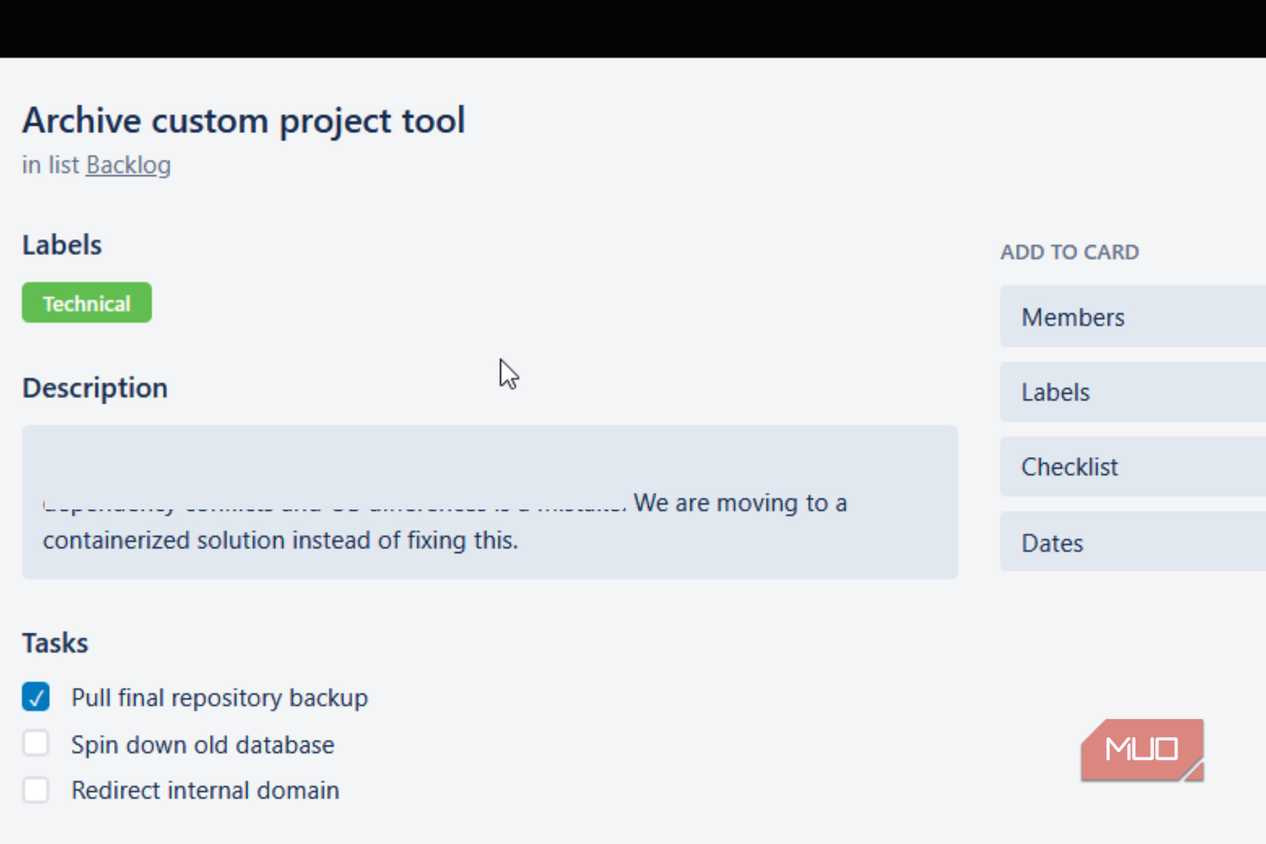
It works for the problem you designed it for and falls apart when something changes. I also hadn't thought much about the ongoing maintenance side of things. Keeping a homegrown app running means dealing with dependency conflicts, OS differences between environments, and version mismatches that can silently break a deployment.
The whole experience was a useful reminder that rolling your own solution is usually unnecessary when solid open-source tools already exist. Packaging everything in Docker eliminates most of the dependency issues that made maintaining a custom app such a chore.
Planka is a good way to own your data Docker makes the setup process really easy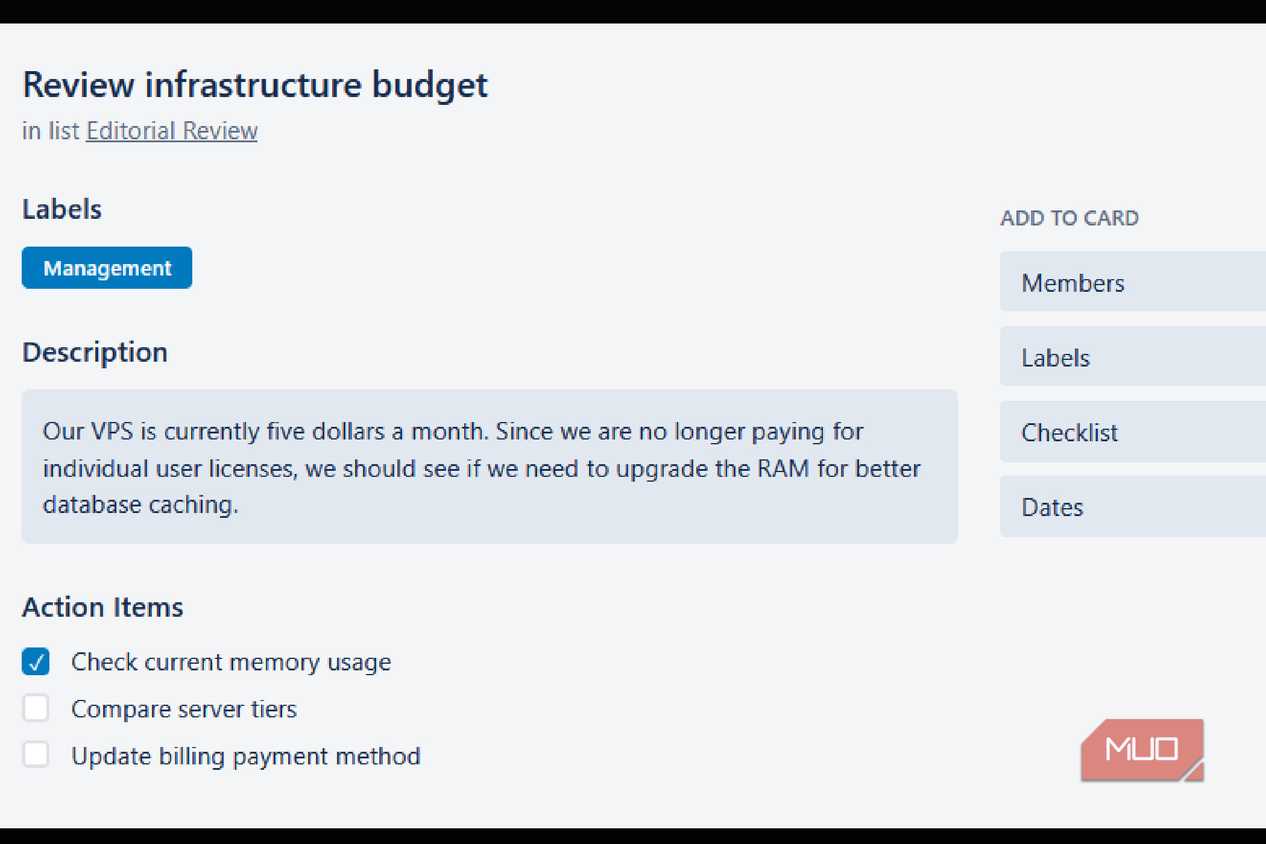 Jorge Aguilar / MakeUseOf
 Jorge Aguilar / MakeUseOf
 Jorge Aguilar / MakeUseOf
 Jorge Aguilar / MakeUseOf
 Jorge Aguilar / MakeUseOfClose
 Jorge Aguilar / MakeUseOf
 Jorge Aguilar / MakeUseOf
 Jorge Aguilar / MakeUseOf
 Jorge Aguilar / MakeUseOf
 Jorge Aguilar / MakeUseOf
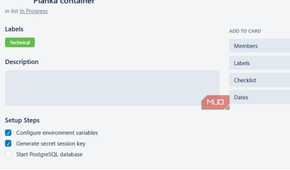
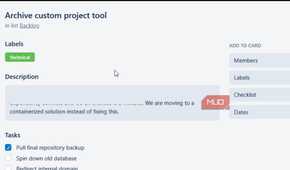
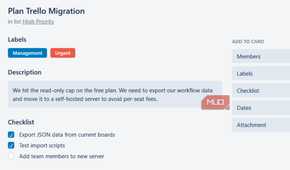
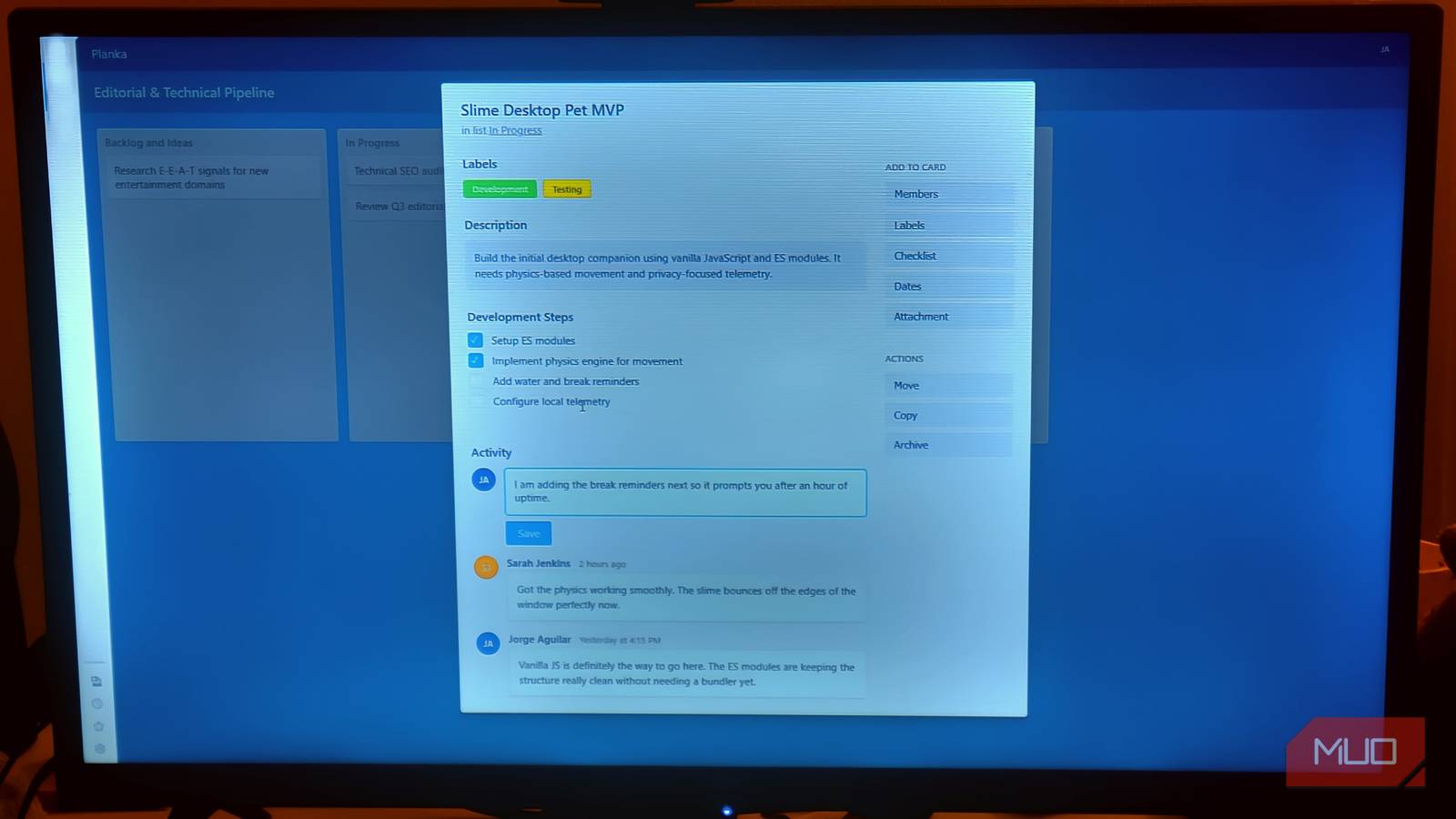
Planka, found at https://planka.app/, is the most straightforward way to own your data outright. You don't have to build a custom application from the ground up; Planka uses containerization to overcome the usual issues with conflicting dependencies and messy deployments. Its backend and frontend are genuinely lightweight. It stays at around 80 MB of RAM at idle, so you don't need anything fancy on the hardware side.
A basic VPS with 1 vCPU and 1GB of RAM, or even something as small as a Raspberry Pi, is plenty to run it. You'll need Docker and Docker Compose installed on your host machine, as everything runs on top of those. Going the Docker route is much better than installing manually because the official Planka container includes an embedded Squid proxy that automatically protects your server against SSRF attacks, without you having to touch any firewall rules.
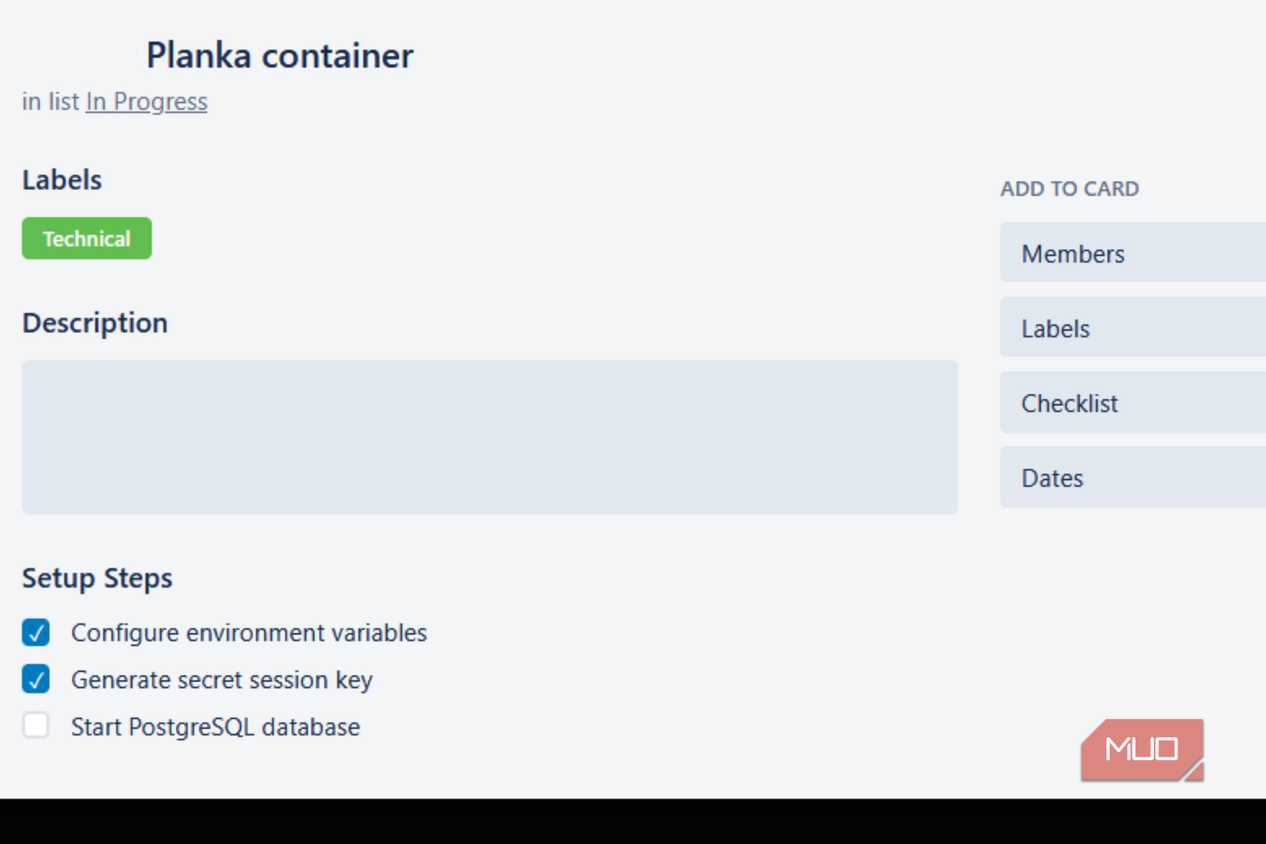
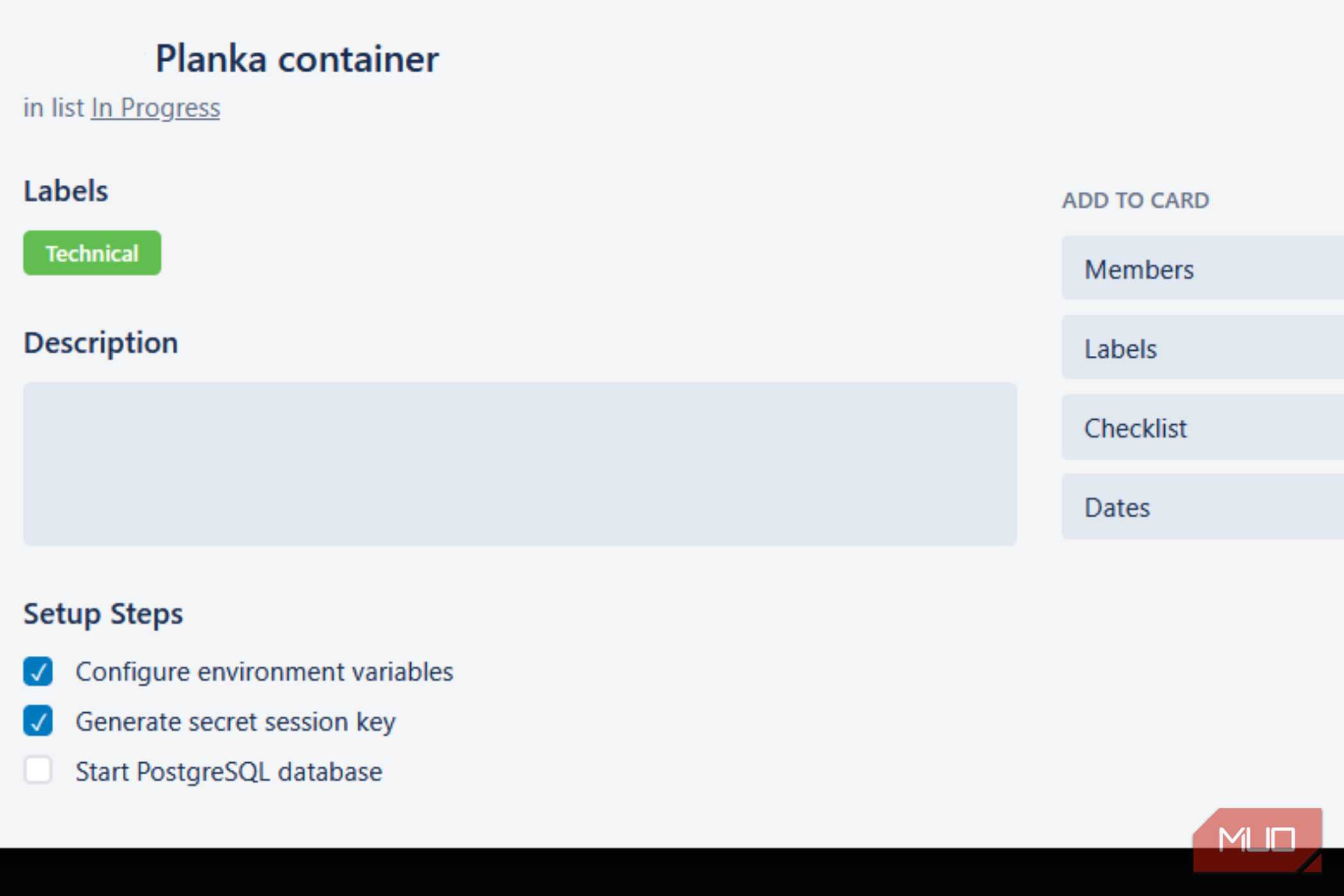
The actual setup starts with downloading Planka's official Docker Compose file to your server. Most of the configuration is done by adjusting a handful of environment variables in that one file. You'll set the base URL to match your server's IP address or domain and generate a strong random secret key that Planka uses to sign sessions.
You'll also want to map persistent storage volumes to a local path on your host so that attachments, avatars, and project data survive container restarts. If you set the default admin email and password variables in advance, Planka will automatically create your admin account on first boot, skipping any manual database setup.
Once everything is configured, a single command brings the containers up, pulls the necessary images, and starts both the PostgreSQL database and the Planka application together.
Hosting it yourself means you have to maintain it You trade a predictable bill for your own time Jorge Aguilar / MakeUseOf
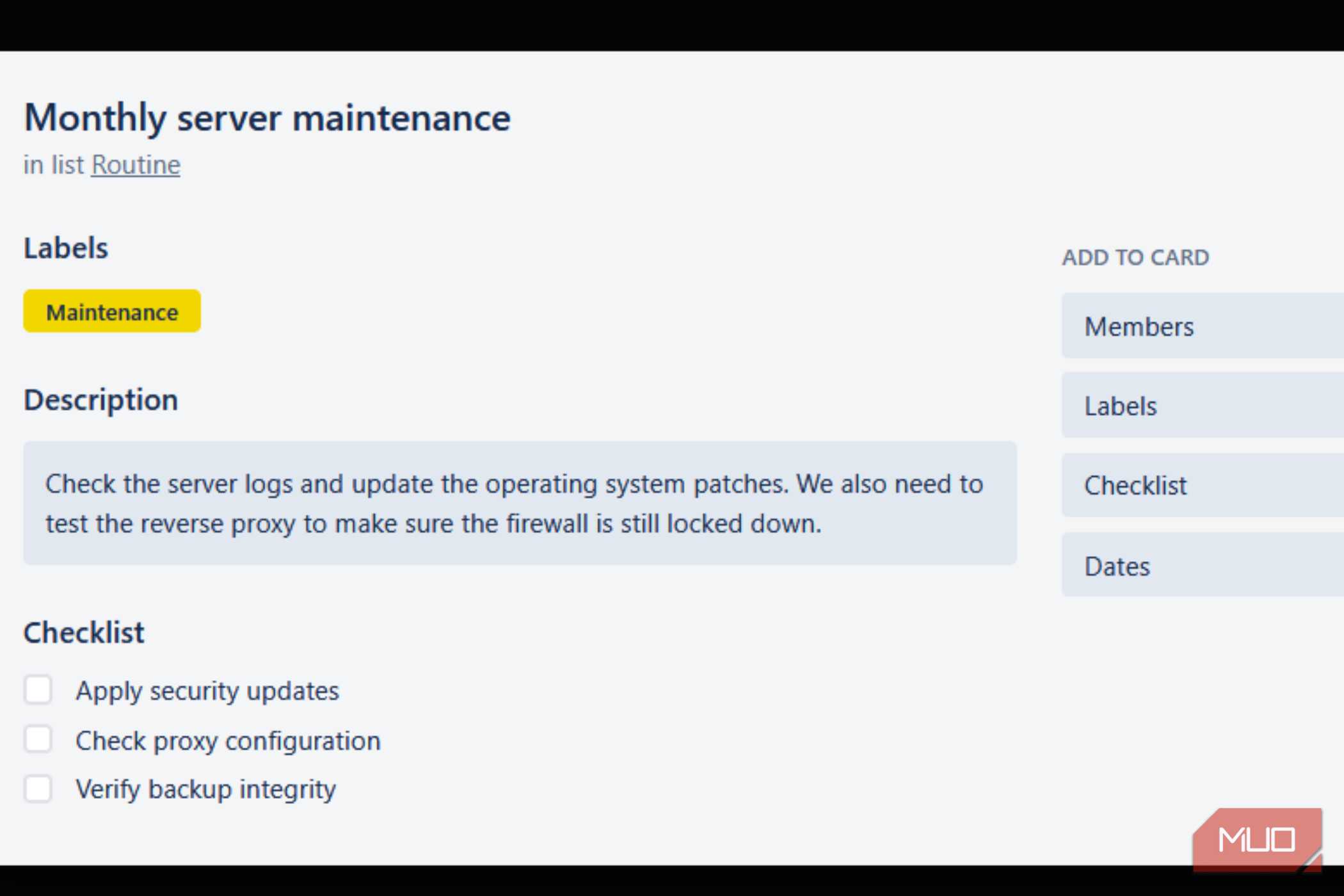
Getting away from the per-seat fees and feature limits of paid platforms feels great, but moving to something self-hosted like Planka comes with a whole new set of ongoing responsibilities that are easy to underestimate. With a commercial platform, the vendor quietly handles all database backups, security patches, and related tasks in the background. When you self-host, that all becomes your problem.
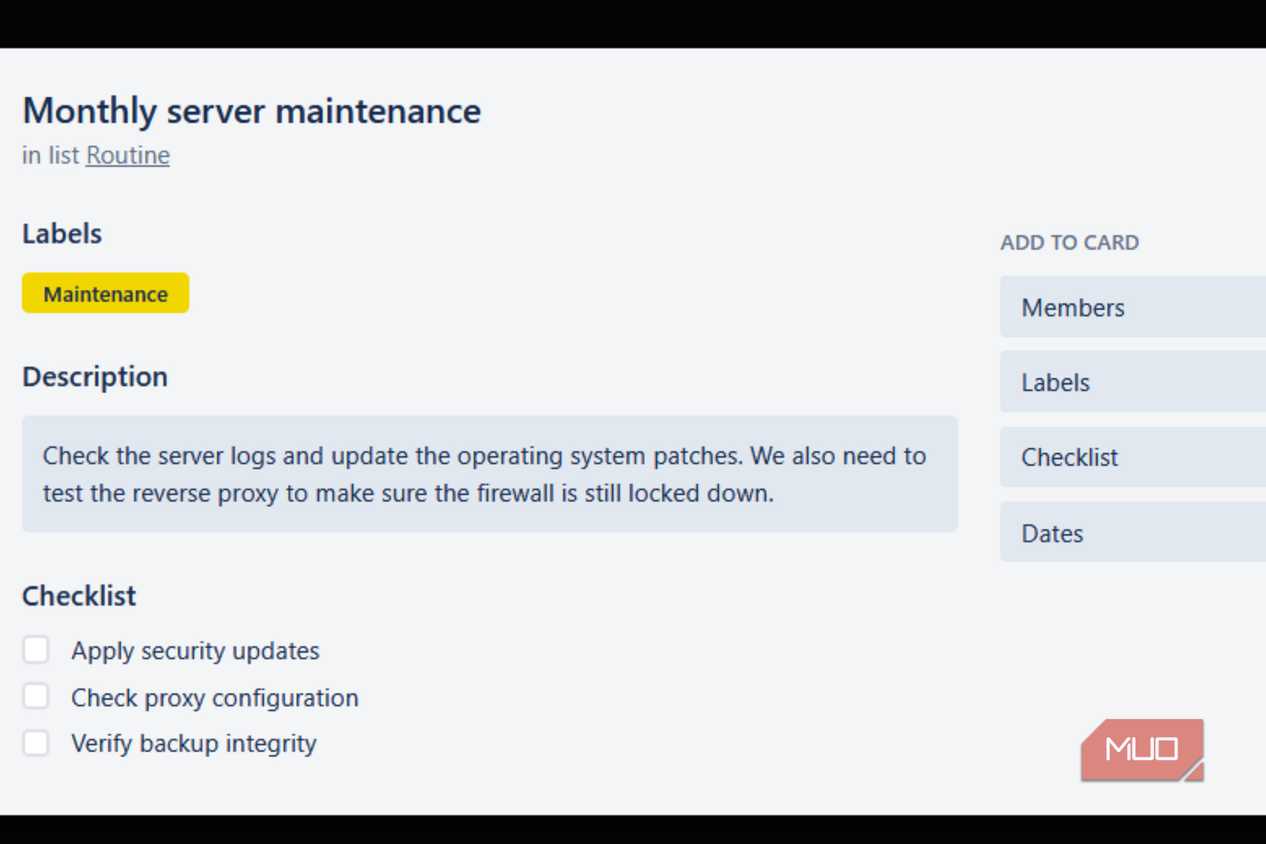
You're the one who has to keep software updated, set up HTTPS through a reverse proxy, and lock down your firewall, so vulnerabilities don't expose your internal network. If something breaks or goes offline, there's no support team to call. You're digging through server logs and browser dev tools on your own, trying to figure out what happened. For anyone without a solid background in networking or systems, that process can take a lot of time and feel like a part-time job.
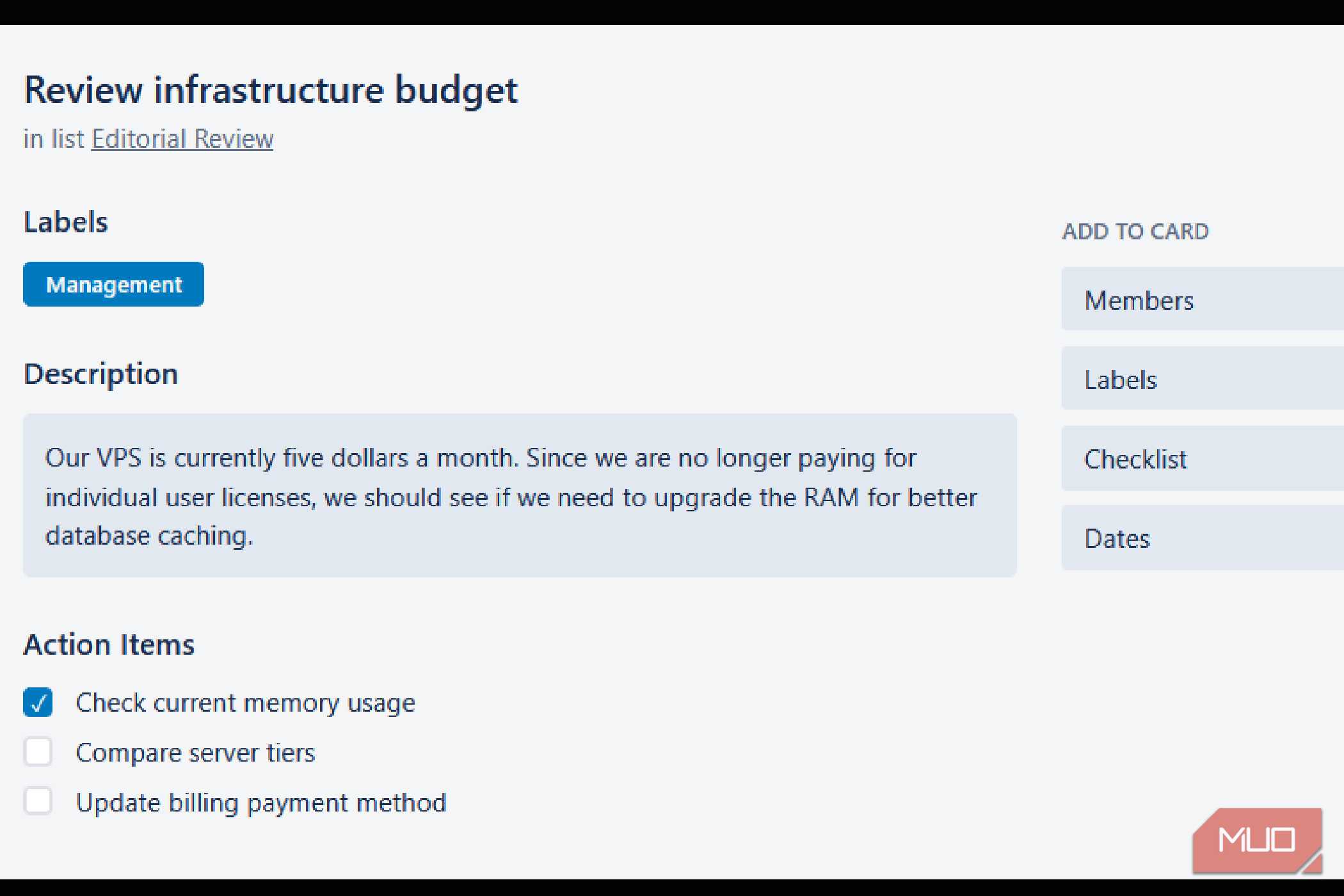
There's also the cost side of things, which isn't always as straightforward as it looks. Instead of a predictable monthly subscription, you're now managing infrastructure expenses yourself. A cloud VPS typically costs around $5 per month for a basic setup that can handle lightweight apps.
If you'd rather run everything locally on your own hardware and skip the cloud entirely, electricity becomes the thing you're budgeting for.
It's a much cheaper Trello that is more workSelf-hosting Planka isn't free, and you're trading a predictable subscription bill for infrastructure costs and ongoing maintenance work that falls on you. If your team doesn't have anyone comfortable digging through logs or setting up a reverse proxy, the overhead can cancel out whatever you were saving on licensing. If you've already got some systems experience, and you're tired of watching your workflows get held hostage by a vendor's pricing decisions, Planka is an easy way out.