
Remember me


The way hardware ages can be difficult to judge. You may be using a 10-year-old PC and feeling satisfied, or you may be running last-gen hardware and already looking at another expensive GPU to upgrade with—it's all a matter of mindset.
However, when your hardware ages to the point where the ports you've been using no longer match modern peripherals, it's time to upgrade. These are the 5 ports that are largely obsolete in 2025.
It used to be a staple, but it's not anymore Credit: Evan Amos / Wikimedia Commons
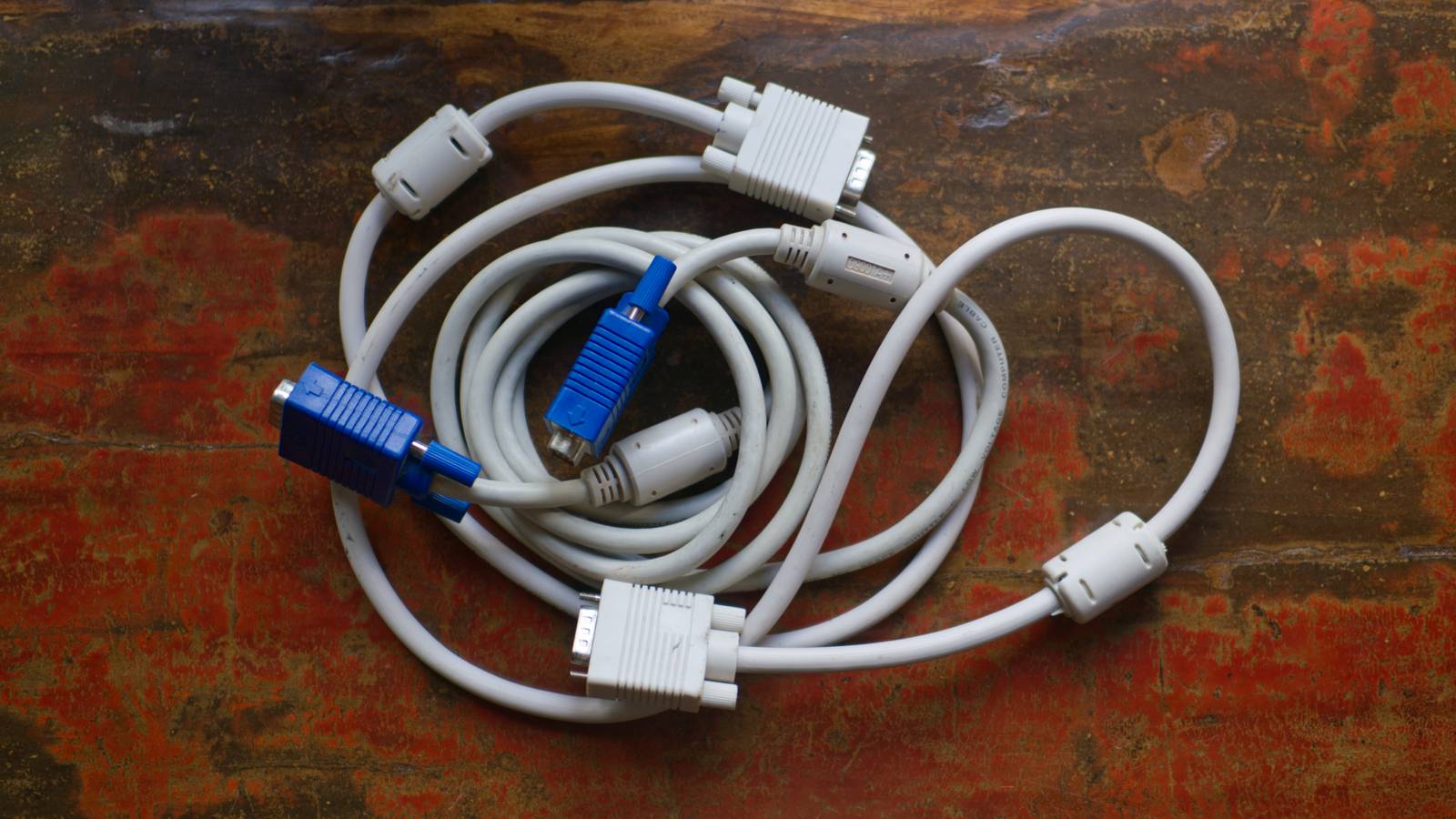
You might still have an old monitor or graphics card that uses VGA, but it's a rarity these days. If you do have hardware that needs it, you'll need to buy an adapter—those still exist, thankfully.
The VGA display standard was first introduced in 1987 by IBM. For many years, it was the default thing to plug into your GPU (back then known as a video card) and monitor, and I've used these many times myself.
The term "video graphics array" actually refers to both the display standard and to the 15-pin connector. VGA uses analog signals to transmit video, and it can't carry the kind of high-res, high-refresh rate, HDR signals that we expect from our monitors these days.
VGA was originally designed for a 640 x 480 mode with 16 colors or a 320 x 200 mode with 256 colors. Just typing that out made me nostalgic. Later analog iterations swooped in with outstanding resolutions of up to 2,048 x 1,536 and 24-bit color.
DVI (Digital Visual Interface) Just like VGA, DVI is becoming a thing of the past Credit: Evan Amos / Wikimedia Commons
Here's another cable that I used to wrestle with on a regular basis. Just like VGA, this standard has been largely phased out of modern hardware. New GPUs, monitors, and laptops ship mostly without it, and if you have older hardware, you're probably using an HDMI-to-DVI or DisplayPort-to-DVI adapter.
DVI was introduced in 1999 by the Digital Display Working Group (DDWG). It was the next step after VGA, but for many years, these technologies coexisted; you'd often find both in monitors and GPUs alike.
Unlike VGA's pure analog signaling, DVI offered a digital connection made for flat-panel LCDs, although there was also a hybrid version (DVI-I) that worked with both analog and digital signals. This helped DVI bridge the gap when we were all throwing away our CRTs and swapping over to those shiny, flat, perfectly square LCDs with ultra-wide bezels. DVI-D was the digital-only variant.
Ultimately, DVI had a few different variants, both single-link and dual-link. The former maxed out at 1,920 x 1,200, but dual-link could go up to 2,560 x 1,600 or 1080p at 144Hz.
DVI eventually fell behind when HDMI and DisplayPort were introduced. It was a crucial stepping stone during its era, but it's now irrelevant.
IEEE 1394 (FireWire) Apple enthusiasts should remember this one Credit: Mikkel Paulson / Wikimedia Commons
IEEE 1394 was known under more than one name, but you probably know it as FireWire. It was developed in the late 1980s by Apple, which teamed up with some other companies to create this interface standard for high-speed communication and data transfers. Some of the contributors included Sony (i.LINK) and Panasonic.
These days, FireWire is essentially obsolete, but you might still have an old camcorder, audio interface, or external hard drive that uses it. You'll need a Thunderbolt-to-FireWire adapter or a legacy PCIe FireWire card to make them work.
FireWire actually came in two major versions, dubbed the FireWire 400 and 800, and each looked different, with the 800 being newer and having a more compact design.
In the consumer market, FireWire first made its appearance in some Macintosh models. Thunderbolt arrived in 2011 and slowly took over as Apple's high-speed external interface. By 2016, Apple had discontinued the last Macs and displays with FireWire ports.
 Related
PS/2
This port had nothing to do with the PlayStation
Related
PS/2
This port had nothing to do with the PlayStation
 Credit: Daniel Beardsmore / Wikimedia Commons
Although the name might remind you of the Sony PlayStation, the PS/2 port had nothing to do with any console. It's used for connecting keyboards and mice to your PC, and chances are that you've seen it before, but will you ever use it again?
The PS/2 port was introduced in 1987 with the IBM Personal System/2 series of PCs. It's a 6-pin mini-DIN connector. While both the mouse and the keyboard ports appear to be identical, they weren't always interchangeable, although dual PS/2 ports do exist.
Unlike the other ports on this list, the PS/2 still exists ... kind of.
Those keyboards and mice are still being produced in some small capacity, but USB has largely pushed the PS/2 out of the market. Surprisingly, while much older, it has a certain advantage over USB, though.
USB devices work through polling, which means that the PC has to check whether it's registering any inputs from the USB port. PS/2 devices work through so-called interrupts, meaning they're the ones sending that information to the PC. Some enthusiasts, overclockers, and professionals in certain fields claim that this results in marginally lower latency, which can be an advantage. For the vast majority of users, USB's polling rates are just as good.
eSATA Another port that was killed by USB Credit: Ruggero Turra / Wikimedia Commons
eSATA stands for External Serial ATA. It was standardized in 2004 as a way to use SATA drives outside the PC chassis.
In its early days, eSATA outperformed USB 2.0, matching SATA II and even SATA III speeds—which were much faster than USB 2.0 and indeed could make external drives as quick as internal ones. The downside was that eSATA didn't transfer data and power over the same cable the way USB could (and still does). You usually needed a separate wall adapter to power up your drive.
You might still have an old external hard drive dock or enclosure that uses eSATA, but this is one of those ports that's effectively dead. You're unlikely to find it on any modern hardware, so to keep those older drives on life support, you'll need a PCIe expansion card or an adapter-based enclosure.
Once USB 3.0 came around, eSATA was quickly forgotten.
It's time to move onThese are just some of the ports that are now a thing of the past. While some still have some niche uses, all of them are no longer common in modern hardware, so if you still use them, it's time to let them go.