
Remember me



Notifications are one of the most powerful smart home features, but they don’t necessarily have to clog up your phone. Sometimes, you just want an alert you can hear.
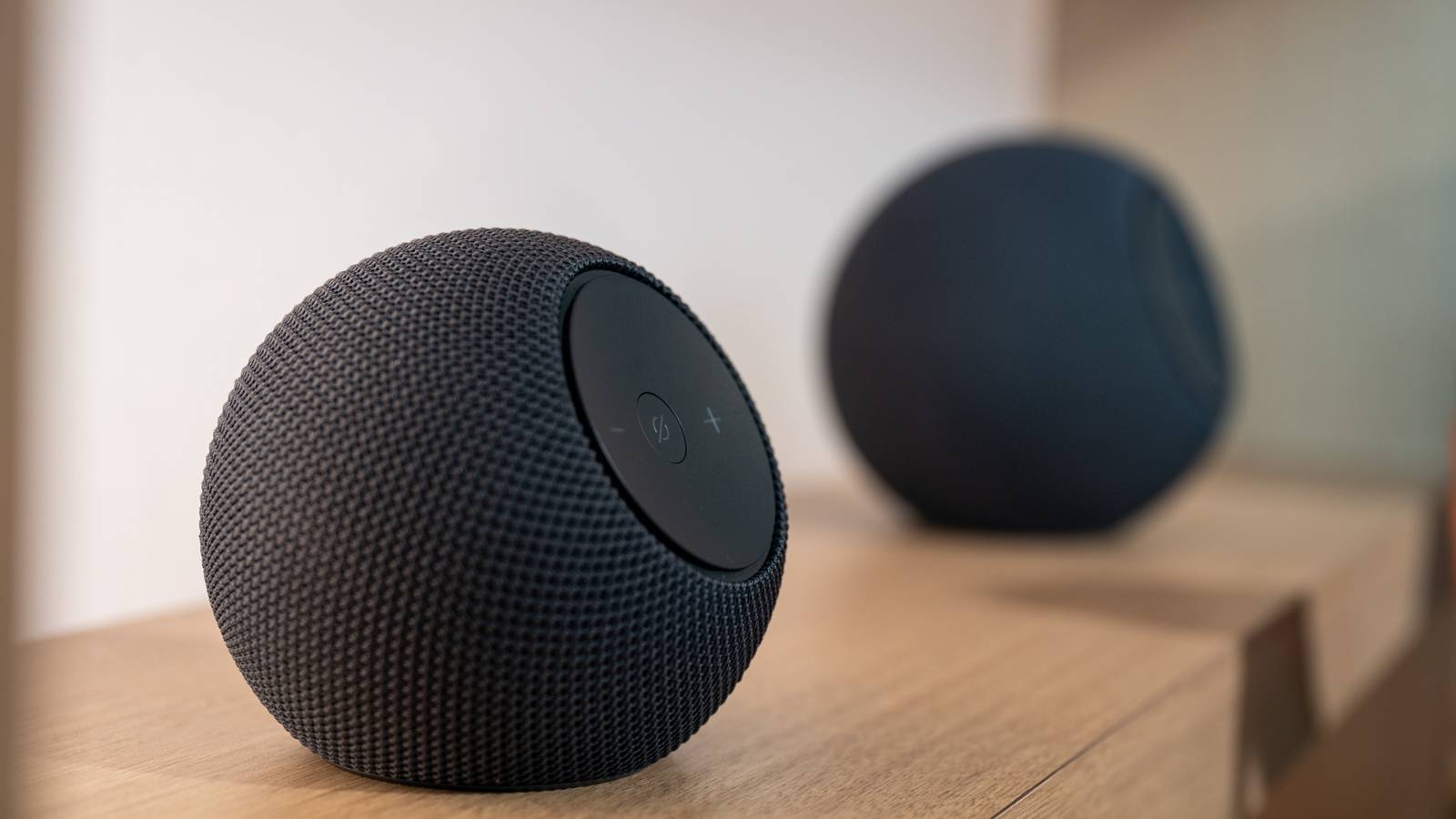
Pairing Home Assistant with a smart speaker (or a whole house full of them) gives you lots of options, and plenty of chances to have some fun.
Playing sound effects with a connected speaker and Home AssistantHome Assistant gives you the ability to play specific media on speakers of your choosing using automations and scripts. To do this, you’ll need to make your media available within Home Assistant. The easiest way to do this is to move any sound effect files into Home Assistant’s /media/ directory.
Get access to this directory easily by installing the Samba share app under the Apps menu. This will make your Home Assistant files available across the local network, so you can easily access them from a computer or similar device. From here, it’s a simple case of dropping MP3, WAV, FLAC, or OGG files into the directory.
With your media on your server, create or modify an automation and add the Media Player > Play Media action, making sure you choose the correct “Starts playing specified media on a media player” option. Choose your targets (your desired smart speakers and other playback devices), then click Pick media to choose the My media folder.
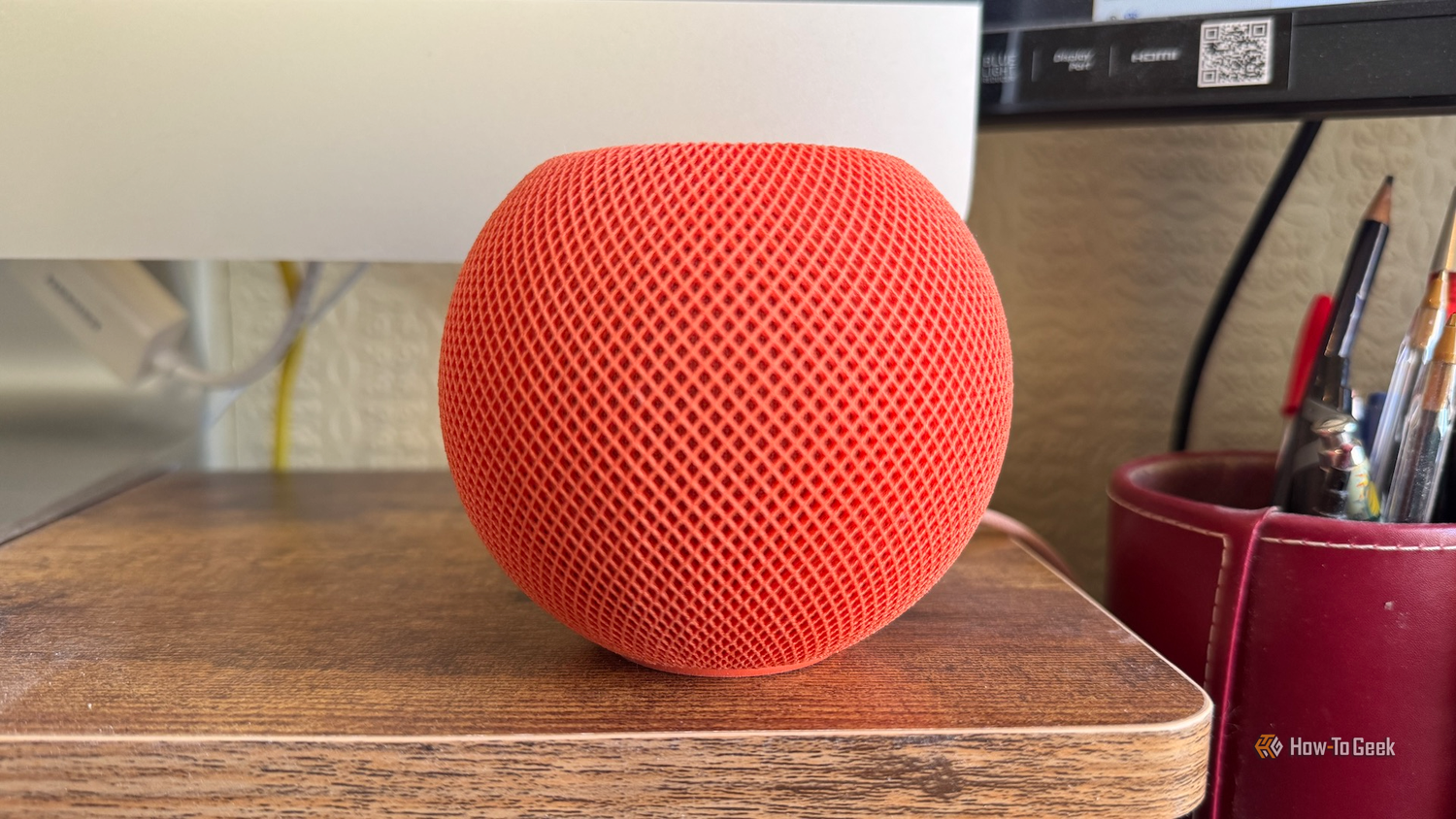 Credit: Adam Davidson / How-To Geek
 Credit: Tim Brookes / How-To Geek
 Credit: Corbin Davenport / How-To Geek
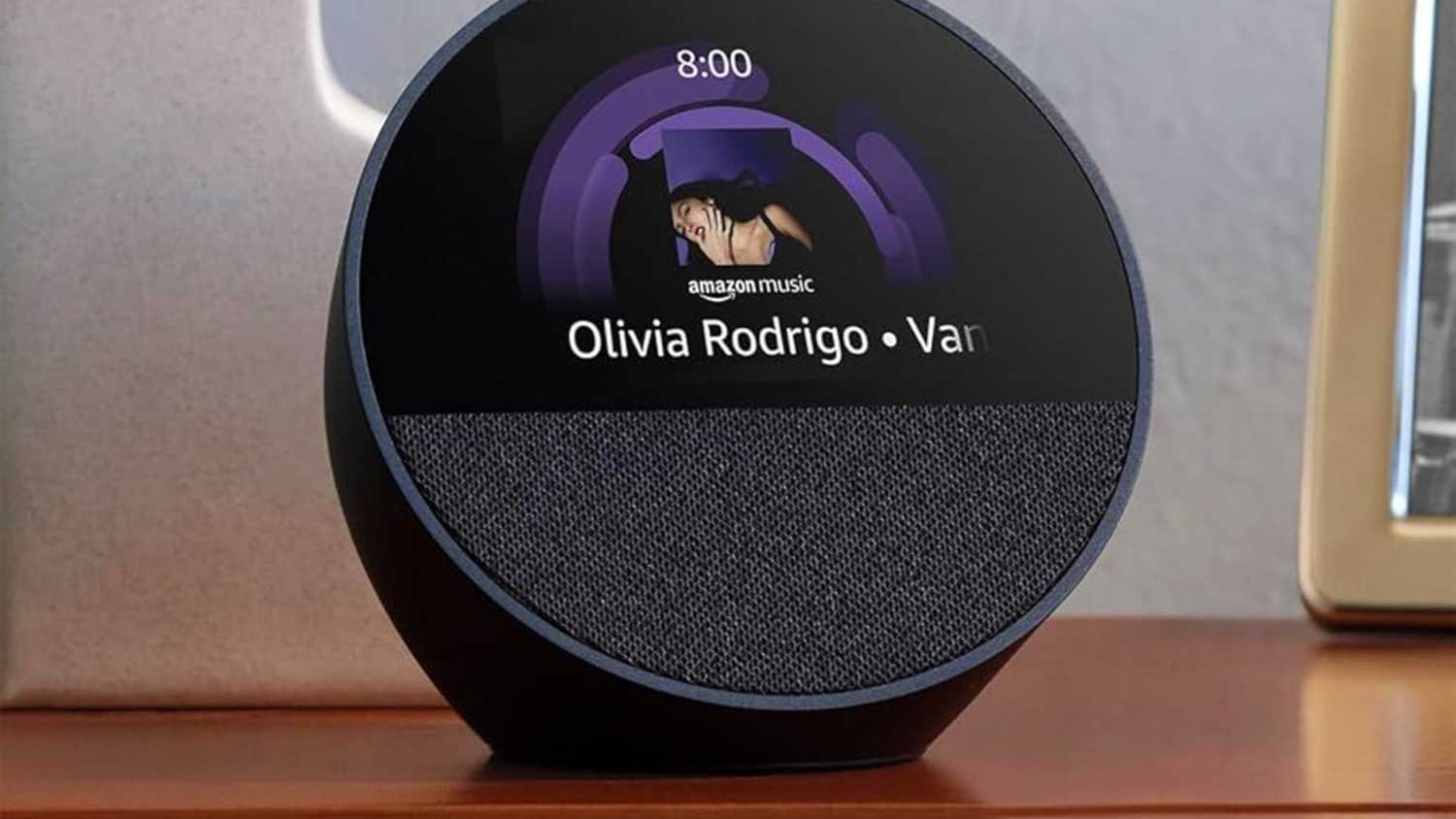 Amazon
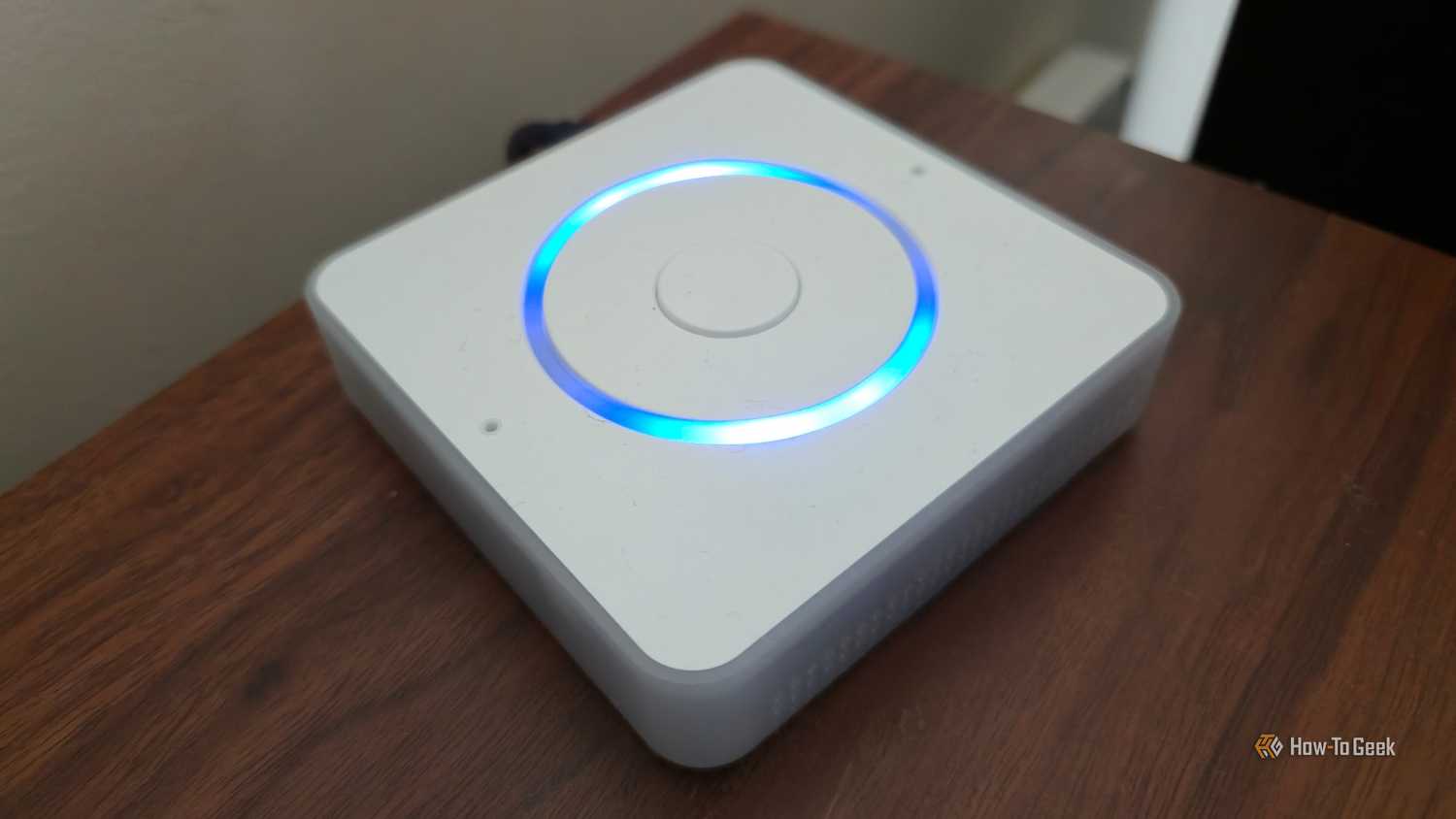 Credit: Bertel King / How-To GeekClose
 Credit: Adam Davidson / How-To Geek
 Credit: Tim Brookes / How-To Geek
 Credit: Corbin Davenport / How-To Geek
 Amazon
 Credit: Bertel King / How-To Geek

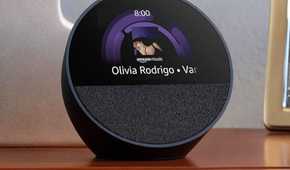
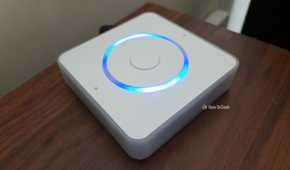
If you’re running Home Assistant in a Docker container, you’ll need to mount the directory by modifying your Docker CLI command or Docker Compose YAML using the instructions on the Home Assistant website.
Extracting your favorite sound effects is usually a case of searching the web for the sound file or ripping a video’s audio and trimming it down to size. Here are some ideas to get you started.
Your favorite classic Windows shut down noise Trigger it when you’re going to bedI don’t touch Windows these days unless I have to, but I still have a soft spot for Microsoft’s “golden age” operating systems. The shut down sounds, in particular, are seared into my brain—and the Windows XP chime is a personal favorite.
I’ve added this sound to my “Goodnight” scene, as a simple script that runs whenever the scene is activated. If you also use a “Good morning” scene, then you know what else you can do!
Stargate SG-1’s incoming traveler alert Combine with your choice of presence detectionHome Assistant has a few different methods for implementing presence detection. You can use the Home Assistant companion app, you can use your router as a sensor, or you could use a camera or video doorbell to identify objects like people.
If you can depend on one of these to work, you can receive a warning of an approaching visitor by playing the classic Stargate SG-1 incoming traveler alert.
AOL’s classic “you’ve got mail” mailbox alert It’s perfectI never had an AOL account or email address, but millions of people did. Somehow, the iconic “you’ve got mail!” announcement lives rent-free in my head. Why not put it to good use in your smart home by combining it with a mailbox sensor? I built mine using a passive infrared motion sensor, with a rule that turns the automation on and off to avoid being bombarded with notifications.
Seinfeld slap bass when the front door opens Cut it short or you’ll get sick of itDo you wish your life was filmed in front of a live studio audience? Trigger the iconic Seinfeld slap bass sting with a contact sensor on your front door, and you’re halfway there. This one has the potential to get very annoying, so you might want to set some sensible boundaries.
I’d start by trimming the file length down a bit for maximum effect. Consider adding conditions to the automation that limit it to specific times of day (like when you get home from work, rather than when you have to sign for packages in the day). You can even disable it entirely when certain people are home who might find it particularly bothersome.
Xbox achievement unlocked Because doing laundry is an achievementYou can use a smart plug to set up a laundry alert that notifies you when it’s time to empty the machine. I have a mobile notification that appears whenever this happens, but I’m leveling it up by adding the iconic Xbox achievement alert too. Since getting laundry done is an achievement of its own, it seems appropriate.
There are many more possibilities, and your idea of a good time is probably different to my own. Personally, I’m still looking for a way to integrate the Hitman mission accomplished outro into my smart home.