
Remember me


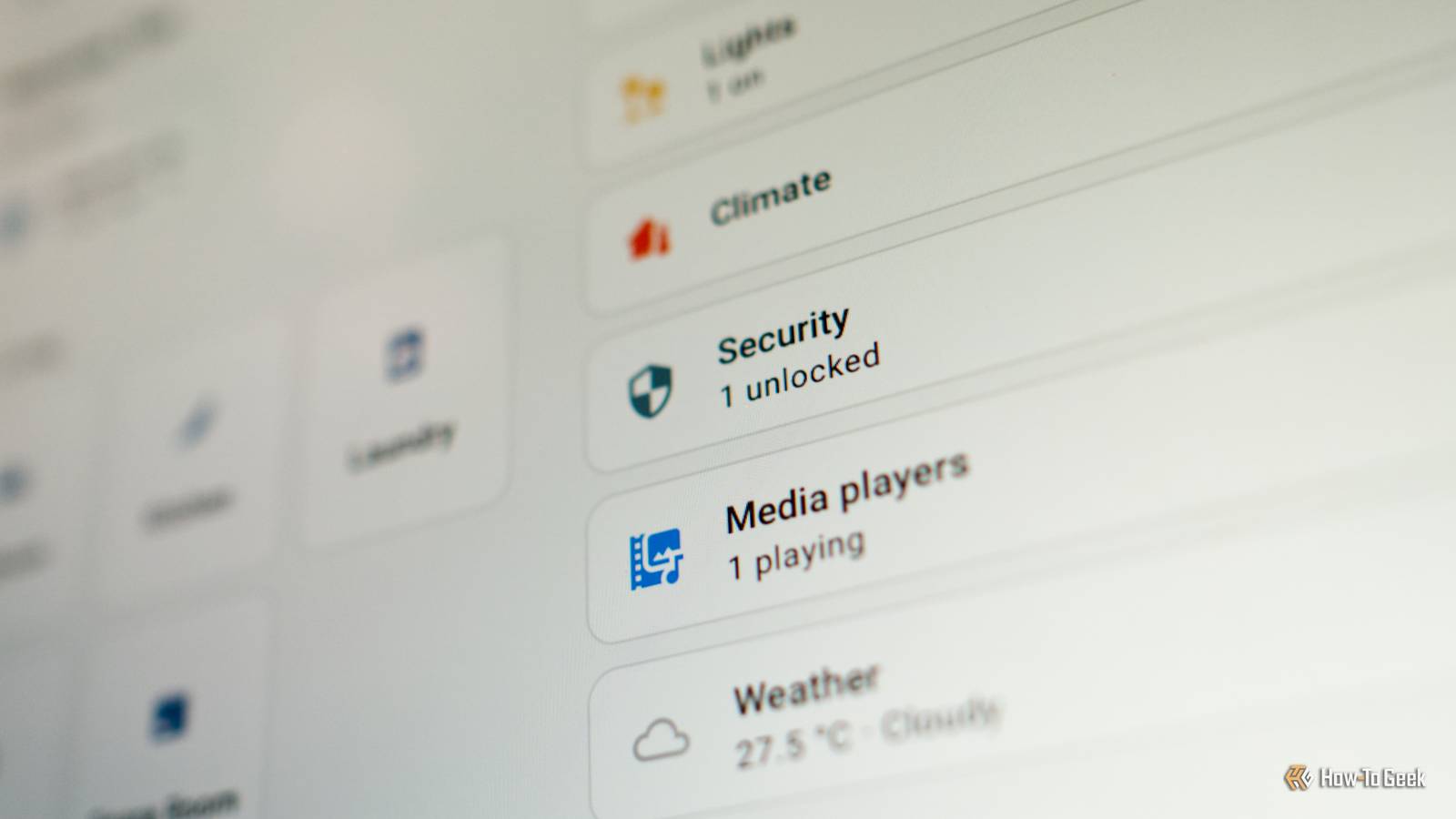


The Awesome Home Assistant list has a huge selection of some of the most useful custom integrations for Home Assistant. Each integration includes its GitHub star count, and these are some of the most popular integrations according to the people who actually use them.
Bermuda Room-level presence tracking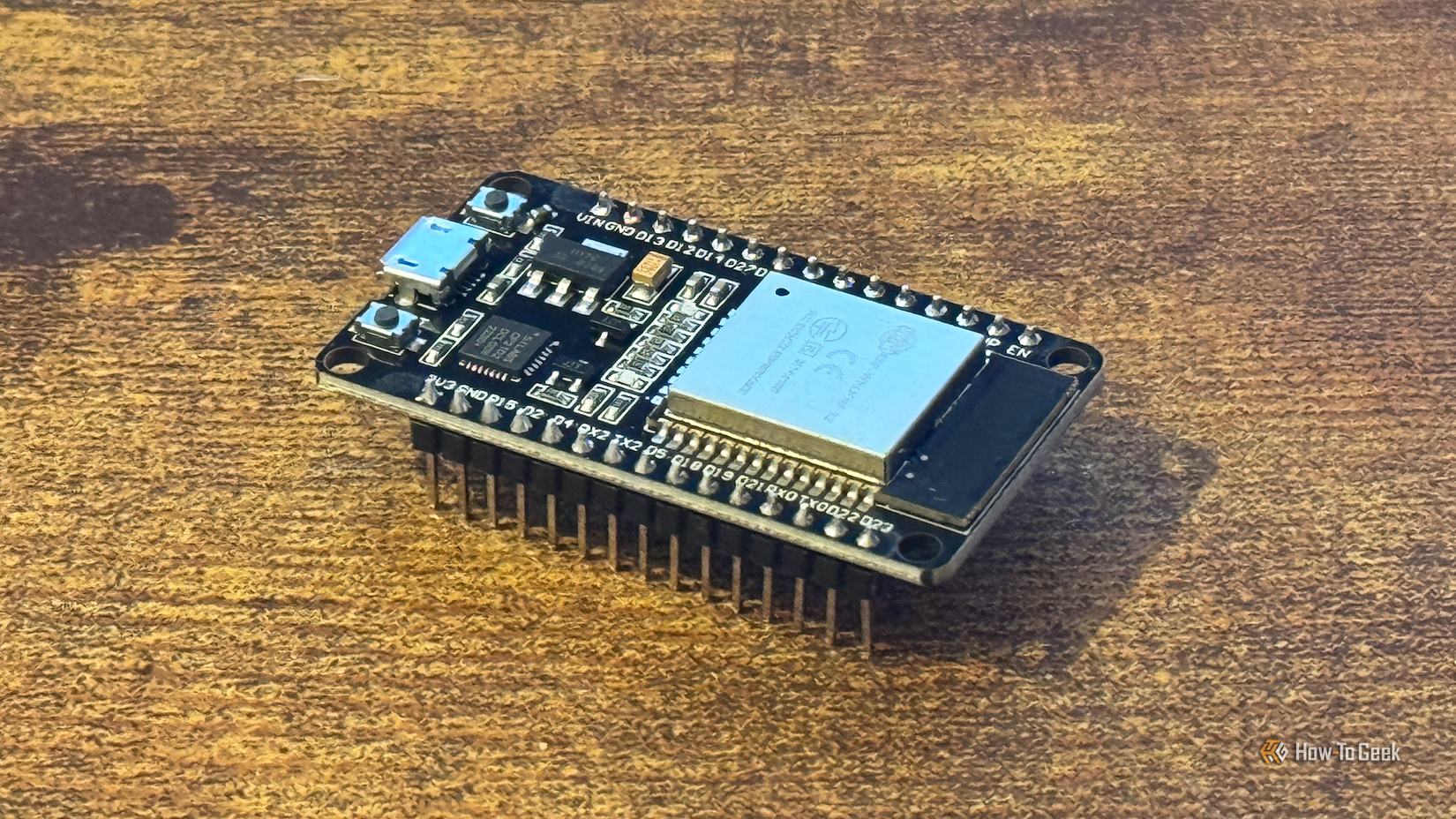 Credit: Adam Davidson/How-To Geek
Being able to determine when your home is occupied or empty is really useful for automations such as turning off your heating or cooling when no one is home. While knowing when people are at home is useful, it's not as useful as knowing which rooms they're in.
Bermuda is an integration that tracks Bluetooth Low Energy (BLE) devices using ESP32 Bluetooth proxies. With enough proxies placed around your home, Bermuda can estimate which room a Bluetooth device is in based on the signal strength detected by those proxies. If you're carrying your phone or smartwatch, this can give a reasonably accurate measure of which room you're in.
Browser Mod Turn any browser into a controllable Home Assistant device
Browser Mod can turn a browser running your Home Assistant dashboard into a dedicated device and media player. You can then control these devices from Home Assistant.
For example, you can have a browser open a live feed from your video doorbell when someone rings the bell or use a motion sensor to wake or sleep the screen of a wall-mounted tablet. You can even play sound through the browser to create your own voice alerts through different devices in your home.
 Related
Powercalc
Monitor energy for devices that don't report
Related
Powercalc
Monitor energy for devices that don't report

A simple way to monitor energy usage for devices in your home is to use energy-monitoring smart plugs. This isn't always practical for devices such as lights and fans, so you may not be getting a full picture of what's using energy in your home.
Powercalc estimates energy consumption for devices that can't be measured directly, using models based on measurements of real devices. It creates virtual power sensors for devices such as lights and fans, so that you can get a more realistic picture of how your energy is being used.
Better Thermostat Add proper TRV support to your home
A smart Thermostatic Radiator Valve (TRV) is a device that connects to hot-water radiators. It can be used to control the flow of hot water through the radiator, helping to control the room temperature. The problem is that because these valves are attached to the radiator, their temperature readings aren't representative of the temperature of the room.
The Better Thermostat integration allows you to use other temperature sensors in the same room rather than relying on devices that are right next to your heat source. It also includes open-window detection, the option to group TRVs for a room with multiple radiators, and algorithms designed to reduce energy consumption.
LLM Vision AI for your smart cameras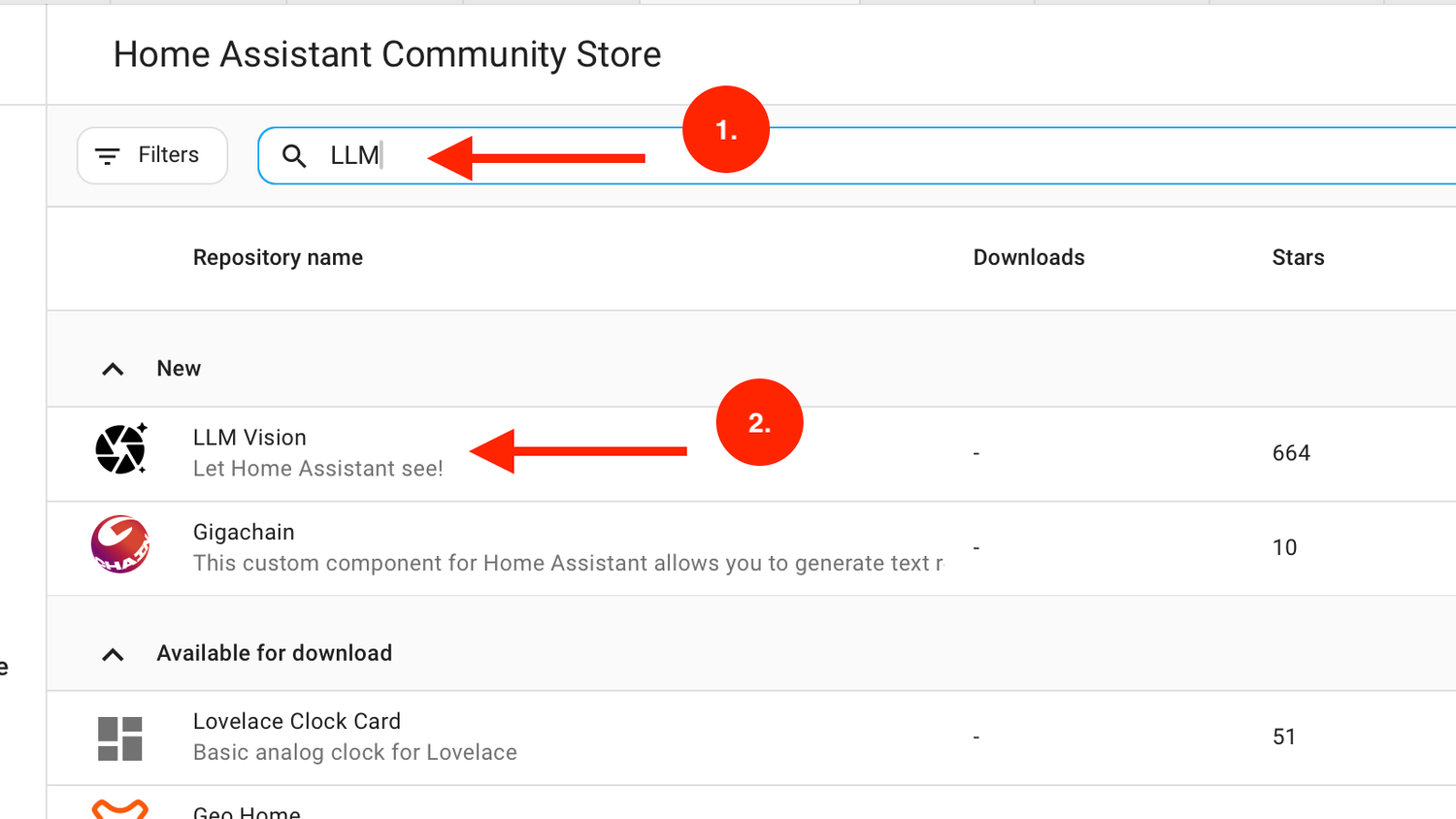
 Close
Close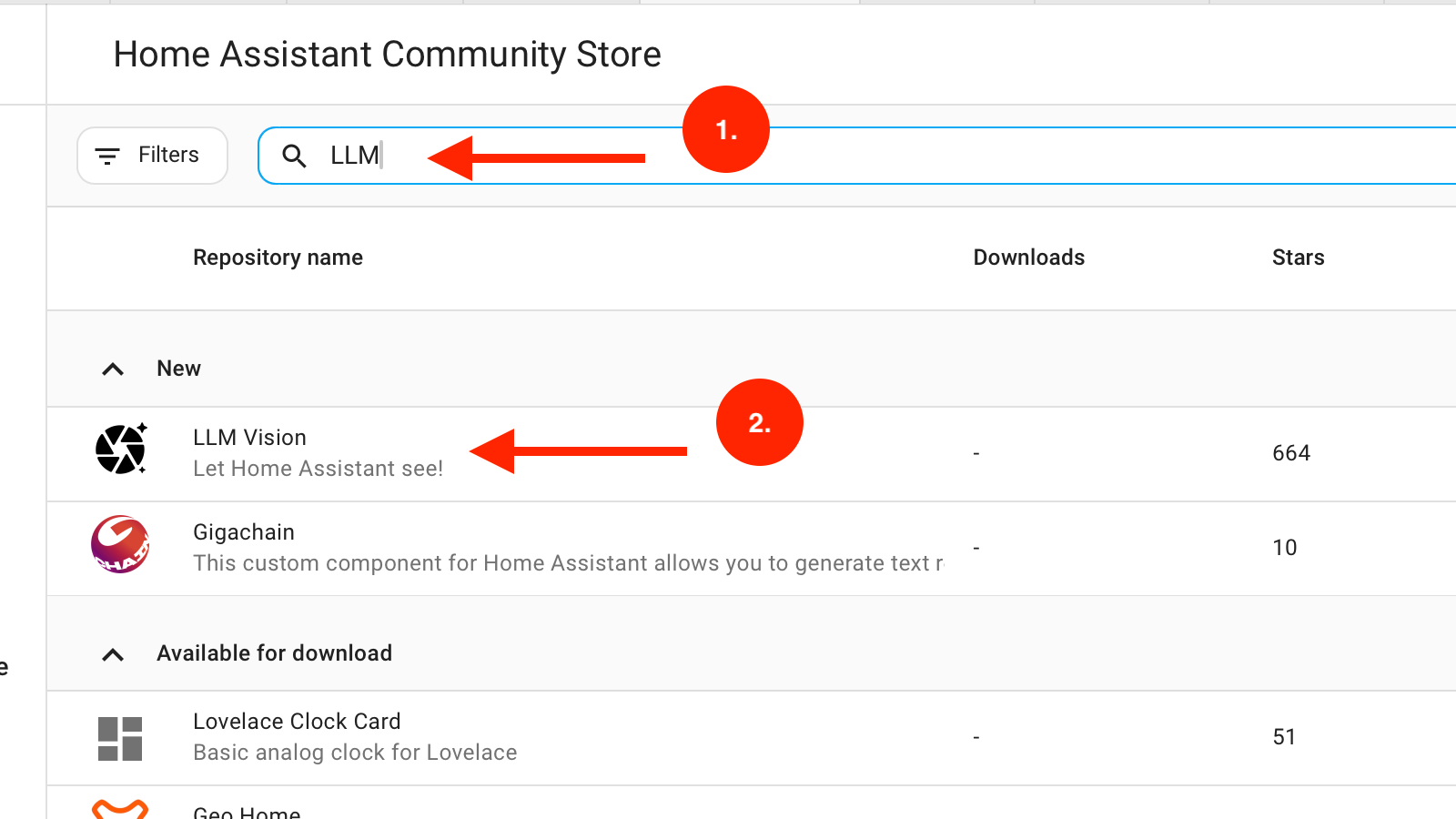
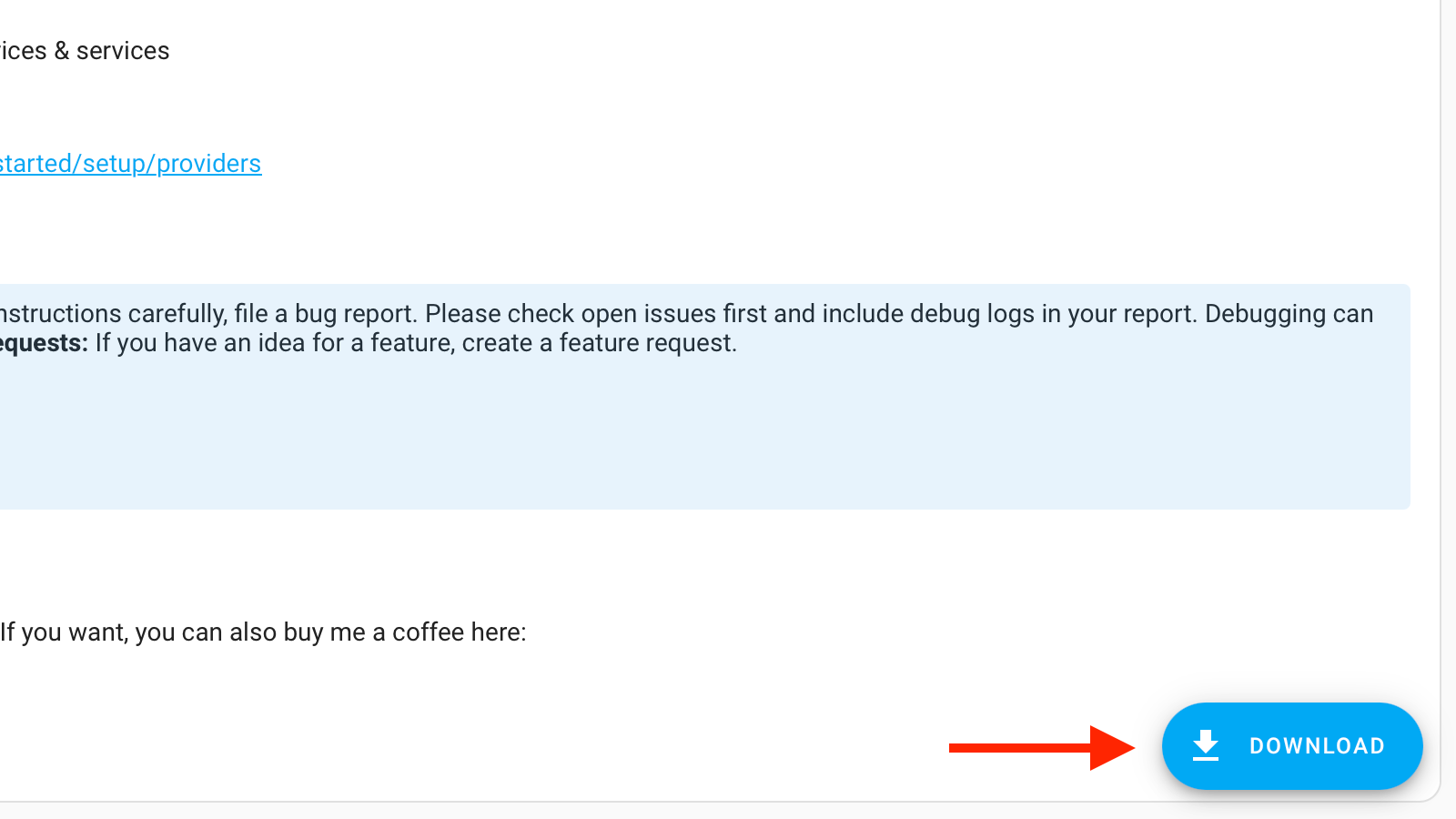
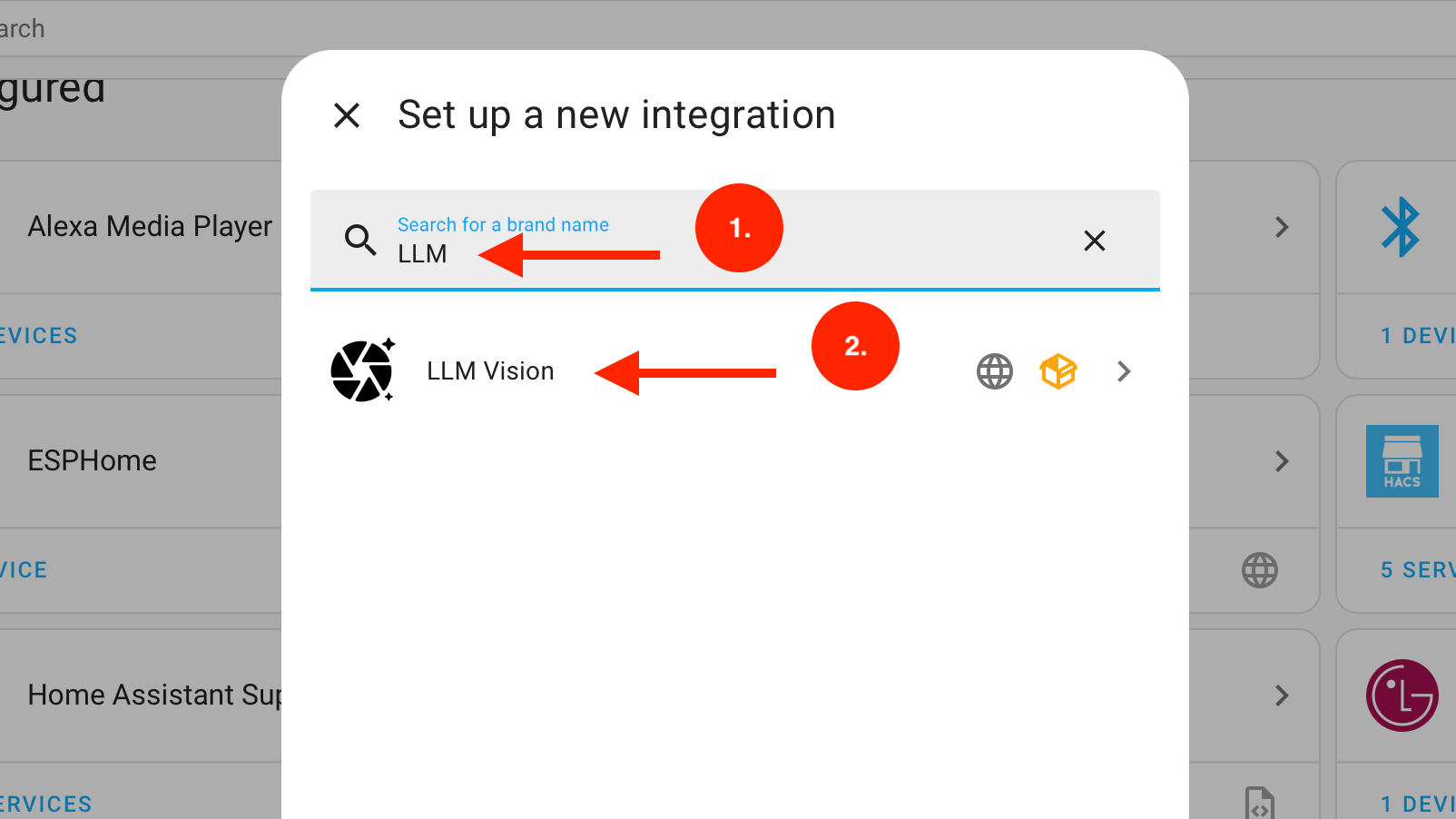
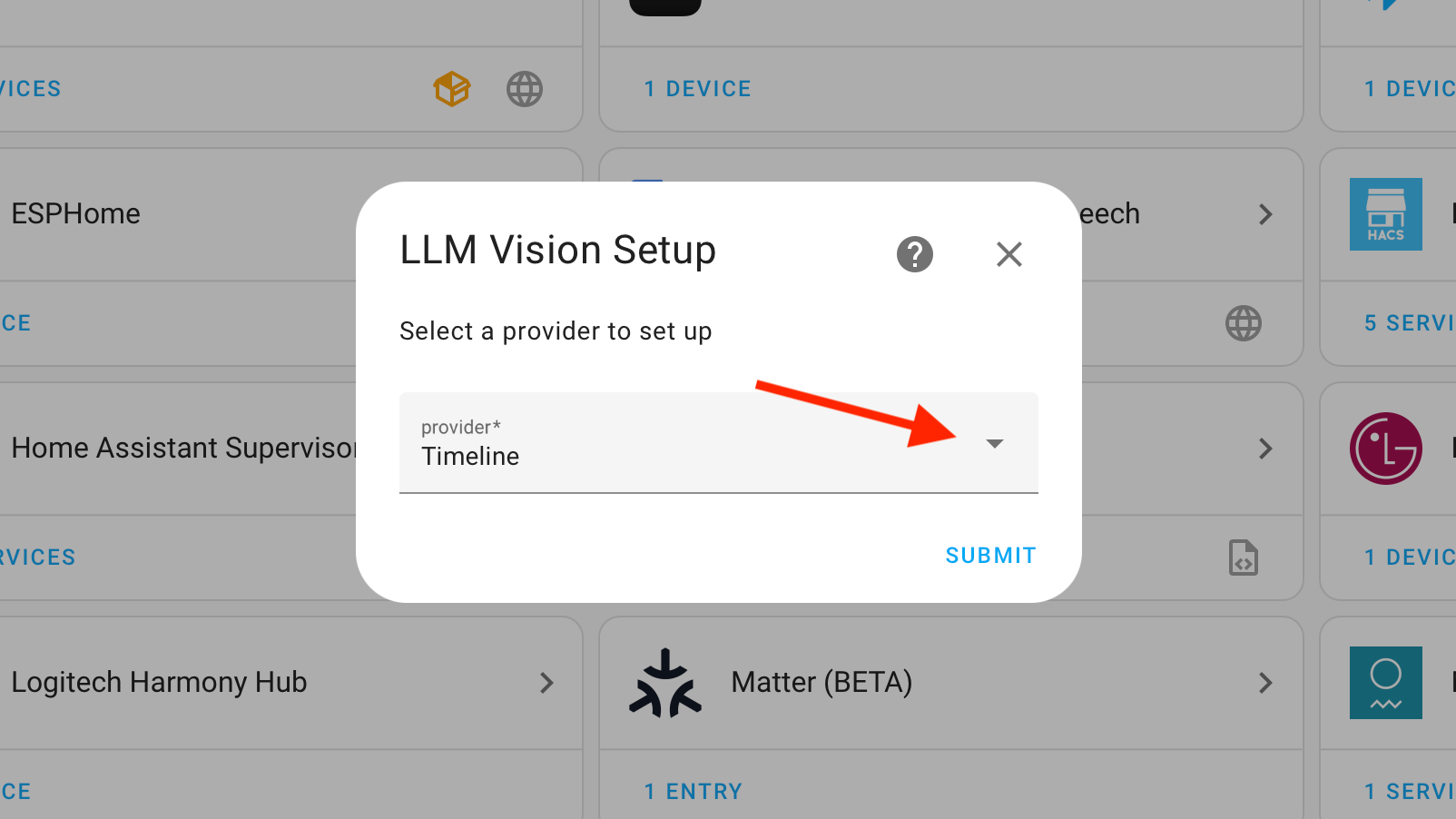
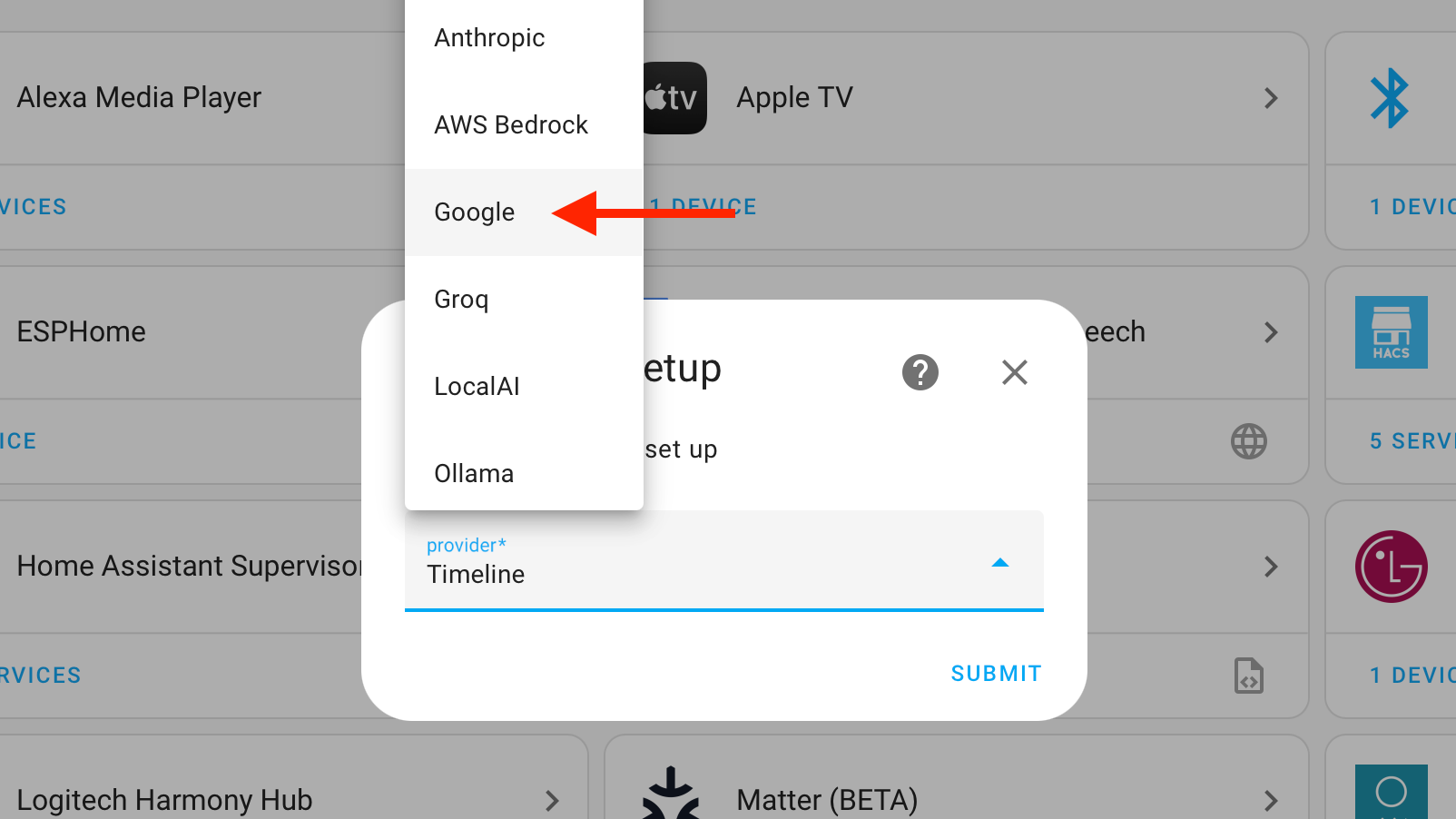
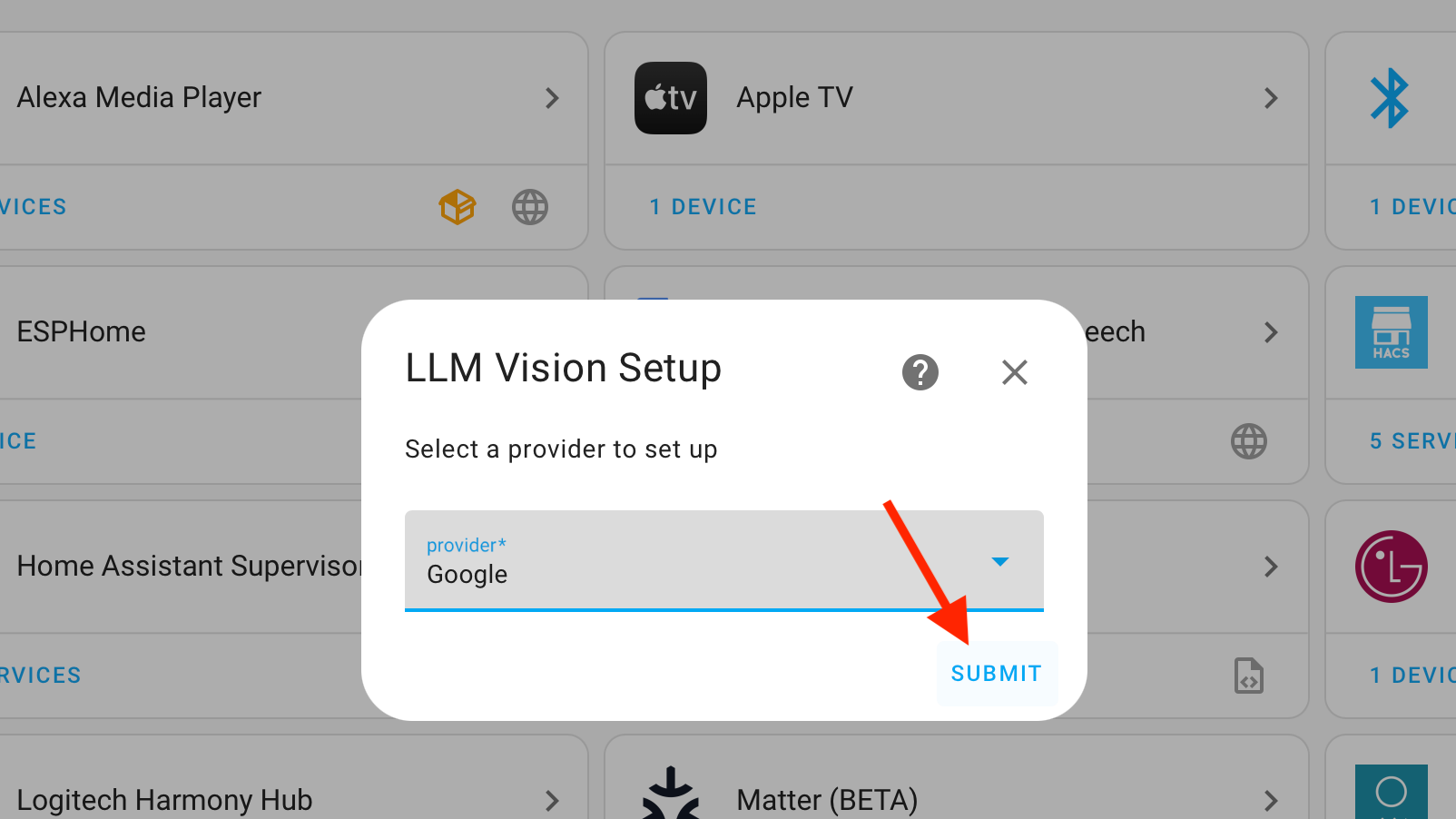
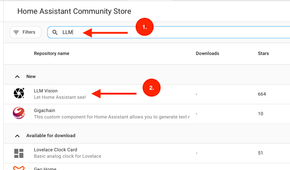
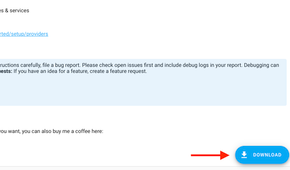
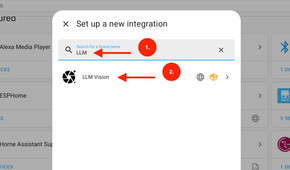
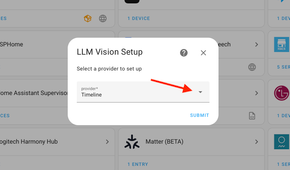
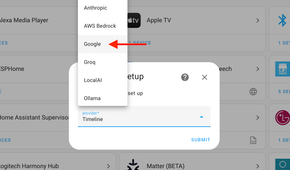

If you have smart cameras or video doorbells in your smart home, you have access to a huge source of images and videos. Many of these devices have features such as motion detection or person detection, but what they can identify varies from device to device.
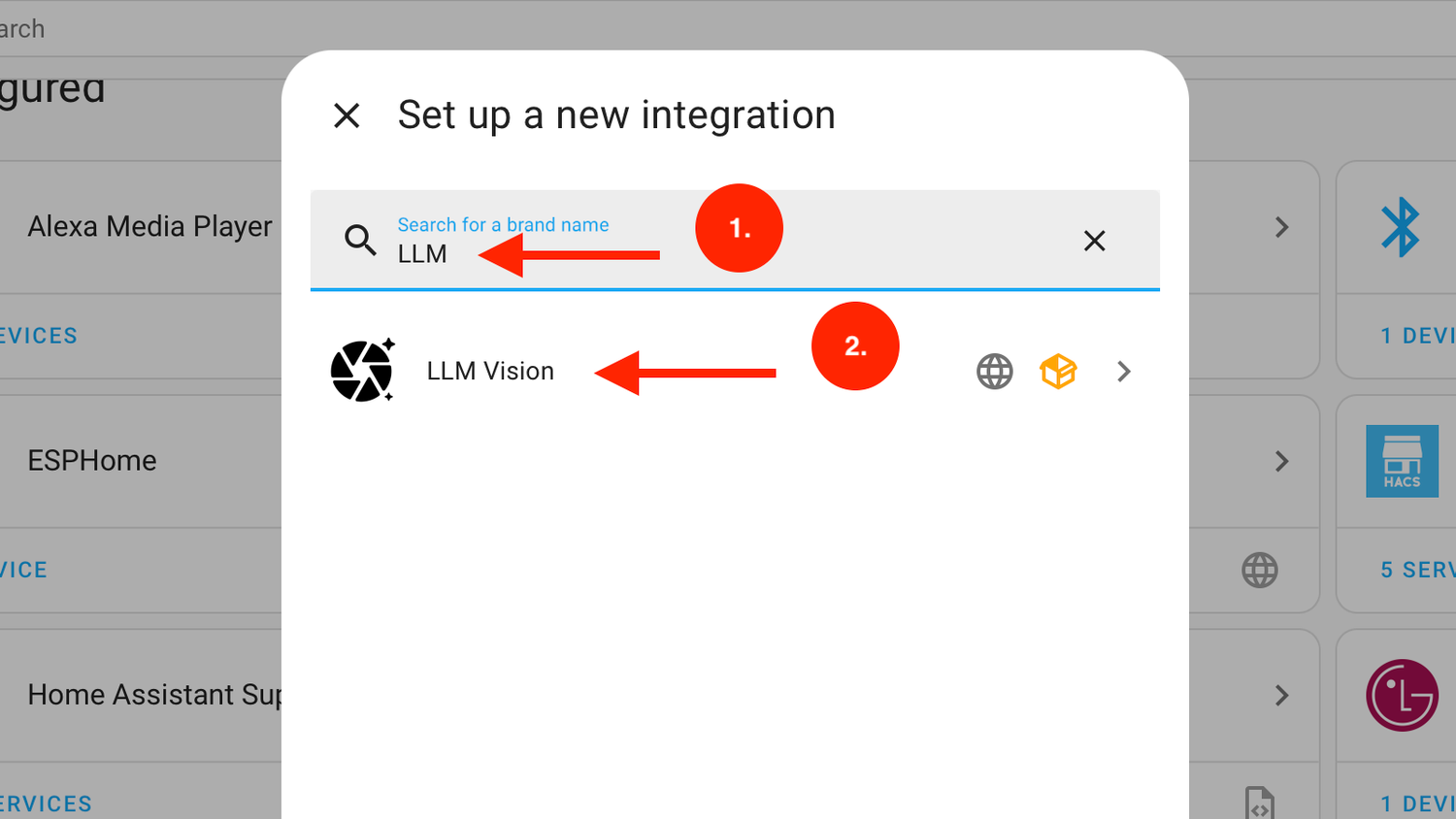
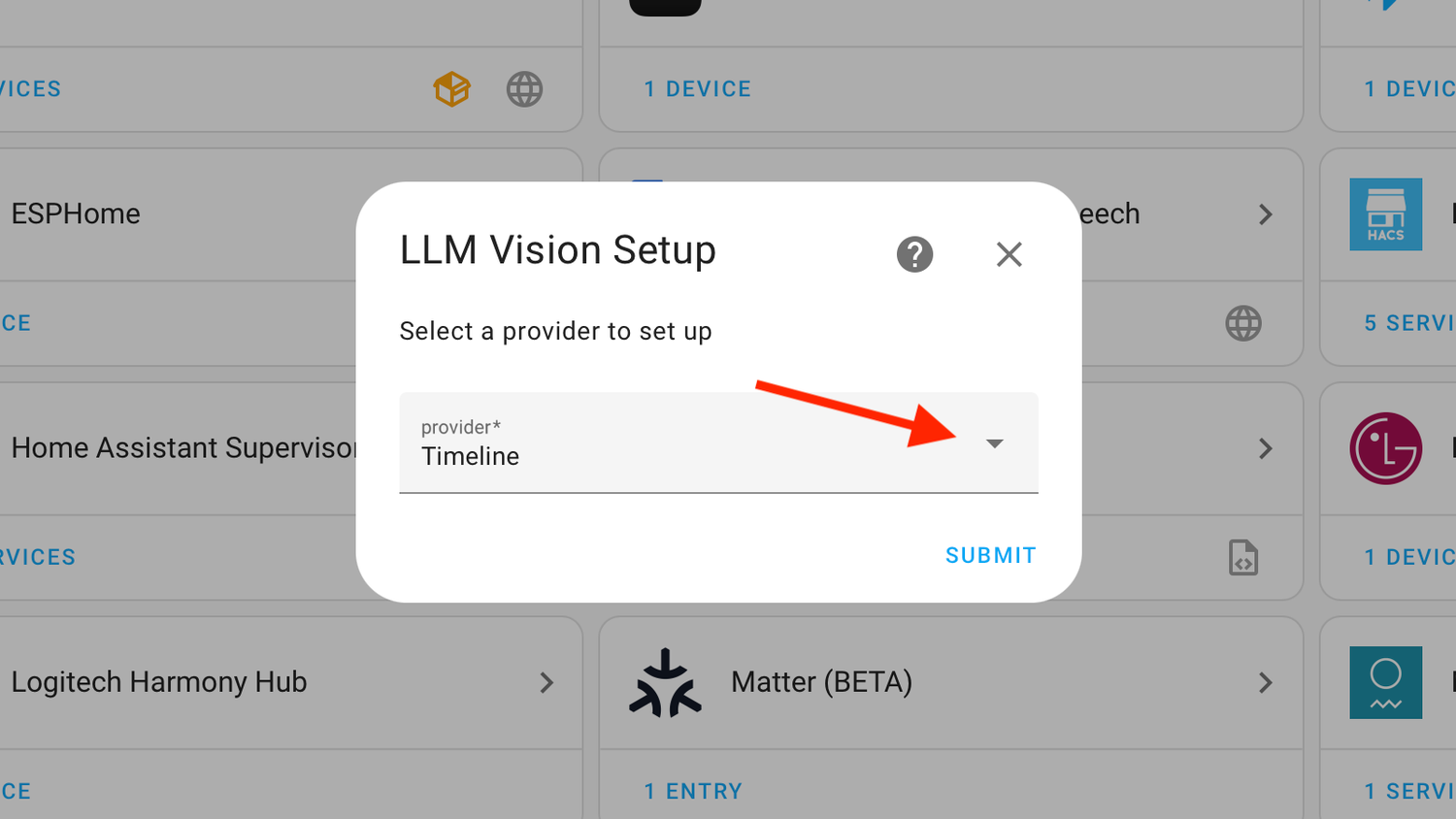
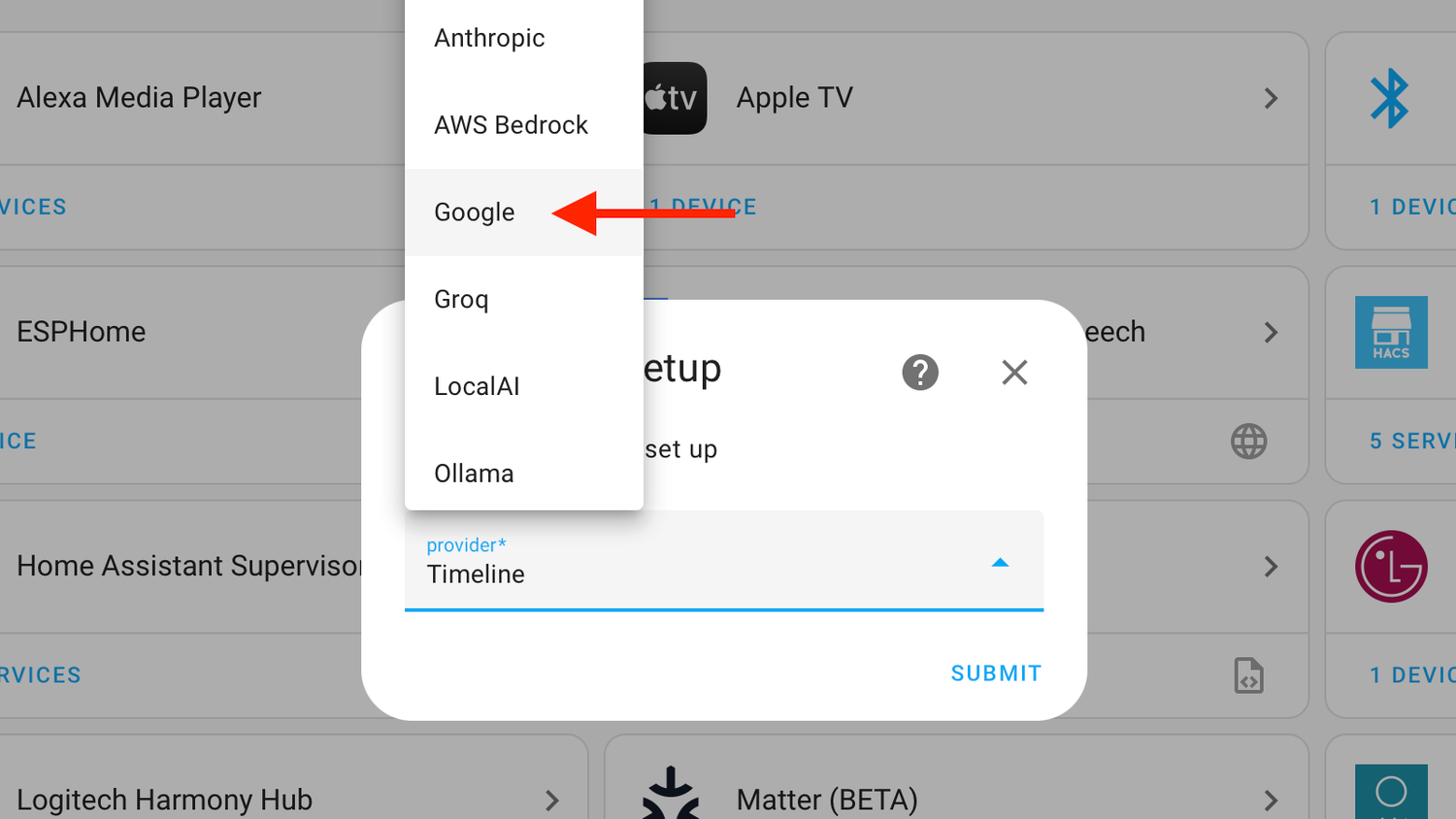
LLM Vision is an integration that allows you to use multimodal AI models to analyze images and videos. For example, your video doorbell may be able to tell you that motion has been detected, but if it's not a person, vehicle, or package, it can't tell you what the source of the motion was. LLM Vision can look at a snapshot from the video doorbell and help identify whether it was the neighbor's cat or your garbage bins blowing over.
You could also use it to determine how many people are at your door, or whether your gate is open. You can use it for less useful purposes, too, such as describing the people who ring your doorbell in less-than-flattering terms.
Remote Home Assistant Turn Home Assistant into Homes Assistant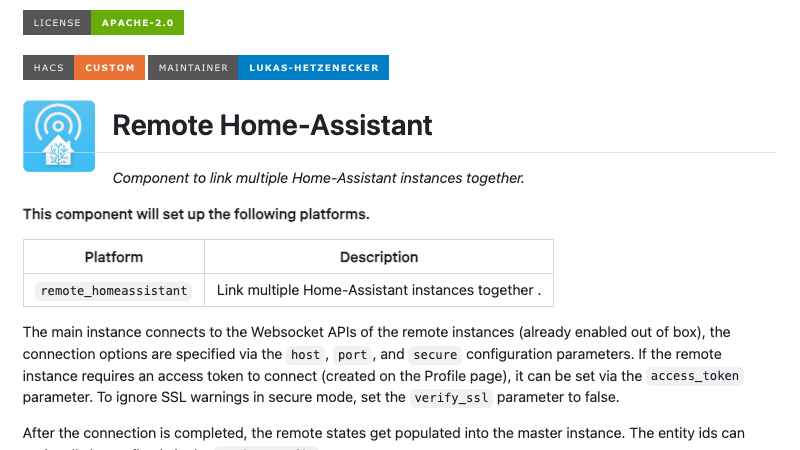
This isn't another way to access Home Assistant remotely when you're away from home. Instead, it's a way to link multiple Home Assistant instances together.
You might have another instance of Home Assistant running in a workshop, an external office, or even the home of a friend or family member. Remote Home Assistant lets you link these instances so that entities from one instance are visible and controllable from another.
This allows you to do things such as create automations that depend on entities from multiple locations or have a notification appear in one instance when something happens in another. You need Remote Home Assistant installed on each instance you want to connect.
Frigate Local NVR with local object detection Credit: Frigate
Frigate is an open-source Network Video Recorder (NVR). Its main job is to receive, process, and store the video feeds from your smart cameras and video doorbells. It can do a lot more, however.
Frigate offers real-time AI object detection where all the processing takes place on your local hardware, so none of your video ever needs to get sent to the cloud. Using an AI accelerator such as a Coral TPU, even fairly modest hardware can detect different types of objects such as people, cars, cats, and dogs. You can use this object detection to trigger automations in Home Assistant.
There are plenty more great integrations to check outThese are just seven of the more popular integrations from the Awesome Home Assistant list. There are plenty more to check out. It's worth taking a look through what's there, as you may discover the perfect integration for your needs.