
Remember me





I use Obsidian almost every day. After living in the Google Docs/Microsoft Office/LibreOffice world for a long time, I wanted something different. Something that was lightweight, portable, and simpler. I love its features and Markdown-friendly functionality. I don't like that it needs to sync to the cloud. So I tested out a few alternatives to see if they could replace Obsidian in my workflow.
Joplin is markdown-friendly, with a simple interface A lightweight app that you can sync with DockerI use Joplin quite a bit on my modded Fire Tablet. It's Markdown-friendly, simple interface, and useful features (like checklists) keep me using it. Right now, I primarily use it as a Comics Journal locally. When I discovered I could self-host it with Docker and sync my own backups, I was sold. There's nothing about Joplin I don't like, and it's always worked well for me.
First thing, I went to Joplin's website and found the installation instructions for Linux. Following installation, I used Docker Compose to set up a containerized version of Joplin on my desktop, following this extensive guide. Since I'm planning to sync between my phone and computer, I had to set up a Local Area Network IP Bind instead of setting it up as localhost.
Once the server was set up, I opened Joplin and navigated to Tools > Options > Synchronization. From there, I put in my server URL.
I will say setting up the server was much more complicated than it needed to be, but it felt worthwhile in the end.
I like Joplin the best as a potential Obsidian replacement for its power (the actual writing interface) and simplicity (it doesn't have all the extra features of Obsidian, which I like for some projects). I used at least four different guides, a server install checklist, and spent a few hours fine-tuning it. Github was the most helpful guide and finally pushed me over the finish line. But, hey, it works!
And if you don't want to self-host a server or deal with the headache of managing containerized network configurations, you can always sync your notes with Dropbox if you want to.
 Related
Anytype is a multi-use app for outlining and brainstorming
A collaborative, privacy-focused writing tool
Related
Anytype is a multi-use app for outlining and brainstorming
A collaborative, privacy-focused writing tool
 Credit: David J. Buck/How-To Geek
Anytype is an app similar to Obsidian, but does things a little differently. To begin with, everything you do on the app is converted into an object that lives in your device's local storage.
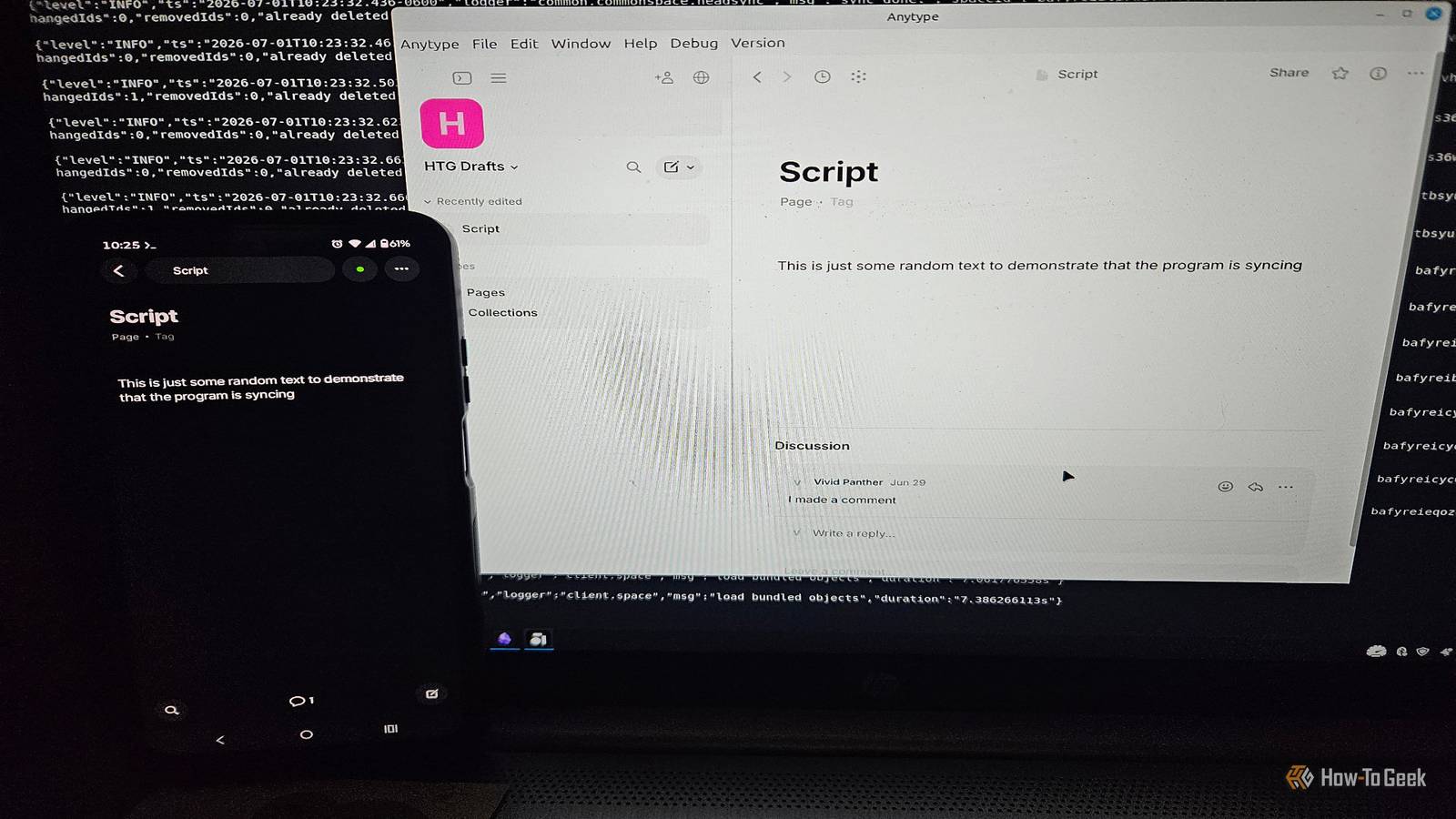
Self-hosting Anytype makes syncing easy and bypasses the cloud entirely. It uses end-to-end encryption to sync between devices on your own P2P (peer-to-peer) network. I downloaded Anytype from the Google Play Store. Upon opening the app, it provided a “digital key” for syncing files between the app and a desktop computer.
In Anytype you self-host the backups of your documents. Then it uses AnySync to securely transmit the data.
I installed the desktop version on Linux Mint. AnyType offers instructions for self-hosting that pretty much just involve setting up a YML file with Docker Compose and using a containerized version of the app.
It's built for collaboration or for syncing notes quickly. It will slow me down for any writing that requires formatting, but for jotting down notes, ideas, lists, and song lyrics then syncing them to my own machine, it's pretty useful. I'm using it right now to handle the organization and notes for the EP I'm currently recording.
I'm getting a lot of mileage out of it and keeping it independent of my normal work.
I think it's a fantastic app, and it's ideal for some of my home lab work, personal/household notes, and exploring non-tech interests. AnyType supports Markdown, but it's a bit different than what you'd expect from Obsidian. If you've ever used Notion, you'll be a bit more familiar with the way it's handled.
The app can take a while to learn completely, but I was thoroughly impressed with it and have used it every day since I finished setting it up.
The bonus option: Obsidian with Syncthing A solution for the tinkerers and DIY folks to bypass the cloud Credit: David J. Buck/How-To Geek
Okay, so this one isn't technically an Obsidian replacement, but it's something most folks might not think about. If you absolutely can't live without Obsidian but have issues with cloud syncing (moral, ethical, financial, technical or otherwise), you can use Syncthing.
Obsidian uses MD files (short for Markdown) and can import/export them. If you have Syncthing connected locally to the devices you use with Obsidian, it's just a matter of syncing your Vault from one machine to the next. From there, you can literally just drag and drop your Markdown files straight into your desktop Obsidian instance.
 Credit: David J. Buck/How-To Geek
I like to use this method, but bear in mind it requires a little bit more interaction than just using Obsidian's cloud sync.
 Related
Augmenting Obsidian with self-hosted options
Related
Augmenting Obsidian with self-hosted options
 Credit: Patrick Campanale / How-To Geek
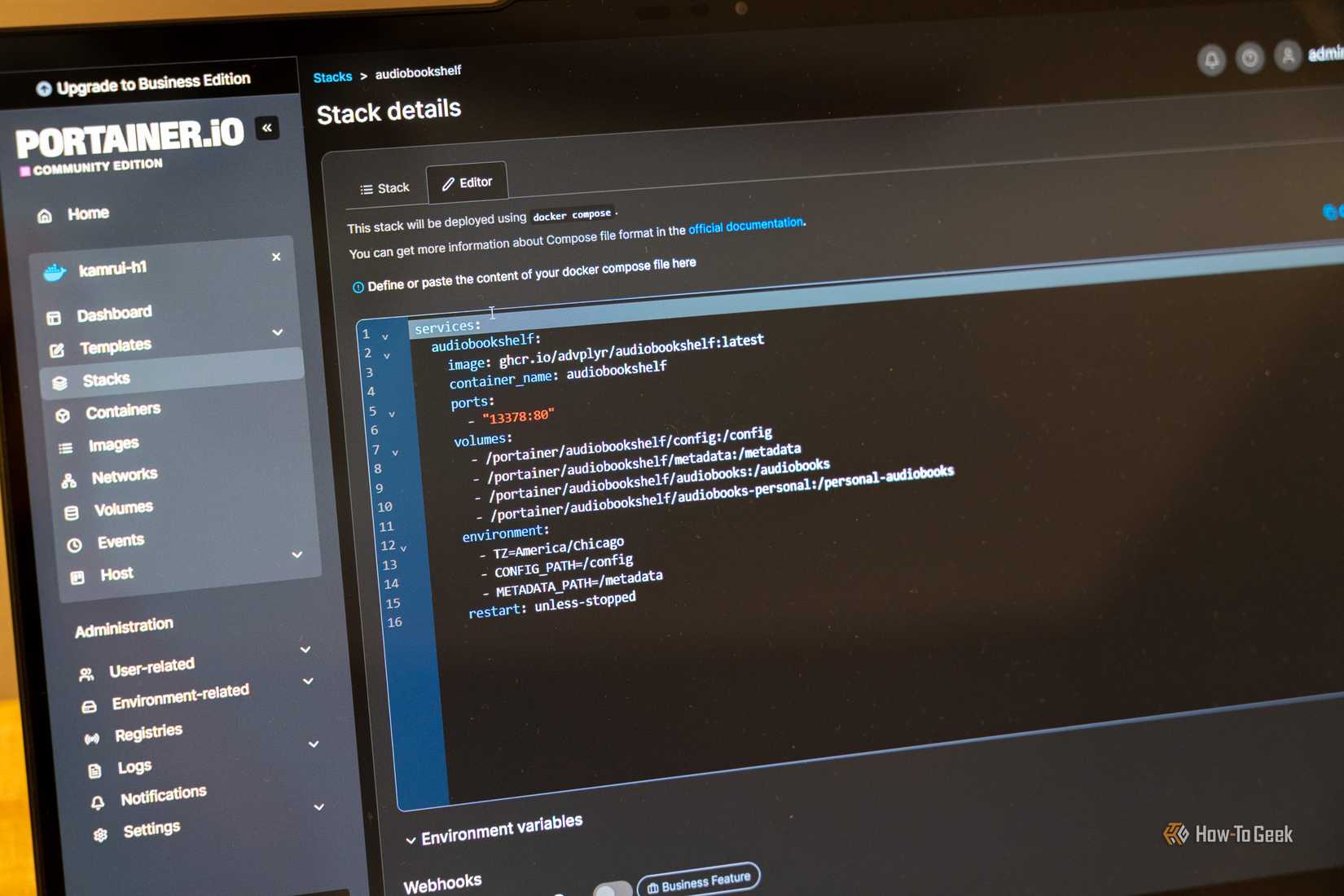
There are certainly some benefits to self-hosting your own apps. I love the control and security it provides, for instance. Right now, I use a local instance of Obsidian with syncing turned off, but these self-hosted apps make it easy to share my notes, scripts, and stories.
I think of them as specialized tools in my workshop. Sometimes I'll use Joplin for something simple or I'll load up AnyType to tackle a creative workflow. My Syncthing workaround is ideal for my work and I can use all of these tools together while self-hosting them all.