
Remember me

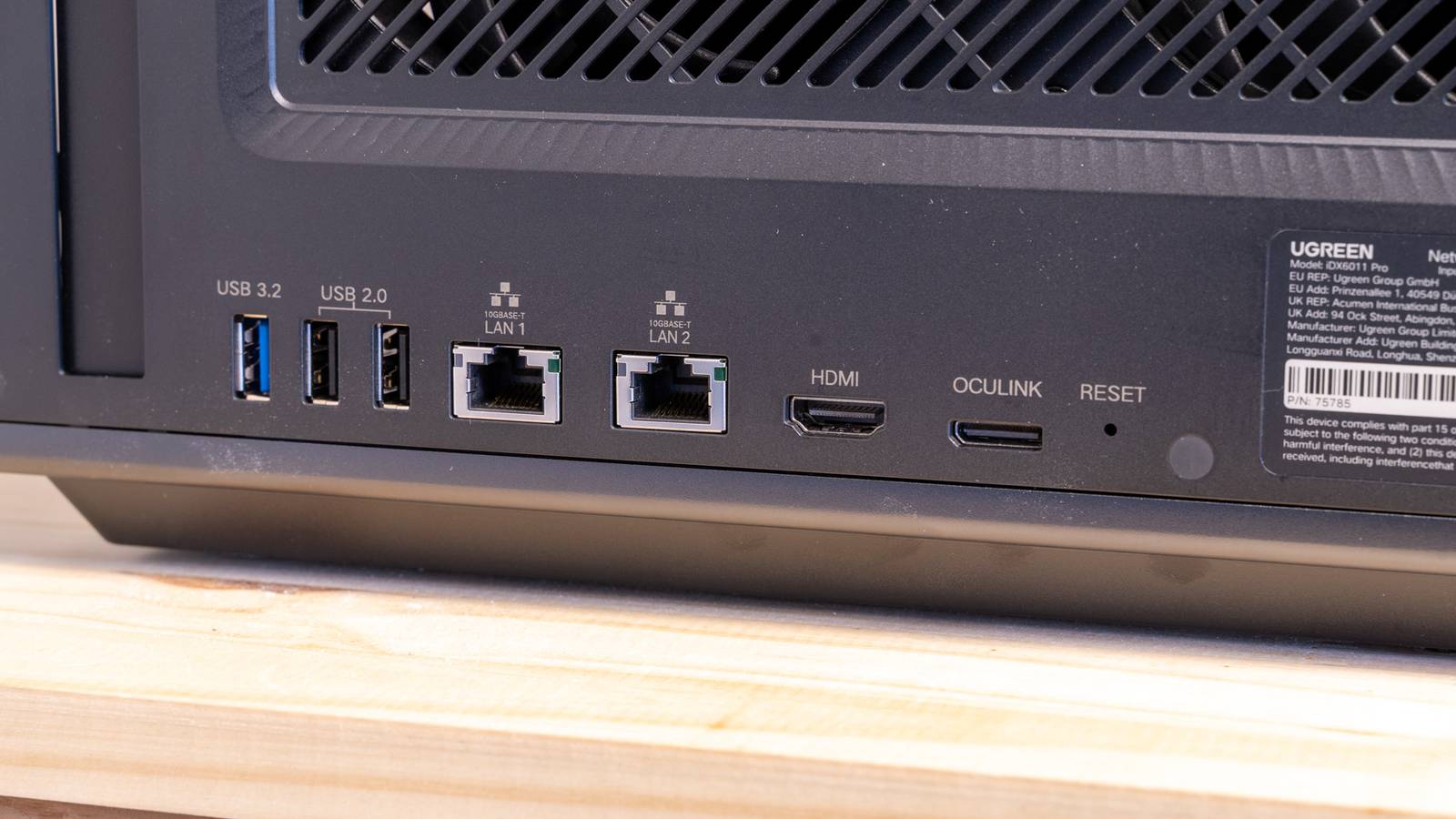



Homelabbers love to tinker with their equipment, and nowhere is that more evident than when you discuss storage or network speeds. After you've been self-hosting for a while, it basically happens automatically. You start thinking, "What if I upgraded my network to 10 gigabit?" Should I install fiber?
Critics are quick to point out that you quickly reach a point of diminishing returns. However, that often isn't the point.
What is 10GbE? 10GbE is the homelab dreamMost home internet connections top out at 1 to 2 gigabits per second, which you'll usually hear referred to as "one gig internet" or "two gig internet." Internet plans faster than that are rare, but there are a ton of things that you can run on your local network that can actually take advantage of even faster speeds.
One of the fastest standards available to home users is 10 gigabit Ethernet (10GbE), which supports transfer speeds up to 1.25 gigabytes per second. That is fast enough to transfer a 4K remux of a feature-length film in less than two minutes.
10GbE isn't that hard to set upDespite how "fancy" the name sounds, 10 gigabit Ethernet (10GbE), isn't really new or all that fancy. There are two different versions of 10GbE around. One that uses fiber optics has existed since around 2002, and the version that relies on regular copper Ethernet connectors—10GBASE-T—has been around since 2006.
The copper option is readily accessible, and even within the realm of DIY. Cat6a—a standard form of Ethernet cables—can easily hit and maintain 10 gigabit speeds over residential distances. If you want to be extra sure, pick up shielded Cat6a. It'll be more resistant to electromagnetic interference in the environment that could degrade the signal. You can easily pull and terminate Cat6a with RJ45 connectors or wall plates yourself as long as you take your time.
The fiber option is more expensive, and relies on SFP+ over fiber, but is basically immune to common forms of interference. If you want to do fiber, I'd recommend buying everything pre-terminated. It isn't much more expensive, and the tools required to terminate your own fiber are difficult to use and expensive.
10GbE is actually future-proof for a homelab Sometimes professional grade is worth it Credit: Patrick Campanale / How-To Geek
10GbE is significantly faster than an average residential home internet connection, and that isn't likely to change any time soon. However, that doesn't mean it is useless in your homelab. Far from it.
Many modern NASes and PCs have 2.5GbE or 5GbE ports built in, which means even one device could theoretically saturate half of a 10GbE connection. If you were doing something on your network like streaming and copying files concurrently, it would be completely trivial to saturate a 1 gig, 2.5 gig, or even 5 gigabit Ethernet connection.
 Related
My flat Ethernet cable was silently cutting my speeds in half
Related
My flat Ethernet cable was silently cutting my speeds in half
A damaged Ethernet cable dropped my speeds to 100 Mbps, and here's how I found it
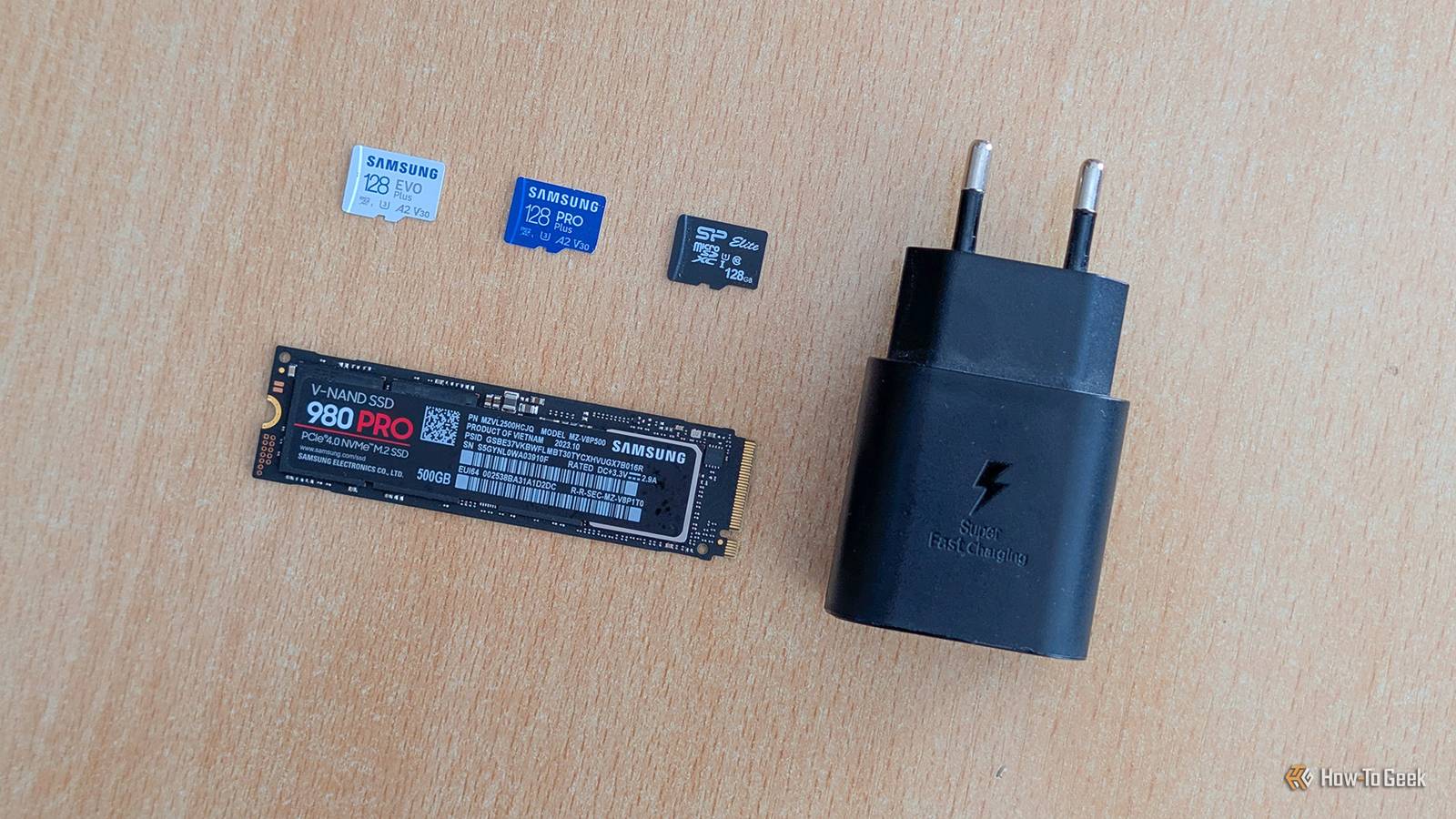
That isn't going away either. Modern SSDs can have transfer speeds in the tens of gigabytes per second, VMs are only becoming more demanding, and streaming video isn't going to get less demanding.
If you've already spent good money on homelab hardware to replace many commercial services you might be using, then it doesn't make sense to hamper the performance of the entire setup by using slower networking.
Homelabbing is fun Sometimes "just because" is reason enough Credit: Patrick Campanale / How-To Geek
For years, armchair enthusiasts and professional engineers have been overclocking CPUs to see just how fast they can clock them before they fail. Many of the setups involve liquid nitrogen, and some especially impressive setups can even use liquid helium, which boils at a chilly -452F. As a result, some CPUs have been overclocked to 9.2GHz. There is nothing "practical" about it.
Equipping your homelab with 10 gigabit Ethernet—or faster, if you opt for QSFP+ and fiber—doesn't need to be practical either. Maybe you think that watching a 50GB file transfer zip from one end of the network to the other in less than a minute is fun—I know I do. Sometimes half the fun is just getting everything working together correctly, reading about the hardware, and troubleshooting your setup.
Getting started without overspending Upgrade strategically and don't be afraid to buy used Credit: Nick Lewis / How-To Geek
When you first start upgrading to 10GbE, I'd recommend two things:
Spend strategically Buy usedIf you're aiming for 10GbE, I'd start by buying a big spool of Cat6a. It isn't that much more expensive than slower Cat cable, and it will never hurt your network performance.
For everything else, I'd recommend a more strategic approach.
Not every device on your network will be able to take advantage of 10GbE no matter how fast the interface is. For example, my big storage server has 80TB of storage on mechanical hard drives. I could put a 100GbE adapter into that PC, and it wouldn't move the performance one iota over a standard 10GbE connection, because the limitation at that point becomes the mechanical drives themselves.
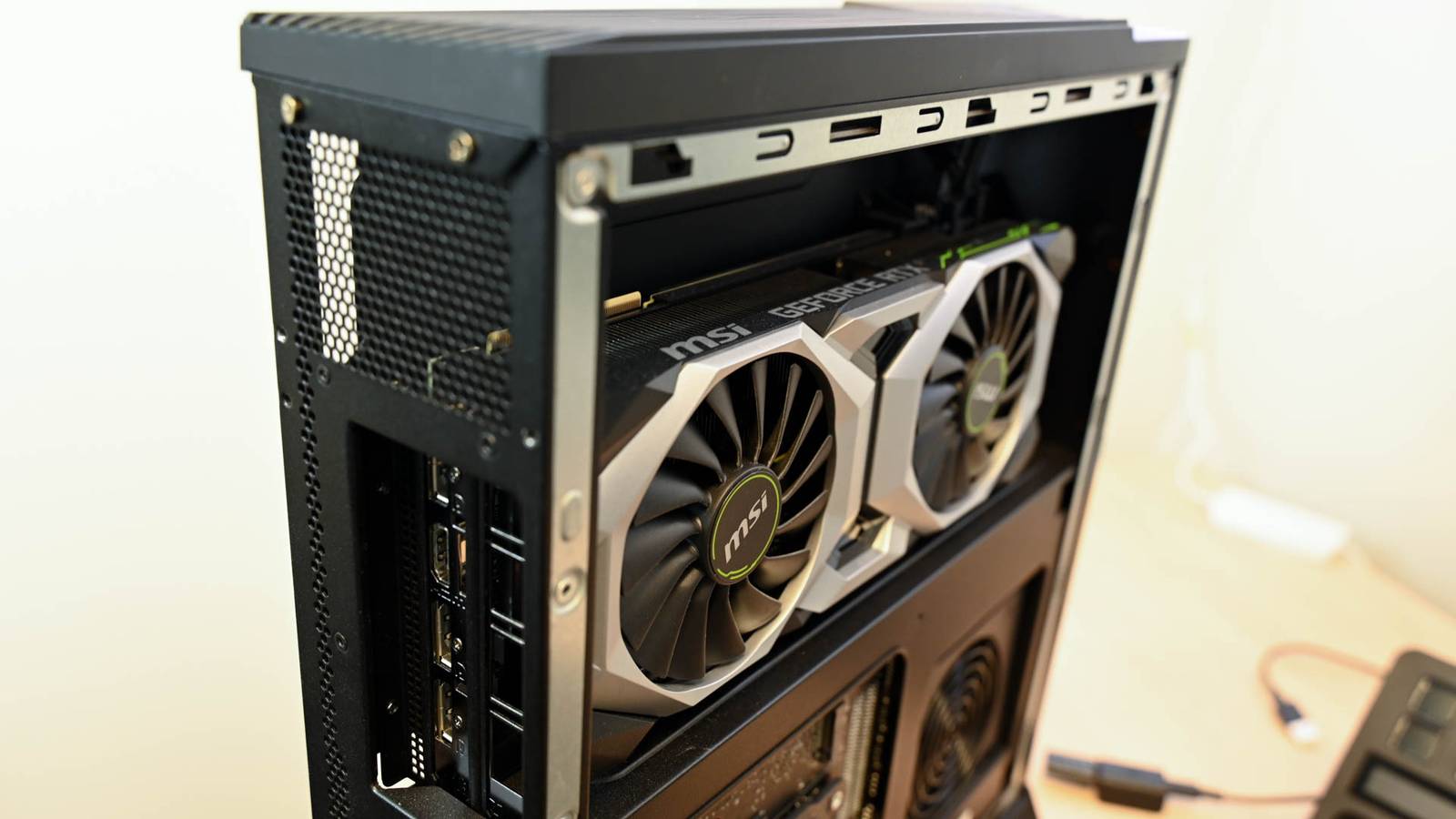
On the other hand, I have a much faster PC that houses my game servers and AI services that has a PCIe 5.0 NVMe in it. That PC can easily make use of a multi-gigabit Ethernet connection, and whatever device replaces it will likely be able to make use of it too.
Why spend the extra money if the job will never call for the speed?
Additionally, I'd strongly recommend checking out the used market (especially government auctions) for used enterprise hardware. You can often pick up a big 10GbE switch that will handle your entire home network for a fraction of the cost that it would cost you new.
Get 10GbE if you want itThe question was never whether 10GbE is "too much" for a mechanical hard drive—it certainly is. It's whether you want a network that can do what a small business's can, and whether you'd enjoy building it. For a lot of people, the answer to both is yes. That's a perfectly good reason on its own.