I Paid for Google's Gemini AI Plan. These 5 Features Justify the Price
Table of ContentsCompare Specs: Our Picks Side by Side1. Greater Access to All Gemini Models2. Greater Access to Deep Research3. Greater Image Creation With Nano Banana 24. Video Creation With Gemini Omni5. YouTube PremiumAI Plus vs AI Pro
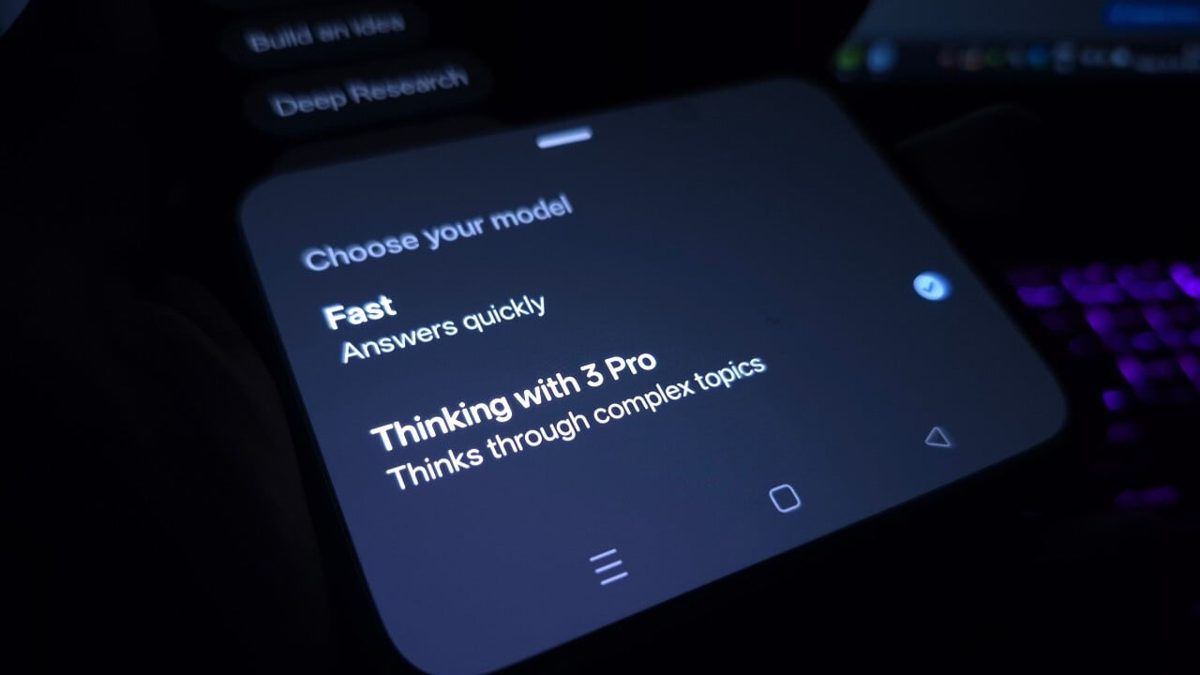
AI tools are plentiful these days, but are any of the paid plans worth the money? If you're a Google user, the company offers a free Gemini tier and four paid subscriptions for power users. The AI Plus plan costs $8 a month, while the Google AI Pro plan runs $20 a month. There are two variants of the AI Ultra plan. The least expensive one, announced at Google I/O 2026, is $100 a month. The top-tier Ultra plan will set you back $200 a month, but it used to be $250 until Google dropped the price this week.With the free option readily available, why choose a paid plan? That's what I wanted to investigate.Right off the bat, I’d exclude the two AI Ultra plans, at least for the average person. Though they offer several robust features and the highest priority access, these accounts are geared more toward software developers, content creators, technical workers, and business professionals. And unless your employer is footing the bill, $200 and even $100 a month will put a hefty dent in your wallet, especially if you're not going to take advantage of all that these plans offer.That leaves the much more affordable Google AI Plus and AI Pro plans, which you can access from the Gemini website or the iOS and Android apps. Here are five reasons you might consider shelling out the $8 or $20 a month for a Gemini AI subscription.1. Greater Access to All Gemini ModelsGemini 3.5 and 3.1 are the latest models driving Google’s AI. You can choose among a few different models depending on what you need. All plans can access Gemini 3.5 Flash, 3.1 Flash-Lite, 3.5 Thinking, and 3.1 Pro. The differences lie in the level of access.Ultra subscribers enjoy the maximum level of access. The AI Pro plan has a high limit, the AI Plus plan has a moderate limit, and the freebie has a low limit. More specifically, AI Plus gets twice the usage limits as the free plan, AI Pro gets four times the limits, the $100 Ultra plan gets five times the limits, and the $200 Ultra plan gets 20 times the limits.In a nutshell, the more you pay, the more you can chat with Gemini without being cut off. The model you select also factors into your use. The 3.1 Pro model chews up more of your allotment than the Flash models.Depending on the model you choose and how frequently you use Gemini, you may also be downgraded to a lower model. Use up all your credits for 3.5 Flash, and you'll be dropped to 3.1 Flash-Lite. Free accounts will be pushed to a lower model sooner than paid accounts. Paid subscribers can also manually choose Flash-Lite to use up fewer credits, but free accounts have no such manual option.There's also Thinking mode. Gemini 3 will work through your question or request step by step and double-check its analysis before providing a response. Free and paid accounts can switch from the default Standard mode to Extended mode, which is able to tackle more complex problems. But free users face stricter limits with both Thinking modes.To switch between models with a paid account, click the drop-down arrow to the right of the prompt on the website, or tap the button in the mobile app. Select the model you wish to use—3.1 Flash-Lite, 3.5 Flash, or 3.1 Pro. Hover over the Thinking level, and you can switch between Standard and Extended. Then create and submit your question or request at the prompt.(Credit: PCMag/Google)2. Greater Access to Deep ResearchIdeal for tackling more complex topics, Deep Research responds to your questions or requests by consulting a variety of websites and sources, then presents you with a detailed report for your review. With a free plan, access to Deep Research is severely restricted. In contrast, paid subscribers can easily turn to this mode, though its use is not unlimited. The higher and more expensive the plan, the greater your level of access and the more times you can use it.To try Deep Research with a paid subscription, select the Tools icon at the website or in the mobile app, choose Deep Research, and then submit your request at the prompt.(Credit: PCMag/Google)3. Greater Image Creation With Nano Banana 2Gemini uses a text-to-image generator known as Nano Banana 2. With this built-in model, you’re able to generate and edit high-quality photos, drawings, and diagrams. An advanced version, Nano Banana Pro, is even more robust and effective at conjuring the right images.The free flavor of Gemini limits the number of images you can create per day. Each paid plan offers increasingly greater access, ideal if you plan to generate a large number of images, whether for personal or professional reasons. To try this, just ask Gemini to create an image and describe the type of image you want.(Credit: PCMag/Google)4. Video Creation With Gemini OmniGemini is also skilled at creating videos using several tools. Replacing the older Veo model, the newer Gemini Omni can capture your text descriptions, photos, and even live video to cook up your own full-motion videos. You're able to spice up your production with music, dialogue, and special effects. Omni will even conjure up virtual worlds for your characters. Plus, you can edit your videos just by chatting with the AI.Omni is available through the Gemini app, Google Flow, and even YouTube Shorts. However, you'll need a paid subscription to generate a video via Omni. AI Plus receives 200 Google Flow credits, AI Pro gets 1,000 Flow credits, the $100 AI Ultra gets 10,000 credits, and the $200 AI Ultra enjoys a whopping 25,000 credits.(Credit: PCMag / Google)But free accounts aren't totally out of luck when it comes to generating videos. You can still use the Google Flow tool, which taps into Nano Banana 2 for free users and lets you describe the video you want. Still, Gemini Omni provides a much more robust, flexible, and feature-rich environment.With any paid AI subscription, head to the Google Flow website and select the option to use Omni. At the prompt, type the description of the video. You can also add images or other videos to help create your new video. Wait a bit after you submit your prompt, and your video will appear for you to play.5. YouTube PremiumUsing YouTube for free saddles you with ads and other limitations. For a better experience, you can opt for YouTube Premium or YouTube Premium Lite. The full Premium plan dispenses with all ads, while the Lite edition puts the kibosh on ads for certain types of videos.(Credit: PCMag / Google)Normally, those premium flavors will cost you $15.99 a month for the full version and $8.99 a month for the Lite version. But if you subscribe to any Google AI paid plan other than AI Plus, you'll get one of the YouTube Premium plans bundled in for free. With either of the AI Ultra plans, you receive the full YouTube Premium individual plan. With the AI Pro plan, you get YouTube Premium Lite.AI Plus vs AI ProAssuming you don't need either of the AI Ultra plans, that leaves the question of which subscription to choose—AI Plus or AI Pro. If your AI needs are relatively light, try the AI Plus plan first. That should provide you with the necessary access and the number of credits to fill your daily requirements. If you keep running into limitations, you can always upgrade to the AI Pro plan for greater access. Since the plans are issued monthly, you can easily switch between them depending on your needs.