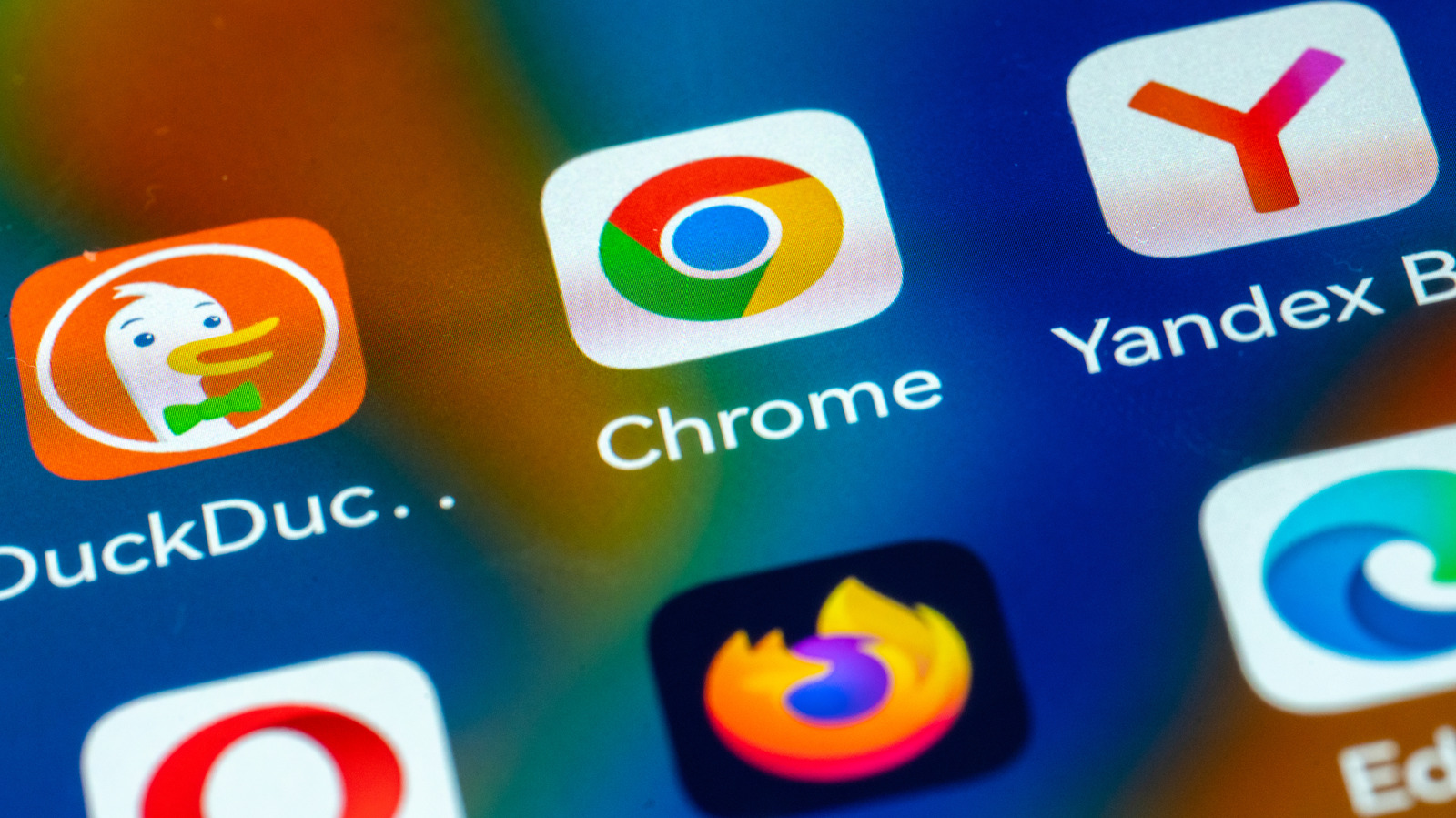
Google Chrome is ubiquitous. Its major appeal is its deep integration with Google's services, a vibrant ecosystem of extensions and themes, and (usually) speedy performance. You might also prefer the browser for its minimalistic interface that doesn't overwhelm you with tons of features that you may not necessarily need while browsing the web. While its minimalist UI might seem like all you need, there may come a time when you need an alternative that's more powerful.
While Chrome is the most popular browser on the web, it certainly isn't the most powerful option for anyone looking for a browser that offers more than the standard features. While we've seen some great advancements, with Google adding a handful of useful features to Chrome in 2026, like Split View, it might still leave a lot to be desired for some. Browsers that are more powerful than Chrome offer more customizability and come packed with extra features.
Take Brave, for example, which comes with a built-in VPN, an RSS reader, an ad-blocker, and a Tor browsing mode that routes your traffic through the Tor network. Alongside Brave, there are other browsers that you can switch to if you're looking for a more powerful browser than Chrome. We selected these browsers based on the extra features that they offer on top of what is available in Chrome. We have a detailed explanation of our selection process at the end of the article.
Brave
Despite being based on the open-source Chromium codebase, which is at the core of Chrome, Brave manages to beat Google at its own game. It strips out many features that can impact privacy, such as URL trackers, from the Chromium core and adds more functionality. In the end, Brave stands out by offering tons of custom features that aren't available in Chrome.
A key feature that makes Brave more powerful than Chrome is its privacy focus. It automatically blocks third-party cookies and cross-site trackers that follow you around the web. It also offers protection against fingerprinting. Brave has even gone a step further and integrated Tor through its Private Window with Tor feature. With Tor, instead of connecting to a website directly, your traffic gets routed through the Tor network. There's also a built-in VPN, although it's part of Brave's premium features. One of the nifty features that people appreciate when switching to Brave from Chrome is its ad-blocking capability. It ships with a built-in ad-blocker that blocks ads on regular sites as well as on YouTube.
What's even more interesting is that it gives you a choice to whitelist certain sites that you still want to support by viewing their ads. Brave also has a built-in crypto wallet, a novel feature that isn't available in many browsers. It also includes an RSS reader for keeping up with the news and offline media playlists. You can download and use Brave on iOS, Android, Linux, macOS, and Windows.
Vivaldi
Vivaldi is another Chromium-based browser. The main reason Vivaldi is powerful is customization, because the browser offers what feels like endless options to tweak the browser to your liking. It's by far the best browser to use if you want customizability. You can customize the browser's color, background, tab edges, tab bar location, and much more. In fact, Vivaldi offers the most extensive customization settings you'll find in any browser.
But if you're the type that doesn't like to get their hands dirty, you can download one of the custom themes created by Vivaldi's community to change the browser's UI without a hassle. Vivaldi also proves to be more powerful than Chrome in many cases by offering more features. The most notable feature in Vivaldi is a built-in VPN. Vivaldi has integrated Proton VPN, a top-ranked major VPN service known for its strong privacy focus and global network of servers. Other useful features available in Vivaldi include notes, picture-in-picture mode for videos, and a screenshot capture tool.
Vivaldi includes several productivity-focused features, too, such as Quick Commands for searching anything on the web or in the browser, Command Chains for performing multiple shortcuts with one click, Tab Stacking, and Workspaces. It also comes with an RSS reader like Brave. Vivaldi is available to download on both mobile and desktop platforms — you can download it on iOS, Android, macOS, Linux, and Windows.
Mozilla Firefox
Firefox is often touted as one of the best alternatives to Chrome, and for good reason. Compared with Chrome, Mozilla's Firefox stands out as a better option by offering just a little bit more. To start off, Firefox offers more customization options than Chrome, though it doesn't match Vivaldi's level. It also offers a PDF reader that includes PDF editing support, making it quite helpful.
It's also more stringent than Chrome at protecting user privacy. That's all thanks to Enhanced Tracking Protection and Total Cookie Protection, both of which work together to prevent trackers from following you around the web. Another key privacy-protection feature that Firefox offers is fingerprint protection. Besides, Firefox only collects technical data and doesn't snoop on your web activity, unlike Chrome.
You may also love Firefox for its Reading mode. While Chrome offers a similar feature, Firefox's version is superior. It lets you view web pages without all the unnecessary clutter, such as ads, images, and videos. While both browsers support extensions, Firefox allows you to install them in its Android app as well, and there are quite a number of add-ons that are optimized for that. A VPN is also integrated into the browser, although it's limited to certain regions and 50GB of bandwidth per month, so you'll have to pay extra if you want unlimited use. Firefox matches Chrome in cross-platform support and has dedicated apps for iOS, Android, macOS, Windows, and Linux.
Opera
Opera offers more features than Chrome, and is therefore a more powerful option. For example, it comes with a built-in ad-blocker and a free VPN. The browser has also been updated to meet the needs of those who want AI at their fingertips, with the introduction of Opera AI. This built-in AI assistant can use the context of your browser tabs to help with queries. It also comes with a built-in AI image generator that Opera doesn't require you to sign up to use. If you prefer to use AI chatbots like Gemini and ChatGPT, Opera has shortcuts to them in the sidebar for easy access.
That mantra of placing useful services within easy reach can also be seen in the way the browser has integrated instant messaging platforms like WhatsApp, Telegram, Discord, Facebook Messenger, and Slack into the sidebar. Opera lets you place tabs in a vertical position instead of the traditional horizontal position, just like the trendy Arc browser, so you can view every page's title even if you have dozens of tabs open. But for those who prefer the traditional horizontal tab layout, you can switch to that instead.
In case you have a habit of hoarding open tabs, Opera's Tab Islands feature may be helpful, as it lets you organize them in folders of sorts that you can name. Opera also has Pinboards that let you collect ideas and save them in your browser while doing research. It also has a split-screen view, a screenshot-capturing tool, and a battery-saver. Opera is available on iOS, Android, macOS, Windows, and Linux, as well as ChromeOS.
How we selected more powerful browsers than Chrome
To find more powerful browsers than Chrome, we started by gathering the most popular features in Chrome and those offered by other browsers on the market. We researched features in mainstream browsers like Firefox, Safari, and Edge, and also considered lesser-known Chrome alternatives like Zen, LibreWolf, and Opera. For a browser to be included in our list, it had to offer more features than Chrome. For example, we included Brave because it stood out for having a VPN, ad-blocker, third-party cookie blocker, and an RSS reader, among other features, all of which aren't available in Chrome.
On top of features, we also checked for a browser's availability across platforms. Since Chrome is available to download on iOS, Android, macOS, Windows, and Linux, we made sure all the alternatives we include also offer the same level of multi-platform support. If you were to ditch Chrome for, say, Firefox, it only makes sense that it also supports all operating systems that your devices are running for a smooth transition. That way, you don't switch to the alternative on one platform and have to stick with Chrome in another. Lastly, it's good to note that we haven't ranked these browsers. We've listed them in a random order, so a browser being first on the list doesn't mean it's better than the one at the bottom.