
Remember me
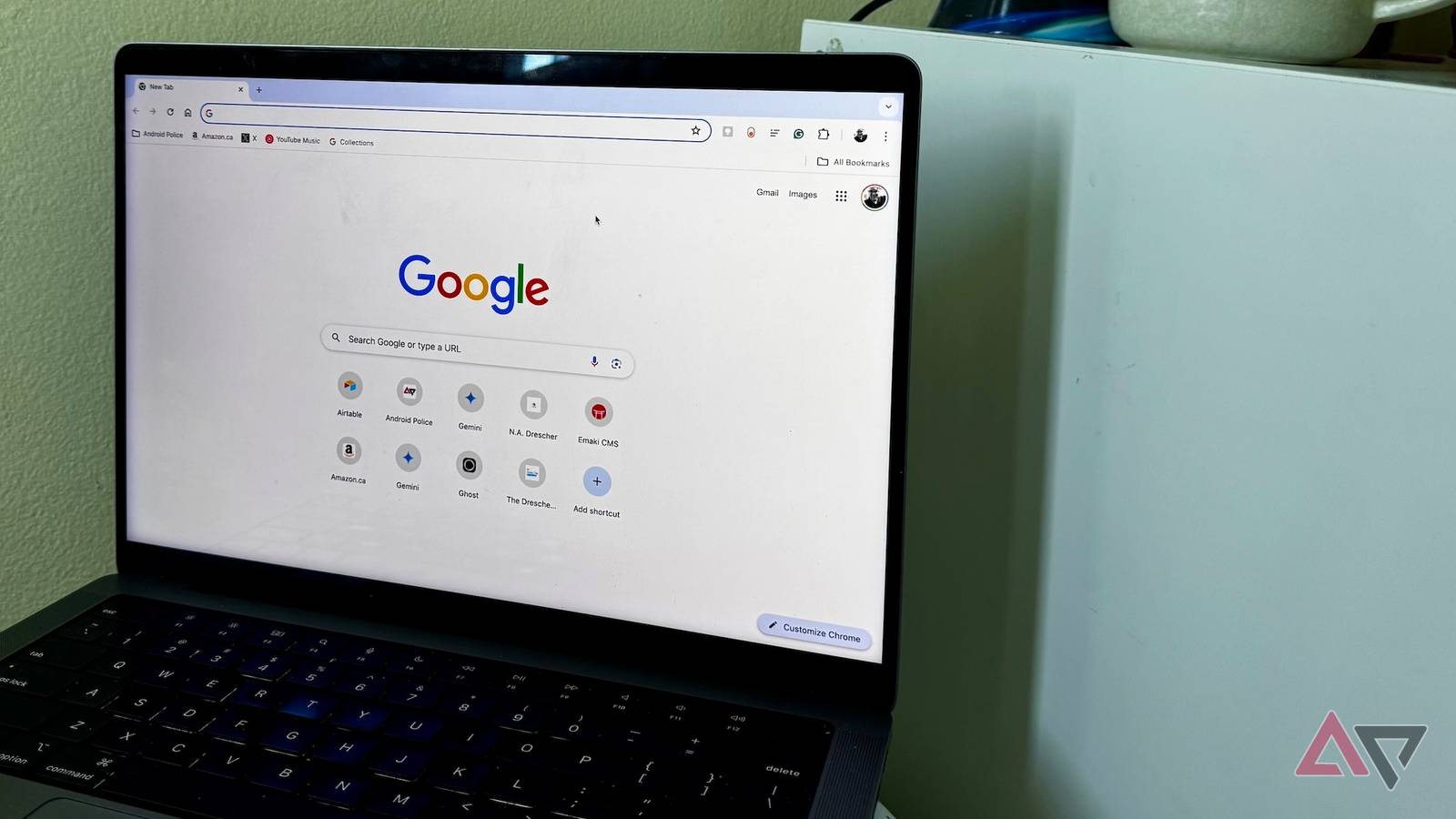



In the last few months, Google introduced some major changes to how autofill works in Chrome. The last big announcement came last month, when Google announced that it'd allow Chrome to automatically fill forms using data stored in Google Wallet.
Almost a month later, we've learned what Google's next plans are to further improve the autofill experience on Chrome. Unlike in previous instances, this time around, the Mountain View tech giant is using AI extensively to bring advancements to improve autofill.
As spotted by Windows Report, the autofill upgrade that's in the works in Chrome is "Find and Fill with Gemini." The feature does exactly what it sounds like.

Google is testing the "Find and Fill with Gemini" functionality in Chrome Canary, and based on what we've seen so far, the feature allows users to find and fill in information from across different parts of their Google accounts, including Gmail and Photos.
Under the hood, Google's Personal Intelligence, a feature that Google launched in January this year, powers the entire experience. Personal Intelligence appears to be the only practical way to do it, as the sole purpose of this feature is to connect information from apps like Gmail and Google Photos.
As things stand right now, the stable version of Chrome currently uses information already stored in the browser to autofill online forms. But once the Autofill experience is powered by Personal Intelligence, users will be able to use information from connected Google apps, like Gmail, to fill in online forms.
This eliminates the need to open another tab to gain access to information stored in another Google app. So, you don't need to leave your current web page, as the Personal Intelligence in Gemini will be able to pull the information you need. It'll also allow users to choose which apps Gemini connects to pull information from.
In its default setup, Chrome will allow users to launch this feature by typing "@@" on your keyboard in the text field to launch this Personal Intelligence-powered autofill feature. However, you'll be able to change this and use a custom shortcut to launch the feature in any text field.
While this sounds convenient on paper, what appears a bit concerning is that Chrome will send the titles and URLs of the pages where you activate the feature to Google, and those 'may be reviewed by humans.'
If it sounds scary, so much so that you want to avoid risking your privacy for this, you can easily turn this feature off. To do so, open Settings in Chrome, select Autofill and passwords, click Enhanced Autofill, and then turn off the Find and fill with Gemini toggle.
However, it's worth noting the autofill upgrade doesn't seem to be available to everyone running the latest version of Chrome Canary. We tried to test it on our laptops and desktop, but the enhanced autofill capability wasn't available. This seems to suggest that Google is testing this with a handful of users.