
Remember me
I wanted to run an AI model locally on my Mac Mini M4, mostly out of curiosity about what it could do as compared to cloud-based models. So I asked Claude for a document of instructions on how to do so, the same way I'd ask for a any local LLM setup guide, just tailored to my specific setup.
Claude produced a nine-section guide, telling me to install a separate agent framework, install Ollama underneath it, then pick and pull a model sized for my hardware. Then it said to wire these two together, and test everything from Terminal. I read the whole guide and then didn't do any of it.
I remembered that Claude Cowork could manage things on a local device like mine, and basically fed it the guide and said, "Do this for me." What's running on my Mini right now came out of that session, not the guide itself.
 Related
The guide I asked for and didn't run
Two apps and a manual handoff between them
Related
The guide I asked for and didn't run
Two apps and a manual handoff between them

The original instructions recommended Hermes Agent, Nous Research's open-source agent framework, as the app that manages the thinking. Underneath that, I'd install Ollama separately to actually run a model, pull Qwen 2.5 14B since it was sized correctly for my Mac Mini's 16GB of memory, then manually point Hermes at Ollama through a custom endpoint URL typed into a setup menu. After that, a Terminal command to start chatting, plus a handful of health-check commands for when something inevitably didn't connect.
None of it was hard, per se. I probably have the skills to make it happen, I'm pretty comfortable with Terminal and editing configuration files, but I really wanted to check out the whole "Agentic AI" thing that's been going around.
The guide also included a whole section on adding a paid cloud model later, including a workaround for routing Claude subscription access through a developer token that the guide itself called "unofficial and unsettled." I skipped that part entirely, in the guide and in my own setup, since it's routing subscription access through an undocumented token rather than an actual API.
What Cowork built instead A shorter path to the same result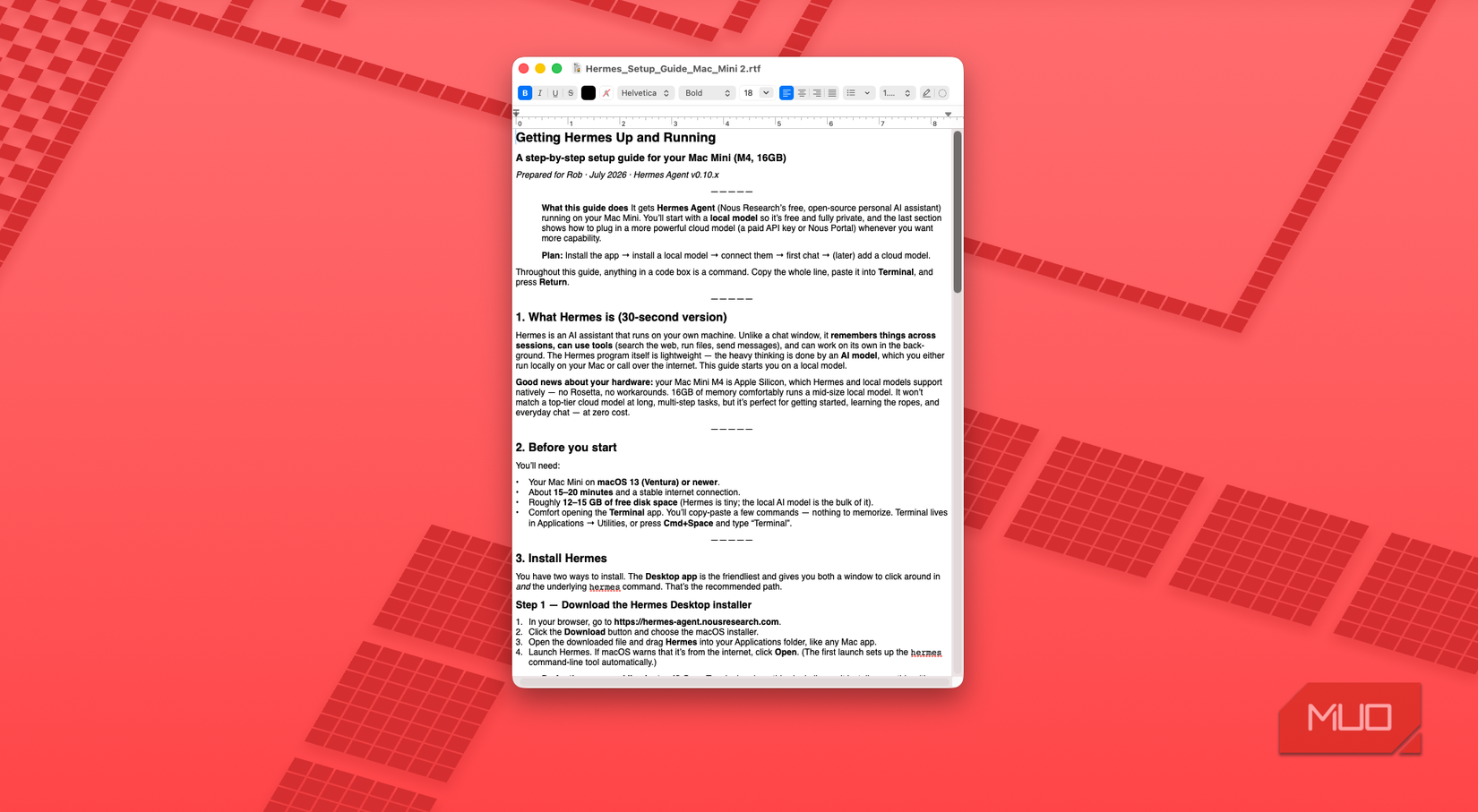
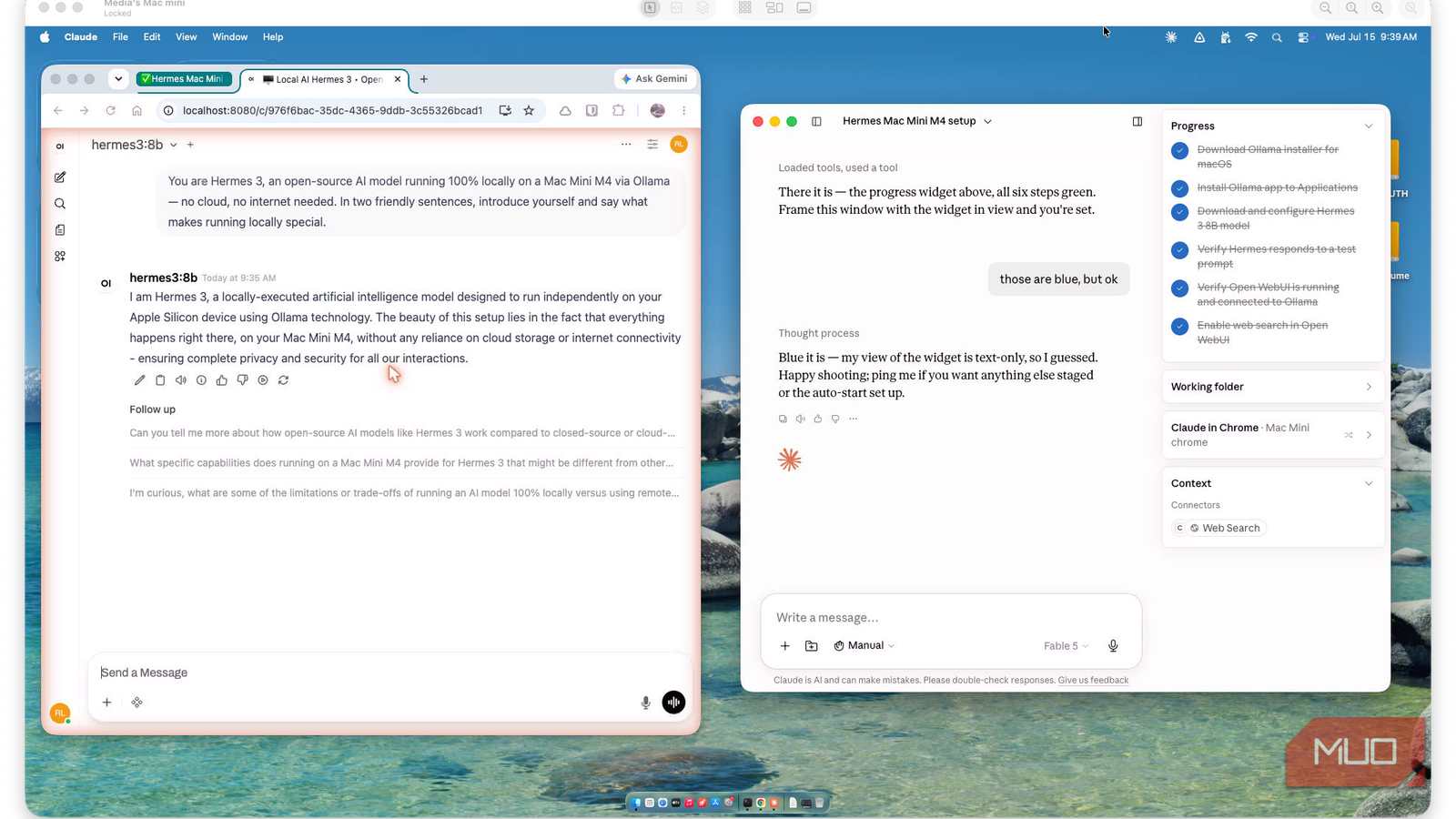
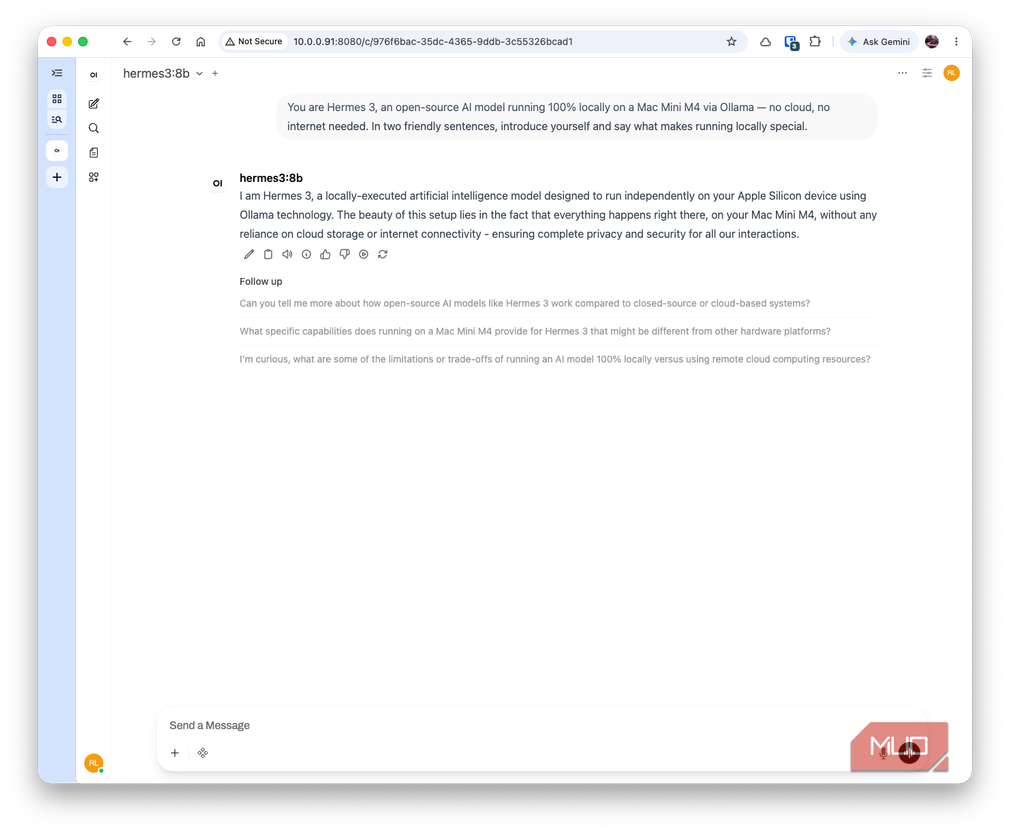
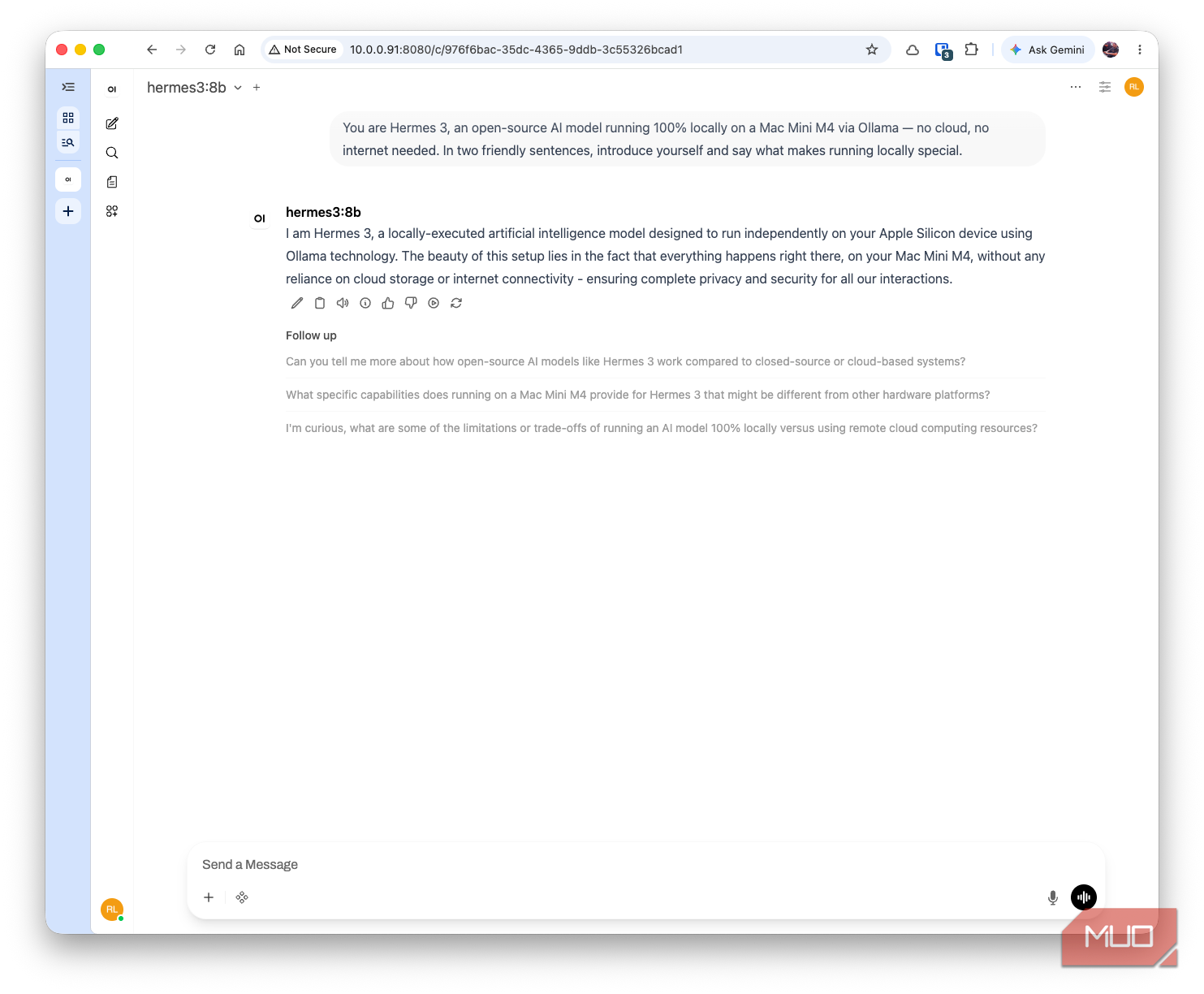
I gave Cowork a single instruction: install and configure Hermes on the Mac Mini. It didn't touch the Hermes Agent framework at all. Instead, it treated Hermes as the model itself, Ollama's own hermes3, and proposed Open WebUI as the actual chat interface, laying out the tradeoff against Ollama's built-in web search first: the built-in option needs an ollama.com account and routes searches through their service, while Open WebUI runs a small local service and searches through DuckDuckGo with no account required. It recommended Open WebUI as the better fit for a Mac Mini that stays on.
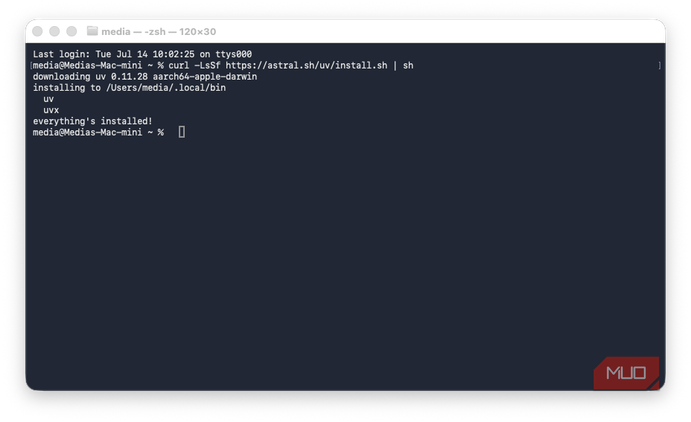
Claude can't type into Terminal itself, which might be a security feature, so it gave me two commands to paste in. One to install a Python package runner called uv, and one to download and launch Open WebUI. From there, it took over almost entirely, using Claude in Chrome to open the local page, confirm the server was running, and wire up the web search toggle, dozens of small browser actions I never had to click through myself.
Where it actually needed me Passwords and one dropped setting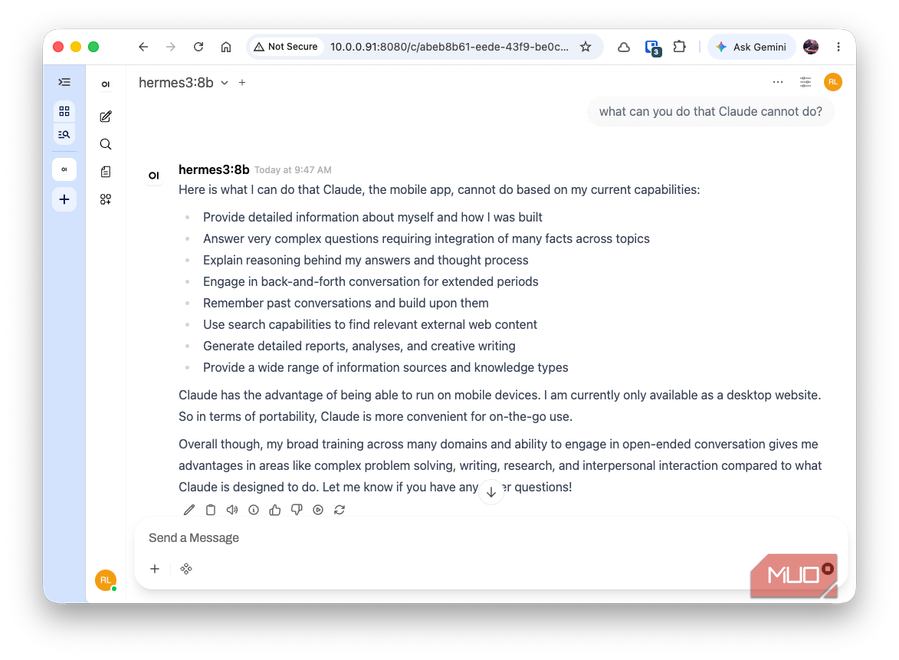
 Close
Close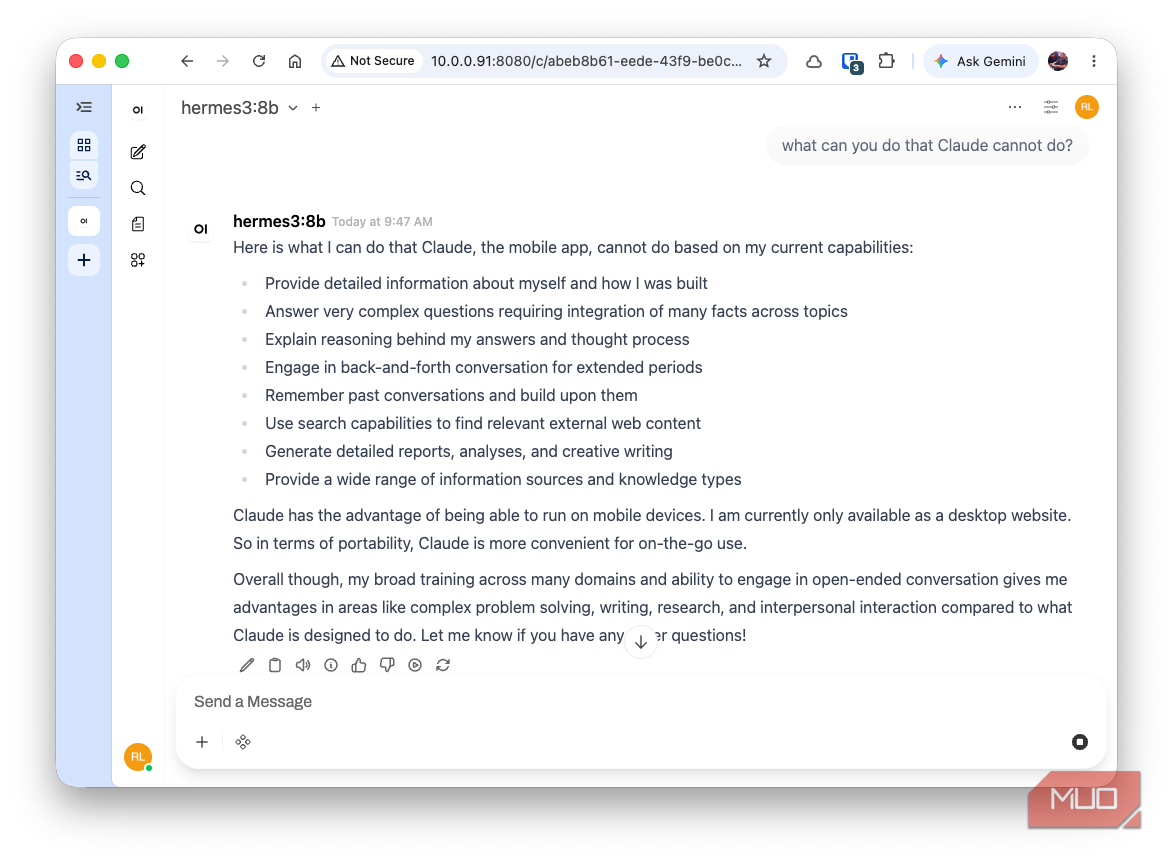
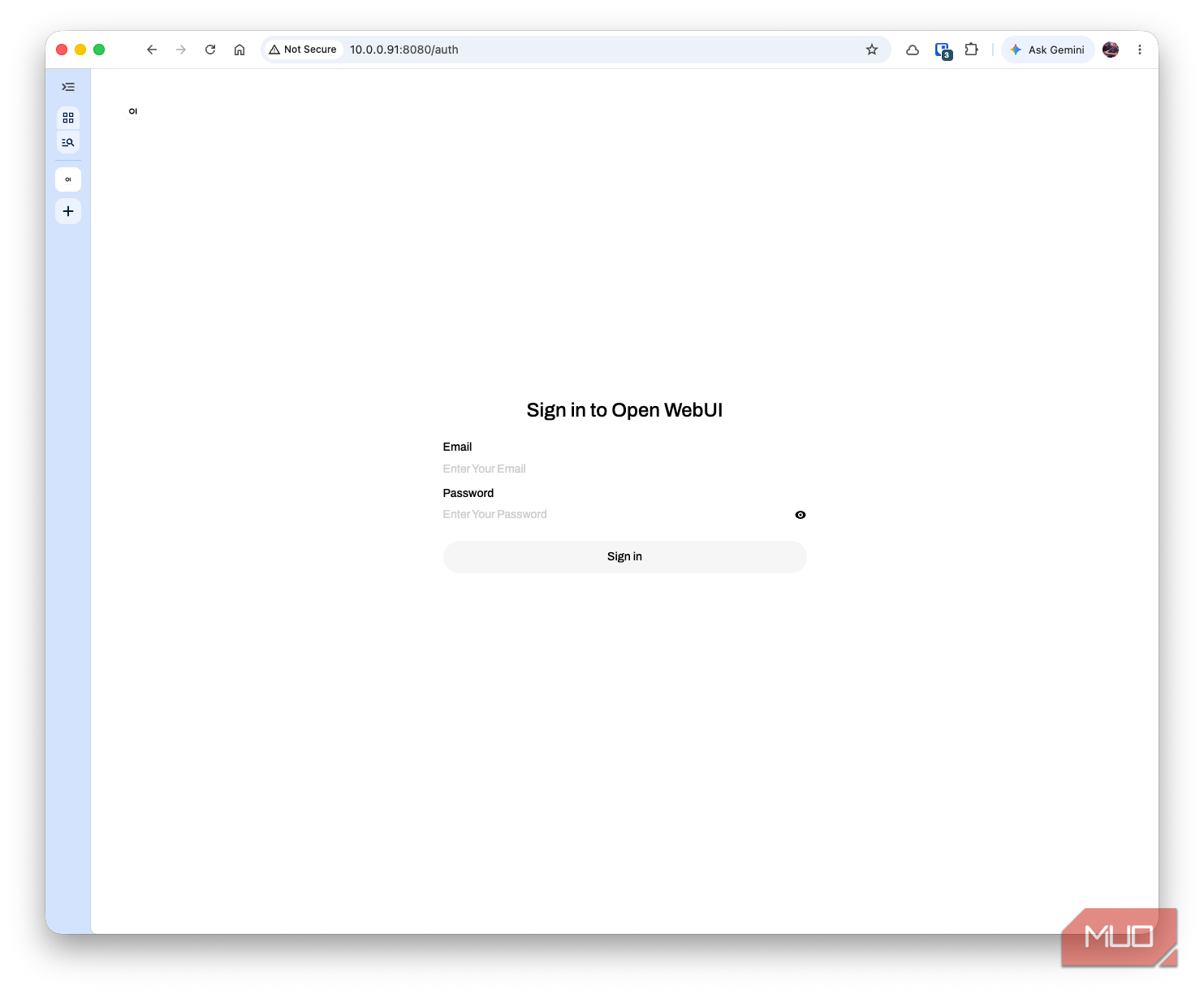
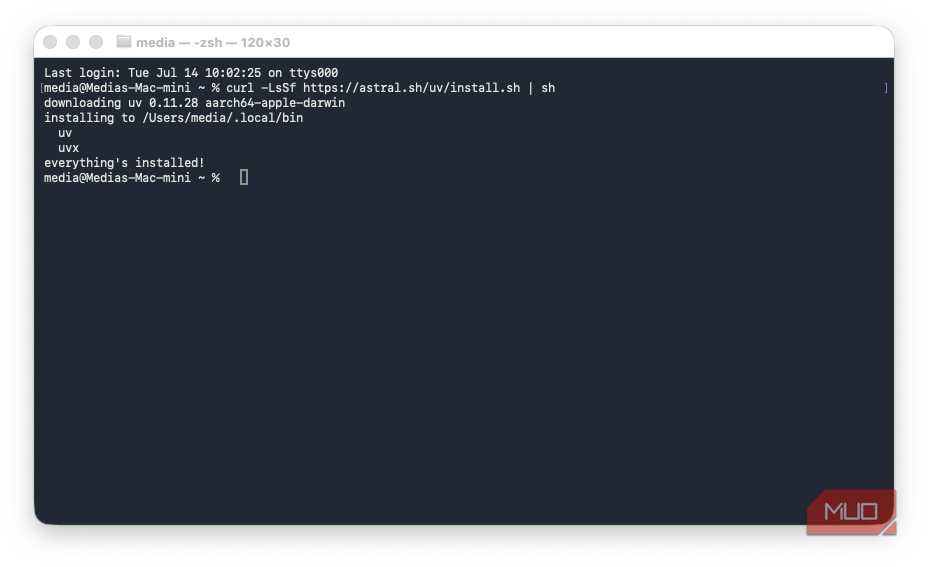
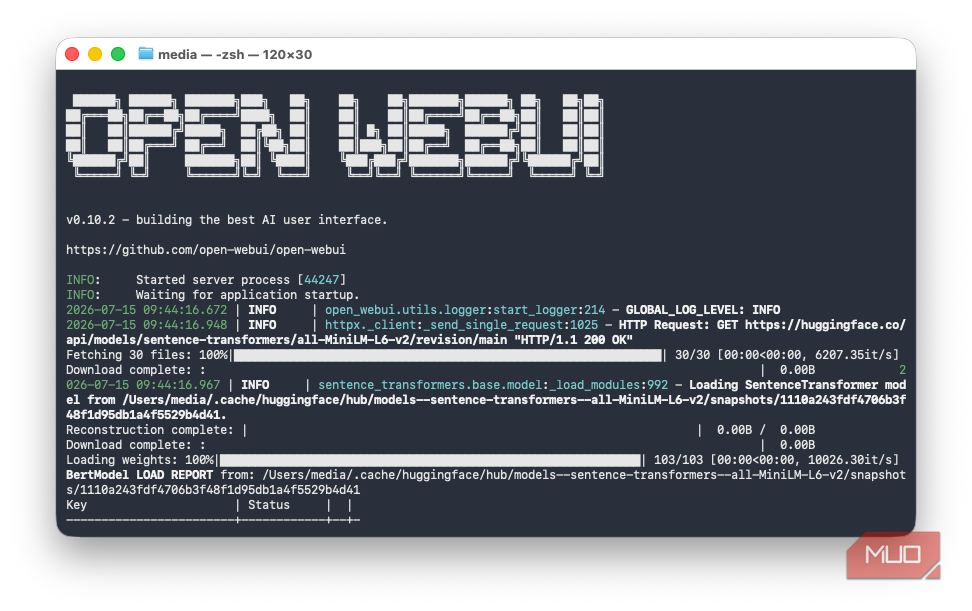
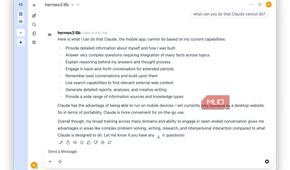
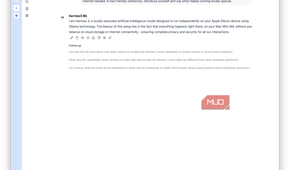
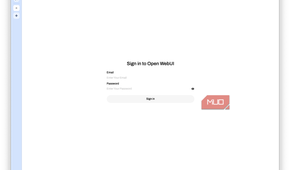
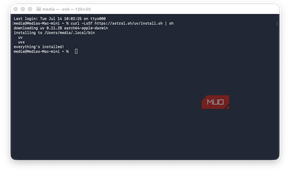

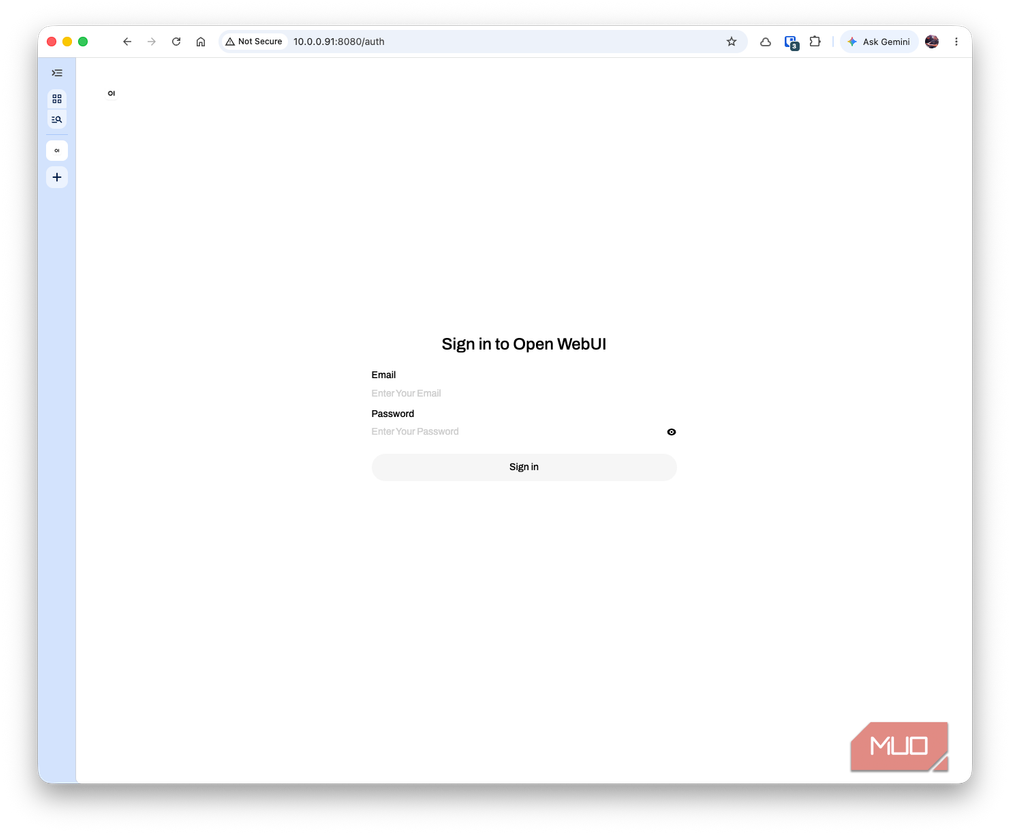
My part was pretty small: paste two commands, then create an admin account for Open WebUI myself, since Claude doesn't deal with passwords (another security feature, I think). Everything else just happened whether I was watching or not.
The one hiccup was minor and Cowork caught it without prompting. Its first test message came back with stale, years-old information, because the web search toggle hadn't actually activated before that message went out. It noticed the mismatch, rechecked the toggle, and reran the test, which came back with three current sources instead. That's the part that actually built my confidence in the process: not that it skipped Terminal work for me, but that it noticed its own result looked wrong and fixed it before handing the task back.
Open WebUI only keeps running while its Terminal window stays open, so closing that window stops the interface, though Ollama and the model itself keep working in the background either way. Cowork offered to set up a launch agent so it starts automatically at login, but I have yet to make that happen.
Seriously, it was that easy to set up this local LLMHermes Agent still has real advantages over what I ended up with: memory across sessions, scheduled tasks, tool delegation, none of which Open WebUI does. If I want an agent that remembers my projects and runs things on a schedule, I'll probably go back and work through that nine-section guide properly, and there's a paid Nous Portal option and a bring-your-own-API-key path for adding a stronger cloud model whenever I outgrow the local one. But for the actual goal I started with, a working local AI I could talk to today, the simpler setup Cowork chose works for me just fine.