
Remember me

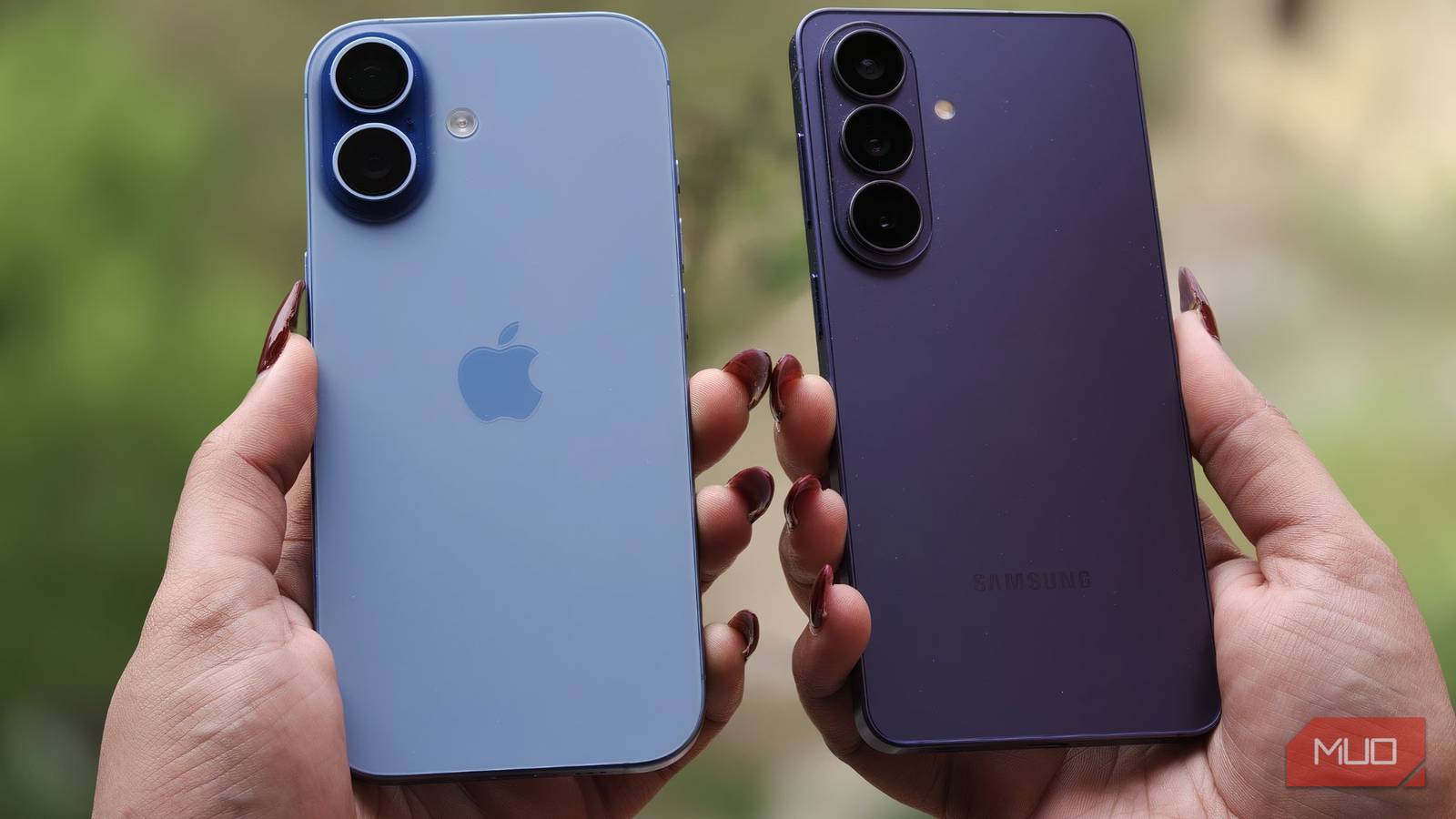
Experts spend an embarrassing amount of time comparing 1Password and LastPass. It's easy to get carried away debating polish and pricing plans, but there's more to a password manager. The moment I focused on what happens to your data once it leaves your device, I knew I had to look for options outside these two.
After more than a year of using Bitwarden, I'll never trust my data to LastPass or 1Password again.
 Related
Bitwarden earns trust differently
Zero-knowledge encryption is vital when it comes to security
Related
Bitwarden earns trust differently
Zero-knowledge encryption is vital when it comes to security

A password manager is one of the most sensitive apps on your phone or computer, holding the keys to every other account you use. It's your entire digital life summed up in a single app. That's why the moment I moved past which app had a nicer interface, the obvious mystery to unravel was, "How much do I have to just take this company's word for it?"
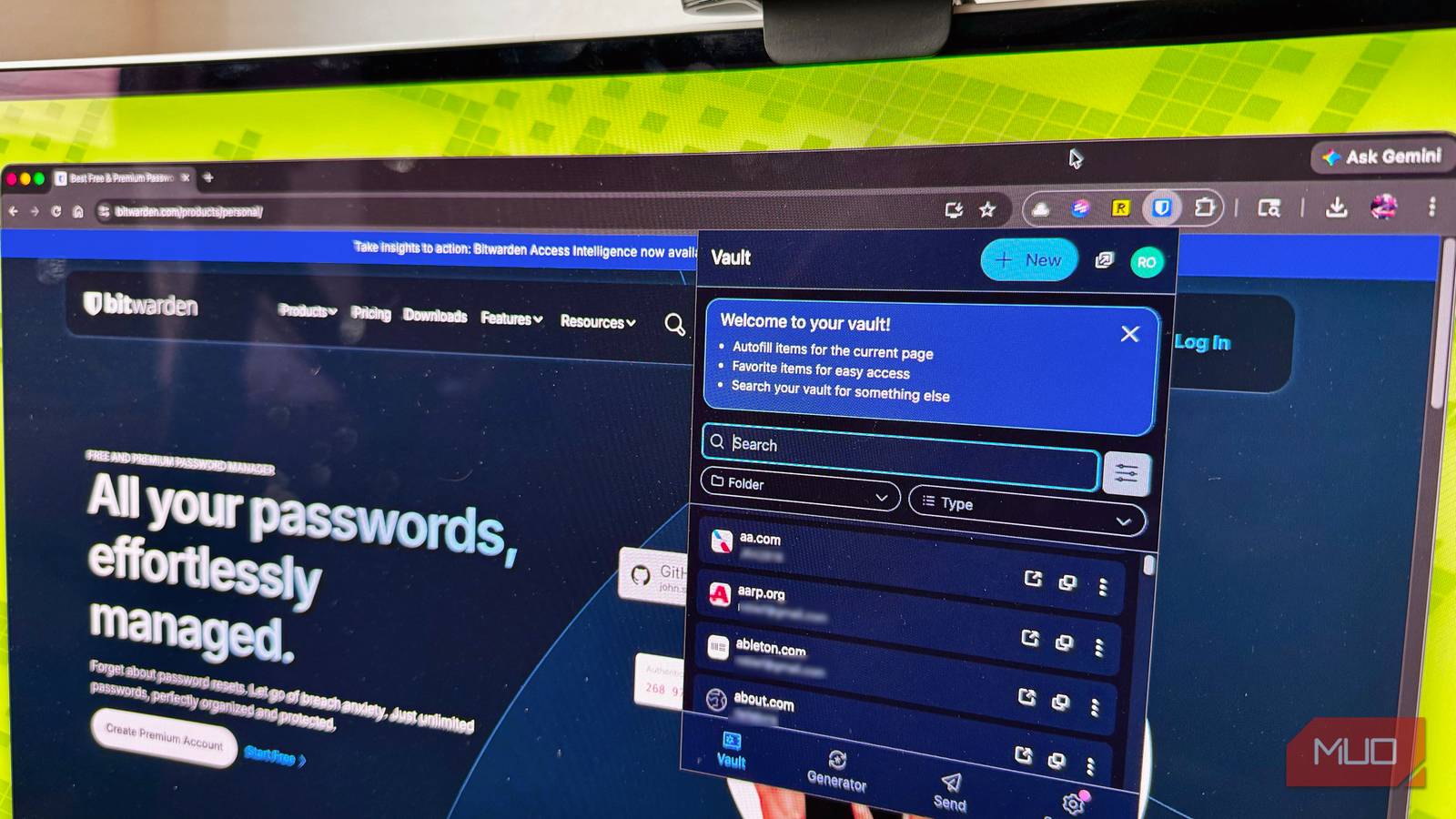
Bitwarden stands apart, starting with its open-source nature. If you have the right skill and time, you can verify how it works by inspecting the code. This is much stronger than taking a company's words for it. Of course, being open source doesn't automatically guarantee security; I've seen too many open source projects with vulnerabilities. But it gives you the option to check. Neither LastPass nor 1Password does this.
Bitwarden uses zero-knowledge encryption, so your vault is encrypted on your device before it reaches Bitwarden's servers. The system is built so that Bitwarden can't see what's inside your vault, and your master password isn't sent to their servers. The downside is that if you lose your master password with no backup, nobody, not even Bitwarden, can recover your vault.
What I had been doing in the past was trusting my password manager's words without any way to verify them. Switching to something I can verify started feeling like a long-overdue project.
The password manager debate focuses on the wrong thing 1Password and LastPass earned their reputations, but...
The popularity of 1Password and LastPass didn't happen by chance. Both solutions have been around long enough to build trust, and they have well-polished apps. While the point isn't to say that either of them is careless about security, their businesses have been built on making password management feel seamless, and they charge accordingly.
Bitwarden has taken a different approach with its free tier, offering unlimited passwords and syncing across all devices. 1Password doesn't offer a comparable always-free tier and only provides a temporary trial. Bitwarden also has the cheapest premium plan of the three: $19.80/year.
Feature
Bitwarden
1Password
LastPass
Open source
Yes
No
No
Free plan
Unlimited passwords, all devices
Trial only
Limited, varies by plan
Family plan
Yes
Yes
Yes
Self-hosting
Officially supported
No
No
It's also hard to move past LastPass's 2022 security breach. Attackers accessed encrypted backups and other company data. This isn't the same as plaintext passwords being exposed, but it's still serious. It wasn't an incident that shows LastPass is bad; it shows that the strength of encryption determines whether a breach is merely worrying or truly disastrous. Open source allows the cryptographic implementation to be independently reviewed.
Being cheaper isn't what makes Bitwarden the better option. What actually matters is that its free option isn't a stripped-down trial. I've been using it for a year across all my devices.
How I get Bitwarden set up for maximum security Three changes worth making on day one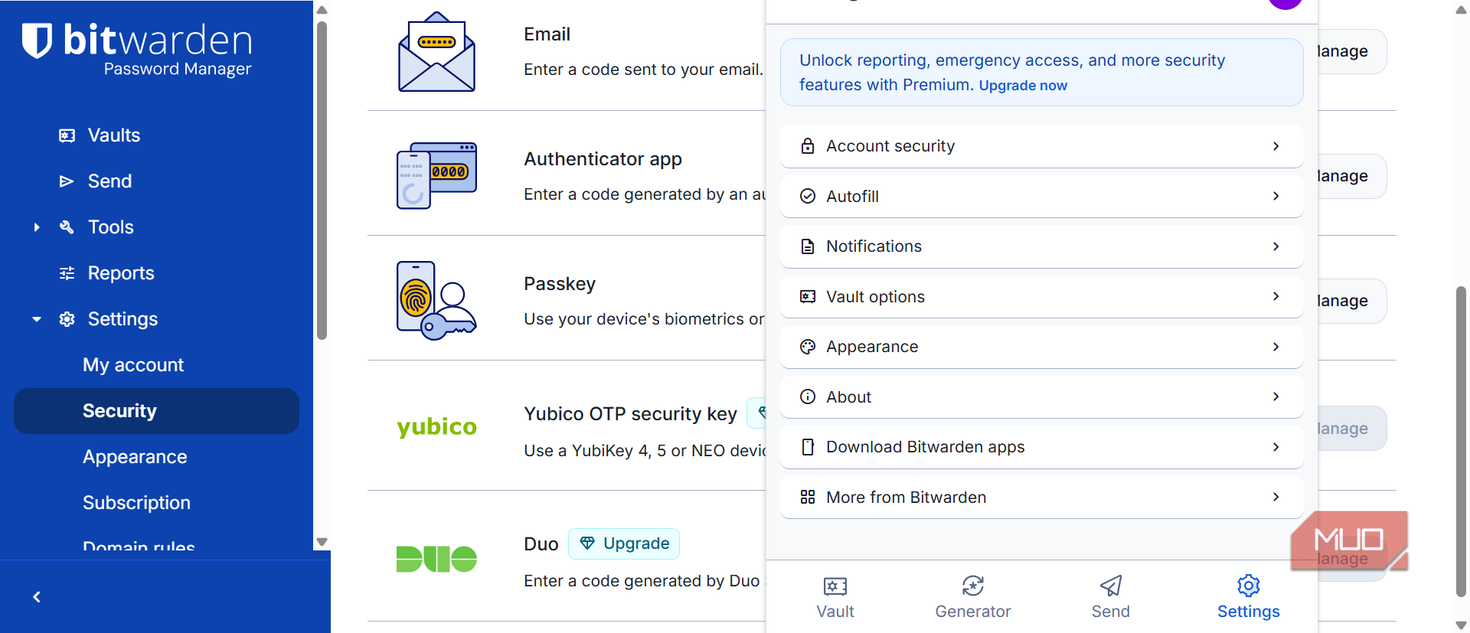 Afam Onyimadu / MUO
 Afam Onyimadu / MUO
 Afam Onyimadu / MUO
 Afam Onyimadu / MUO
 Afam Onyimadu / MUOClose
 Afam Onyimadu / MUO
 Afam Onyimadu / MUO
 Afam Onyimadu / MUO
 Afam Onyimadu / MUO
 Afam Onyimadu / MUO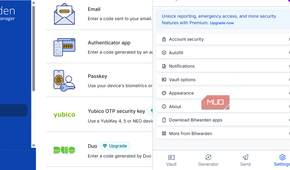
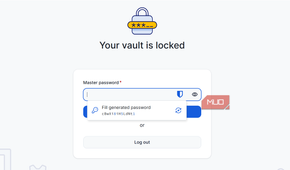
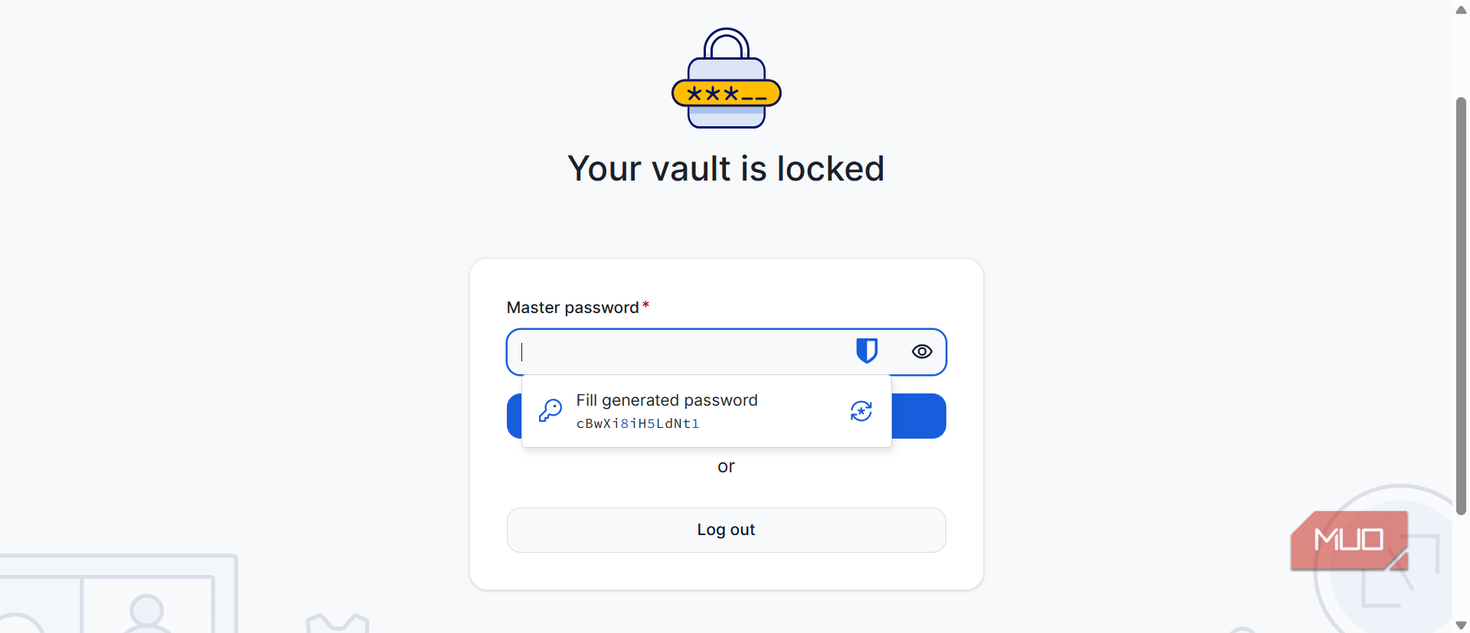
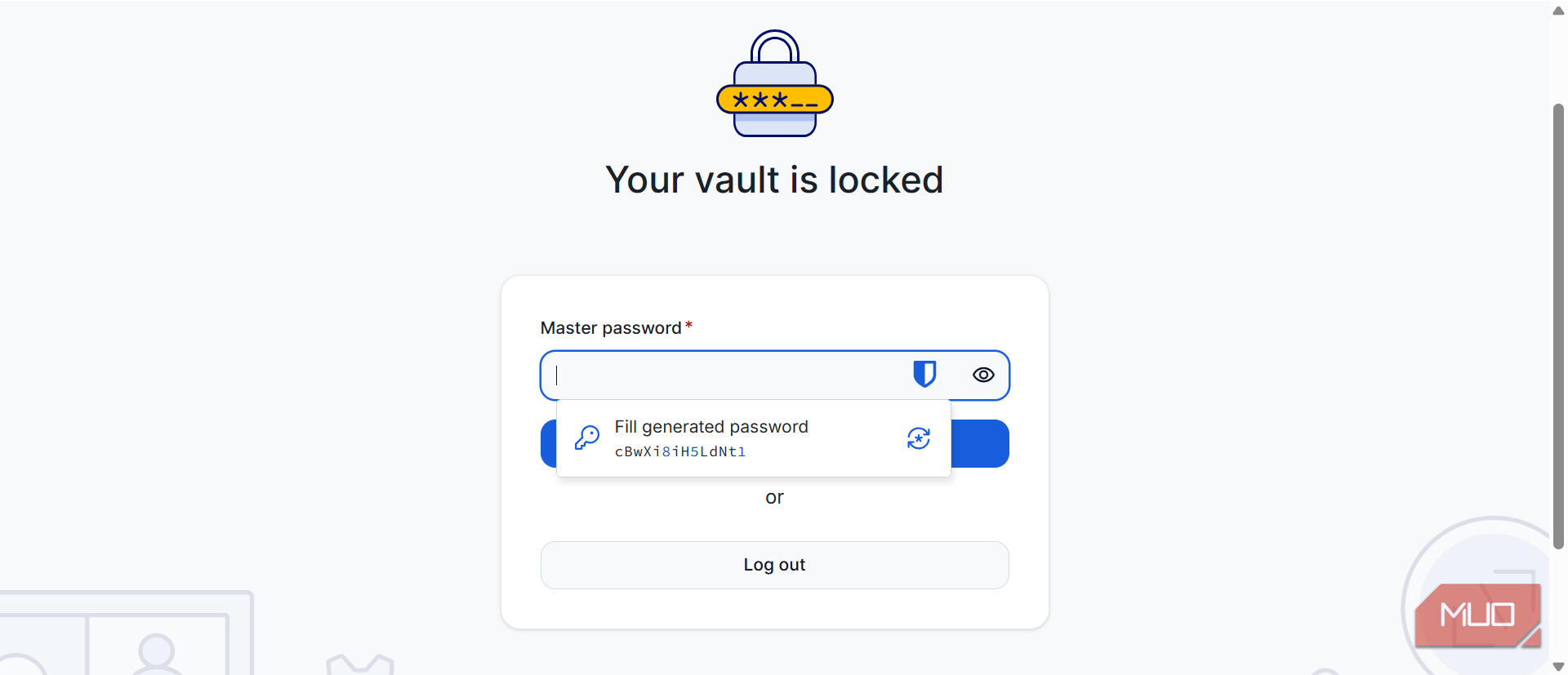
You'll be fine with Bitwarden's defaults, but it's worth the five minutes to review some key settings. Start with the master password, but instead of a sixteen-character random string that no one remembers, use a long passphrase. This may be a string of four unrelated words together. It's easier to recall and also harder to crack. Remember: if you don't set an emergency access contact, and you forget your master password, Bitwarden cannot recover your vault.
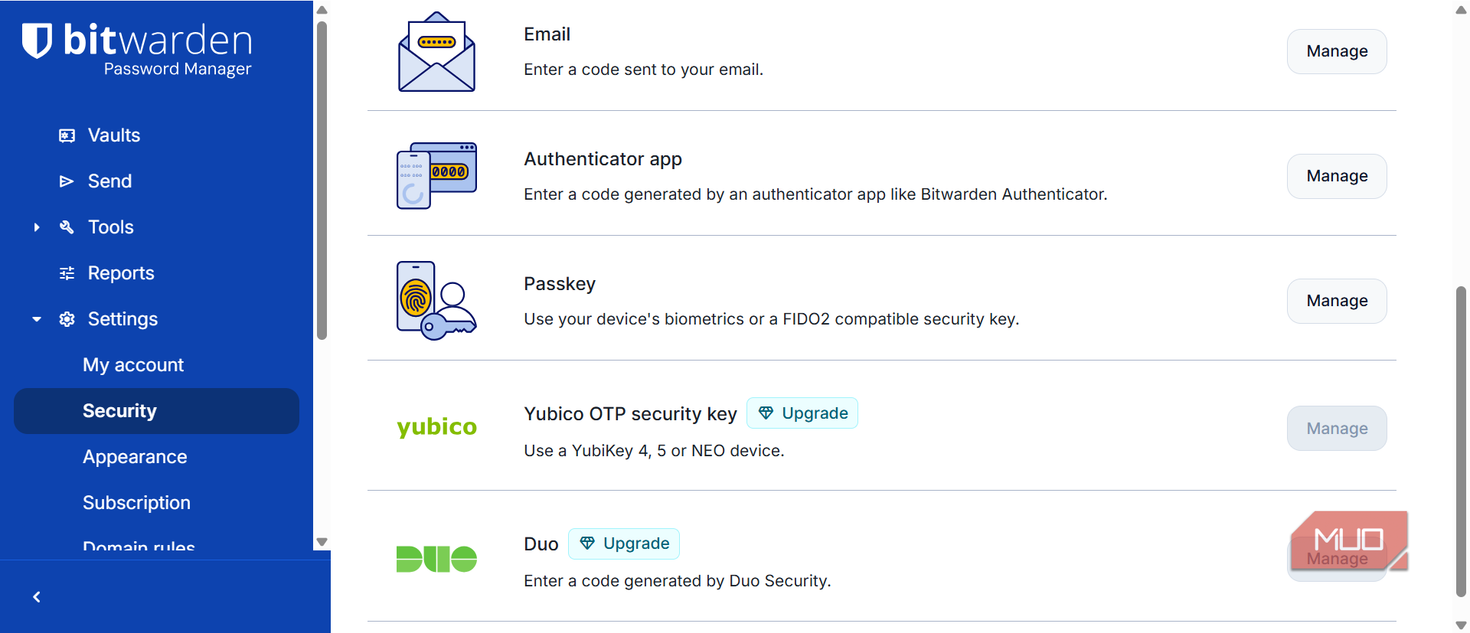
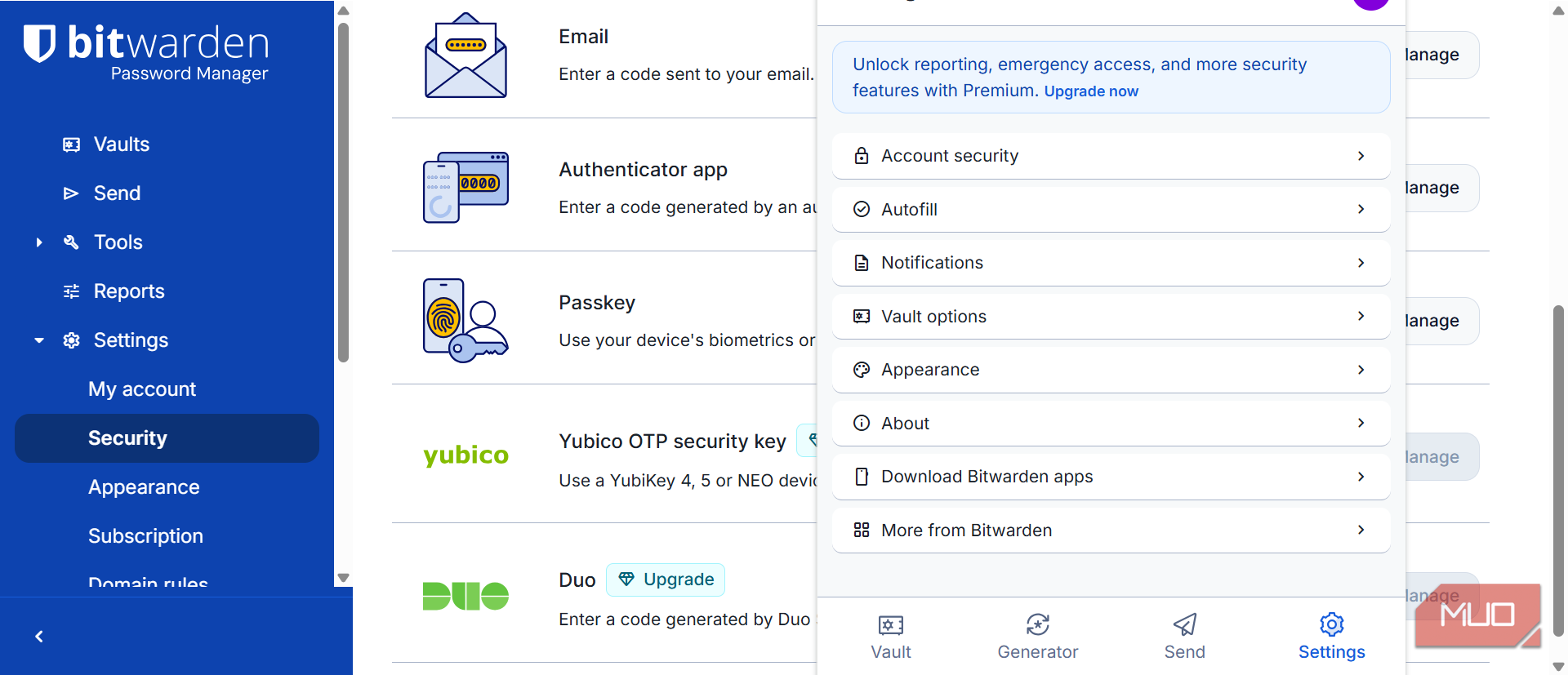
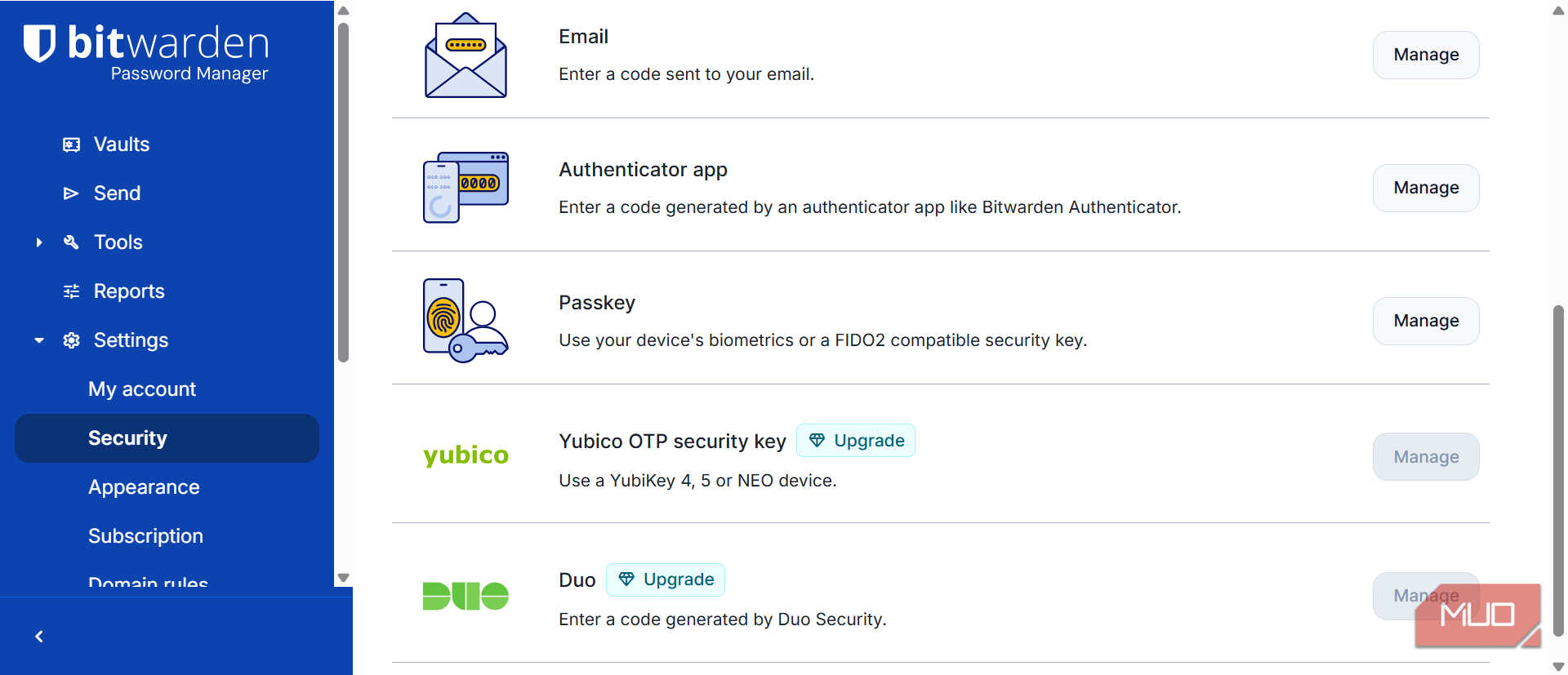
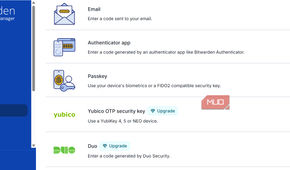
Use an authenticator app or a hardware key (like a YubiKey) for two-factor authentication; avoid SMS because SIM‑swapping attacks make it unreliable.
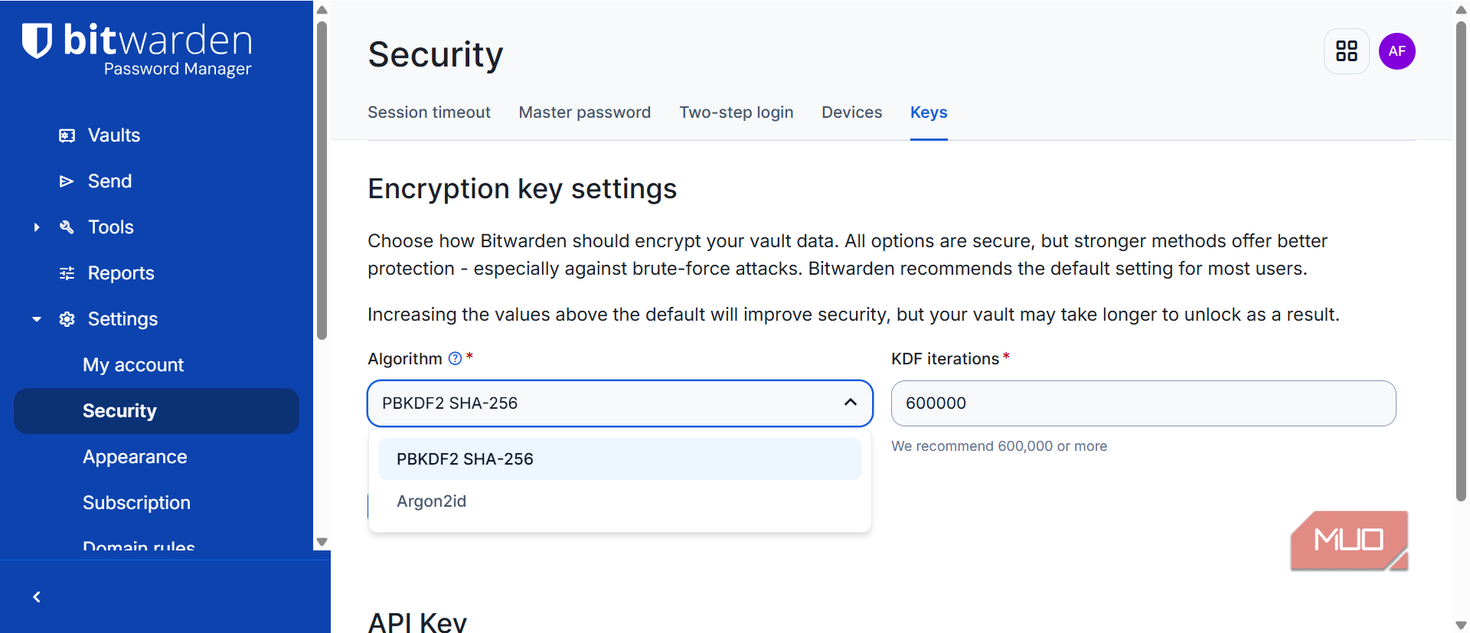
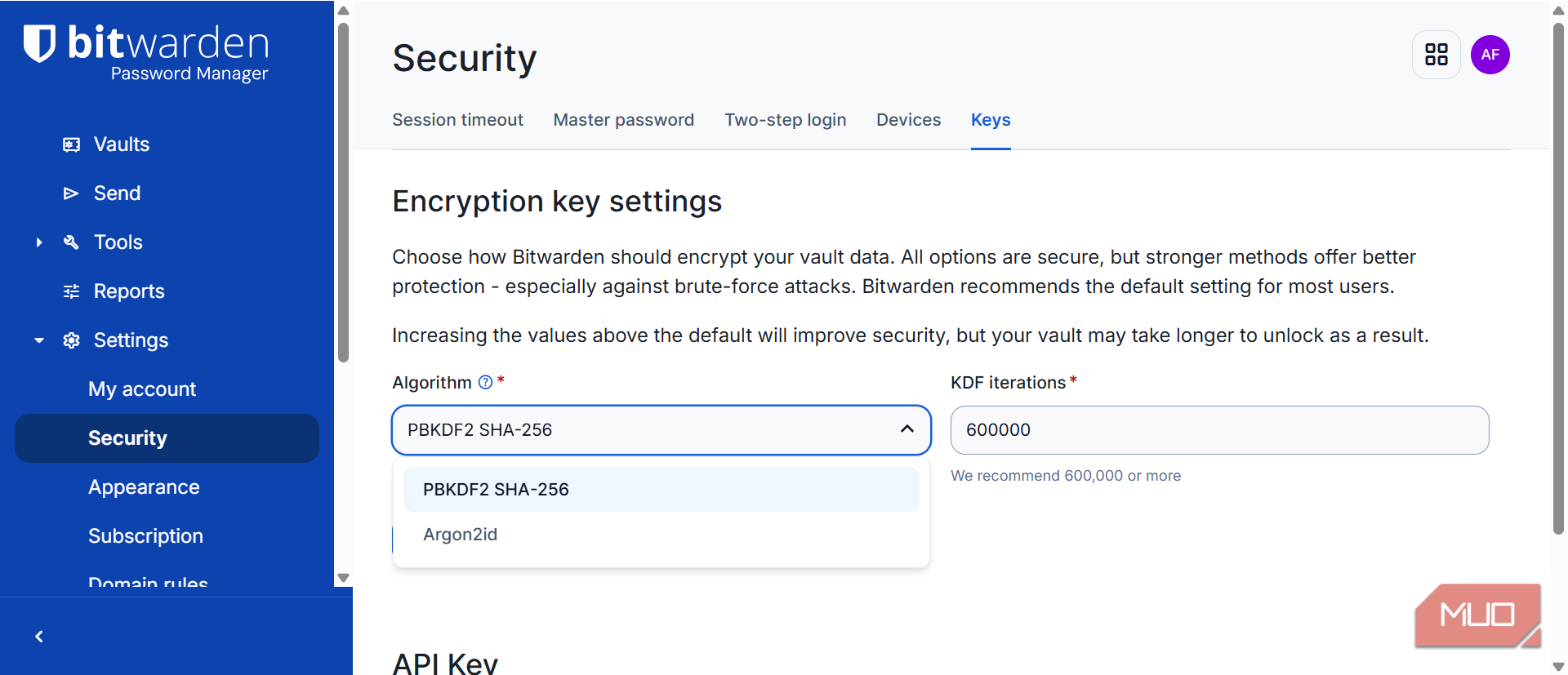
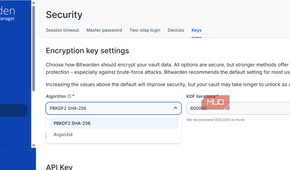
The last thing to update is your encryption standard via the web vault. Bitwarden now supports the more modern Argon2id option, but several accounts may still use PBKDF2 as the default. To change it, navigate to Settings -> Security, then select Argon2id from the Algorithm drop-down.
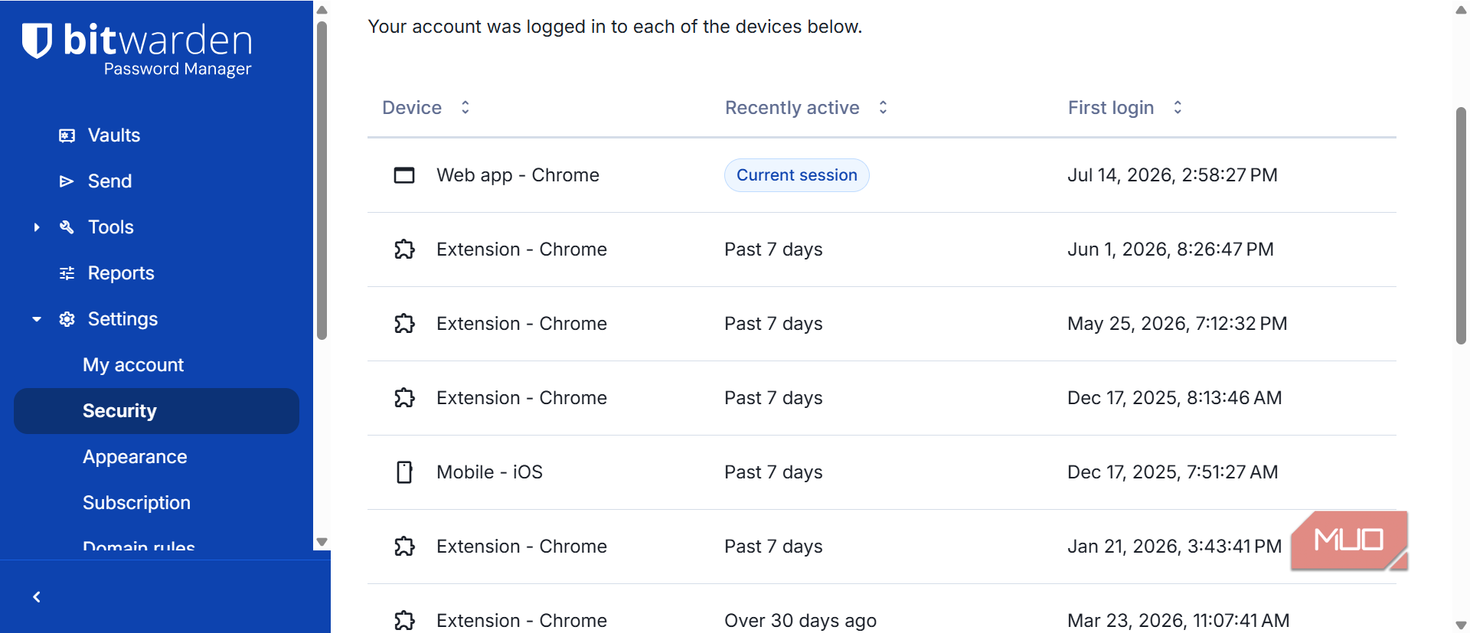
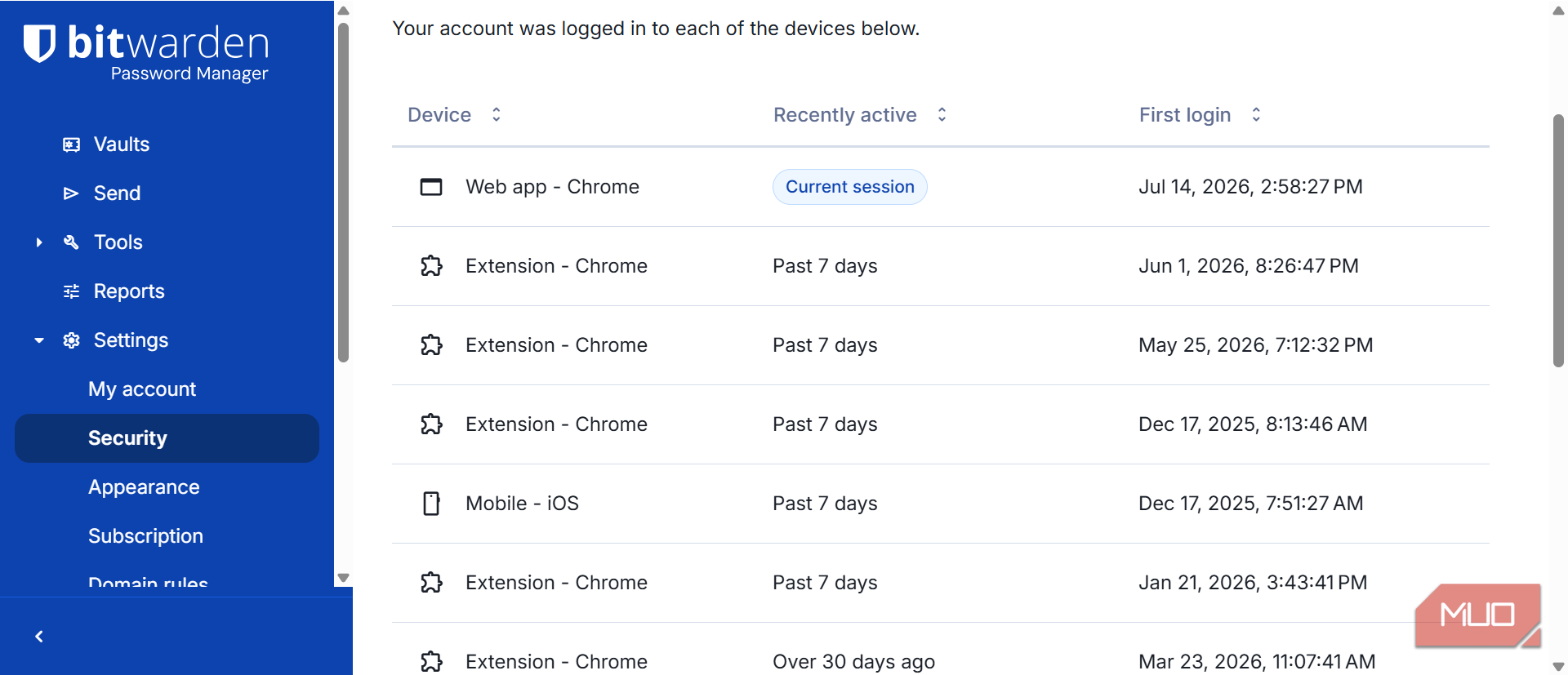
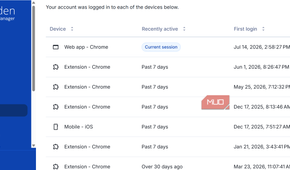
Twelve devices later, this is still what I useIt's easier to trust what I can verify, and that's where Bitwarden gets the first nod. It takes it a step further by delivering, for free, the kind of protection other services would charge me for. In the past year, I've used it across a dozen devices and several browsers. I've enjoyed a consistent experience across iOS, Windows, Android, and Linux.
The one drawback is its autofill. It works about 95% of the time and isn't as seamless as LastPass or 1Password, but that's a small trade-off for the added protection. I get.
After one year on Bitwarden, I still haven't found a reason compelling enough to switch back.