
Remember me
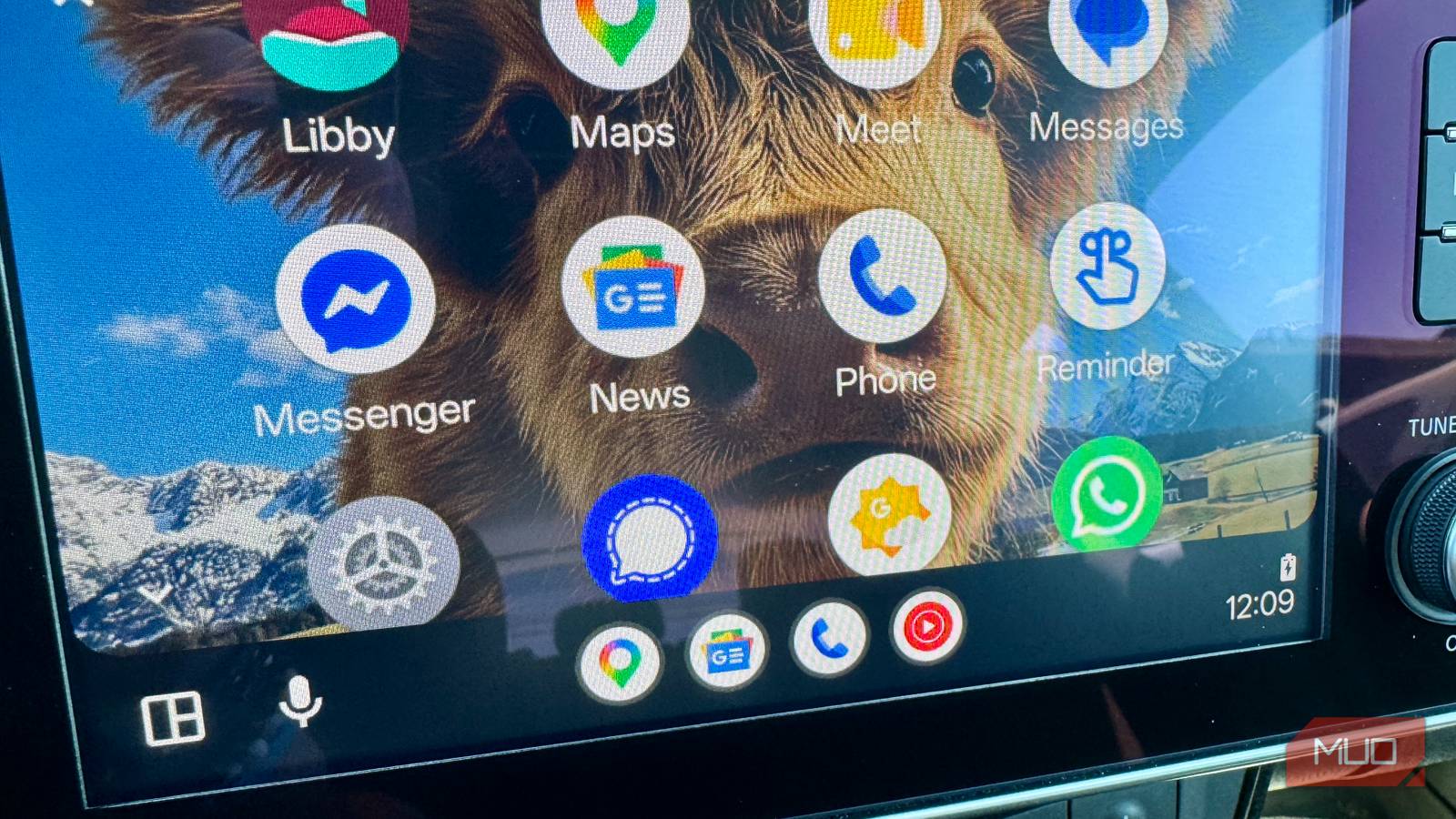
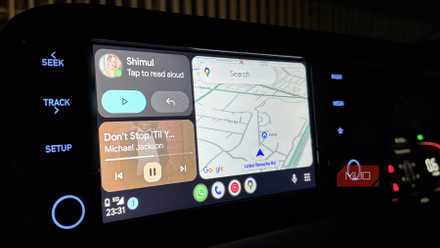
I plugged in my Android phone to the car the other day on a quick drive down the highway, wondering what Android Auto was like. When I saw Google News on the screen, I had to tap it. When I did, I found a much better audio news feature than I've ever used before.
I've been a CarPlay user for years now, and love the way it lets me use my iPhone hands-free, but I've never really loved the Apple News implementation, which ends up as a flat sort of "take what you get" sort of system.
Android Auto, by contrast, via its Google News app, offers a much easier, better way to find the things you like and listen to them in the car. I've taken to bringing my Android device with me on car trips the last couple of weeks just so I can keep up on the stuff that Google News offers me.
 Related
These 3 Android Auto features made my car feel like mine
Related
These 3 Android Auto features made my car feel like mine
Curiosity and Android Auto are a dangerous combination for me.
What "Google News" on Android Auto actually gets you It's not really an app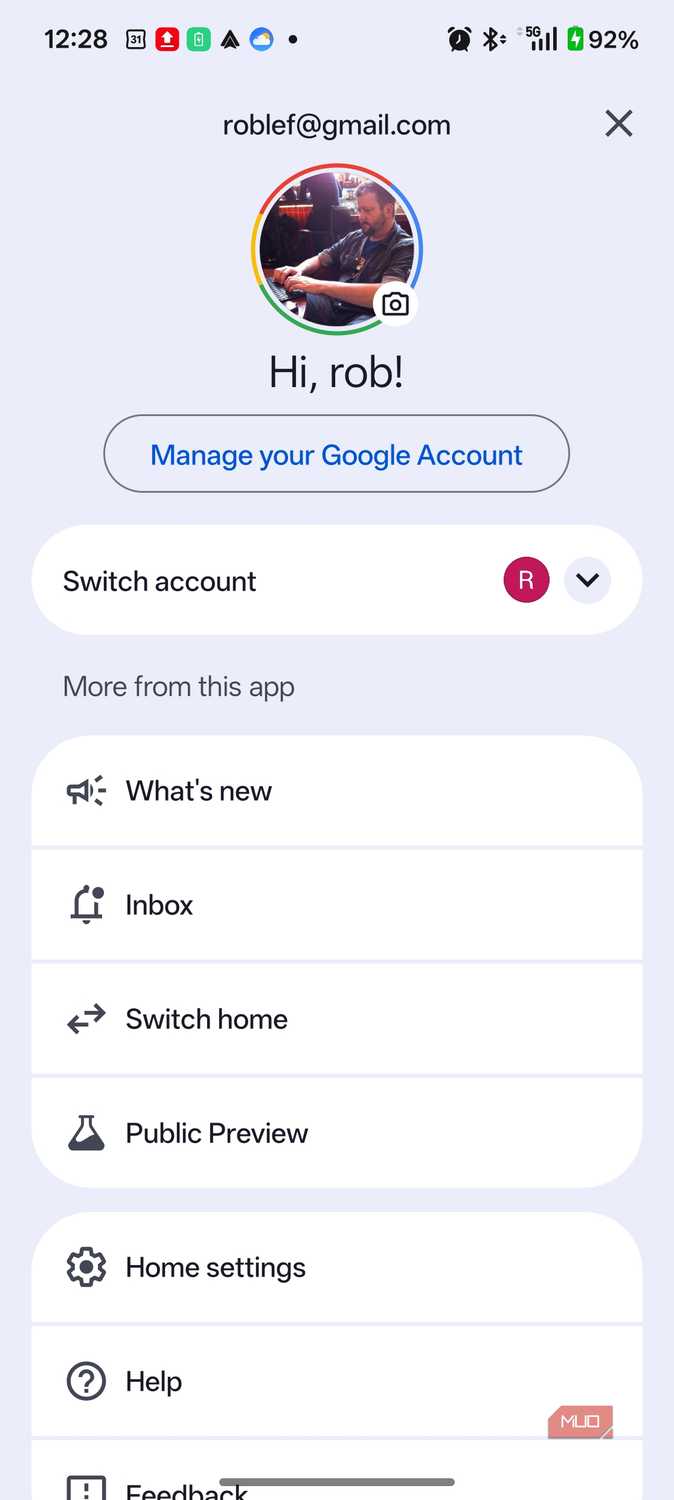
 Close
Close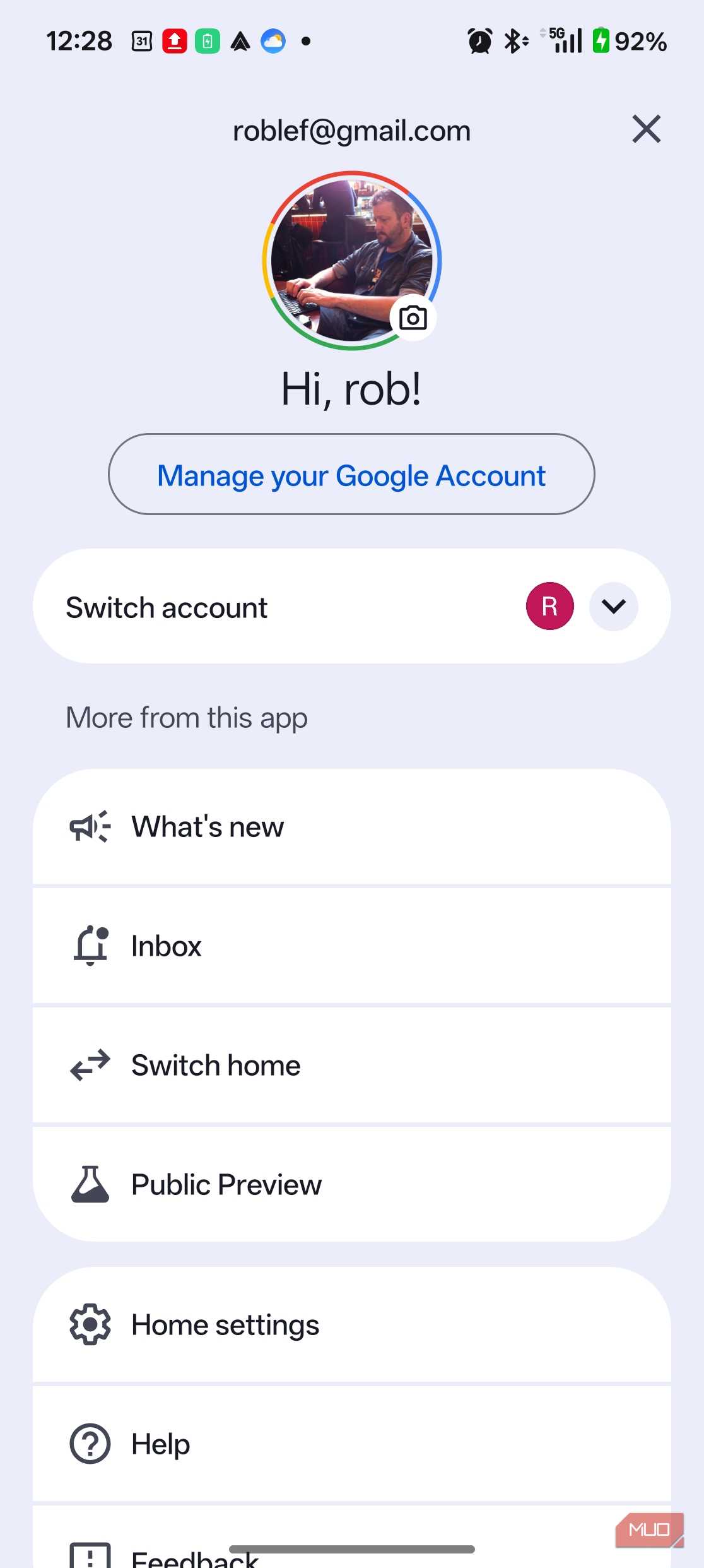
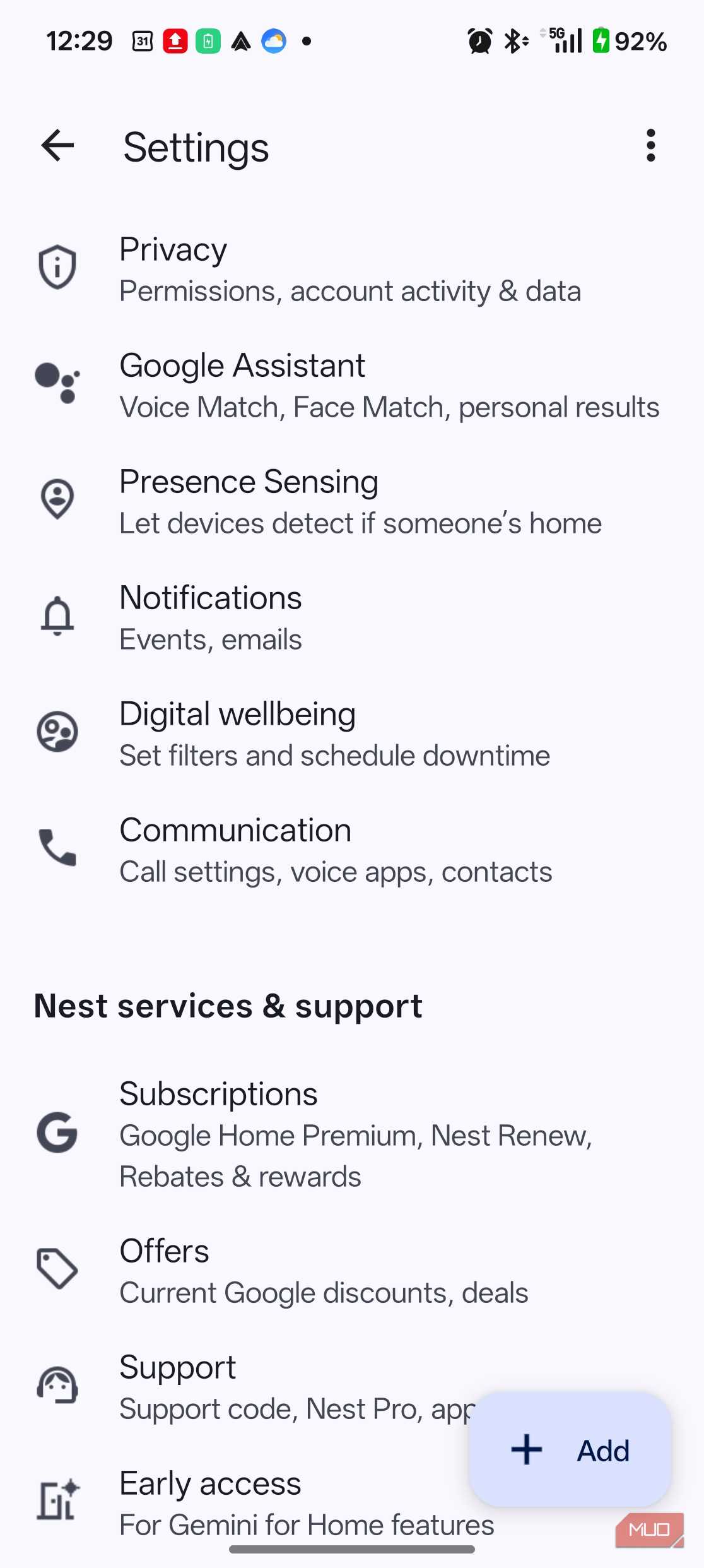
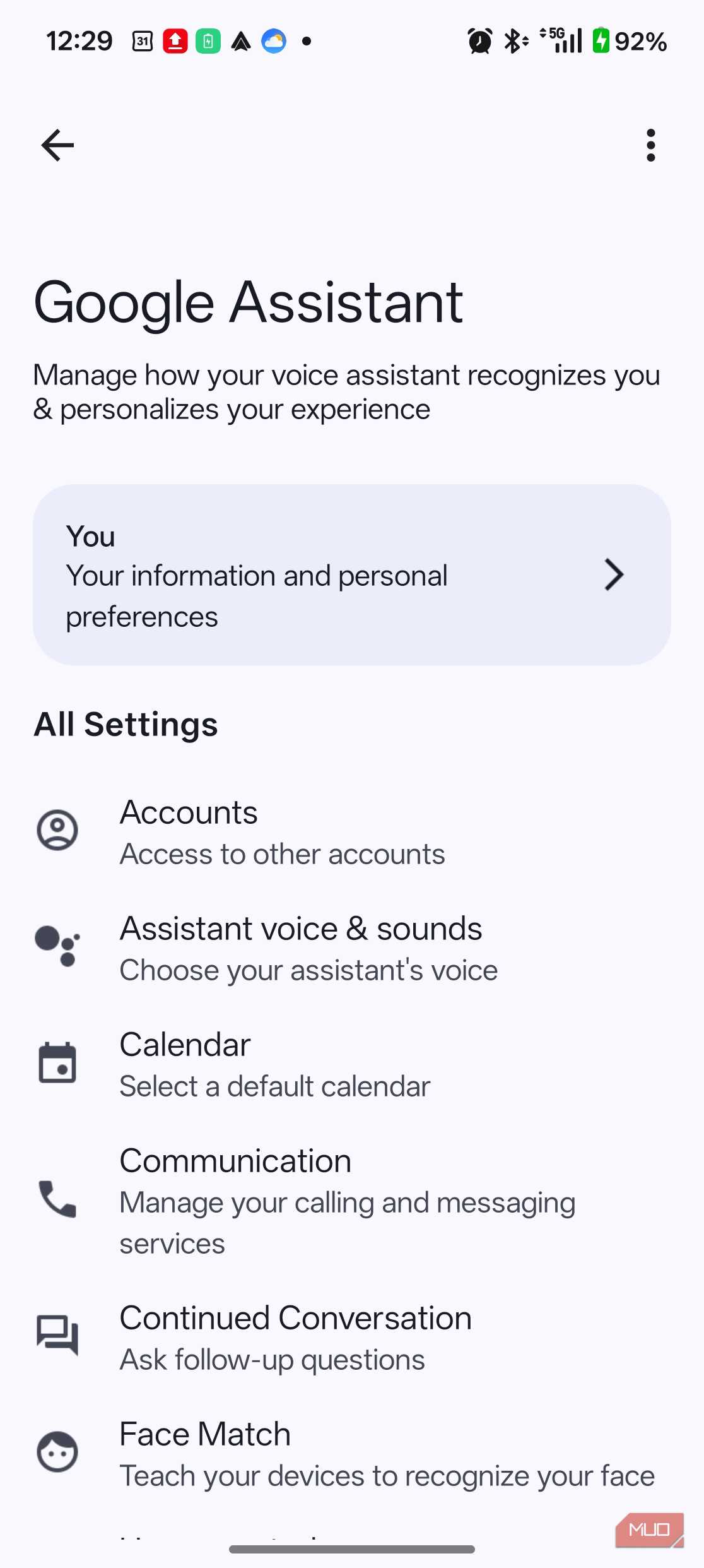
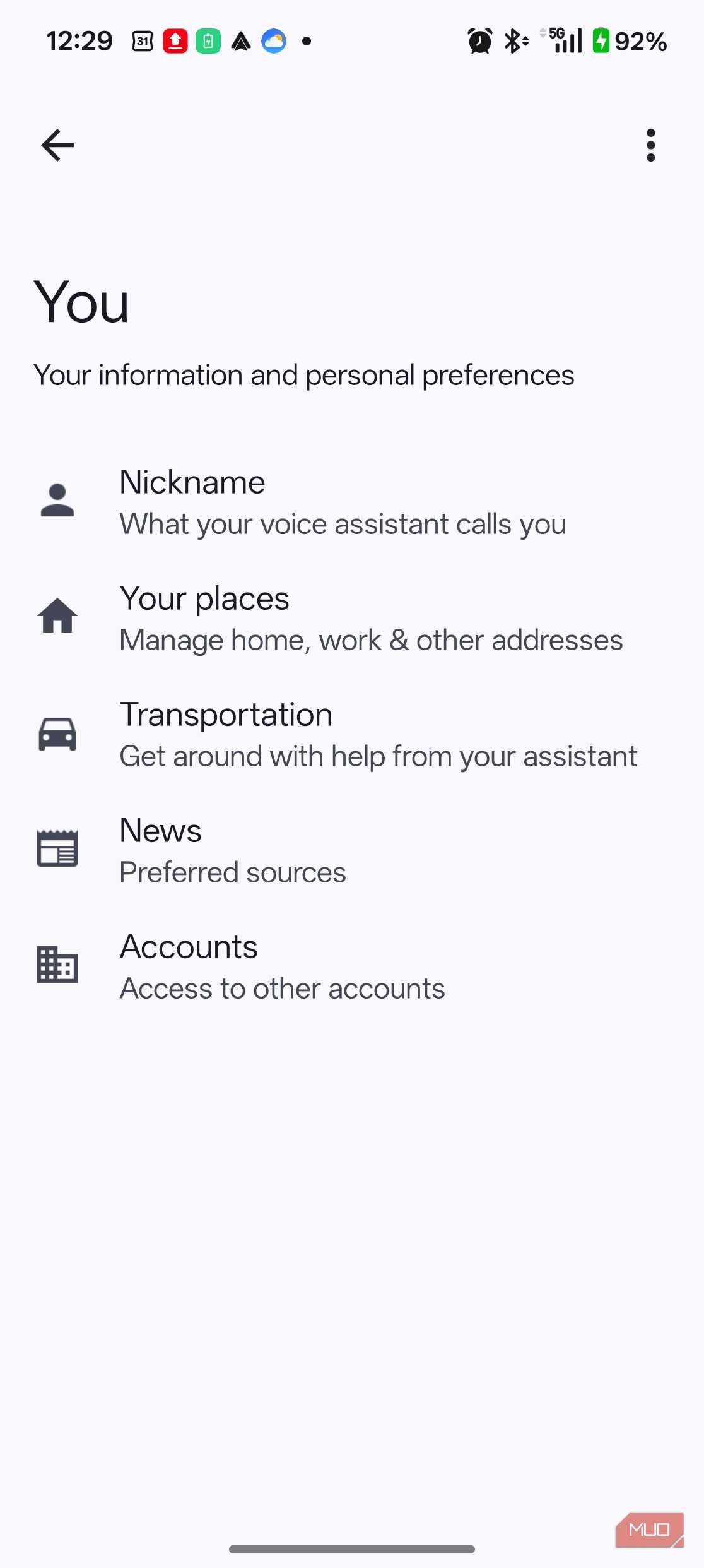
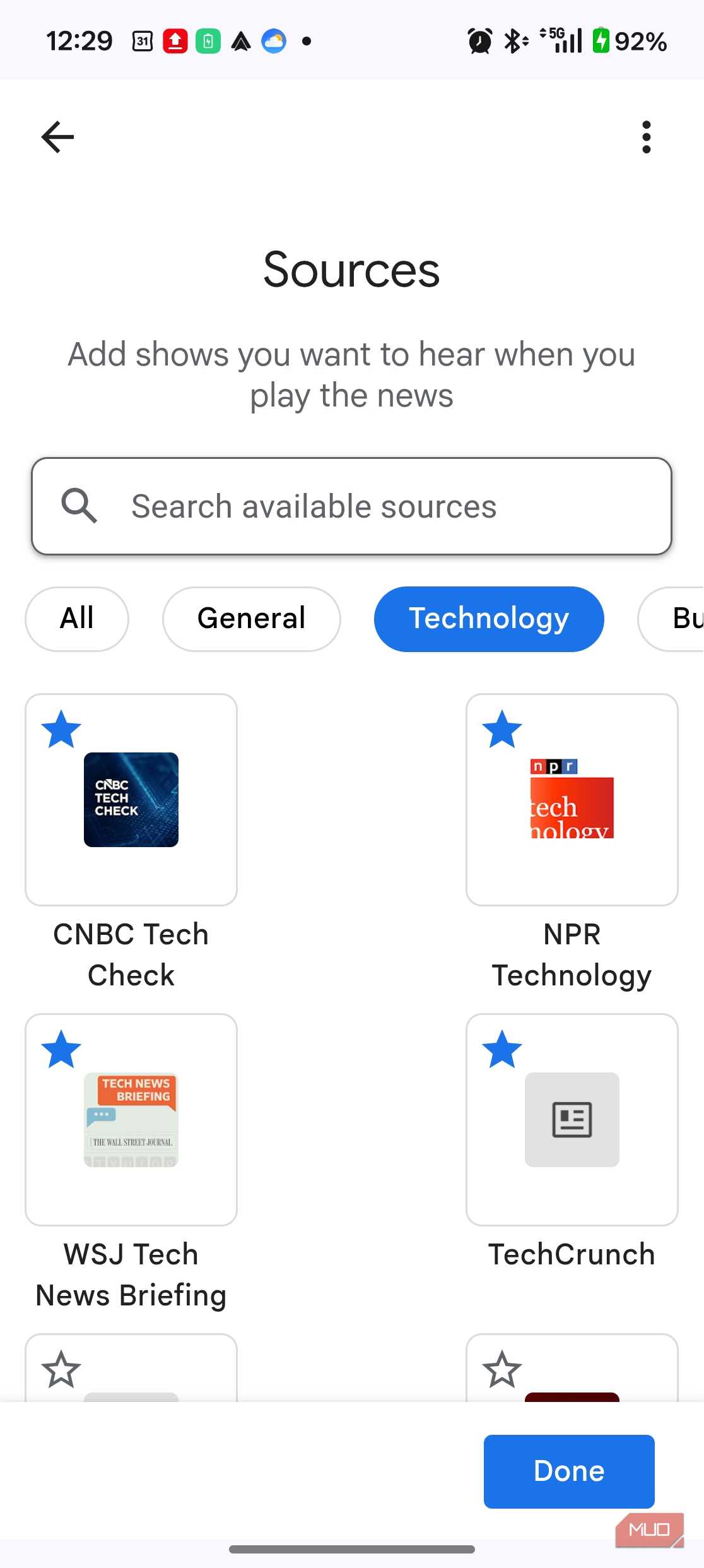
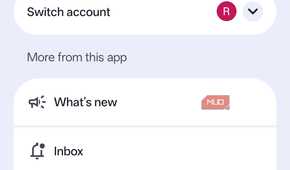
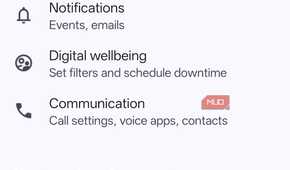
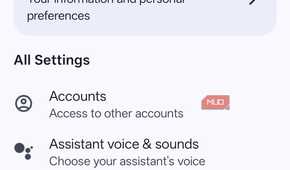
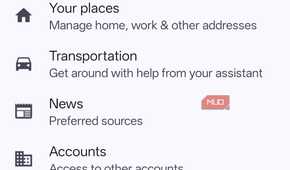

There's a Google News icon sitting on the Android Auto dashboard, which is generally how a lot of people like me stumble onto this. But tap it, and you won't get a news app: you'll get the same thing as saying "Hey Google, play my news brief" — Assistant (or, increasingly, Gemini) reading audio from the sources you've picked in the Google Home app.
Google changed the audio command in a June 2026 Gemini for Home update. Say "play the news" now, and on updated phones you'll get a Gemini-generated summary of headlines instead of your chosen sources' audio. To get the classic source-based broadcast — the feature this article is about — the command is now "play my news brief." If your phone's still running classic Assistant, none of this affects you yet. But if tapping the icon opens Gemini for you, this is why.
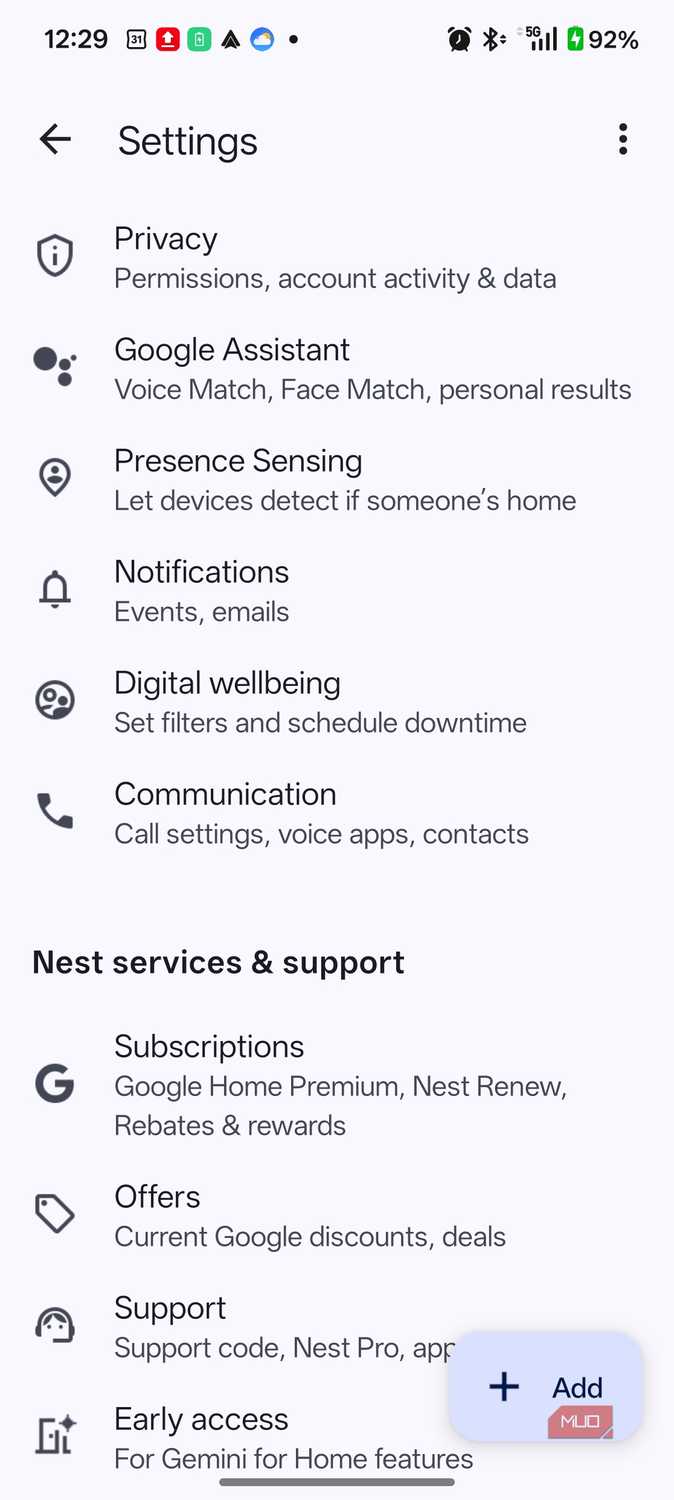
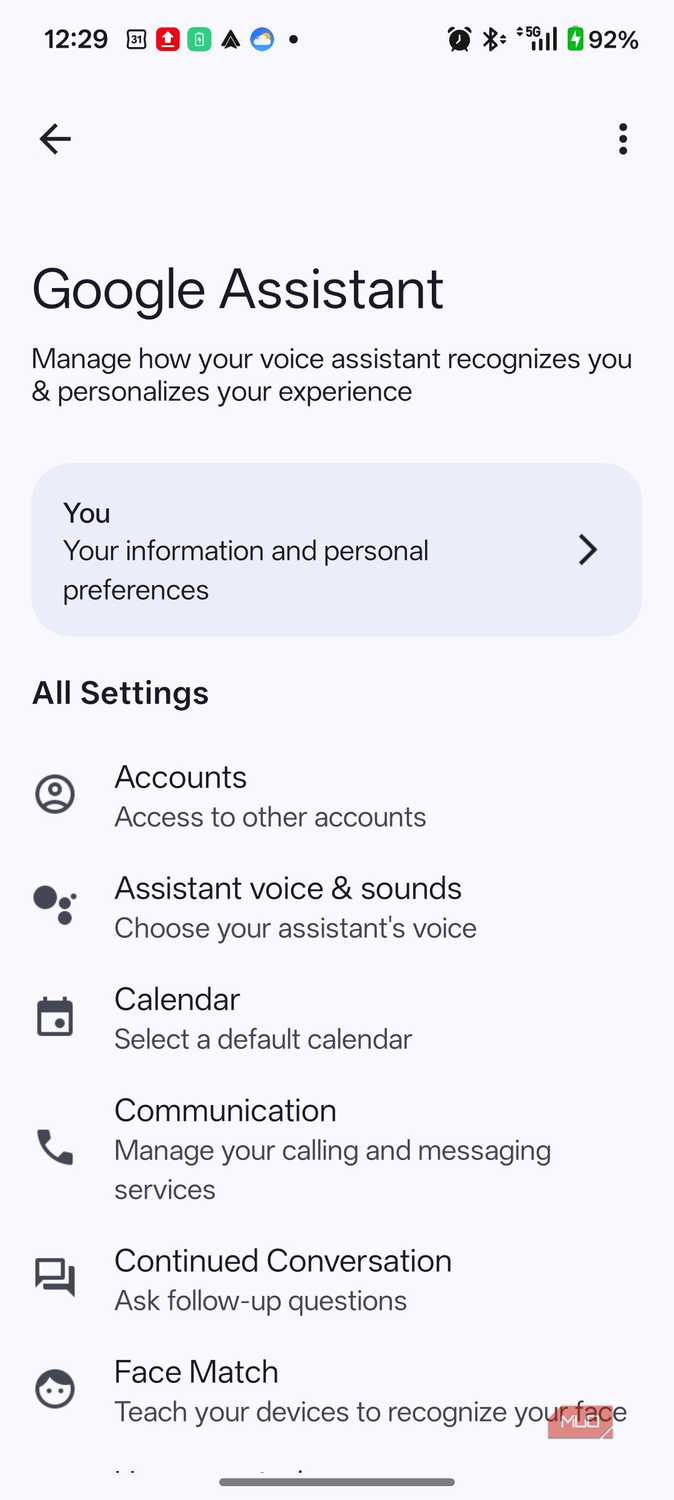
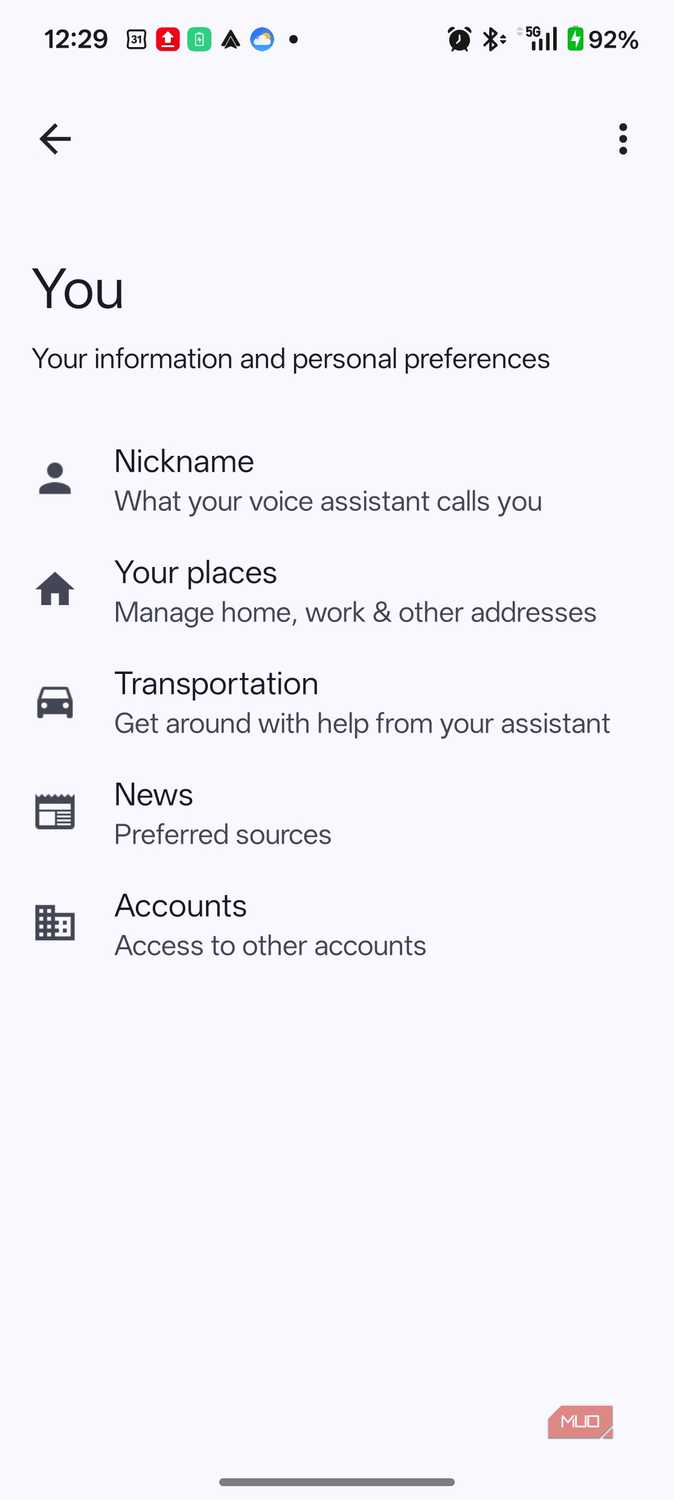
I'm a Technology guy, so tapping that tab at the top of the Auto screen got me a bunch of short podcast-style audio in that topic. At first, I thought maybe it was pulling from Google News, but there's a different spot you can head to if you want to customize what's on your audio feed here. To do that, open Google Home, tap your profile icon (top right), then Home settings, then Google Assistant, then You, then News.
That's the whole interaction. No screen, no scrolling through a feed while merging onto the highway. You ask, it plays, and Android Auto's safety restrictions keep it off the display entirely.
What Apple News on CarPlay gives you instead Free previews, paid full stories
Every time I try to open News on CarPlay, it just feels like I have less choice about what I hear. Apple News Today audio briefings play through CarPlay for anyone, but full audio versions of individual stories are gated behind an Apple News+ subscription. Without one, you get story previews rather than the whole piece read aloud.
The only problem is, that's exactly the moment you don't want a paywall: mid-drive, hands on the wheel, hoping to hear how a story actually ends. Even though I subscribe to Apple News+, this has never been a thing I wanted to listen to on my drive. I can't separate out the tech news, either; it just feels like I have to listen to whatever Apple sends my way.
Why I choose Android Auto now It matches my preferences better
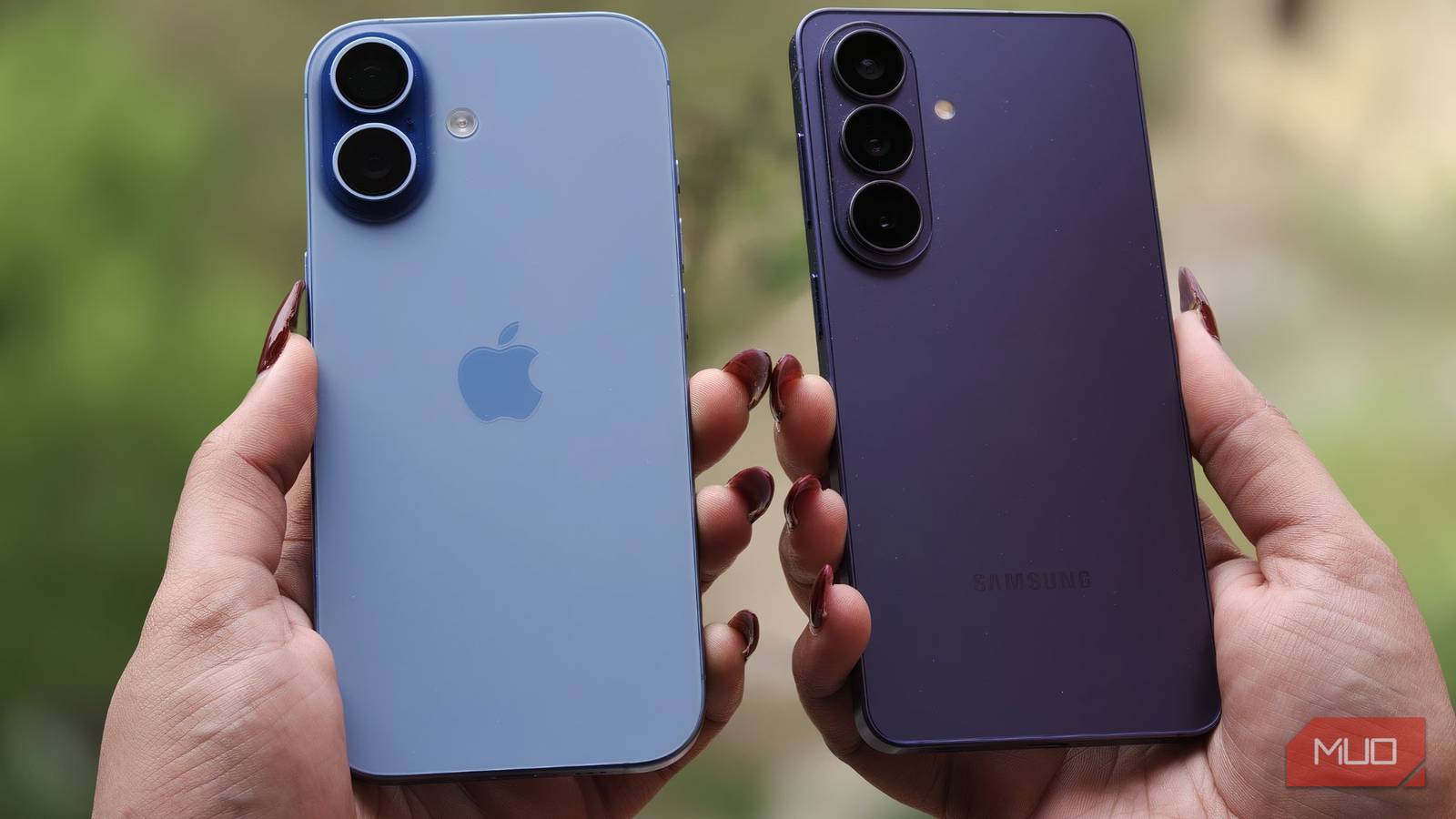
Sure, now I have to carry two phones with me on any drive where I want to listen to Google News instead of Apple News stories, but I can also just leave my Android phone in the car and carry my iPhone around, since I tend to use Apple's device more often outside the car.
Furthermore, I do like CarPlay for things like Apple Maps and Messages while I'm driving. I'm still trying to figure out where to fix the Location access for Google Maps on Android (it's buried somewhere), so that's also a drawback.
So, Android Auto isn't "better" than CarPlay across the board; this feature just works better, in my opinion, than the one on Apple does.
I still use CarPlay when I need Maps or Messages, though I wish Apple would provide something similar via software update. But for now, the free, on-demand version of "read me the news" lives on the Android side, and that's reason enough that Android Auto is what I plug in first. It's one of a handful of small, deliberate differences that tip the scale toward Android Auto for me, the same way a few overlooked built-in features on both platforms are worth digging for no matter which one you use, and worth weighing against what CarPlay still does better before you decide either way.