
Remember me





I've been running my homelab with an enterprise-grade rack-mount server for nearly six years. However, it's finally time to change that. Here's why I'm switching to an off-the-shelf NAS, and why I wish I would have done it sooner.
Enterprise servers are power hungry And the old ones aren't that powerful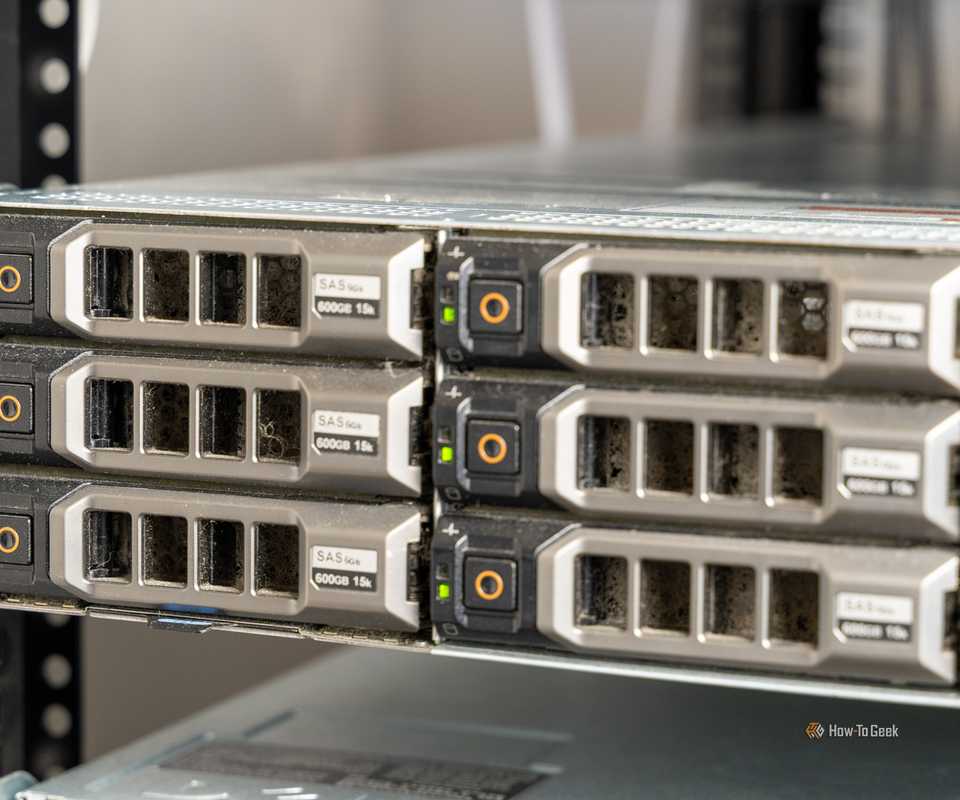
 Close
Close Credit: Patrick Campanale / How-To Geek
 Credit: Patrick Campanale / How-To Geek
 Credit: Patrick Campanale / How-To Geek
 Credit: Patrick Campanale / How-To Geek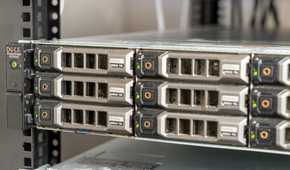

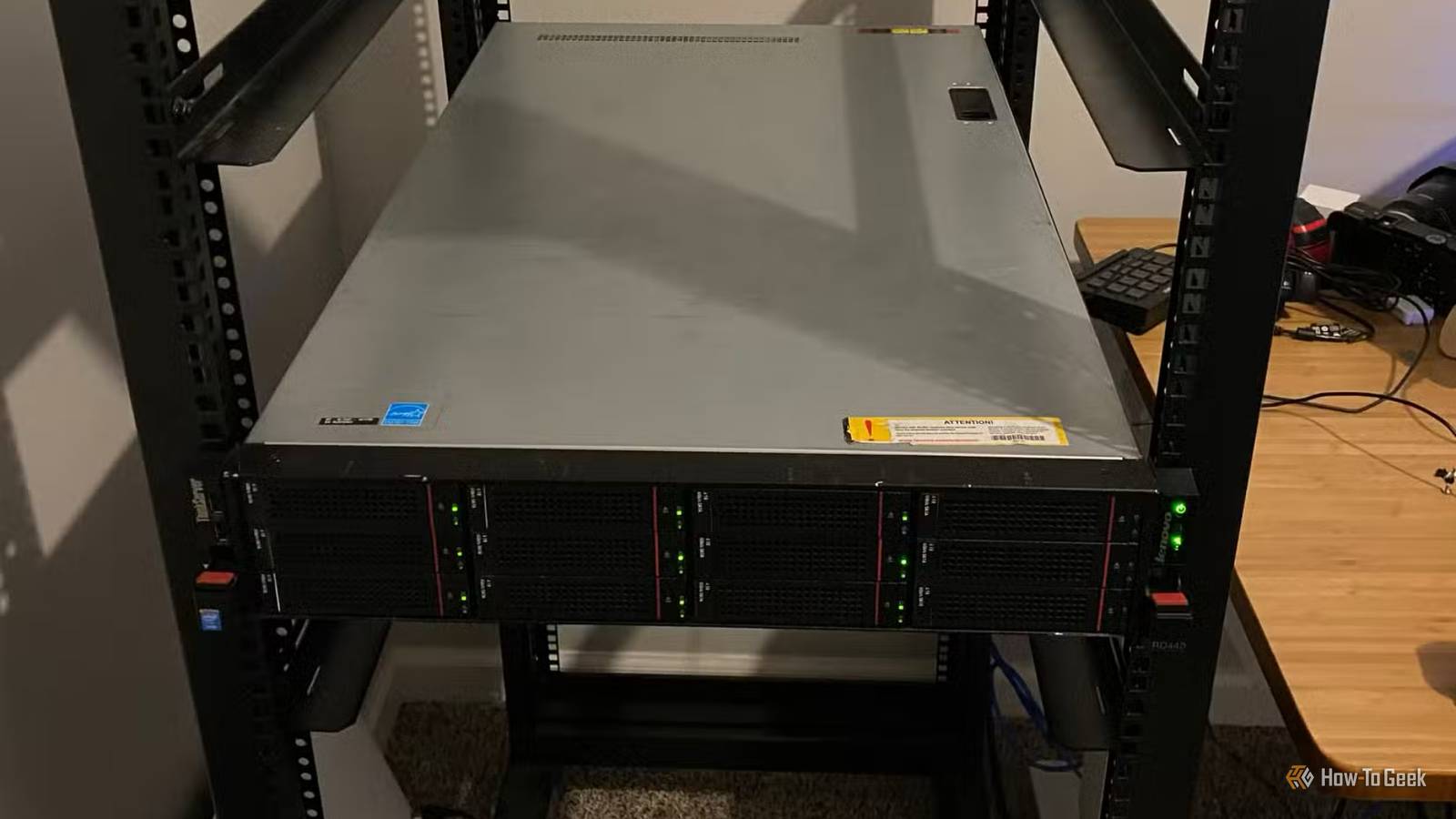
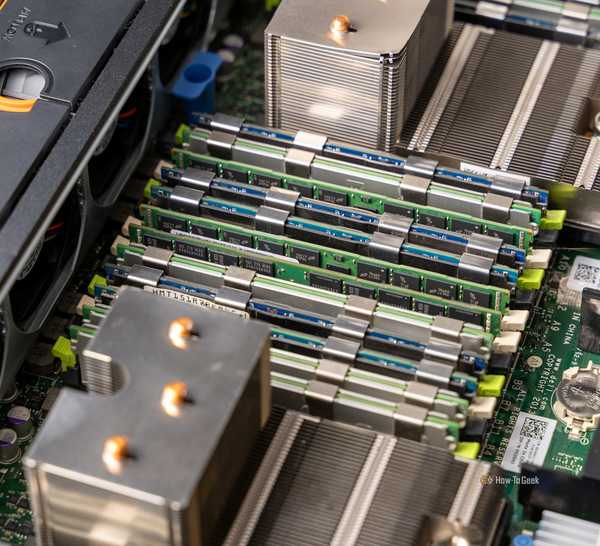
I've had my enterprise server for nearly six years, and it has been a fantastic piece of equipment the entire time. I've honestly not run into a single thing it couldn't do—except for being power efficient.
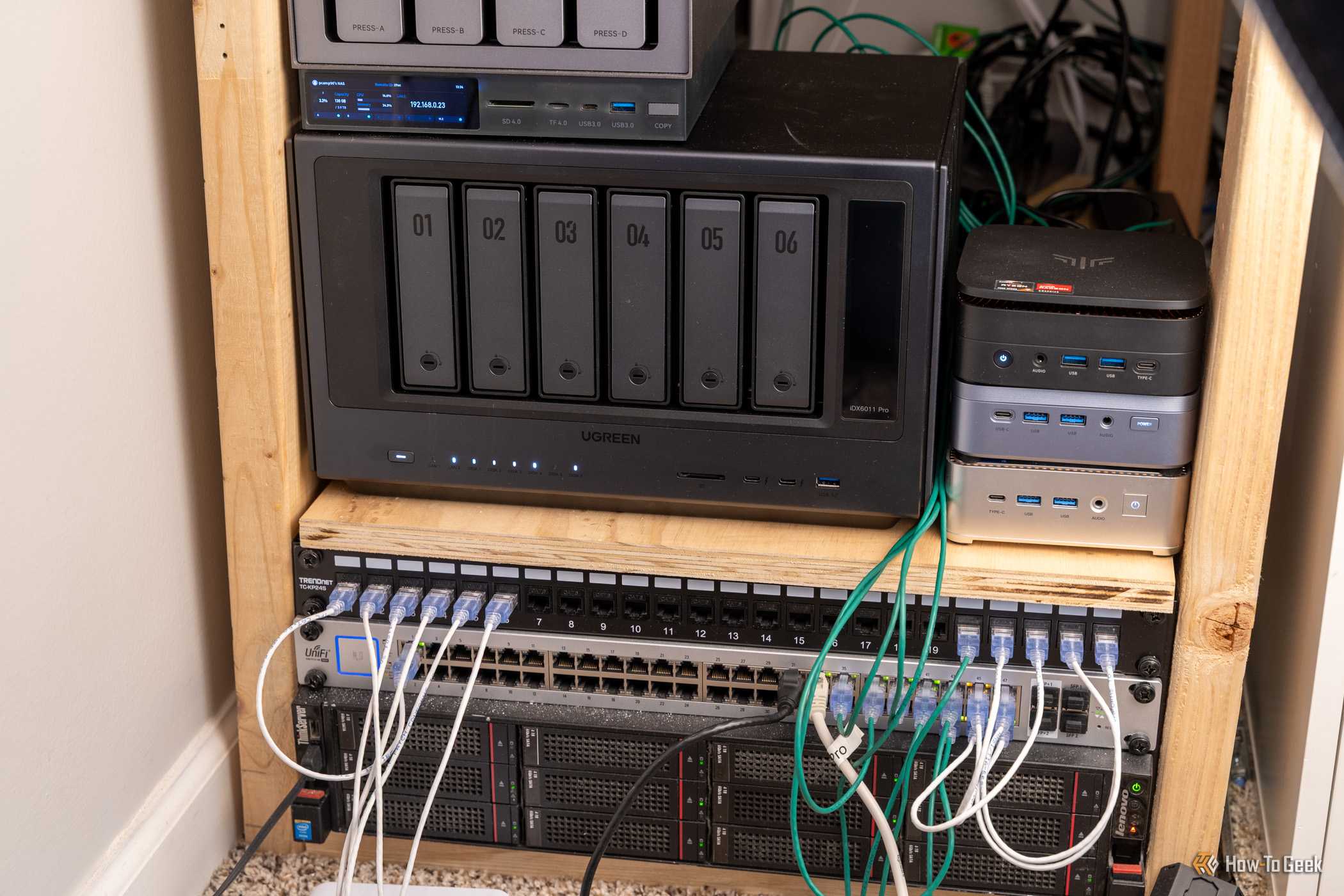
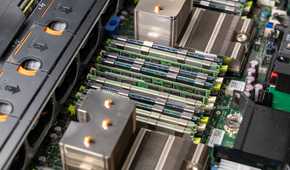
You see, while I only paid $300 for the dual-CPU 12-bay server, I have paid a lot more than that over the years in electricity. My Lenovo RD440 server averages between 130W and 200W of power draw. That puts it somewhere around $170 per year in electricity costs just to run the server.
Power is only one downside, though. The other is heat generation, as the server is putting out roughly 600 BTU/hr of heat into my office space.
When the enterprise server was the only piece of networking and homelab gear I had running, it wasn't all that bad. $14 per month in electricity and 600 BTU/hr of heat is fairly easy to swallow. However, as my homelab has grown into a more complex system, it's becoming an unnecessary piece of equipment.
So, it's time that I retire the ol' enterprise server for something a bit more energy (and cooling) conscious.
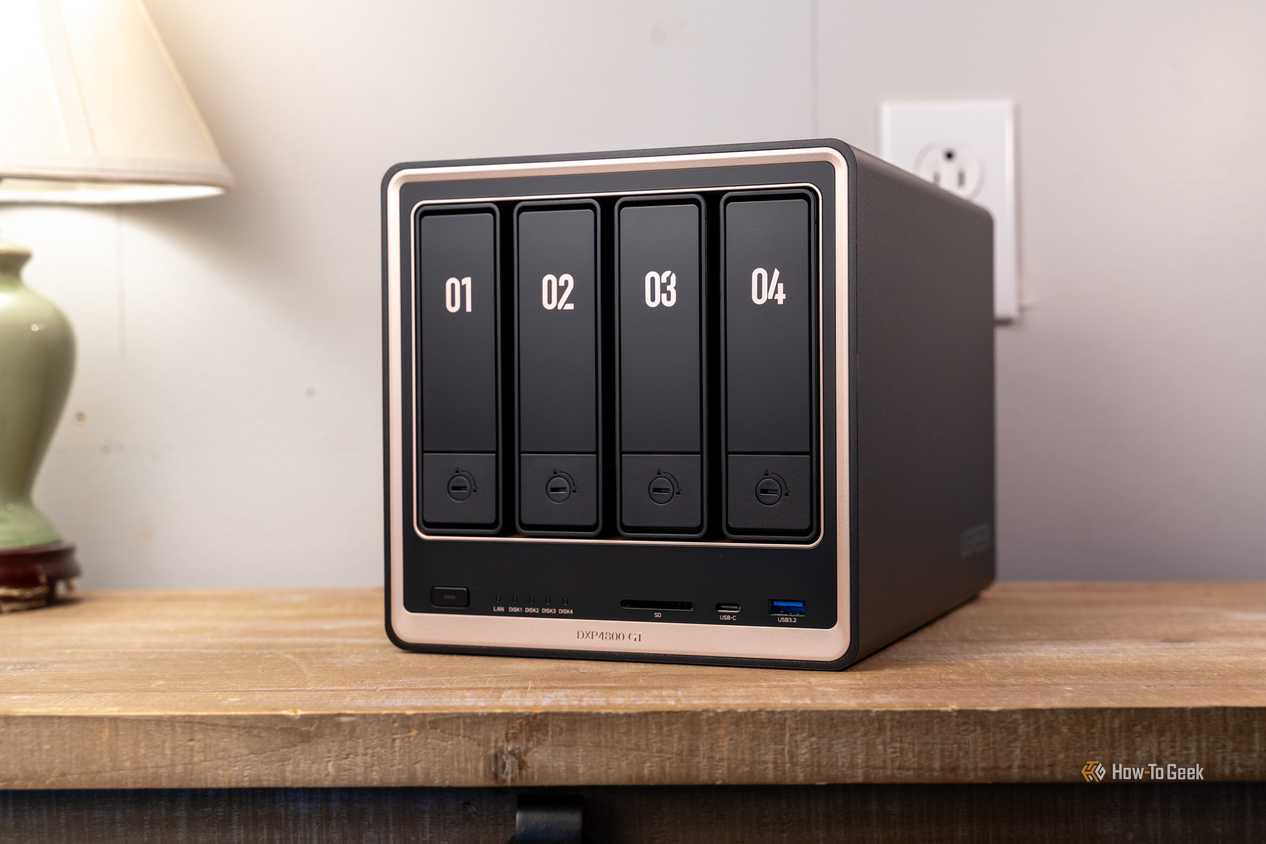
Off-the-shelf NAS systems have come a long way over the years They're powerful without being power hungry Credit: Patrick Campanale / How-To Geek
 Credit: Patrick Campanale / How-To Geek
 Credit: Patrick Campanale / How-To Geek
 Credit: Patrick Campanale / How-To Geek
 Credit: Patrick Campanale / How-To GeekClose
 Credit: Patrick Campanale / How-To Geek
 Credit: Patrick Campanale / How-To Geek
 Credit: Patrick Campanale / How-To Geek
 Credit: Patrick Campanale / How-To Geek
 Credit: Patrick Campanale / How-To Geek
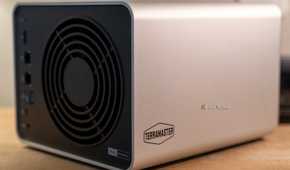

I've recently reviewed several NAS servers, and I noticed something surprising when doing so: NAS systems are way more powerful than they used to be. Sure, there are some underpowered, or even downright anemic systems out there. However, the majority actually pack a decent punch.
For example, while expensive, the Ugreen iDX 6011 Pro NAS packs a Core Ultra 7 CPU and 64GB of RAM. Stepping down to something like the Terramaster F4-425 Pro, you can get an Intel N350 CPU with 16GB of RAM.
There are quite a few NAS systems out there, and they all have quite a bit of power for running things like Docker containers or even as a full-fledged media server.
Hard drives have also come a long way. Though hard drives are incredibly expensive right now, you can still get some pretty large drives. A 4-bay NAS with 4 20TB drives gives you 60TB of usable storage in a small footprint without taking up a ton of space in your office. It also won't use a ton of power, nor will it output a crazy amount of heat.
I'm cutting my electricity bill by hundreds every year And I'm not even sacrificing a single thing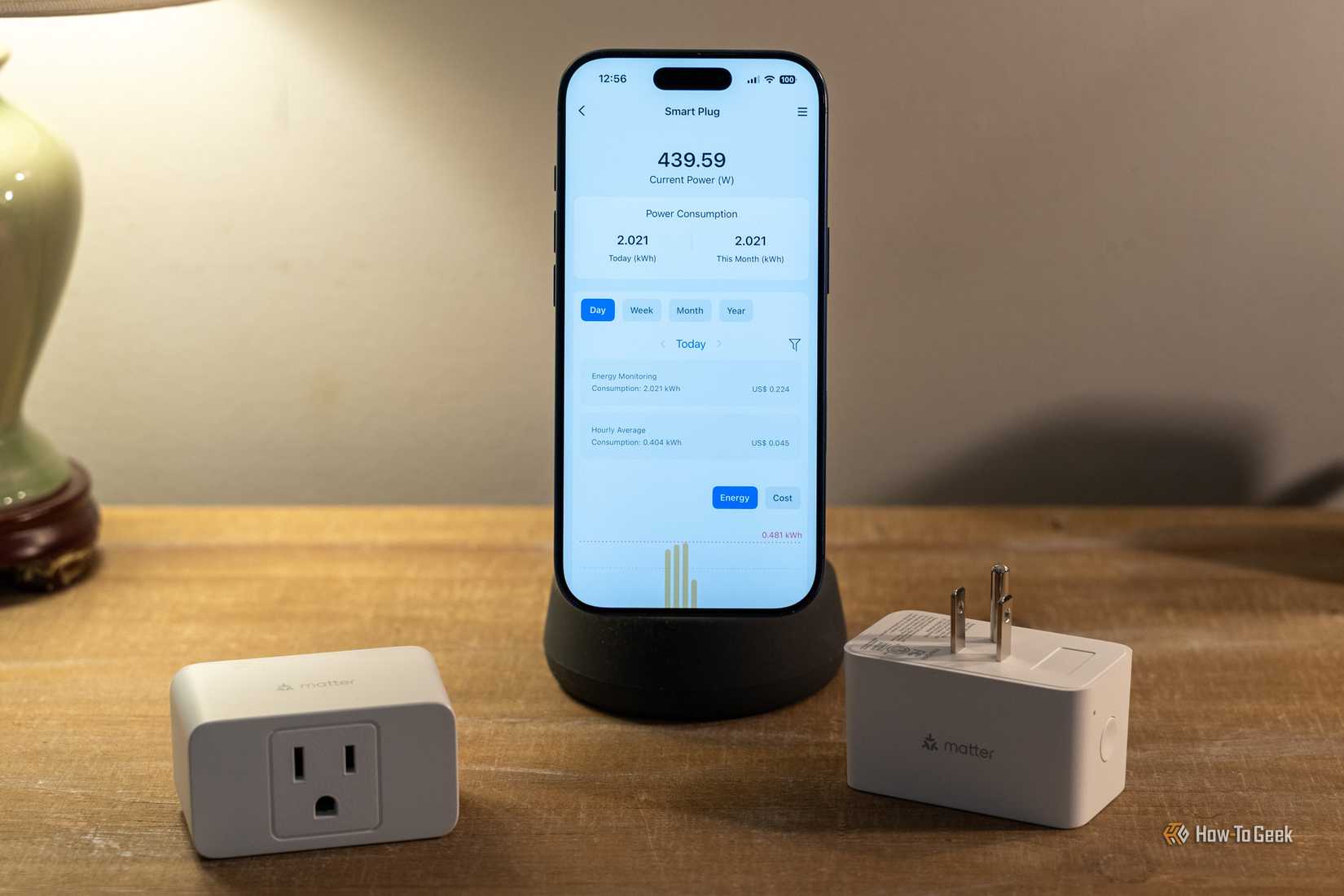 Credit: Patrick Campanale / How-To Geek
At this point, I'm looking at downsizing as much as I can in my homelab. I don't want to downsize capability, but I do want to downsize energy usage and heat production—and that requires getting rid of my big NAS.
At this point, the enterprise server is nothing more than a way to build a drive array for my other devices to use in my homelab. I run my Plex server on my Ugreen NAS, as well as all of my Docker containers. Intensive stuff happens on my i9-13900K server with 96GB of RAM.
 Related
The Lenovo RD440 rack-mount enterprise server I bought at the beginning of 2021 just runs Unraid to build the drive array, then shares it to the Ugreen NAS over NFS for Plex to read the movies from. So, I decided to work a trade deal with a buddy of mine who was getting rid of 20TB drives.
He no longer needed them, and he needed some old equipment I had at the house, and we struck a deal. I got four 20TB drives, and he got equipment I wasn't using anymore. It was a match made in heaven.
With the 60TB of storage I'll get from putting the drives in a RAID 5, I'll be able to hold my 45TB Plex library with room to spare. Since the drives are going into a 6-bay NAS, I also have room for two more drives, which would push me up to 100TB of storage—more than I think I'll ever need for Plex.
I'm already running the Ugreen NAS, so I'm not having to spin up any extra equipment for this. I'm just spinning down a power-hungry and heat-producing monster of a server, which will then be sold to help recoup the costs of getting rid of the other equipment.
At the end of the day, I'm saving almost $200 per year in electricity costs just from the server itself, let alone the extra savings I'm going to see from the decreased heat output. Plus, my office will be quieter, cooler, and more comfortable to work in. There are only upsides from here.
A homelab should never be stuck in one placeAt this point, the RD440 server is the longest-standing piece of homelab equipment I've owned and used. However, it's not something I would avoid replacing. You see, homelabs are an ever-evolving place, and the hardware in them should be the same.
I happen to work in a field where I'm constantly testing and evaluating new equipment. But, I know people who are keen Facebook Marketplace watchers and they snatch a good deal when they see it.
All it takes is knowing what hardware you already have, what hardware you want, and why. Once you have that information, then it's easy to find upgrades that you might have otherwise missed. Last year, I found someone who wanted to trade an old motherboard and GPU for two rack-mount servers (that I later sold to fund upgrading one of my other systems).
So, if you want your homelab to grow and evolve, just keep your eye out. You'll come across the right equipment at the right time. Just don't be afraid to completely change course if something better presents itself in the future.