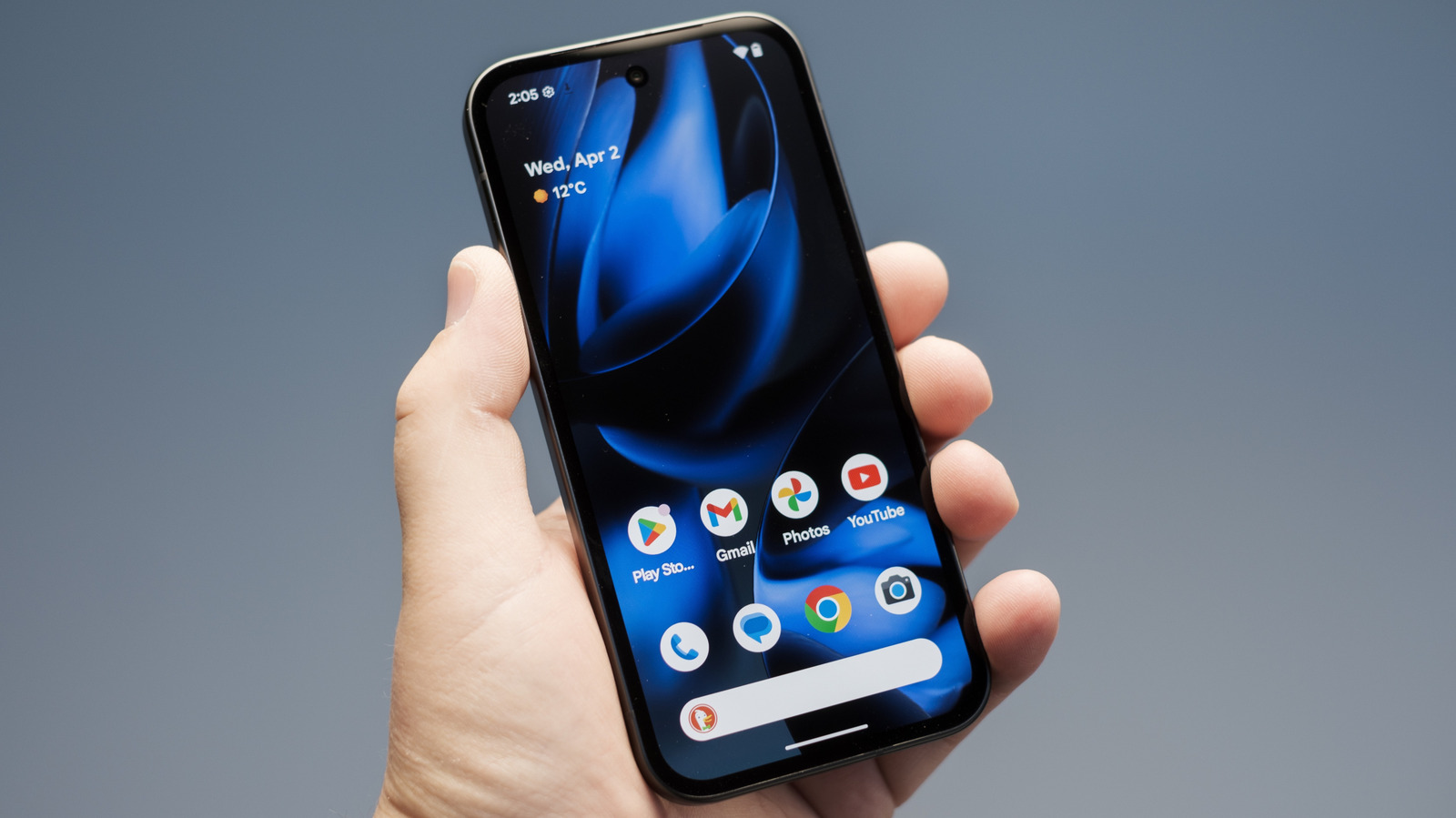
The morning commute to work or school can feel like it lasts an eternity, especially if you've not got a physical book to read or someone to talk to. Fortunately, there are plenty of apps available for your smartphone or tablet that can make the journey a bit less tedious.
Whether you want to pass the time by listening to your favorite playlist or a riveting new audiobook, engrossing yourself in a puzzling mobile game, continuing to binge-watch the latest TV series that has you hooked, learning a new language, or simply keeping track of your journey — and planning for any potential cancellations or delays — there's an app that can help. Below, we break down five apps that will help make your morning commute fly by. We've tried to include a mix of free and paid-for apps, but note that they may require an internet connection for certain features (or a bit of planning ahead).
Spotify
This may seem like an obvious choice, but Spotify is the most popular music streaming service for a reason. With millions of tracks available, you'll likely never run out of music to play, but we find the Premium subscriber features most beneficial for the commute. In addition to perks like lossless audio and ad-free music listening, Spotify Premium subscribers can download and listen to music, podcasts, and audiobooks.
This is particularly useful if your commute often has an internet signal that dips in and out, or there's simply no internet access at all, as you can pre-download the playlists, audiobooks, and podcasts you want to listen to at home and then listen to them uninterrupted while you travel. Up to 10,000 tracks can be downloaded across up to five devices, though your monthly audiobook listening hours are capped to 15 hours.
However, for those who can't swallow the uncomfortable truths about actually using Spotify — like the increasing amount of AI slop — or can't justify paying $12.99 a month for an Individual account, there are cheaper Spotify Premium alternatives worth trying.
Candy Crush Saga
I know, I know, Candy Crush Saga is so 2012, but around 180 million people still play King's tile-matching puzzler once a month, with many playing during their commute or while traveling. That's because Candy Crush Saga is an easygoing, free-to-play time-killer that offers a stress-free gameplay experience without requiring in-depth gaming knowledge or an internet connection (though certain features, like the Boost Wheel, do require one).
But Candy Crush Saga isn't just a mindless distraction. There are proven cognitive benefits to playing match-three games like this — games that require you to align three identical objects on a board to clear them — including improved coordination, pattern recognition, problem-solving, memory, and visual search performance.
With over 21,000 levels available, and new levels added each week, you'll be hard-pressed to run out of new ones to play each morning. You do have a limited number of lives (five in free-to-play), but there is a trick to refill your lives when you run out. Simply go to your smartphone or tablet's manual date and time settings and set the date to tomorrow, open the Candy Crush Saga app to see your refilled lives, then change the date back to normal.
Citymapper
Citymapper won't exactly make your travel experience less tedious, but it can help save time on your commute. Available in several major cities in the U.S., Canada, U.K., Asia, and Europe, Citymapper is a free journey planning mobile app that allows you to set where you want to go — including when you want to leave or arrive — and provides the various travel routes and options available, alongside specific directions on how to get there.
While you may know your usual commute route, it's particularly useful when you need to be aware of any delays or reroutes in real time to avoid cancellations and stay on time for work or school. We find that in certain cities — like London — it's more up-to-date and precise than Google Maps.
If you're on a work trip in another city, it can also be a life saver when it comes to navigating your way to and from the office (as long as the city is one the app is compatible with), as it breaks down exactly which bus or train you need to get on, where the stop is, the best section of the train to get on, and how long it may take you to walk from one train platform to another, plus walking directions. It'll even tell you the route that has air conditioning on particularly warm days.
The only drawback of Citymapper is that, while you can save journeys to your home screen so they're available offline, finding a new, unsaved route on the fly requires an internet connection.
Duolingo
If you want to use your commute time productively, why not spend it learning a new language? Duolingo is a free app that offers 40 language courses for English speakers, including courses on Spanish, French, Irish, Italian, and even fictional languages like Klingon and High Valyrian. There is also a Math course available for kids that covers calculus, geometry, algebra, and more.
Duolingo uses research-backed teaching methods combined with gamified, bite-sized lessons to help you learn how to read, write, and speak your chosen language. Lessons take the form of interactive exercises, quizzes, and stories, and players can earn experience points by completing them, with their weekly score determining their rank in the game's competitive leagues. While Duolingo is largely free, some features — like ad-free usage and unlimited lessons — require the paid-for Super Duolingo subscription, which costs $83.99 a year/$12.99 a month, or Duolingo Max, which costs $168 a year/$30 a month, and includes AI features. However, this increasing use of generative AI has led some to ditch Duolingo.
Netflix
Like Spotify, this may be an obvious choice, but the benefit here isn't simply the ability to watch TV shows and movies, but to download them to the Netflix app and watch them offline. If you're watching a particularly riveting documentary series you can't wait to catch the next episode of, or simply want a lighthearted movie to watch during your commute, you may be able to download it to your smartphone or tablet and watch it uninterrupted, even without an internet connection.
To do this, browse the Netflix app for the show or movie you want to watch, select it, and check if there's a 'Download' button under the 'Play' option. If there is, you can select it to download the whole movie or series. If you only want to download selected episodes of a TV show, select the download icon next to the episodes you want saved to your device. Just ensure you have a stable internet connection when you do (ideally Wi-Fi to save your data usage).
Netflix plans that feature ads, like the Standard with ads plan, only allow 15 downloads to be saved to your device at any one time, while ad-free plans, like Premium, allow for up to 100 active downloads — but these plans do cost more.