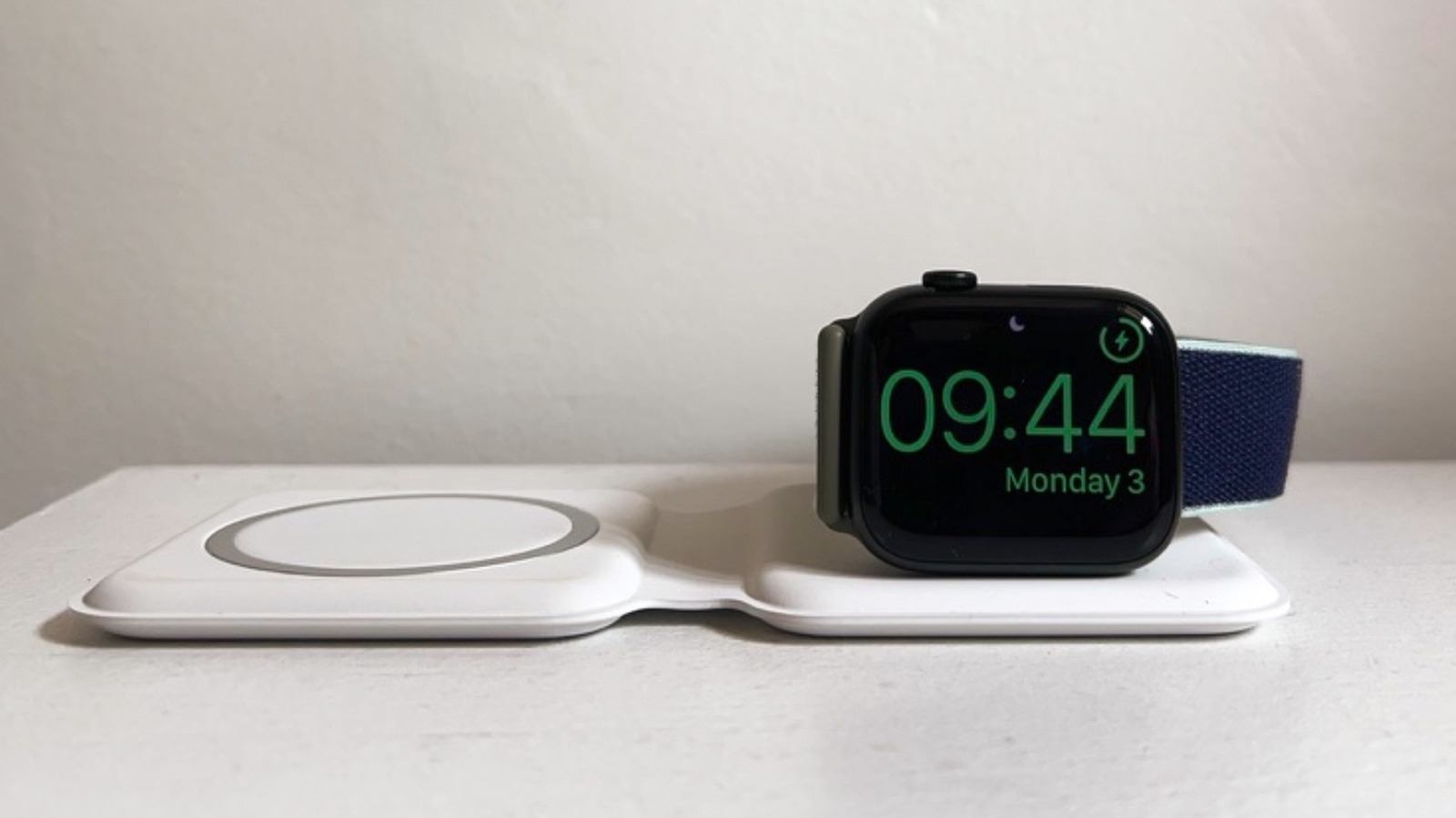
You bought an Apple Watch, had a blast with it for a couple of weeks, and then kind of left it by your nightstand for a few days because you forgot about it. Don't worry, it happens. The problem is that you saw a weird charger symbol you've never seen before, with a red lightning bolt and the current time, or, even worse, nothing happens. Well, the answer is simple: you need to put your Apple Watch on to charge. However, rather than just attaching the MagSafe to it, you also need to wait until it has enough charge to turn back on, which might take a few more minutes than a usual charge if the battery just drained.
According to Apple, in situations like this, you might have to wait up to 30 minutes for the watch to turn on because its battery was discharged for too long. However, the company says that if you don't see a lightning bolt on the watch, even if it's already charging, then you might need to do a few workarounds, such as using the original accessories, repositioning the back of the watch on the charger (larger Apple Watch models might actually need to be adjusted to a different angle), clean the back of the watch and the magnetic charger, and even force it to restart by pressing and holding the side button and Digital Crown for at least 10 seconds.
While you might have just forgotten your Apple Watch for a few days or weeks once or twice, there are several things you could do to improve its battery life and longevity if you ever start using it again. For example, something as simple as choosing a Watch Face with more black elements can help save battery, as the watch uses an OLED screen. If you turn off wrist raise, you can avoid false triggers that can, over the course of a day or two, cause the battery to deteriorate.
When you go on a long trip and you forget the Apple Watch charger, the best way is to turn on Low Power Mode. In the notification center, tap your battery percentage to activate this power reserve feature. Apple says that new models like the Apple Watch Series 11 and Apple Watch Ultra 3 can last up to half a day longer with this feature enabled.
Another way to preserve battery life is to avoid using the Apple Watch's speakers: disable notification sounds and don't play songs or podcasts through them. Using the Apple Watch to make calls, especially on a cellular connection, will also greatly drain the battery, as it needs to stay consistently connected to LTE.