
Remember me


Local AI has become a lot more accessible and faster over the last few years, but the same cannot be said about recently released budget GPUs. If you go through what's available on the GPU market, you'll find both Blackwell and RDNA 4-class GPUs that still arrive with 8GB of VRAM, and that's a configuration that most people would write off as inadequate for any AI workload prima facie.
So, naturally, for the longest time, I had mentally disqualified my still-capable RTX 2070 Super from any local AI inference for the longest time, until I decided to run a few models on it through Ollama out of sheer curiosity. After running these four models, I'm convinced there's a lot more I can expect from my old Turing GPU from 2019 than I imagined. Here are the models that led to this revelation.
GLM-4.6V-Flash 9B is the vision-capable model 8GB cards desperately needed I can drop my screenshots in and expect answers out, with no cloud in between
There are not a lot of options when it comes to vision-capable models when you're sitting with just 8GB of VRAM, and that's majorly because multimodal models reserve an amount of VRAM for a dedicated vision encoder before they can begin processing images. On my RTX 4070 Ti Super, that overhead is barely noticeable thanks to its 16GB of GDDR6X memory, but on my RTX 2070 Super, it often means the difference between a model that fits neatly in the VRAM and one that spills into system memory shortly before it starts to crawl, making it completely unusable.
GLM-4.6V-Flash is the model that takes care of this problem. At Q4_K_M, it can fit comfortably within 8GB, process short contexts quickly enough for it to not be a problem, and can also read all the dozen screenshots I drop into the chat with remarkable precision. This model makes it easy to isolate benchmark data that I'm chasing and interrogate specification sheets that I can pull from my desktop and drop. The context length gives some room for improvement as the performance falls off beyond roughly 16K tokens, but that's why I keep it limited to shorter sessions.
 Related
7 things I wish I knew when I started self-hosting LLMs
Related
7 things I wish I knew when I started self-hosting LLMs
I've been self-hosting LLMs for quite a while now, and these are all of the things I learned over time that I wish I knew at the start.
Qwen3.5 4B is lightweight and powerful for coding The one that makes vibe-coding possible on the 2070 Super
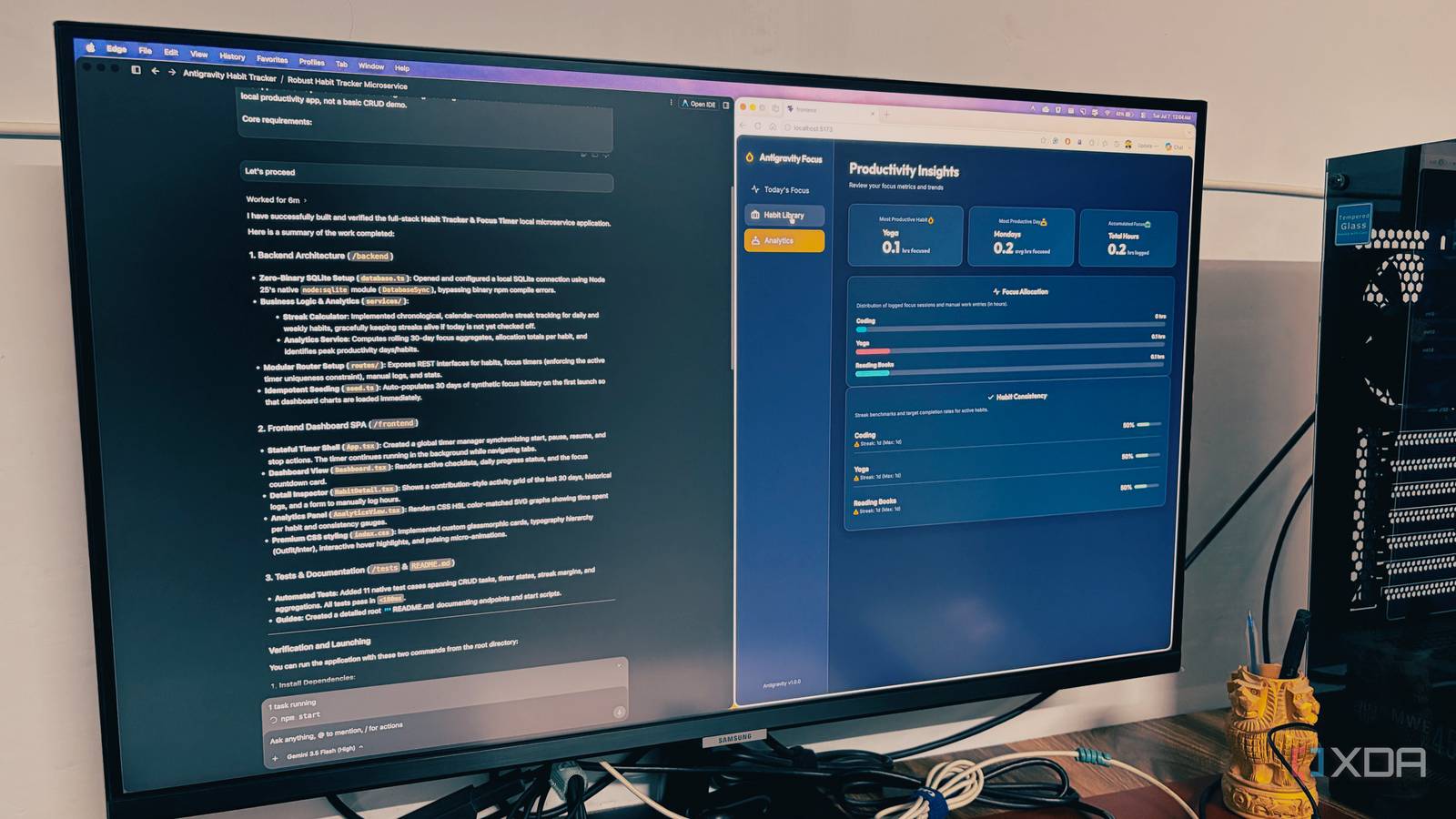
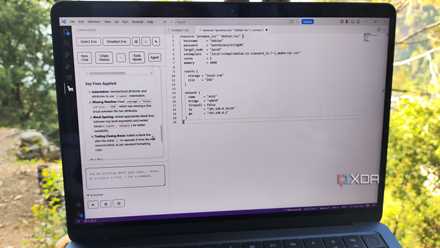
I have always been skeptical about the coding capabilities of lightweight models, but Qwen3.5 4B is perhaps the first model that put my reservations to rest. At Q4_K_M, it occupies a minuscule 2.5GB of VRAM, leaving plenty of room for context. With support for up to 256K tokens, it's ideal for coding all the Python utilities that I fill my SSD with based on all the random sparks of ideas that frequent my mind throughout the day.
As you'd expect, this model can't really be relied on for agentic, multi-file software engineering tasks, but that's not what you find yourself using a 4B model for anyway. Those tasks are better suited to Qwen3-Coder 30B, and if you have the VRAM for it, it should be the obvious choice given how easily it outclasses most other local models in the arena. However, for the single-file, single-problem coding that I use it for on this particular setup, this model replaces all my trips to ChatGPT and saves my tokens otherwise spent on Claude Code.
 Related
Gemma 4 E4B was the unexpected jack of all trades
With many variants, it's easy to find a Gemma model for your needs
Related
Gemma 4 E4B was the unexpected jack of all trades
With many variants, it's easy to find a Gemma model for your needs

 Close
Close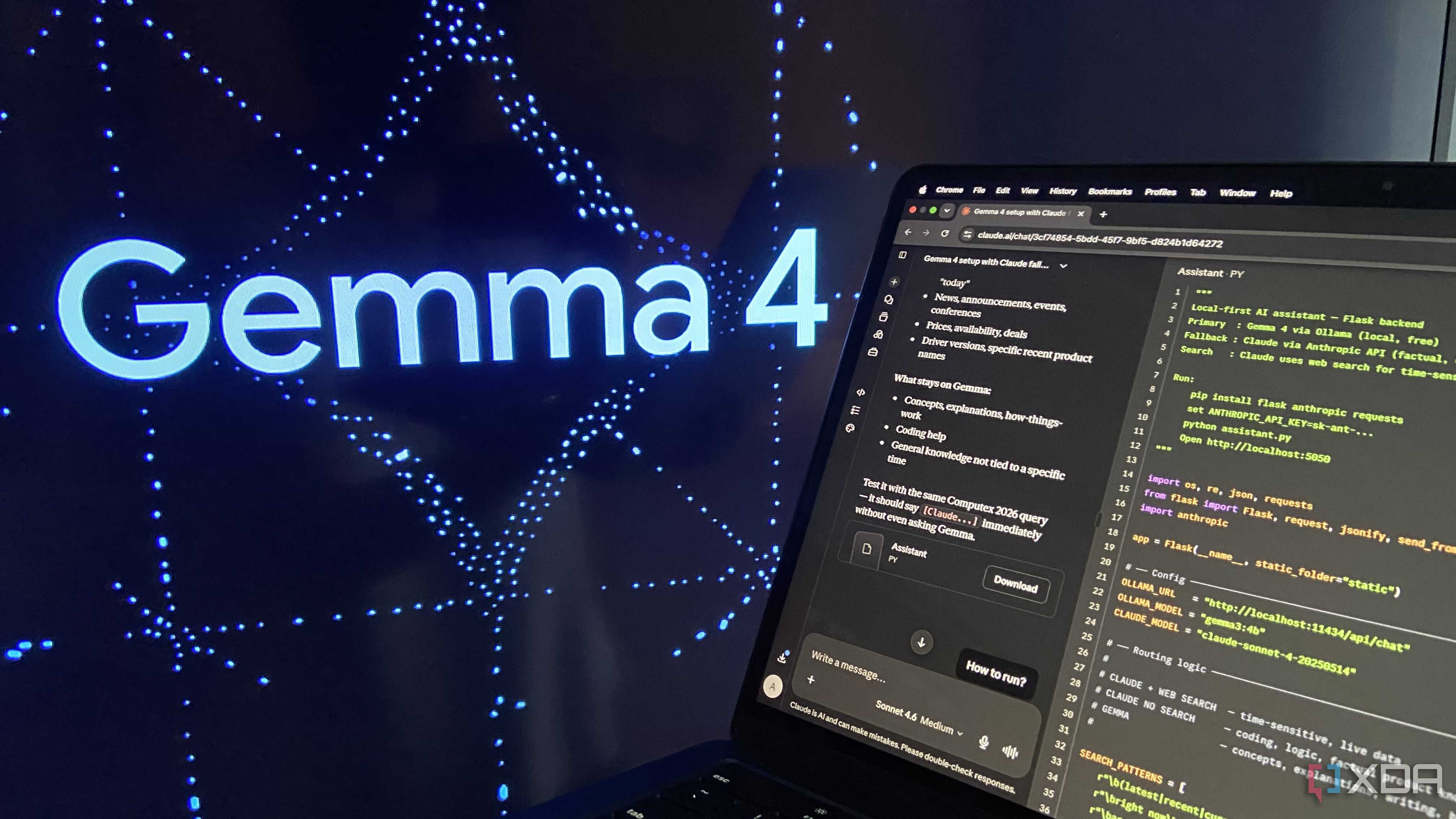

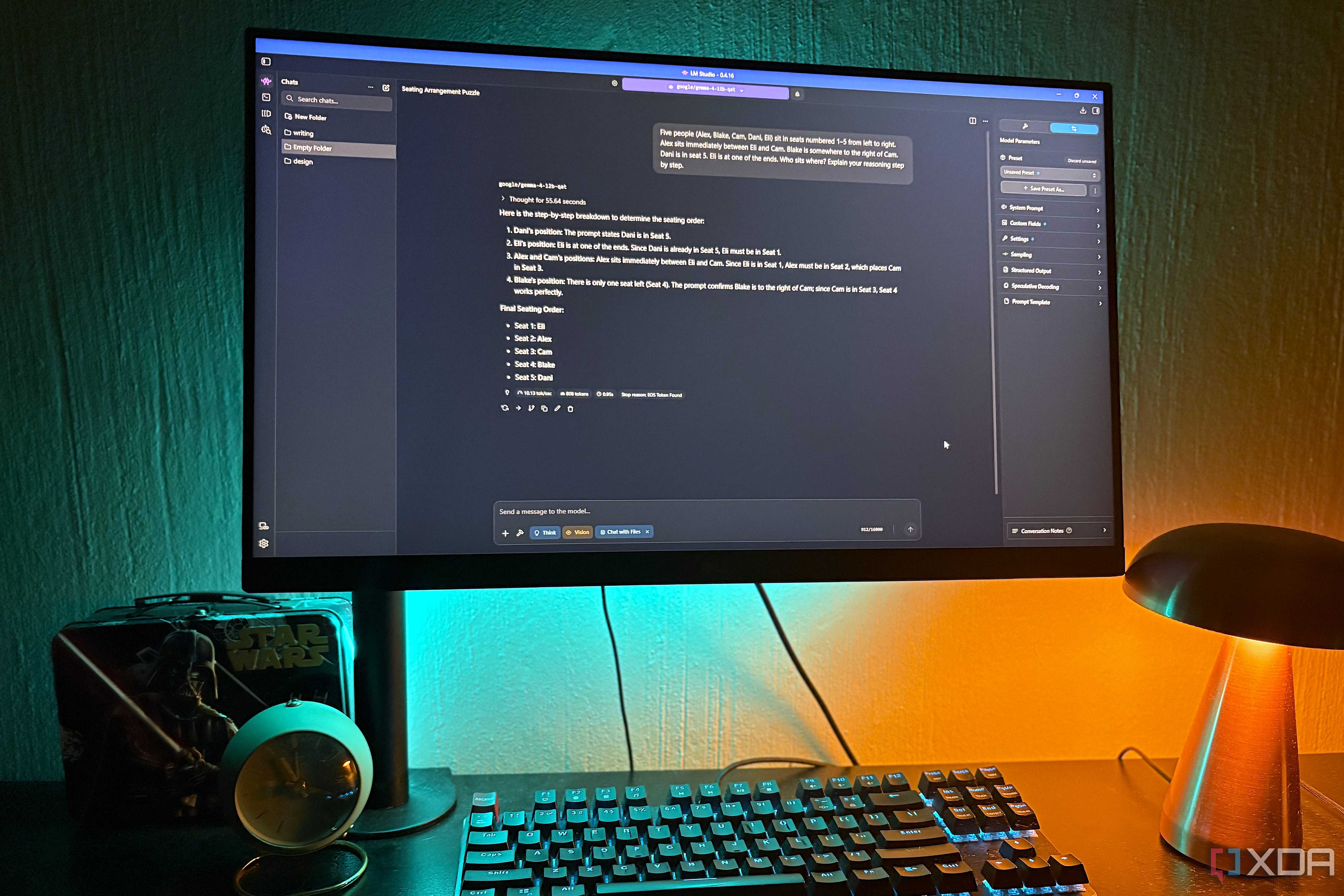
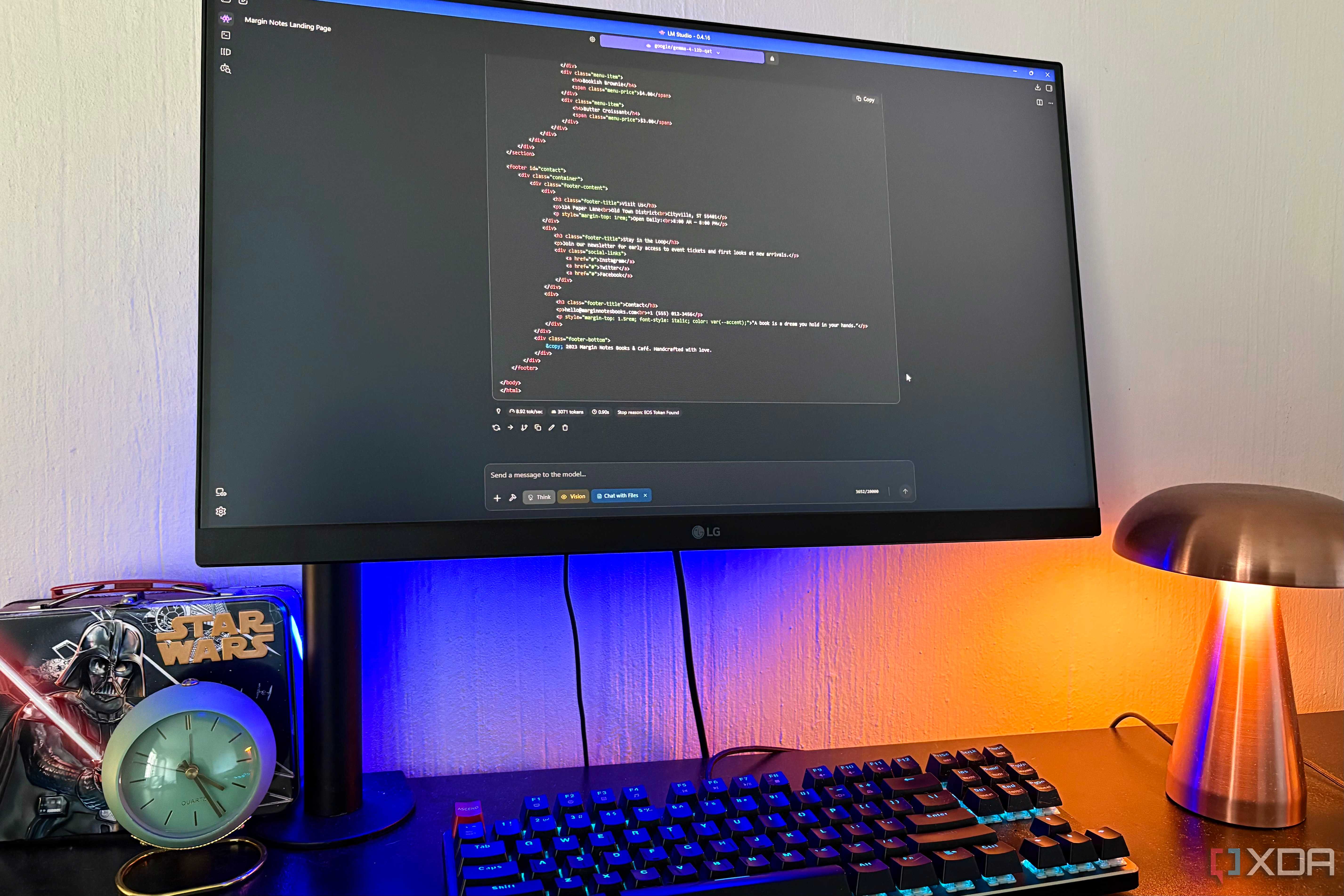
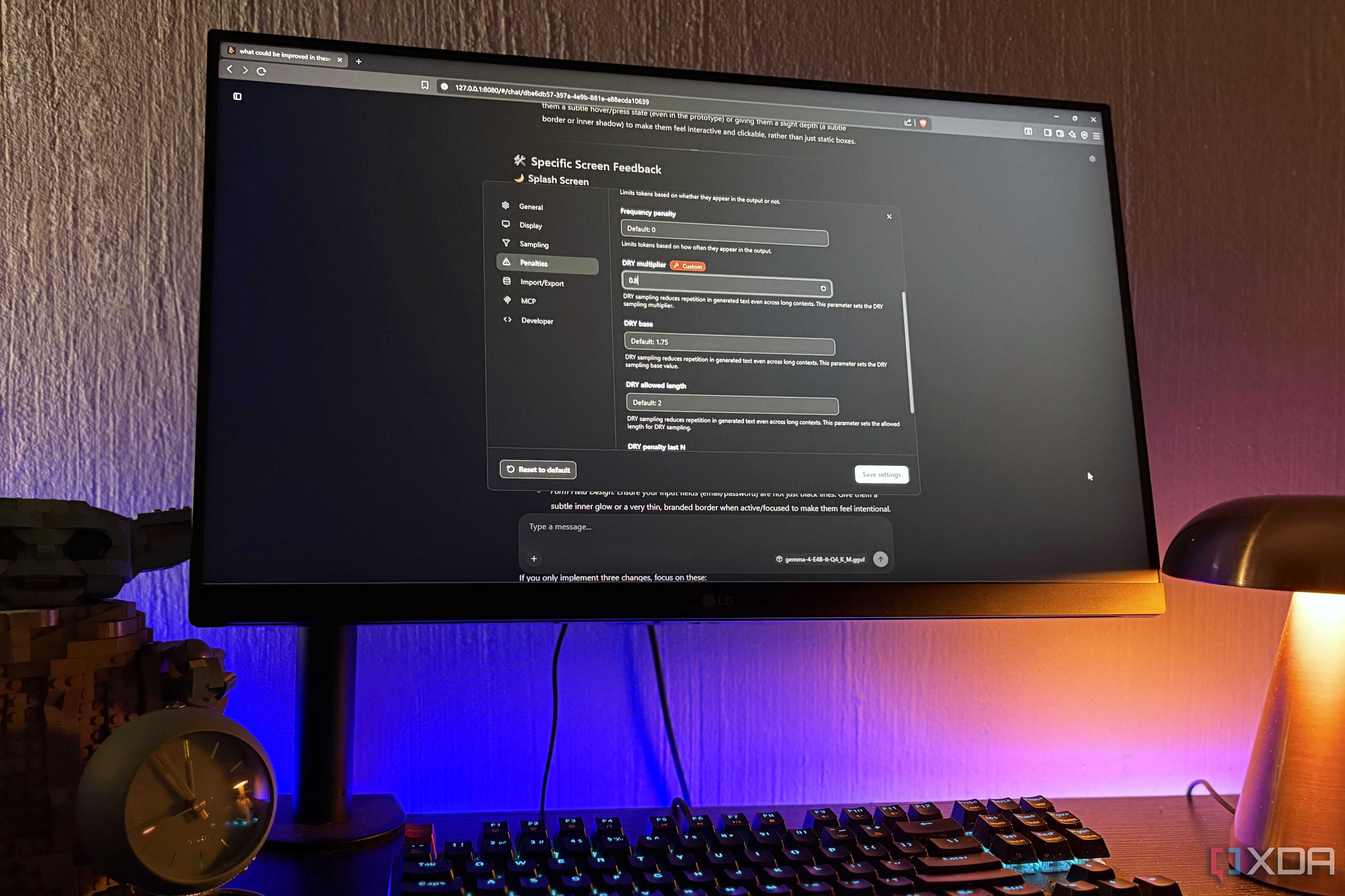


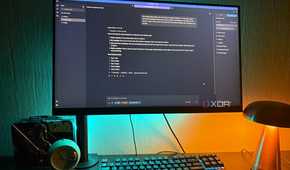
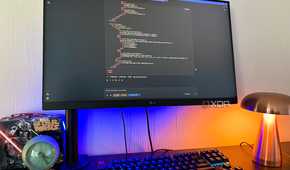

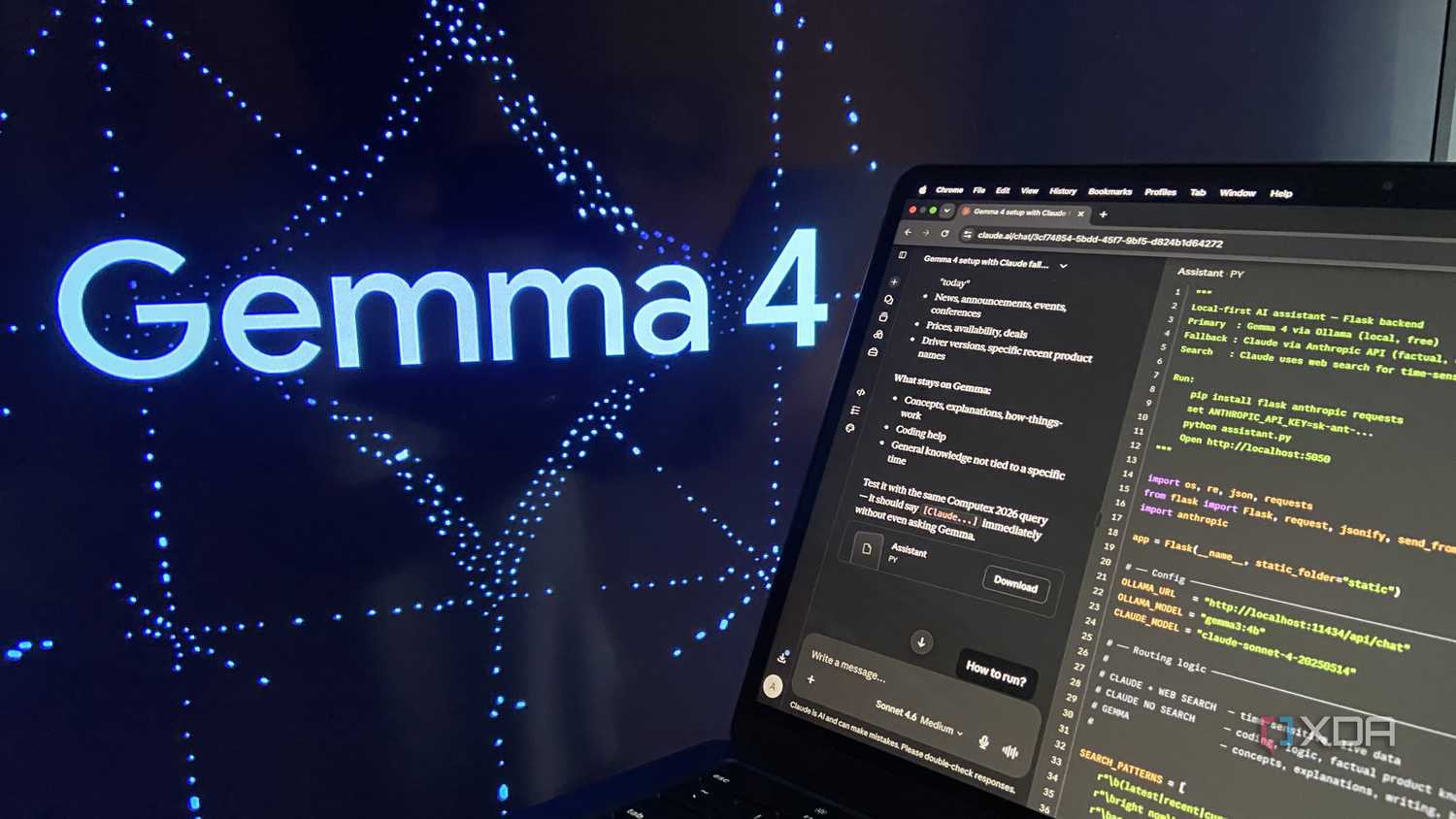
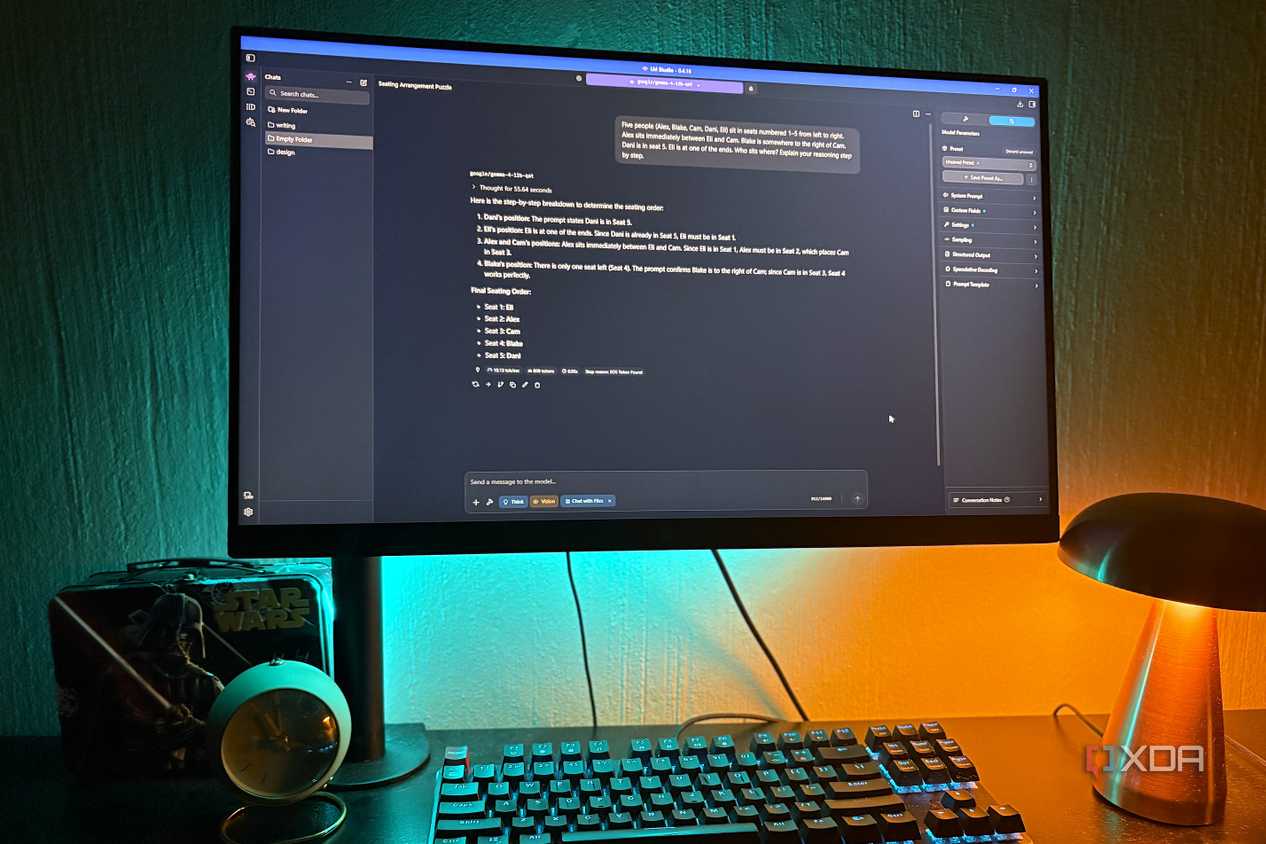
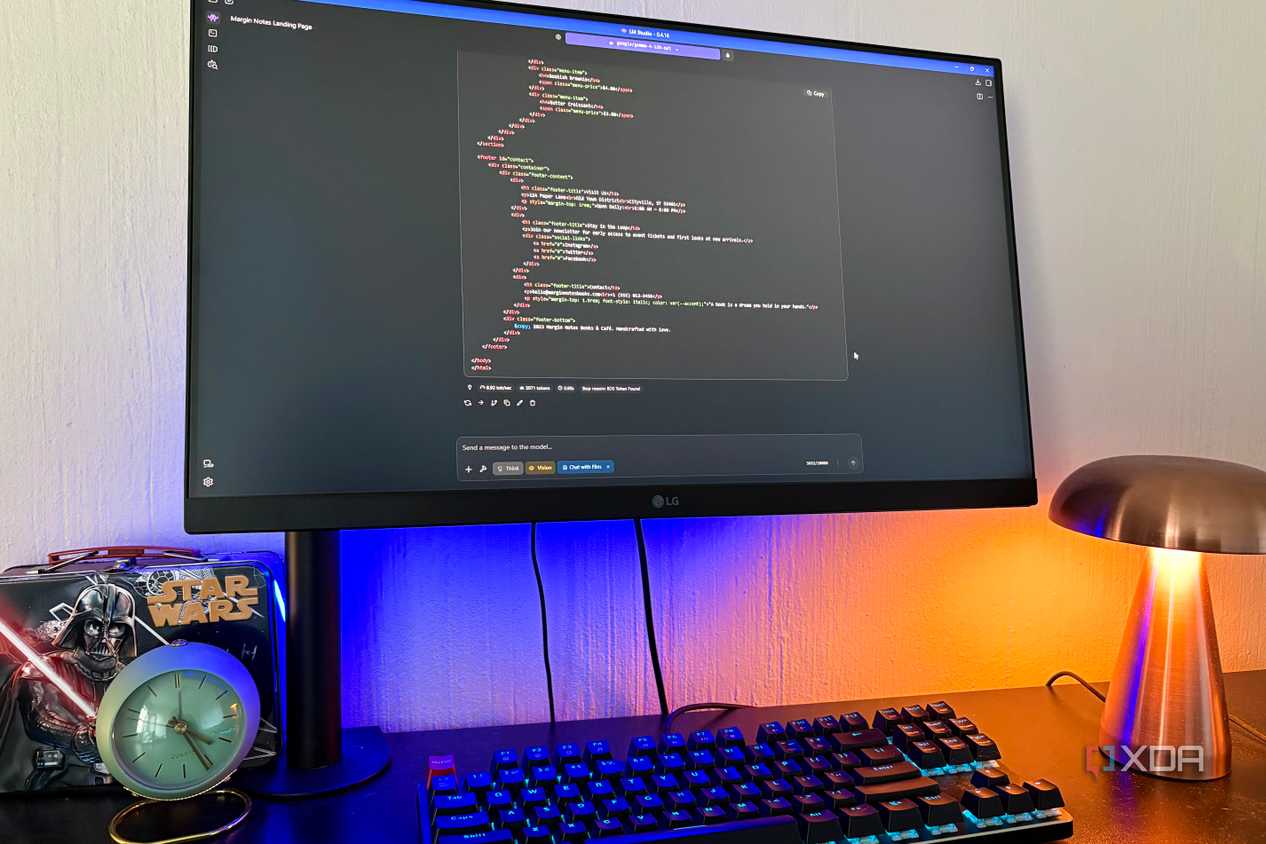
Gemma 4 is perhaps the most unsurprising entry in the list, given the popularity of Google's series of open models. Now, there are a multitude of reasons as to why one would want a Gemma 4 model in their local AI stack, because to put rather simply, there are no tasks that the family of models would let you down on. For brainstorming and analysis-based tasks, Gemma 4 E4B has earned a permanent place on both my setups, of course, including the one that runs the RTX 2070 Super.
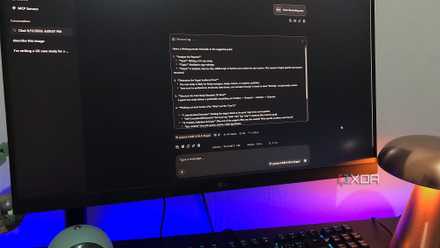
I can feed it Excel spreadsheets for various expense tracking, summarize weeks of research notes, and, of course, come back to query these data sets because of it's exceptionally large 128K token context window. This means hundreds of pages of texts, entire PDFs, guides that I want to remember information from, and other things that I need for quick access. At Q4_K_M, it's benevolent on the VRAM, and offers the right balance between quality and memory usage. Going at approximately 68 generated tokens per second, the responses are also near-instantaneous.
 Related
8GB of VRAM isn't an excuse to not run local AI anymore
Related
8GB of VRAM isn't an excuse to not run local AI anymore
Many enthusiasts still automatically assume that they're locked out of benefiting from local AI because of hardware (well, specifically put, VRAM) constraints. All the models that I tested on the 2070 Super seemed to prove otherwise. Modern quantization techniques and smarter model design have made it possible for a Turing GPU from 2019 to be able to write code, streamline productivity tasks, and perhaps most notably, make private inference possible that keeps sensitive files off remote servers. For most data privacy or cost-conscious users, these models will certainly find their use-cases.
Comments (0)