
Remember me


Sanuj Bhatia / Android Authority
 Follow us on Google Discover
 Add us as preferred source
TL;DR
Many Pixel users were frustrated that Android Auto would fail to launch from a locked phone via USB, even with the setting enabled. The issue is caused by a conflict with Advanced Protection Mode, which completely blocks USB data access on locked devices. Code found in Android Auto v17.2.662614 shows Google will add new settings text and notifications to clarify this conflict and save users from the frustration.You’re reading an Authority Insights story. Authority Insights brings you all the latest exclusive reports, app teardowns, leaks, and in-depth tech coverage from the Android Authority team that you won’t find anywhere else.
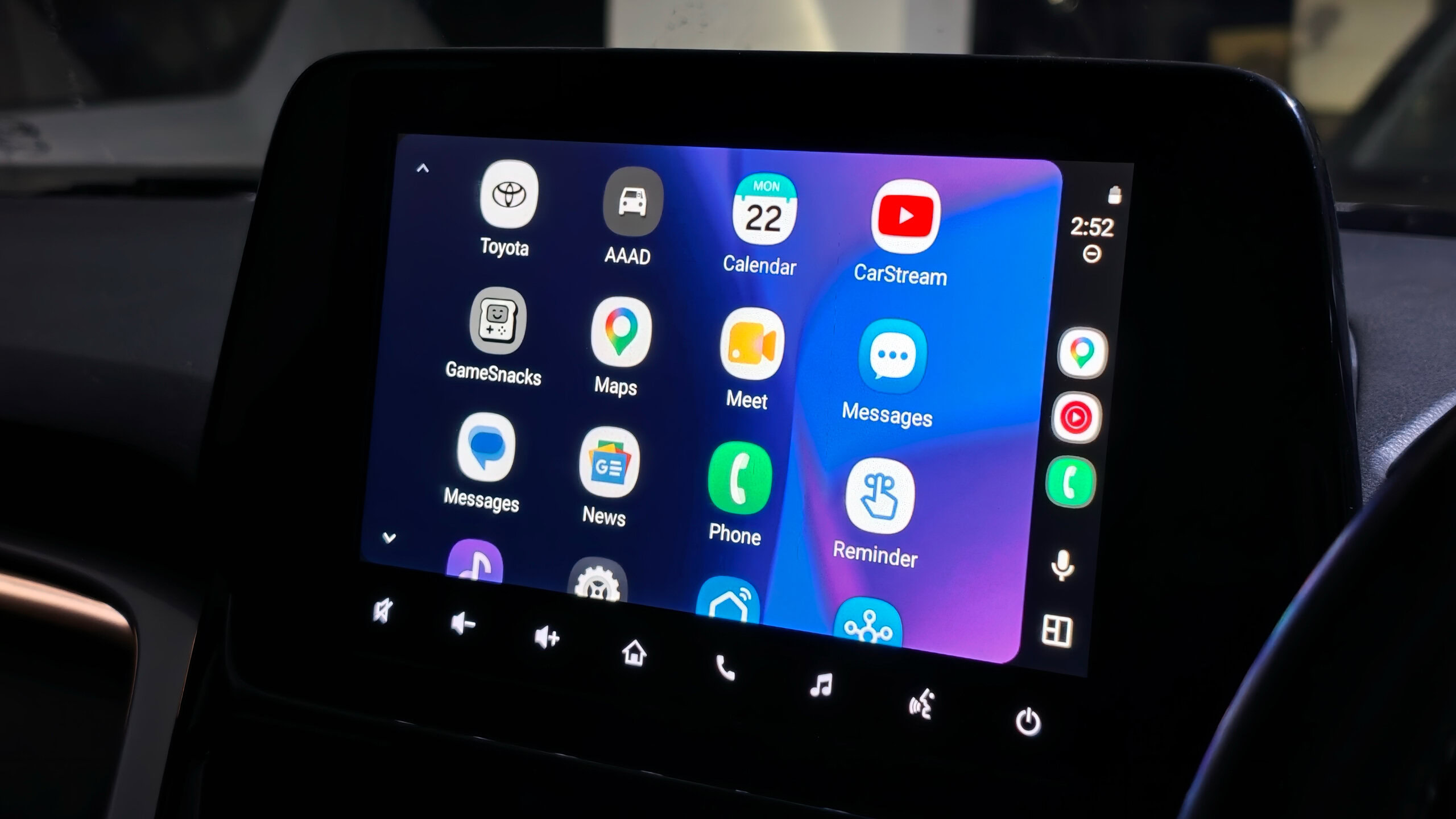
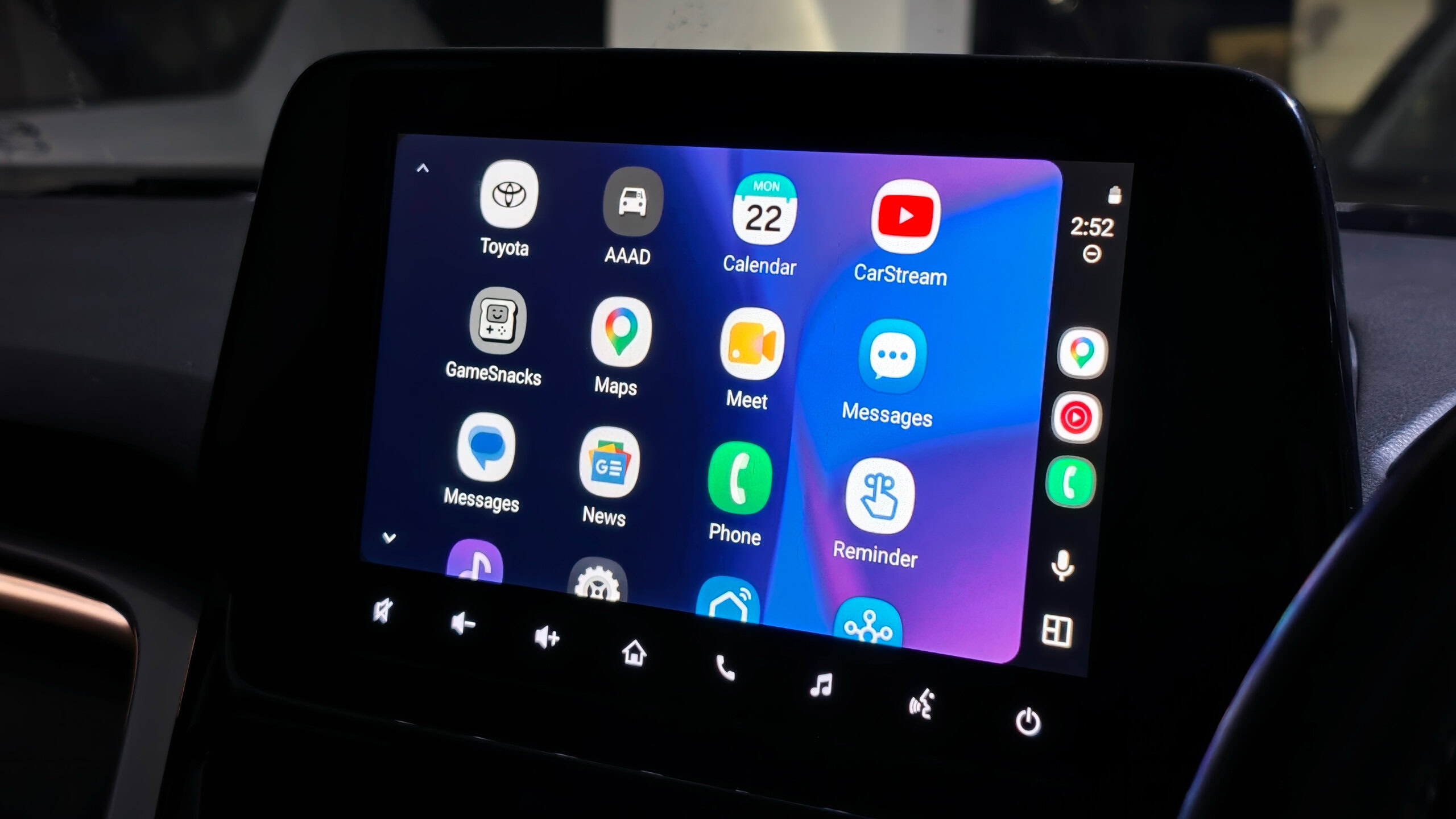
Many users use wired Android Auto to connect their phone to their car’s dashboard, and Android Auto includes a toggle that lets users start Android Auto while their phone is locked. When this was enabled in the past, Android Auto would initialize the moment the USB cable was plugged into the phone.
However, in recent months, users have sat in their cars wondering why Android Auto doesn’t appear on their dashboard despite this setting, forcing them to unlock their phones to make it work. It’s a bit of a hassle for sure, and the confusing toggle and the lack of an explanation compound the issue despite its relatively simple fix. You wouldn’t know if this was a bug, a faulty USB cable, a faulty USB port on your phone or your car, outdated head unit software, a buggy Google Play Services update, or something else entirely.
As it turns out, the issue lay with Android Auto’s conflict with Advanced Protection Mode.
Advanced Protection Mode is Android’s highest level of device security and encompasses a wide range of protective measures under its umbrella. One of those measures is USB Protection: when your phone (Pixel 6 and later) has Advanced Protection Mode turned on and is locked, your device is protected from unauthorized access via its USB-C port. Advanced Protection Mode blocks data and communication through the USB port until you unlock your phone. So even though Android Auto settings would make it seem that your locked phone would work with Android Auto, Advanced Protection Mode would still clamp it all down for your security, as per your instructions.
With Android Auto v17.2.662614, we’ve spotted code that indicates Google will do a better job at informing users about this particular conflict with Advanced Protection Mode.
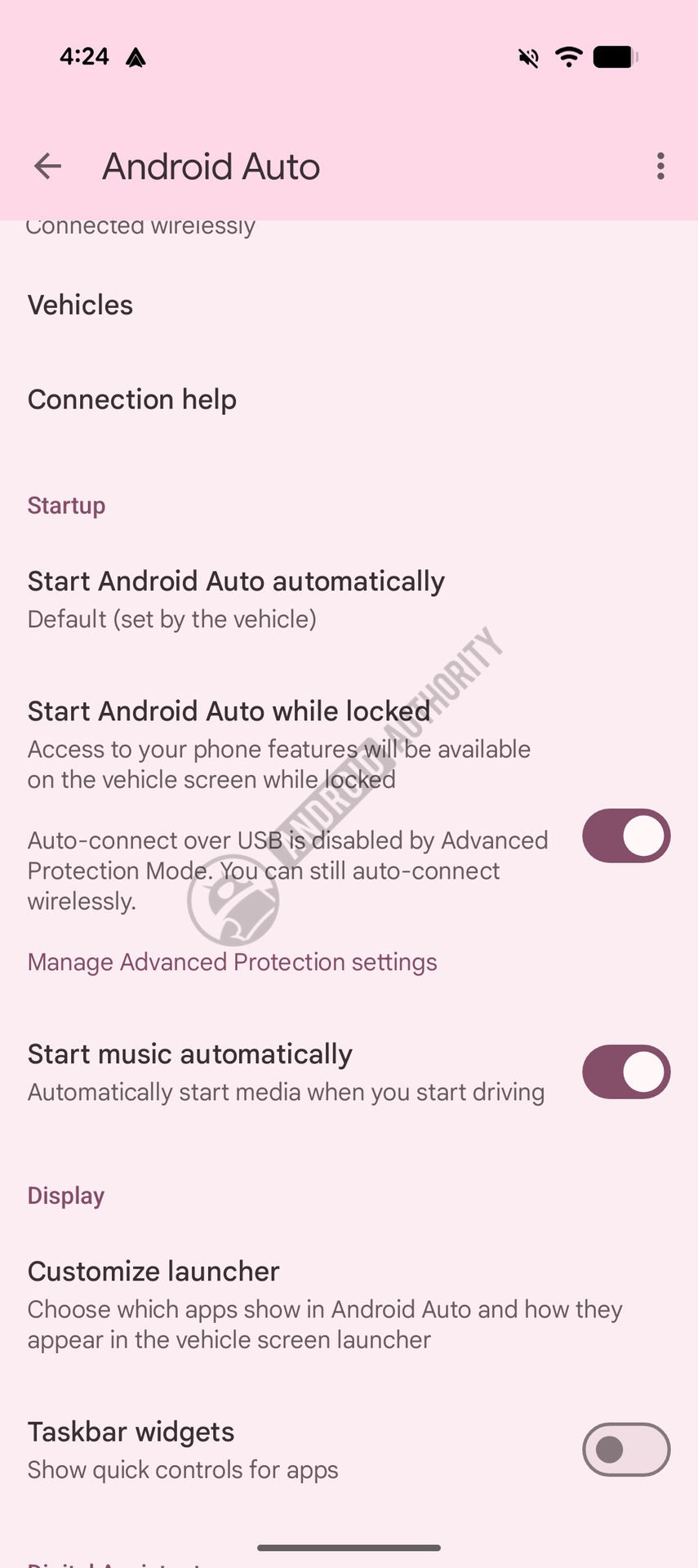
Starting off, the “Start Android Auto while locked” option within Android Auto will soon show additional details about Advanced Protection Mode. The toggle subtext will state that “Auto connect over USB is disabled by Advanced Protection Mode. You can still connect wirelessly.” but only when Advanced Protection Mode is toggled on.
AssembleDebug / Android Authority
When Advanced Protection Mode is turned on, and you try to connect to Android Auto via a wired connection while your phone is locked, your phone will display a new notification that clearly states “Advanced Protection is on” and “Phone unlock is required to start Android Auto.”
These small changes will make a big difference to the Android Auto user experience, saving people from tearing their hair out over ambiguous, unexplained system conflicts. We’ll keep you updated when the clarifying text rolls out, but if you’re facing Android Auto connectivity issues over a wired connection, it’s worth checking whether Advanced Protection Mode is already enabled.
⚠️ An APK teardown helps predict features that may arrive on a service in the future based on work-in-progress code. However, it is possible that such predicted features may not make it to a public release.
Thank you for being part of our community. Read our Comment Policy before posting.