Tesla piggybacks recent Supercharger feature with update that takes it further
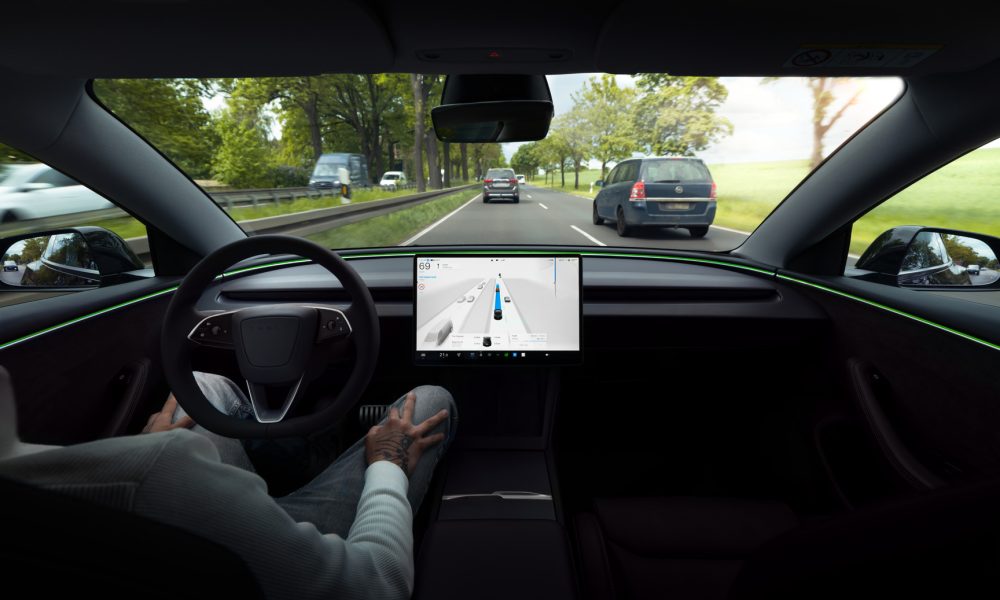
Tesla Full Self-Driving v14.3.3 driver monitoring was reportedly scaled back in recent releases, but a new version that was released in the early hours of June 3 aimed to do a better job of keeping those in control of their cars honest, according to release notes.
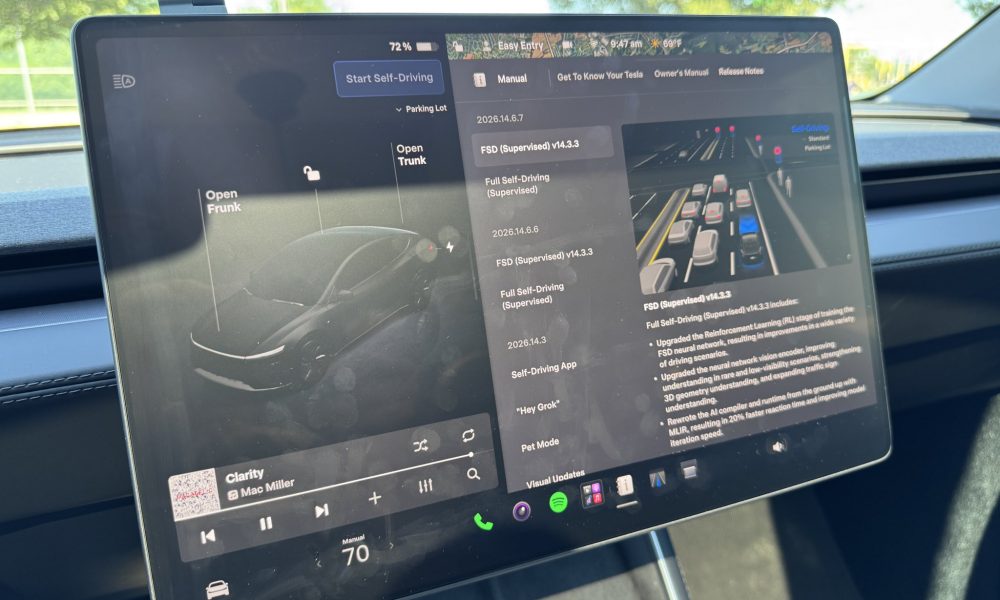
The release notes for FSD v14.3.3, via Software Version 2026.14.6.7 added:
“Improved driver monitoring system sensitivity with better eye gaze tracking, eye wear handling, and higher accuracy in variable lighting conditions.”
However, Tesla said this was already enabled in the first rollout of FSD v14.3.3 in late May. We tested it anyway, especially as the Standard Speed Profile seemed less-than-worried about what you were doing during operation.
I decided to try out the Hurry and Mad Max Speed Profiles for this test, and it gave me results that I would have expected. Tesla has evidently ramped up driver monitoring based on the Speed Profile you are using to travel.
The more aggressive the Speed Profile, the more on the hook you will be for taking your attention away from the road. Our testing showed that Mad Max was less likely to allow you to do normal things like change music or adjust navigation without getting an on-screen warning or nag from the driver monitoring system.
Hurry Mode Results
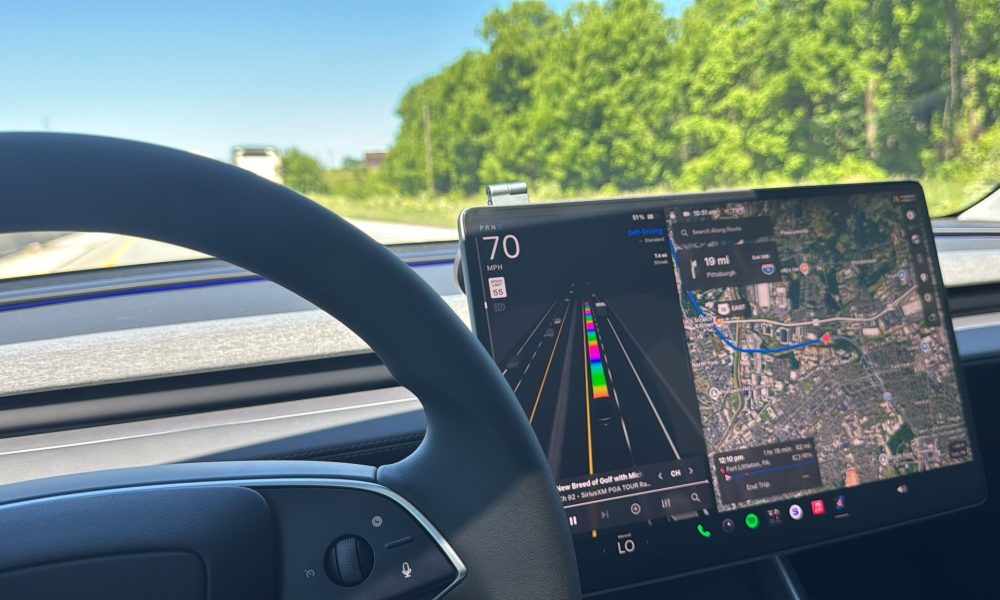
On Hurry, the driver monitoring system on FSD v14.3.3, via Software Version 2026.14.6.7, was more restrictive than Standard but less restrictive than Mad Max. I found that I could scroll through music options for a considerable amount of time, more than 30 seconds:
Standard gave me about 80 seconds of phone scrolling with absolutely no nags or warnings in a previous test. It is worth noting that this was a previous branch of v14.3.3, but Standard is such a goodie-two-shoes on the road that it is my impression it would not change much.
Mad Max Results
I spent the majority of the drive on Mad Max to see how it truly reacted to the driver having their attention elsewhere. While I did do a short phone test, I am aiming to steer away from those and use the center screen. I think it is a valid criticism that the phone test is dangerous and, not to mention, illegal in Pennsylvania. Changing the navigation and music is a more reasonable, more responsible, and safer test.
With Mad Max being the fastest and most aggressive Speed Profile, I anticipated this being the quickest mode to give me an alert that I needed to look at the road. That was the case with music:
As well as adjusting Navigation, when I received two nags:
These nags were more than reasonable, and I think it’s probably good that Tesla is ramping up the driver monitoring. I do believe that it should be relatively strict across all of the Speed Profiles, especially with phone use. When using the center screen, the nag intervals should be based on the speed profile you are utilizing at the time.
These driver monitoring adjustments are a great thing to have while FSD is still under its “Supervised” moniker, but I expect Tesla to continue pushing the limits on what it will allow, especially considering CEO Elon Musk has hinted that phone use is capable with the more recent versions.
You can watch the full drive on YouTube below: